
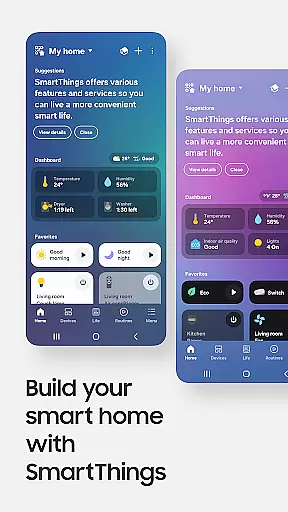
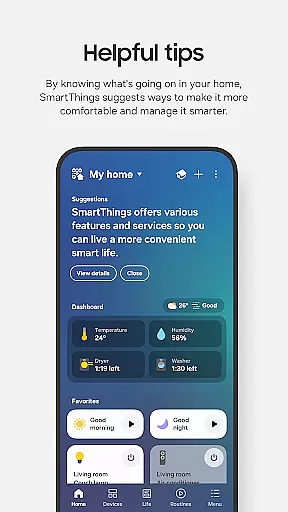
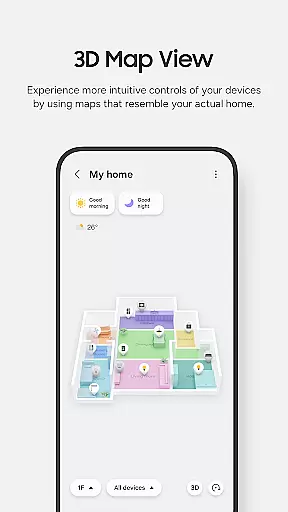
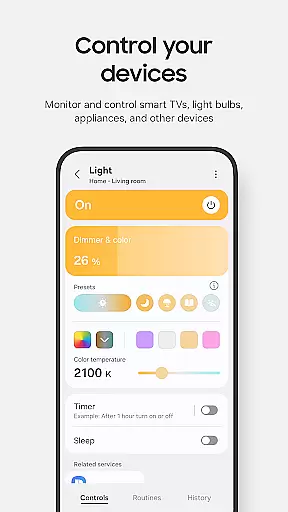
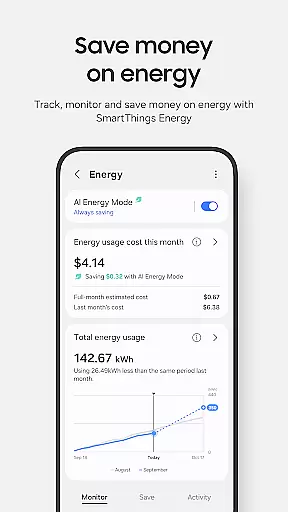
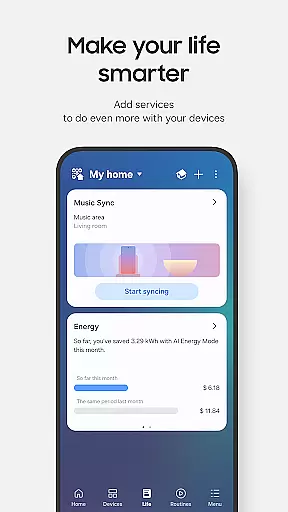
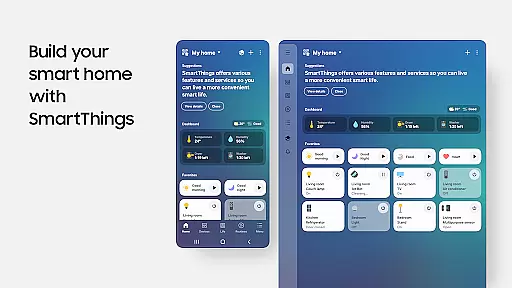
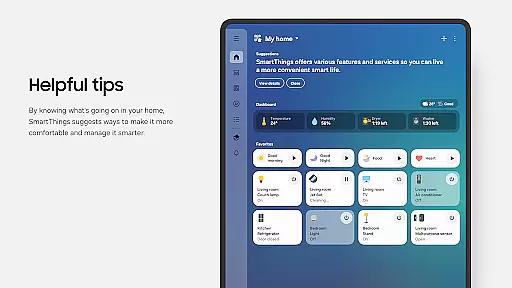
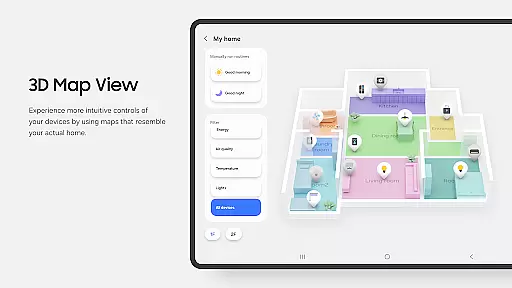
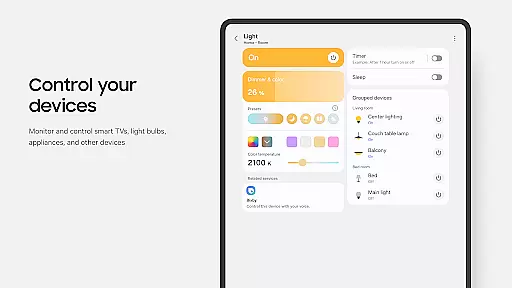
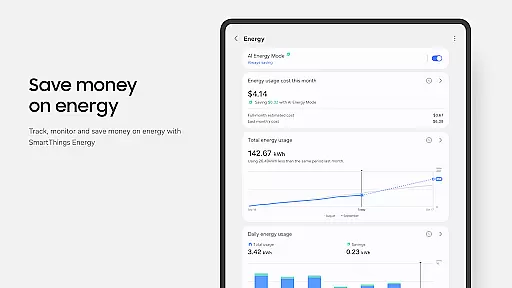
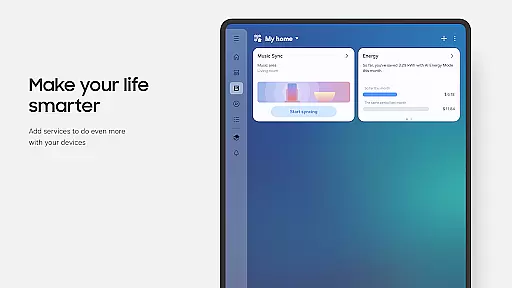
SmartThings is a comprehensive smart home management application that allows users to connect, monitor, and control multiple smart devices from various brands in one place. The app supports Samsung Smart TVs, smart appliances, and integrates with popular voice assistants like Alexa, Bixby, and Google Assistant.
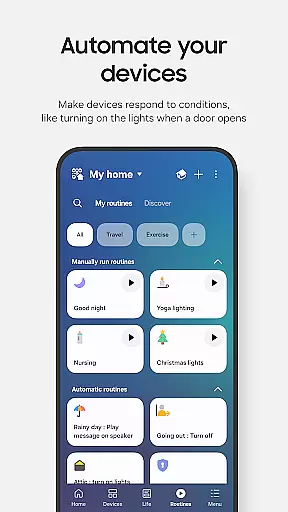
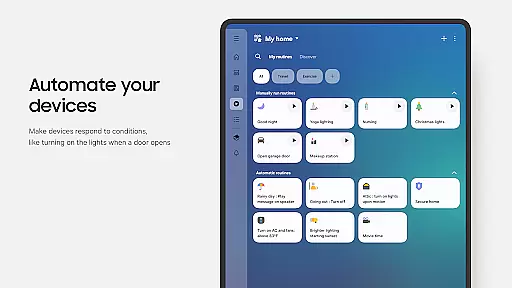
With its intuitive interface, SmartThings enables users to create automated routines based on time, weather, or device status, ensuring smooth operation of their smart home environment. It also provides shared access to other users and sends automated notifications about device statuses, making it an essential tool for managing modern smart homes.
SmartThings stands out with its extensive compatibility, supporting hundreds of smart home brands including Ring, Nest, and Philips Hue. This allows users to control all their smart devices from a single platform, streamlining the smart home experience.
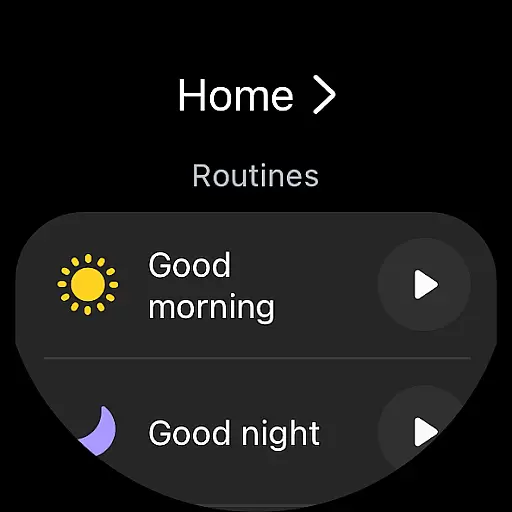
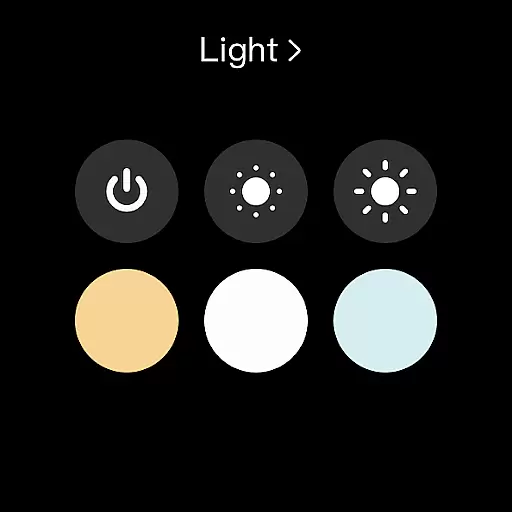
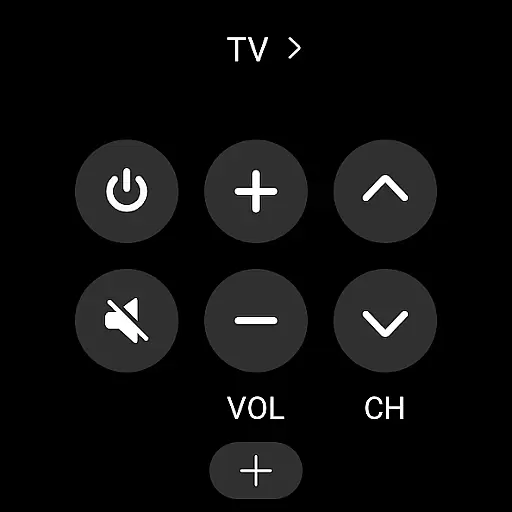
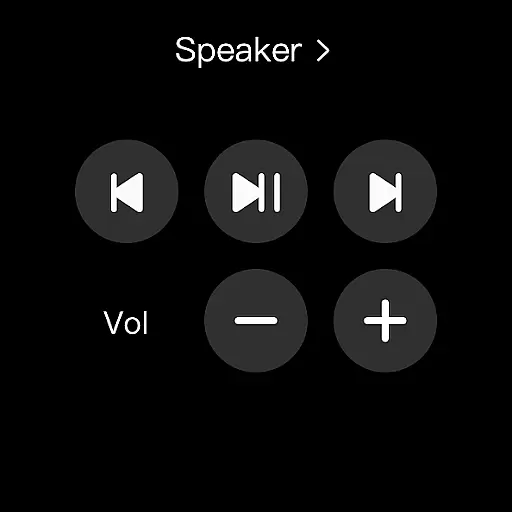
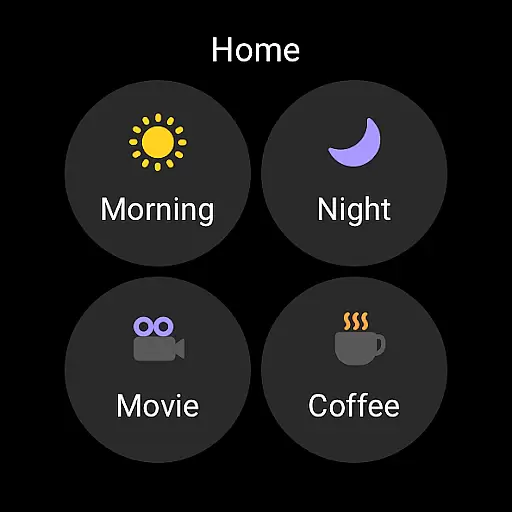
The app's key features include remote home monitoring and control, customizable routines, shared access permissions, and real-time device notifications. Additionally, SmartThings offers specialized support for Wear OS-based watches, enabling quick access to routines and device controls directly from the watch face through dedicated complications.
These features collectively enhance user convenience by providing centralized control, automation capabilities, and multi-device integration, making SmartThings a versatile solution for smart home management.
Companion app integration is essential for users who want a seamless experience between their mobile devices and wearables. SmartThings excels in this area by offering robust connectivity options that allow you to control your smart home devices directly from your Wear OS-based watch.
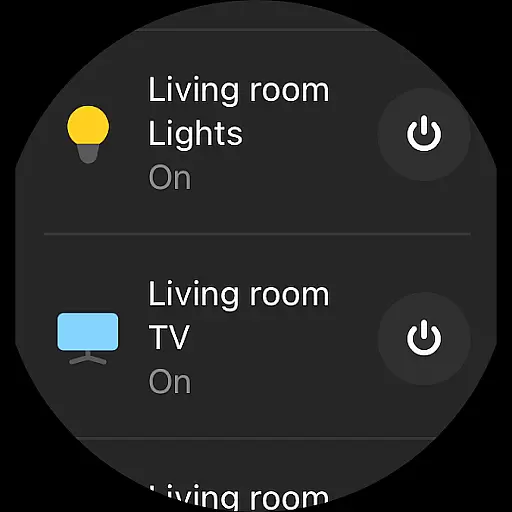
The SmartThings app provides complications that enable direct access to its services right from the watch face, ensuring quick access to routines and device controls. This means you can activate your smart home devices or check their status without needing to take out your phone.
By integrating with voice assistants like Alexa, Bixby, and Google Assistant, SmartThings enhances usability further. You can issue voice commands through your wearable device, making it easier than ever to manage your smart home environment on-the-go.
This level of integration not only simplifies daily tasks but also enriches the overall user experience by providing a cohesive ecosystem where all devices work together harmoniously.
Device compatibility is crucial when selecting an application for your wearable technology. SmartThings ensures broad compatibility with various devices, including Samsung Smart TVs, smart appliances, and other brands such as Ring, Nest, and Philips Hue.
For users with Wear OS-based watches, SmartThings offers dedicated features that enhance functionality. By adding the SmartThings tile to your watch, you gain quick access to routine runs and device controls, streamlining your interaction with smart home gadgets.
While optimized primarily for Samsung smartphones, SmartThings supports numerous third-party devices, ensuring that most users can benefit from its comprehensive suite of tools regardless of their specific hardware setup.
However, it's important to note that some features might be limited when using non-Samsung devices. Additionally, certain functionalities may vary depending on regional availability, so users should verify local support before fully committing to the platform.
User-friendly interface
Wide device compatibility
Advanced automation options
Voice assistant integration
Wear OS support
Limited third-party phone support
Feature restrictions by region
Optional permissions needed
Complex setup for beginners
Occasional connectivity issues

A customizable Christmas watch face for Wear OS with a countdown.
 4.20
4.20
Highly customizable hybrid watch face for Wear OS, perfect for everyday use.
4.60
Analog watch face with 8 complications and expedition styling
4.5
Simple Analog-Digital Watchface For Wear OS 3.0 and Up Smartwatches
4.3
Digital watch face. For Wear OS devices.
4.40
Professional weather radar and more
3.90
Bold weather Digital watchface with forecast & optional animated background
4.40
Your local weather forecast, storm tracker, radar maps & live weather news
3.40
Fitbit is dedicated to helping people lead healthier, more active lives.
4.10
Diet tracker for weight loss - track calories, food and macros. Simple and easy!
4.70
To-Do List: daily schedule planner, task organizer, to do reminder app, calendar
4.60
Real-time results, stats, schedules and player profiles for all leagues
4.60
Fast and smart typing with Emojis, GIFs, and more
4.50
Locate your family members by GPS phone location tracker everywhere and anytime
4.30
Watch face for Wear OS.
4.20
Watch face designed for Thanksgiving Day. 7 Background Styles included.
3.20
an Analog Watch Face for winter season with freeze winter background for Wear OS
4.5
Precision analog watch face with 7 complications and style options
4.0
Funny animated watch face for Thanksgiving
4.3


User Reviews