
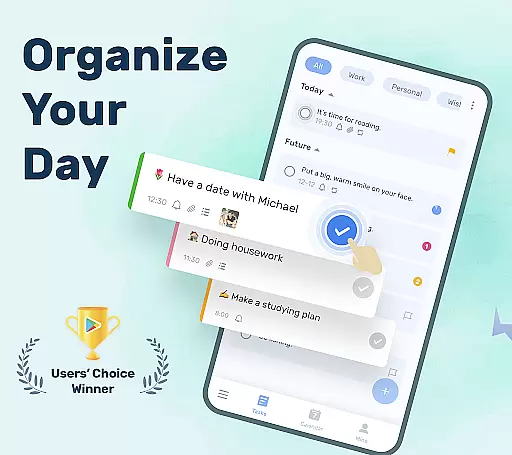
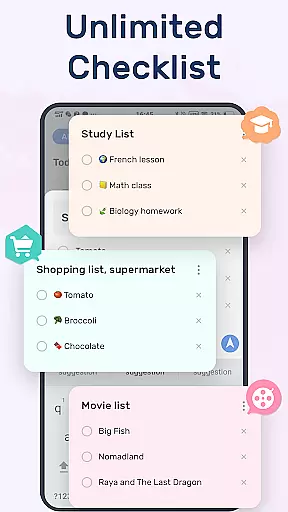
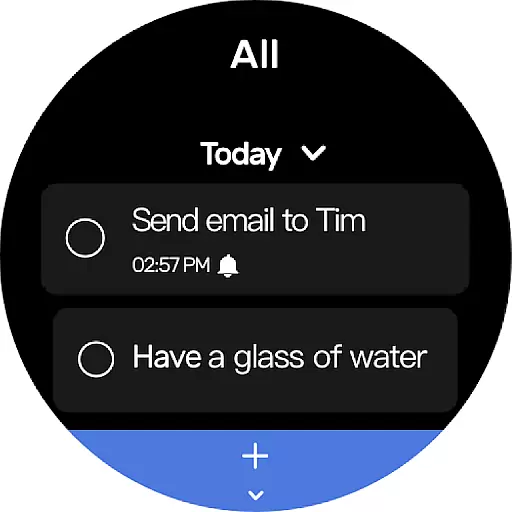
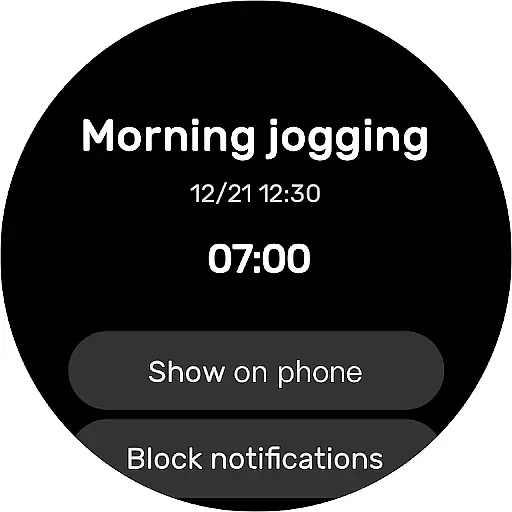
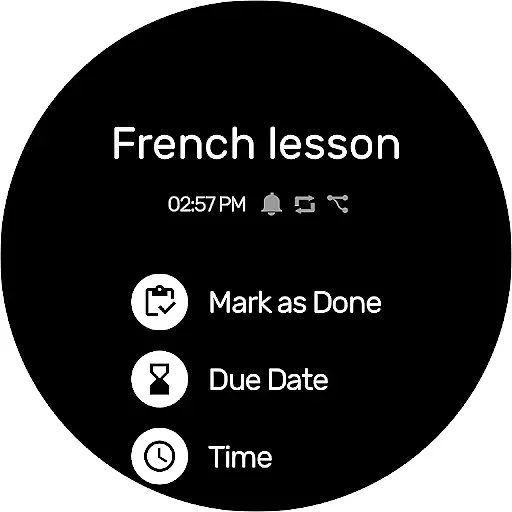
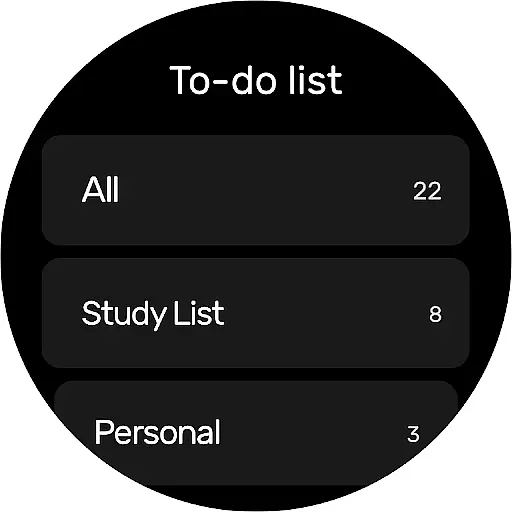
To-Do List is a comprehensive productivity application designed to help users efficiently manage their daily tasks and schedules. The app offers an intuitive interface with beautiful themes, enabling users to create multiple task lists in just a few steps. Its simplicity and efficiency make it suitable for both personal and professional use.
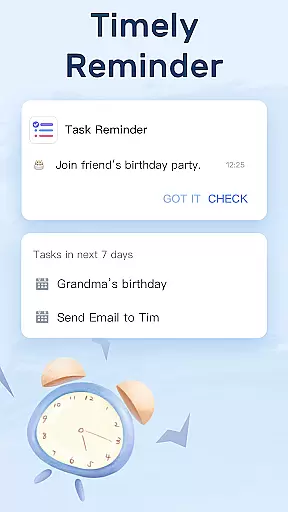
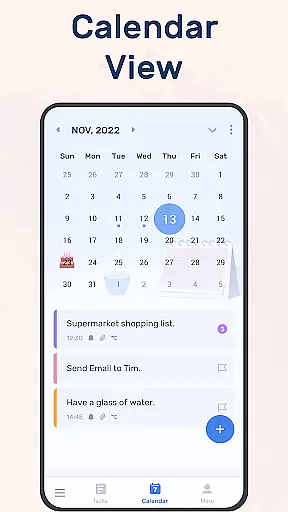
One of the standout features is its robust reminder system, which ensures you never miss important deadlines or events. Users can set alarms for crucial tasks and even configure recurring reminders for repetitive activities. Additionally, the app provides a calendar view for a broader perspective on your schedule, making it easier to plan ahead.
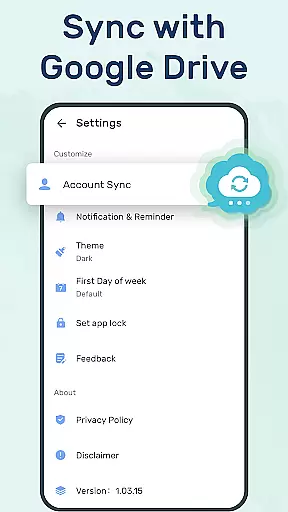
The app's ability to sync and backup data via Google Drive adds an extra layer of security, ensuring that your information is always safe and accessible across different devices. This feature makes To-Do List ideal for individuals who need consistent access to their task lists, whether they are at home, in the office, or on the go.
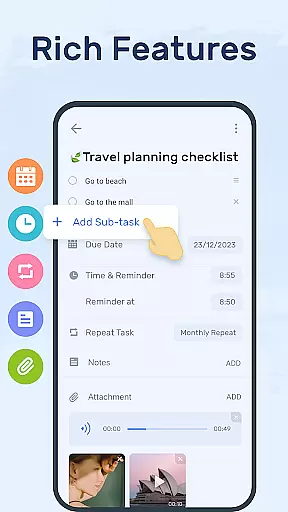
To-Do List boasts a variety of features that cater to diverse organizational needs. Firstly, the app allows users to categorize tasks using labels, priorities, and stars, making it easy to highlight and manage important activities. Sub-tasks can be added to each to-do item, providing a hierarchical structure that keeps everything well-organized.
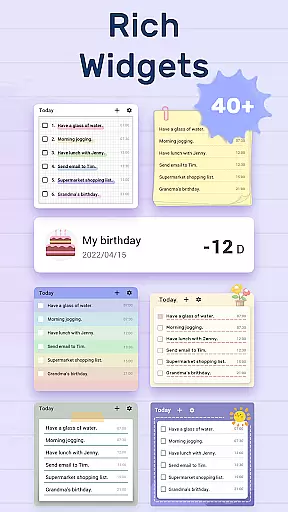
Another notable feature is the Daily To-Do List Widget, which can be placed on your phone's desktop for quick access. This widget not only displays your tasks but also lets you mark them as complete without opening the app. Such convenience enhances user engagement and productivity throughout the day.
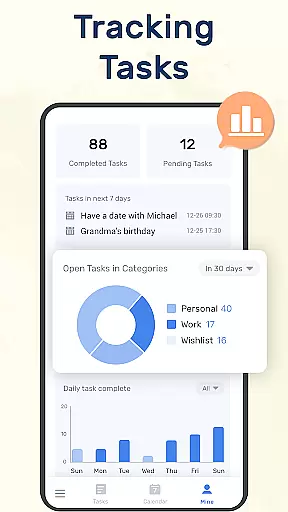
Furthermore, the app supports Wear OS, allowing users to track their daily planners directly from their smartwatches. By regularly checking the completion status of tasks on the 'MINE' page, users can monitor their progress and improve over time. These innovative features collectively contribute to a more streamlined and effective task management experience.
For users of wearable devices, having a reliable companion app is essential. To-Do List - Schedule Planner & To Do List Task Manager offers seamless integration with Wear OS devices, ensuring that your tasks and reminders are always synchronized across all platforms. This means you can conveniently access your to-do lists right from your wrist.
The application's companion app functionality allows for real-time updates. Whether you're updating a task on your phone or receiving a reminder on your smartwatch, the changes are instantly reflected on all linked devices. This ensures that you never miss an important notification or update, regardless of the device you're using at the moment.
Furthermore, the app provides a unified user experience by maintaining consistent features and interface design between the smartphone app and the wearable version. With thoughtful design considerations, users can expect the same level of intuitiveness and ease of use on their Wear OS devices as they do on their smartphones, making task management effortless and efficient.
To-Do List - Schedule Planner & To Do List Task Manager is designed with broad device compatibility in mind, particularly for Wear OS. This ensures that whether you own a smartwatch from a major manufacturer or a lesser-known brand, you can enjoy full functionality of the app on your wearable device. The developers have optimized the app to work smoothly across different hardware specifications, providing a hassle-free experience.
In addition to supporting a wide range of devices, the app also takes advantage of the unique features offered by Wear OS. Users can benefit from voice commands, interactive notifications, and glanceable updates tailored specifically for smartwatches. These features enhance the overall usability of the app, allowing for quick task entries and instant access to reminders without needing to take out your phone.
Ensuring compatibility isn't just about the present; it's also about future-proofing. The development team behind To-Do List is committed to regularly updating the app to maintain compatibility with new Wear OS updates and devices. This dedication guarantees that users will continue to enjoy a seamless experience as technology evolves, safeguarding their productivity and time management needs.
User-friendly interface
Robust reminder system
Cloud sync functionality
Customizable task categories
Wear OS support
Limited advanced features
No team collaboration tools
Basic free version
Few integrations
Occasional bugs

Diet tracker for weight loss - track calories, food and macros. Simple and easy!
 4.70
4.70
Embrace the holiday spirit with this magical animated watch face!
4.40
Beautiful artistic animated digital watch face, with a customizable layout!
4.40
Digital watch face. For Wear OS devices.
4.40
Period, ovulation & pregnancy tracker. Fertility insights & menstrual calendar.
4.90
Reliable phone calls with spam protection, caller ID and more helpful features
4.40
Stay in touch with your friends and family using LINE!
3.40
Real-time weather radar with temperatures, warnings, hurricanes, and widgets
4.80
Download full tracks, listen to music offline, make unlimited playlists.
4.80
Digital, flexibly customizable watch face. For Wear OS 5.0, API 34+ and later.
5.00
Gym Log & Workout Tracker | Fitness Journal, Training & Weight Lifting Planner
4.90
A modern premium sporty hybrid watch face for Wear OS by Ballozi
4.70
Rose gold watch face with festive lights & customizable features.
4.60
Kia Access makes getting your vehicle information easier than ever
4.60
Simple, helpful messaging by Google
4.60
Premium hybrid watch face with many customizations for Wear OS devices.
4.40
Want to take charge of your health? Let Google Fit help you reach your goals.
3.50
Your local weather forecast, storm tracker, radar maps & live weather news
3.40
Contemporary digital watch face with five complications
4.1


User Reviews