
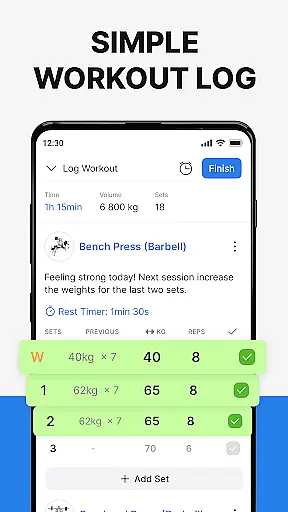
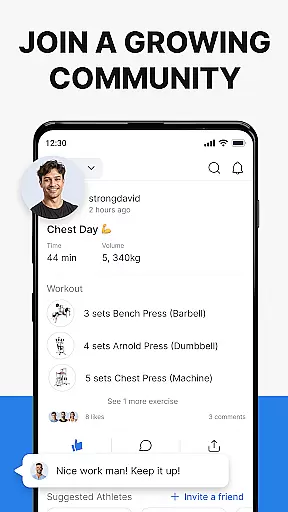
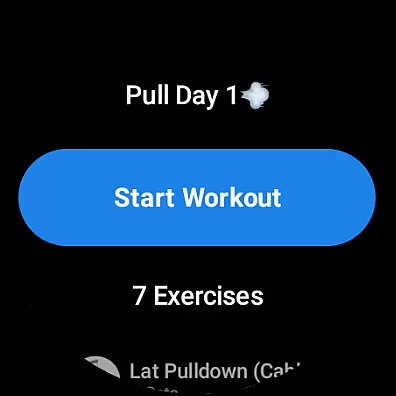
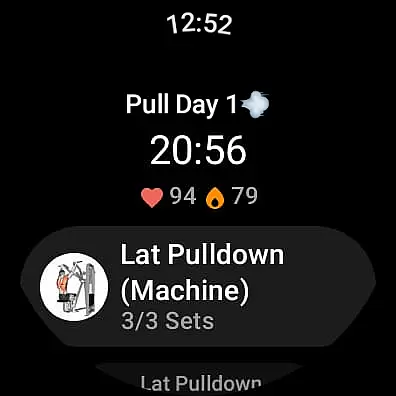
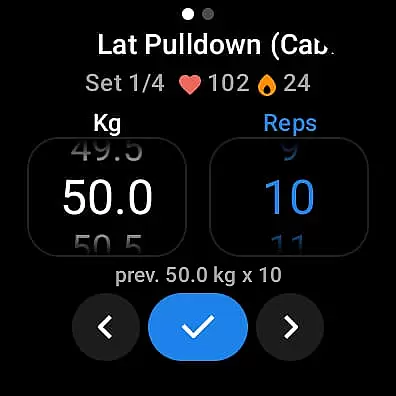
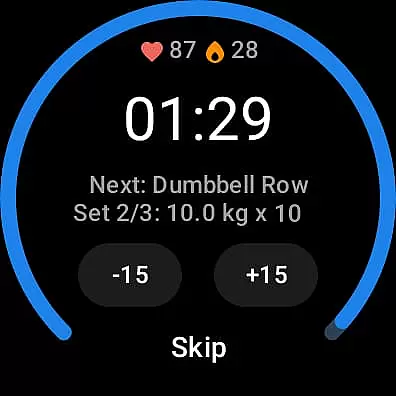
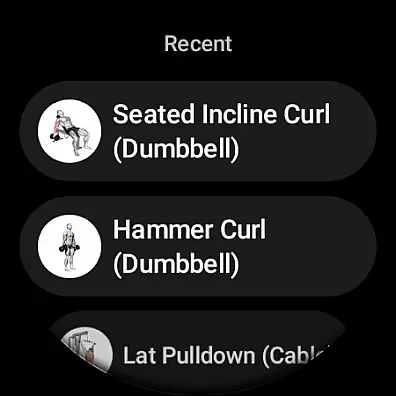
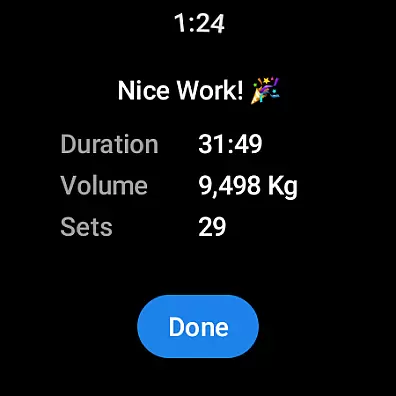
Hevy - Gym Log Workout Tracker is a premier fitness application tailored for Android Wear users who are serious about their workout routines. This app allows you to log your exercises with ease, providing an intuitive interface that simplifies the process of tracking each lift and personal record. With features like an advanced routine planner and calendar integration, it ensures you never miss a training session.
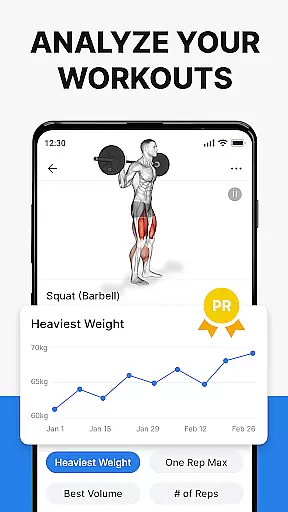
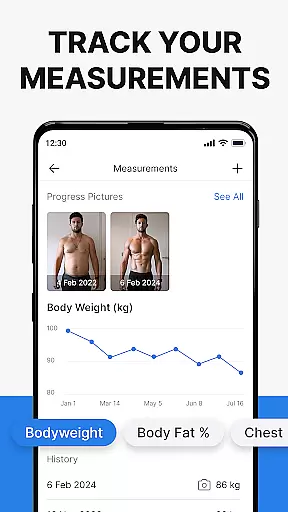
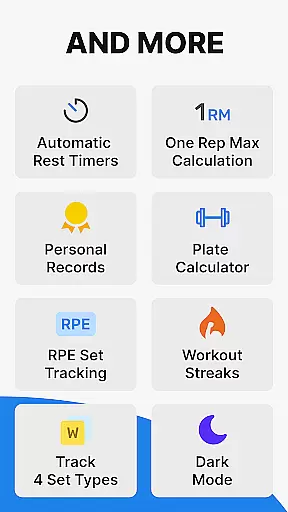
Beyond just logging workouts, Hevy offers comprehensive analytics to monitor your progress over time. You can visualize your improvements through detailed muscle group graphs and calculate your one-rep max. The app also supports creating unlimited custom routines, making it adaptable to various training styles from bodybuilding to calisthenics. Whether you're hitting the gym or engaging in home workouts, Hevy helps maintain consistency and drive towards your fitness goals.
The true power of Hevy unfolds when used in tandem with its Wear OS Watch functionalities. Sync your routines directly to your smartwatch, track your heart rate during sessions, and utilize live timers for duration-based exercises. This seamless integration enhances the user experience by allowing real-time tracking without needing to reach for your phone. Join a vibrant community of athletes, share routines, and motivate each other to achieve new heights in physical fitness.
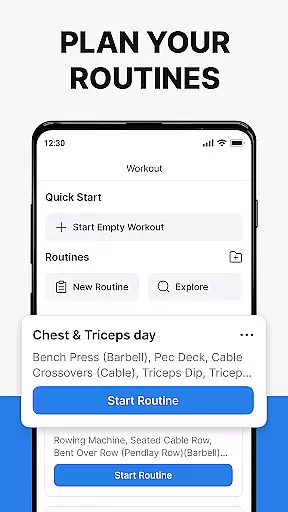
Hevy stands out with its rich feature set designed to cater to every athlete's needs. One of its core strengths is the advanced routine planner, which lets you meticulously design and follow workout plans. Coupled with a calendar view, this ensures you stay on top of your training schedule while adapting to any changes effortlessly.
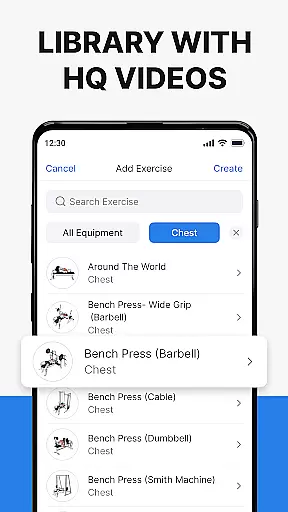
Another remarkable aspect is the extensive library of high-quality exercise videos. These resources help users focus on proper form and technique, reducing the risk of injury. Additionally, the ability to mark sets as warmups, drop sets, or supersets adds another layer of customization. Users can also analyze their performance using full-screen graphs that display volume, best weight, and total reps, offering deep insights into their progression.
For those invested in wearable technology, Hevy’s Wear OS compatibility is a game-changer. It enables direct syncing of routines to your smartwatch, live heart rate monitoring, and automatic saving of workouts upon reconnecting with your phone. These features collectively create a robust ecosystem where data flows seamlessly between devices, empowering users to optimize their training sessions effectively.
Companion app integration is essential for users who want a seamless experience between their mobile devices and wearables. Hevy - Gym Log Workout Tracker offers robust companion app features that ensure data consistency across platforms.
The app allows you to sync your routines from your phone directly to your Wear OS Watch, ensuring that your planned workouts are always up-to-date. This synchronization means you can start planning on your phone and continue on your watch without missing a beat.
Live syncing during workouts ensures that every set and rep you log on your Wear OS device is immediately reflected on your phone. This real-time update capability provides an uninterrupted tracking experience, allowing you to focus on your workout rather than your data.
By integrating with the Wear OS Tile, Hevy makes it easy to access your workout data at a glance. This feature enhances usability by providing quick access to essential functions, making your training sessions more efficient and organized.
Device compatibility is crucial for ensuring that applications like Hevy - Gym Log Workout Tracker work seamlessly across different platforms. Hevy excels in this area by offering extensive support for Wear OS devices.
The app is designed to be fully functional on Wear OS watches, allowing users to track their workouts directly from their wrists. This includes using pre-planned routines, live-syncing data, and even monitoring heart rate during exercise sessions.
Hevy supports various helpful features on Wear OS, such as timers for duration-based exercises and the ability to mark sets as warmups or failures. These features ensure that users have all the tools they need, regardless of whether they're using a phone or a smartwatch.
Automatic saving of workouts when reconnecting to a phone further enhances the user experience. This ensures that no data is lost and that users can transition smoothly between devices, maintaining a continuous and reliable tracking system.
User-friendly interface
Comprehensive analytics
Unlimited custom routines
High-quality exercise videos
Active community support
Limited third-party integrations
No built-in nutrition tracker
Premium features require subscription
Occasional syncing issues
Advanced metrics may overwhelm beginners

Embrace the festive spirit with our Christmas Countdown watchface for Wear OS
 4.10
4.10
Deck out your Wear OS Watch face with a beautifully decorated pine wreath!
4.50
3 Complications. All shadow on/off. 30 Themes color palette...
4.5
Digital watch face with big numbers and many customization for Wear OS devices
4.40
sleep, alarm, snoring, stress, healing, focus, sound therapy, circadian rhythm
4.10
Find EV charging stations
4.30
Connect to your Bluelink equipped Hyundai vehicle from your smartphone.
4.50
Hyper-Realistic Airplane Dashboard Watch Face With 10 Skins and Custom AOD
4.00
Simple, helpful messaging by Google
4.60
Real-time weather radar with temperatures, warnings, hurricanes, and widgets
4.80
WTW M17 is a premium and luxurious hybrid watch face
4.70
Bold weather Digital watchface with forecast & optional animated background
4.40
Locate your family members by GPS phone location tracker everywhere and anytime
4.30
Your music, your playlists, and more—offline and unlimited.
4.20
The #1 source of faces for your smartwatch!
4.00
Professional weather radar and more
3.90
Watch face designed for Thanksgiving Day. 7 Background Styles included.
3.20
Christmas is near, let's count together the days left until Santa comes
4.0
Minimalistic design modern digital watch face.
4.0


User Reviews