
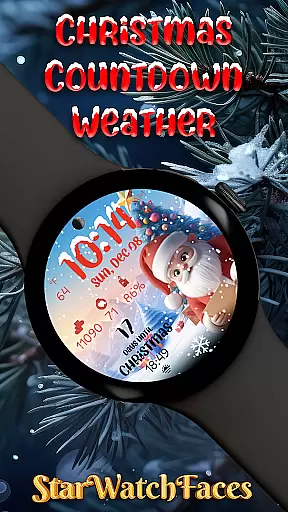
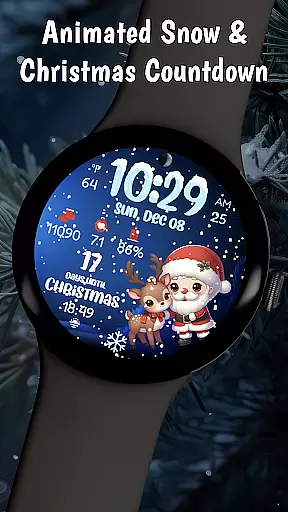
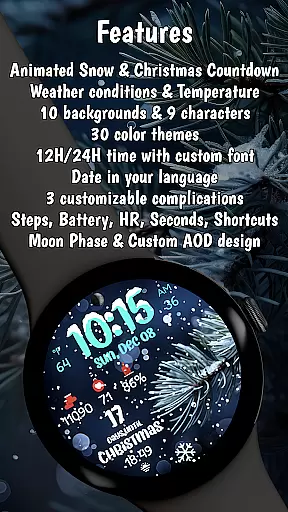
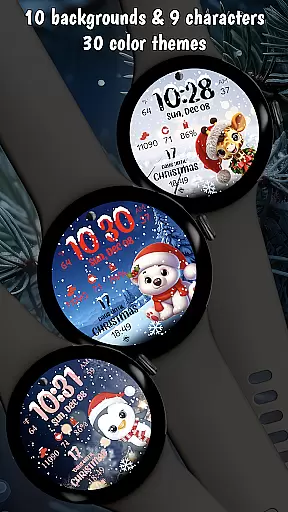
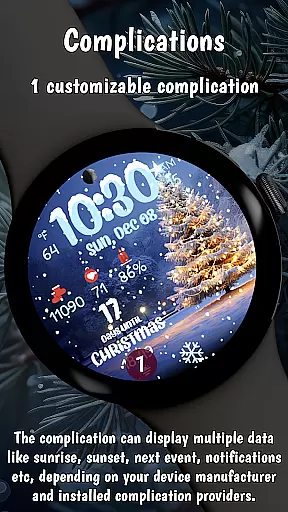
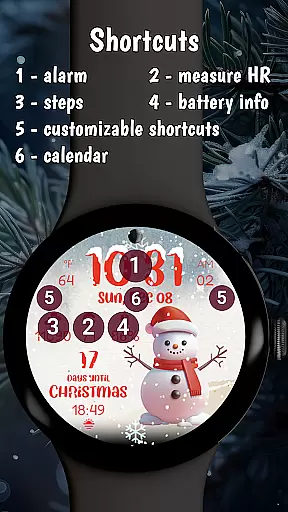

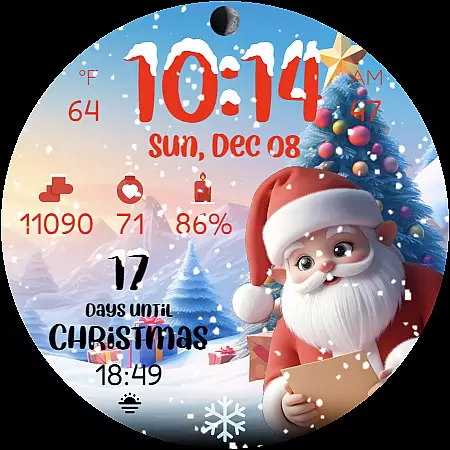
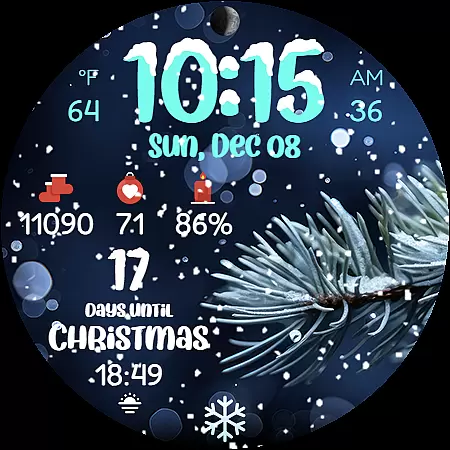
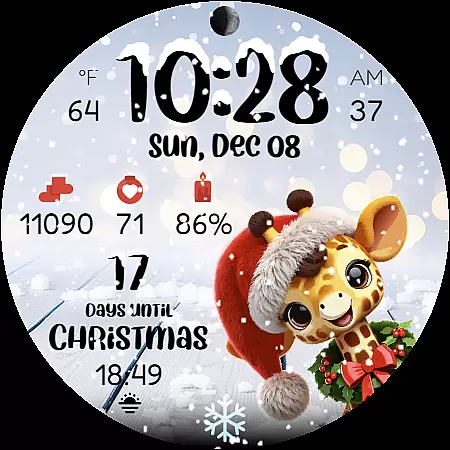
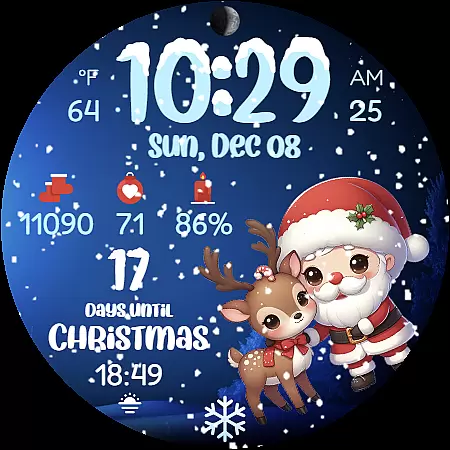
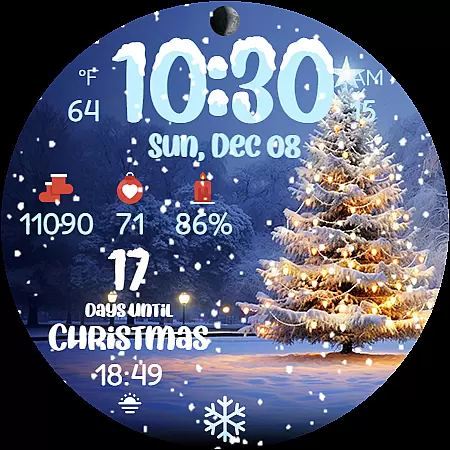
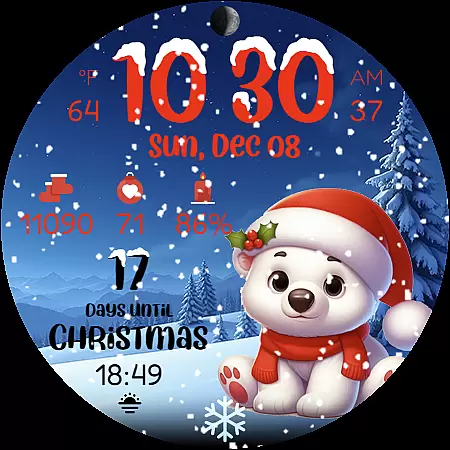
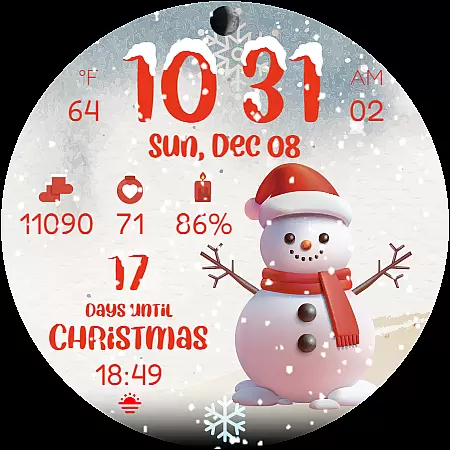
Christmas Countdown Weather is a feature-rich holiday watch face designed specifically for Wear OS smartwatches. This application transforms your wearable device into a magical Christmas companion, featuring an enchanting countdown timer, festive characters, and winter wonderland effects.
The watch face displays essential information such as time, weather conditions, temperature, steps counter, heart rate, battery status, moon phase, and date. With 10 customizable Christmas-themed backgrounds and multiple color themes, users can personalize their experience while enjoying optimized performance and battery efficiency during the holiday season.
This Christmas-themed smartwatch application stands out with its comprehensive feature set tailored for holiday enthusiasts. The main highlight is the beautiful Christmas countdown timer that builds excitement while displaying exact days until December 25th.
Users can choose from 9 adorable Christmas characters including Santa Claus and festive reindeer. The watch face showcases mesmerizing animated snowfall effects and offers 10 different holiday backgrounds. Its smart features include weather display, step tracking, heart rate monitoring, and various informational widgets - all optimized for latest Wear OS versions with energy-efficient design.
Companion app integration is essential for wearable devices to provide a seamless user experience. Christmas Countdown Weather excels in this area by offering a dedicated mobile application that works in harmony with the watch face.
The companion app allows users to customize various aspects of the watch face, including background images, characters, color themes, and complications. This level of personalization ensures that each user can tailor the watch face to their liking, making it a truly personal accessory.
By pressing and holding on the display and then tapping the Customize button, users can access these features effortlessly. The intuitive interface guarantees that even those new to smartwatches can navigate and adjust settings with ease.
This integration not only enhances the visual appeal but also extends the functionality of the watch face, allowing for a more engaging and practical user experience during the holiday season.
Ensuring compatibility across various devices is crucial for any Wear OS application. Christmas Countdown Weather is optimized for the latest Wear OS versions, providing users with a smooth and reliable performance regardless of their device model.
The watch face supports both 12 and 24-hour time formats, weather conditions, temperature displays, step counters, heart rate monitoring, battery indicators, moon phase displays, and date displays in the user's device language. These features are designed to work based on individual device settings and capabilities.
While some advanced features may vary depending on the specific device model, the core functionalities remain consistent. This approach ensures that whether you're tracking your steps while Christmas shopping or checking the weather for outdoor activities, the watch face remains functional and informative.
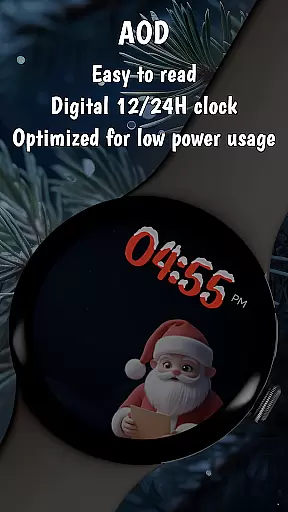
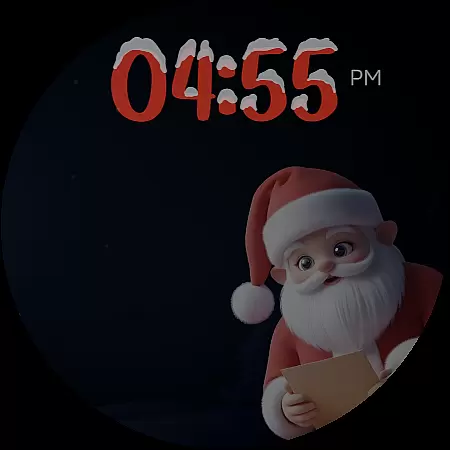
With an energy-efficient design aimed at prolonging battery life and supporting Always-On Display (AOD) mode, Christmas Countdown Weather offers a balanced blend of aesthetics and utility, making it a perfect holiday companion for all Wear OS users.
Feature-Rich Design
Festive Customization Options
Optimized Performance
Beautiful Animations
Holiday Themed Utility
Weather Feature Limitation
Device Compatibility Issues
Premium Price Point
Complex Setup Process
Battery Consumption Concerns

Wear Os Watch Face - Animated Snow Effect & Christmas Lights
 4.2
4.2
Contemporary digital watch face with five complications
4.2
Find EV charging stations
4.30
Locate your family members by GPS phone location tracker everywhere and anytime
4.30
The #1 source of faces for your smartwatch!
4.00
Daily Weather forecast with 15 weather images for Day & Night plus Big Bold time
4.10
Fast and smart typing with Emojis, GIFs, and more
4.50
Fitbit is dedicated to helping people lead healthier, more active lives.
4.10
Track airplanes and follow flights with our real-time flight tracker
4.50
Monitor health with the stress test and pulse checker in the heart rate app.
4.60
Rose gold watch face with festive lights & customizable features.
4.60
Deck out your Wear OS Watch face with a beautifully decorated pine wreath!
4.50
Beautiful artistic animated digital watch face, with a customizable layout!
4.40
Digital watch face. For Wear OS devices.
4.40
Watch face for Wear OS.
4.20
Want to take charge of your health? Let Google Fit help you reach your goals.
3.50
Christmas and New Year - Themed Watchface
4.2
Sleek, highly customizable watch face inspired by Galaxy Watch Circle Dashboard.
4.5
3 Complications. All shadow on/off. 30 Themes color palette...
4.2


User Reviews