
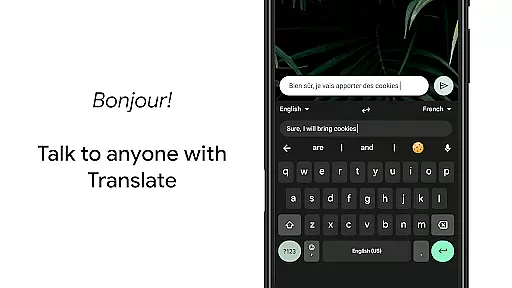
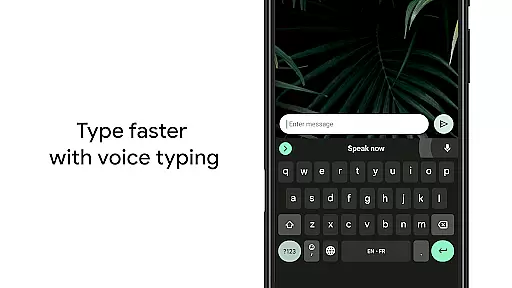
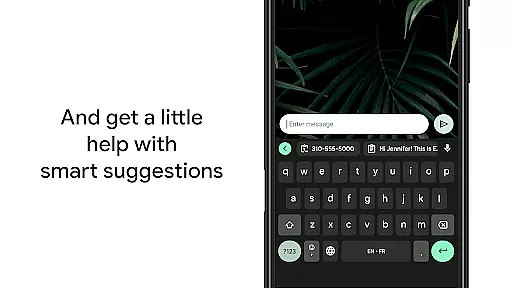
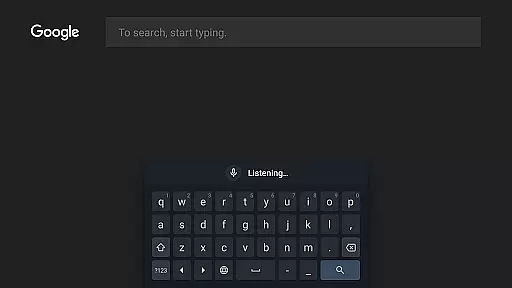
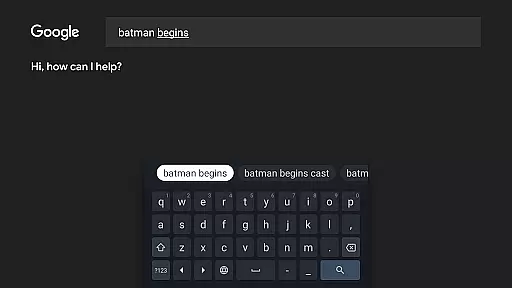
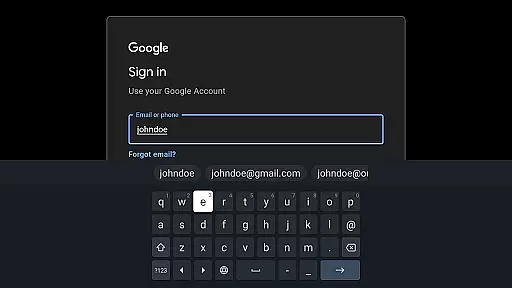
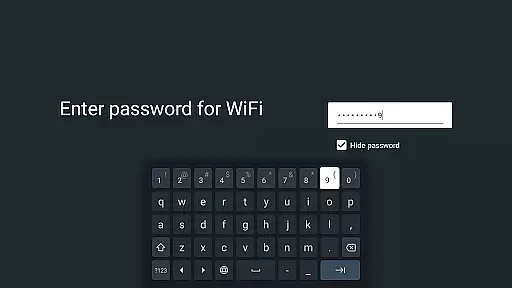
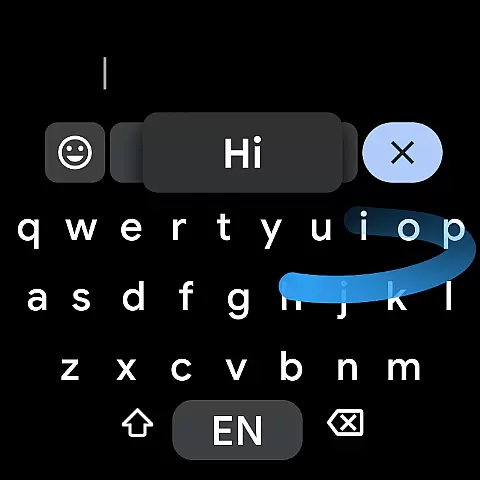
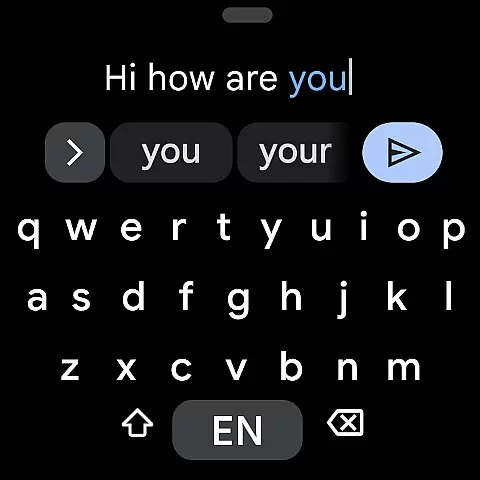
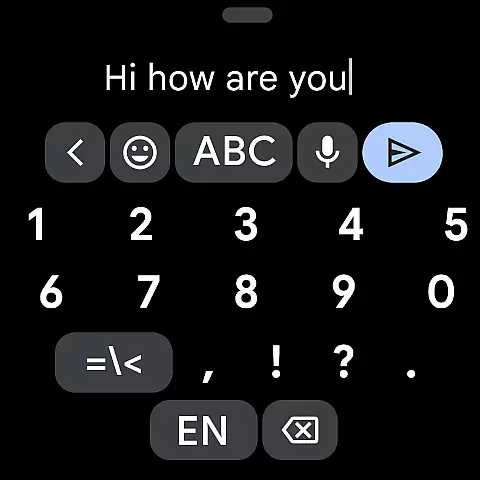
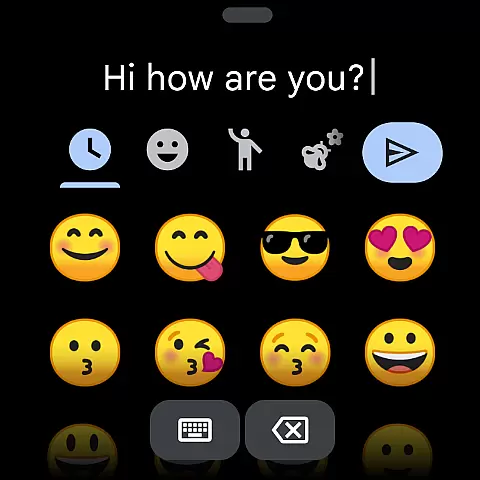
Gboard is a versatile keyboard app designed for Android devices, including Wear OS. It combines speed and reliability with advanced typing features such as Glide Typing, Voice Typing, Handwriting recognition, and Multilingual support. With its intuitive design, Gboard allows users to type faster and more efficiently while offering unique functionalities like Google Translate directly in the keyboard interface.
One of the standout features of Gboard is its ability to seamlessly switch between multiple languages without manual adjustments, making it ideal for multilingual users. Additionally, the app supports hundreds of language varieties, ensuring global accessibility. Whether you're texting on your phone or using your smartwatch, Gboard provides a consistent and optimized typing experience across all Android platforms.
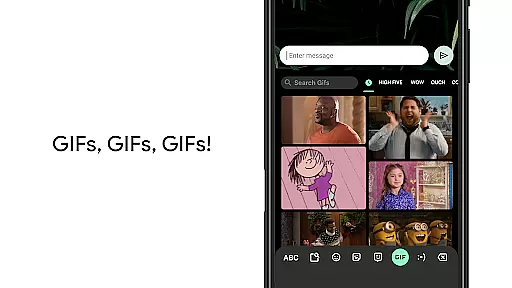
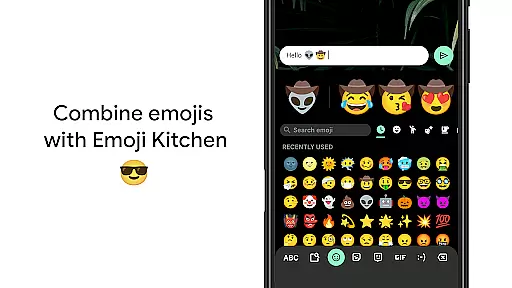
The application's value lies in its comprehensive feature set that caters to various user needs, from emoji search and GIF sharing to advanced gesture controls. These capabilities make Gboard an essential tool for anyone seeking a smarter, faster, and more personalized typing experience on their Android device.
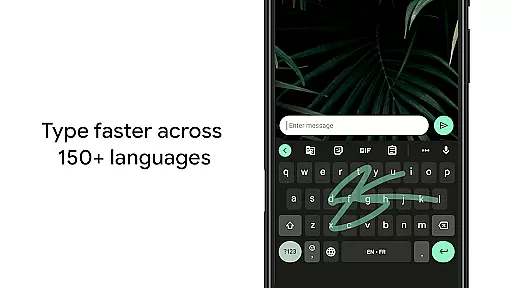
Gboard offers an impressive array of features that enhance the typing experience on Android devices. One of its key highlights is Glide Typing, which allows users to type quickly by sliding their finger across the keyboard from letter to letter. This feature significantly reduces typing time while maintaining accuracy. Additionally, Voice Typing enables hands-free text input, making it convenient for users who need to dictate messages on the go.
Another notable feature is Multilingual Typing, which eliminates the need to manually switch between languages. Gboard intelligently autocorrects and suggests words from any enabled language, streamlining communication for bilingual or multilingual individuals. The inclusion of Google Translate within the keyboard further enhances this capability by allowing real-time translation as you type.
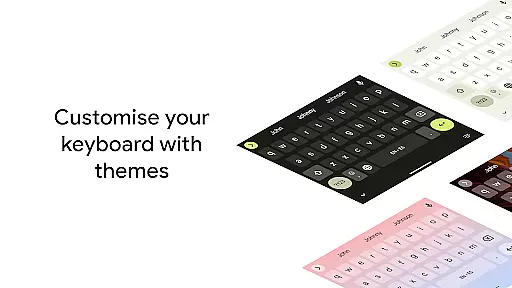
Gboard also supports advanced customization options such as gesture cursor control, one-handed mode, and customizable themes. Users can tailor the keyboard layout to suit their preferences, whether they prioritize functionality or aesthetics. Furthermore, pro tips like enabling a permanent number row or using long-press gestures for symbols add layers of convenience, ensuring that Gboard remains adaptable to diverse user needs.
Gboard offers seamless companion app integration, ensuring that your typing experience is consistent across all devices. By syncing with the main Google Keyboard application, Gboard provides users with a reliable and efficient typing solution on their Wear OS devices.
The integration includes essential features such as Glide Typing, Voice Typing, and Emoji Typing, which are adapted perfectly for the smaller screen size of wearable technology. This ensures that whether you're sending a quick message or crafting a detailed response, Gboard's functionality remains intuitive and user-friendly.
Users benefit from real-time data sharing between their mobile device and Wear OS watch, allowing them to pick up conversations right where they left off. This synchronization enhances productivity and convenience, making communication effortless no matter which device you choose to use.
With extensive compatibility across various Wear OS devices, Gboard ensures that you can enjoy its advanced typing features on your smartwatch regardless of the brand or model. The keyboard supports a wide array of languages, catering to a global audience and enhancing accessibility for non-English speakers.
Gboard's adaptability extends beyond just language support; it also offers specialized functionalities like gesture cursor control and one-handed mode tailored specifically for wearable screens. These features allow users to type comfortably and efficiently, even on small displays commonly found in Wear OS devices.
Moreover, Gboardu2019s commitment to maintaining high standards of usability means regular updates and improvements based on user feedback. This dedication ensures that all Wear OS users receive an optimized typing experience that evolves with technological advancements and changing user needs.
Fast typing with Glide
Voice typing included
Multilingual support
Google Translate built-in
Customizable themes
No handwriting on Go
Limited Wear OS
Heavy on memory
Occasional lag
Complex settings

Wear Os Watch Face - Animated Snow Effect & Christmas Lights
 4.4
4.4
an Analog Watch Face for winter season with freeze winter background for Wear OS
4.4
Precision analog watch face with 7 complications and style options
4.5
Current temperature, weather hourly, weather radar by the weather forecast app
4.40
Digital watch face. For Wear OS devices.
4.40
Locate your family members by GPS phone location tracker everywhere and anytime
4.30
The #1 source of faces for your smartwatch!
4.00
Hybrid Vibrant Health Watch Face for Wear OS
4.5
From periods to pregnancy & perimenopause, Flo helps you track it all. Try now.
4.70
A modern hybrid informative watch face for Wear OS designed by BALLOZI
4.80
Deck out your Wear OS Watch face with a beautifully decorated pine wreath!
4.50
Connect to your Bluelink equipped Hyundai vehicle from your smartphone.
4.50
Beautiful artistic animated digital watch face, with a customizable layout!
4.40
Bold weather Digital watchface with forecast & optional animated background
4.40
A white realistic classic analog watch face with many customization options.
4.40
The ultimate destination for kids ages 3-8 to explore the Marvel Universe!
4.30
Calming & relaxing sounds for sleeping and stress relief. Stay focused all day!
4.20
Stay in touch with your friends and family using LINE!
3.40
Minimalistic design modern digital watch face.
4.0


User Reviews