
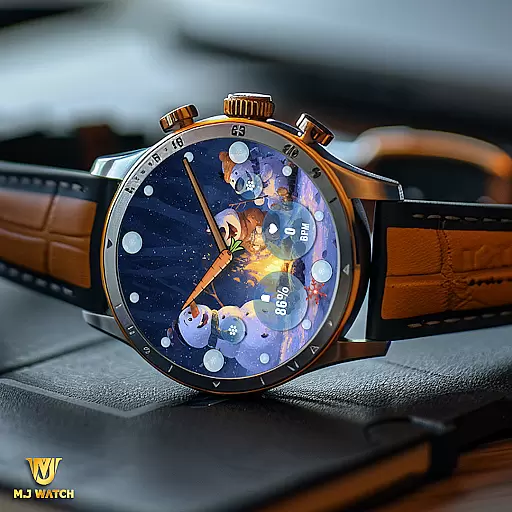
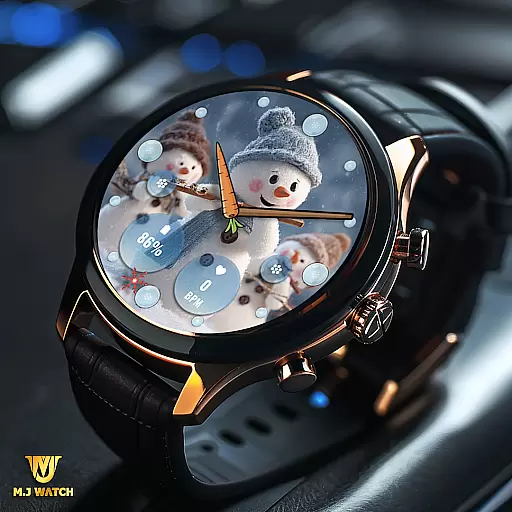
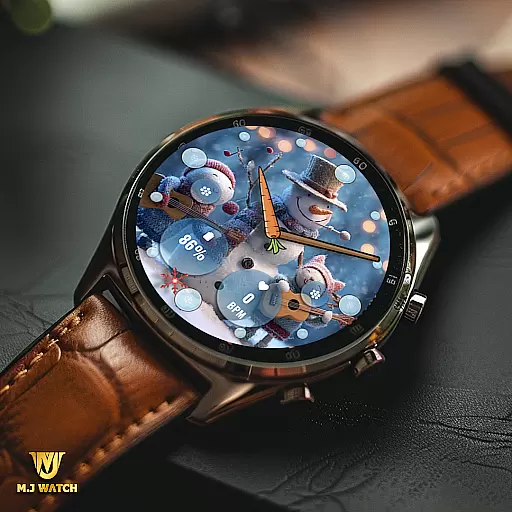
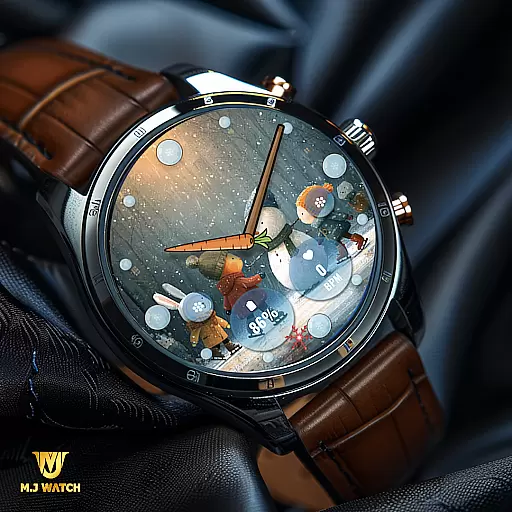
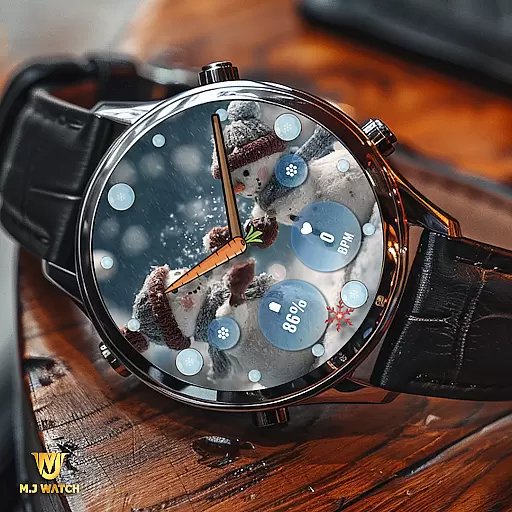
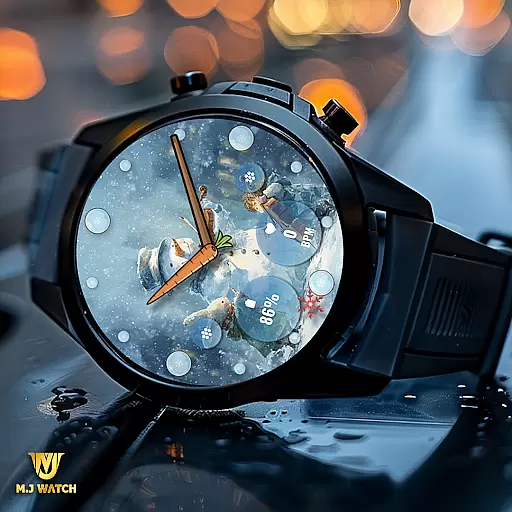
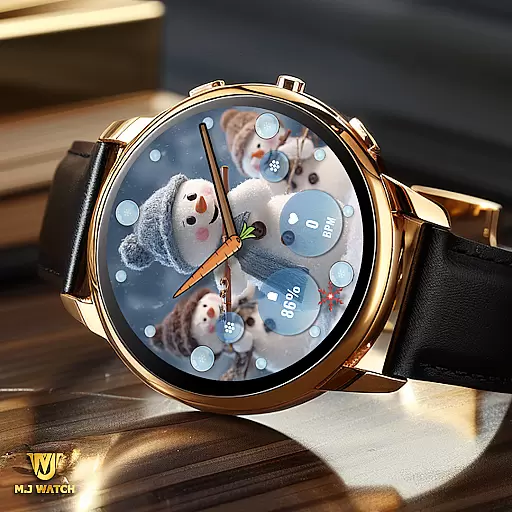
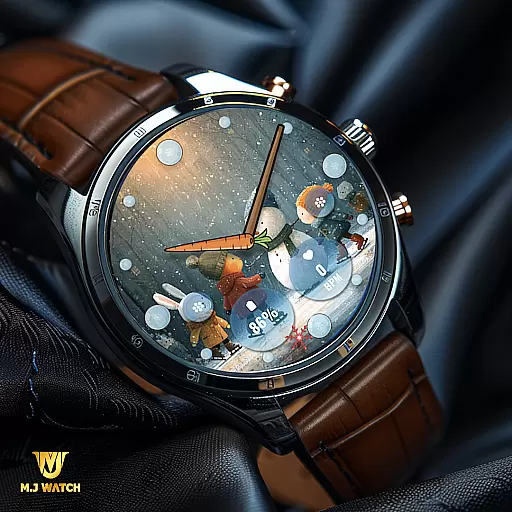
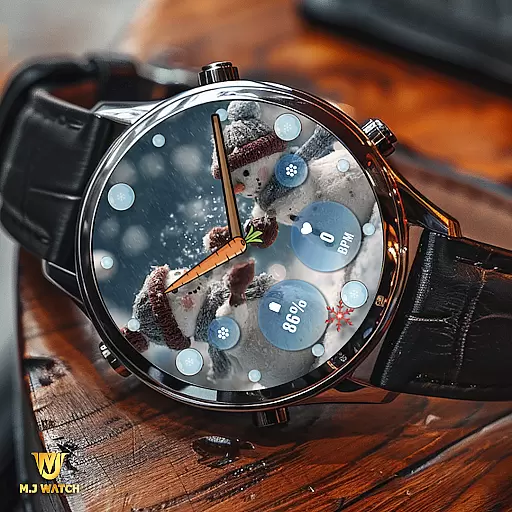
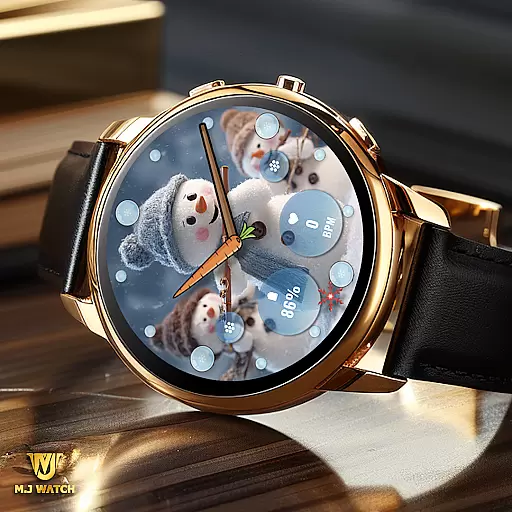
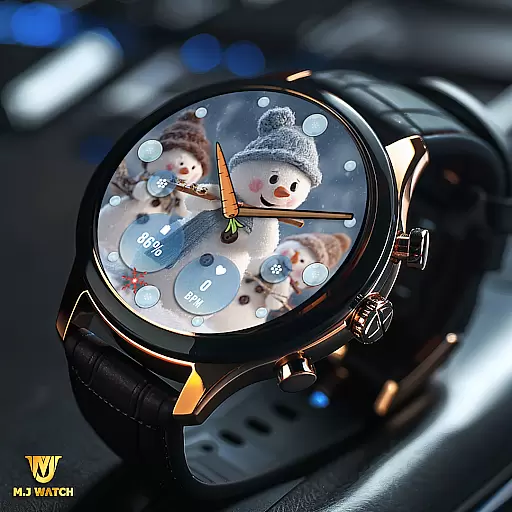
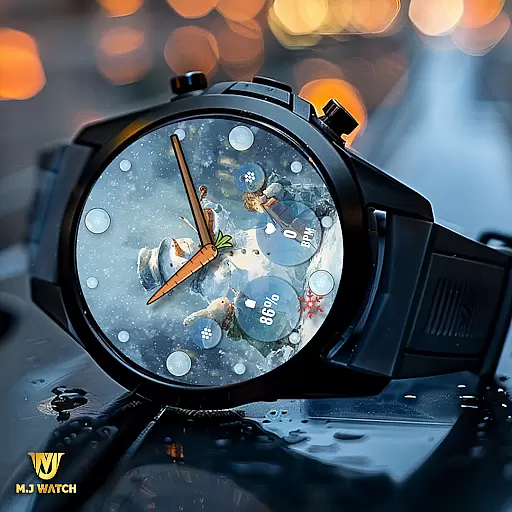
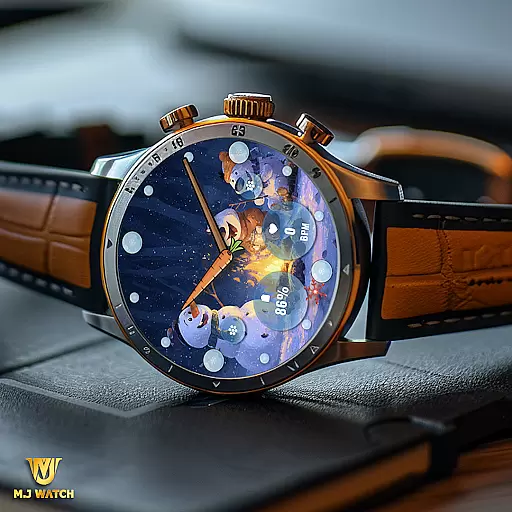
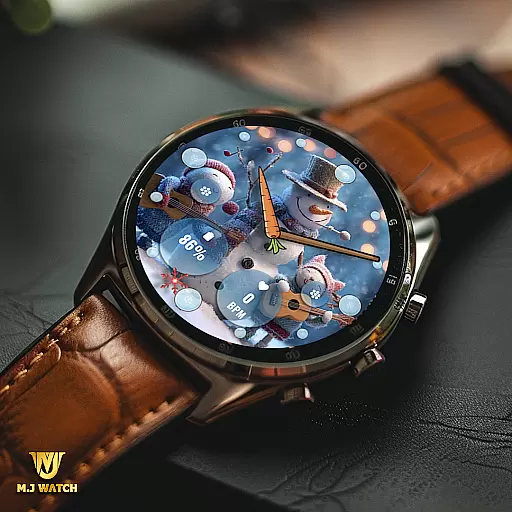
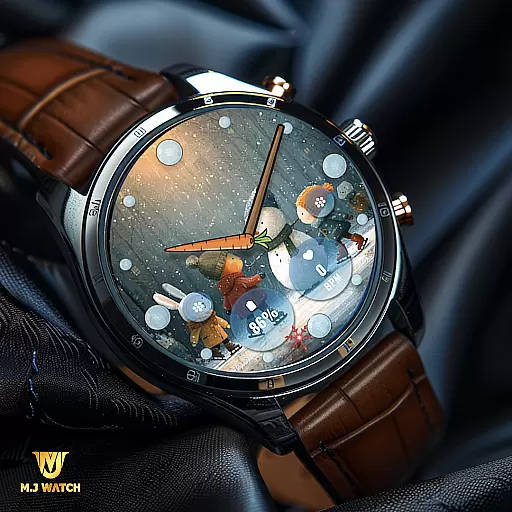
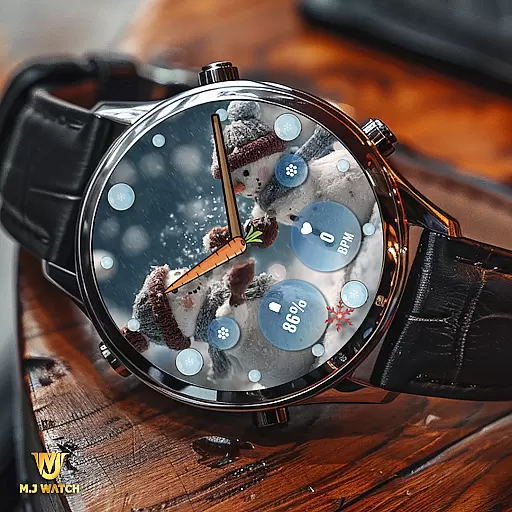
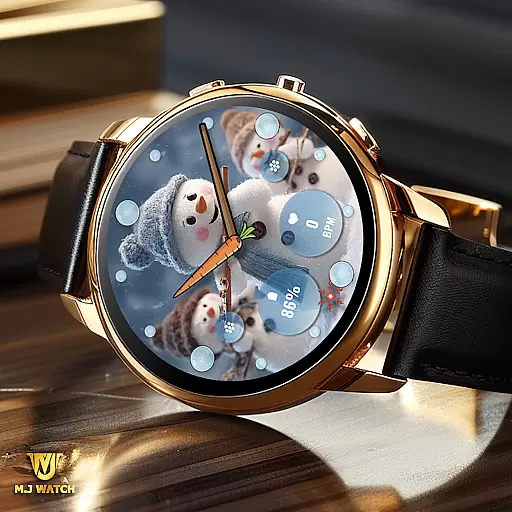
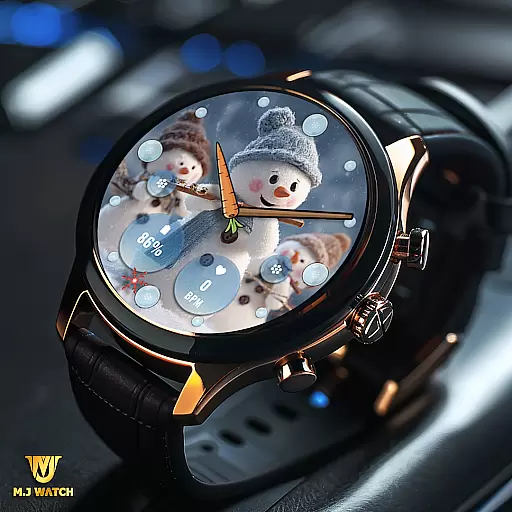
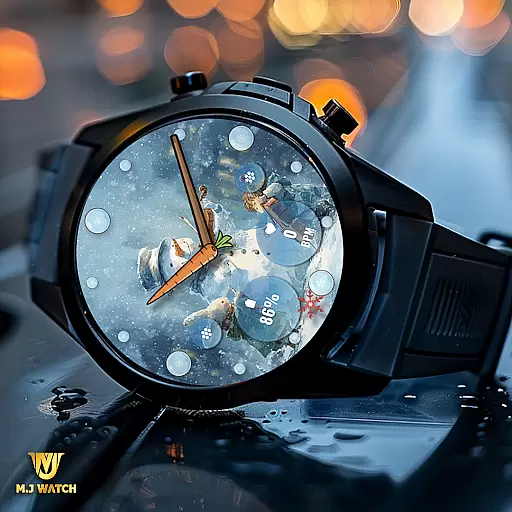
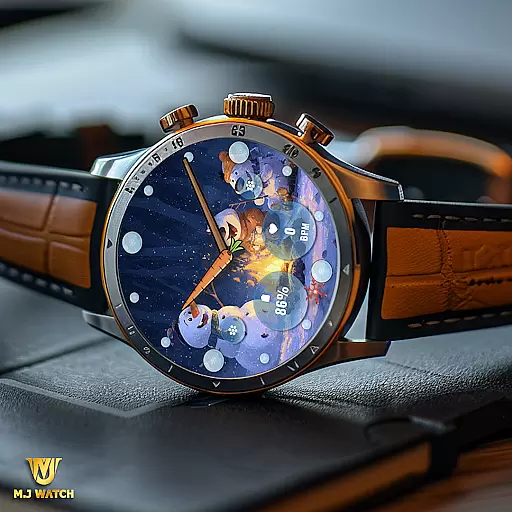
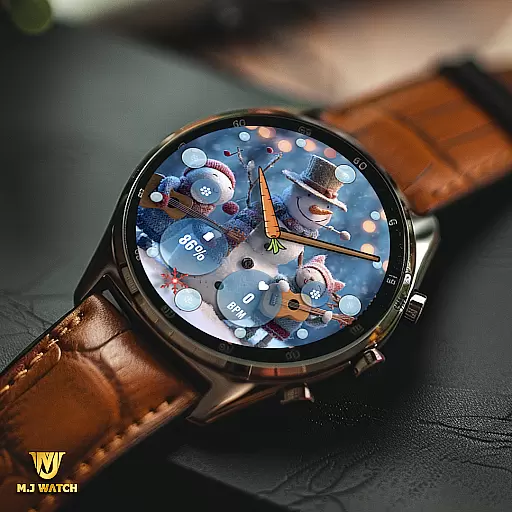
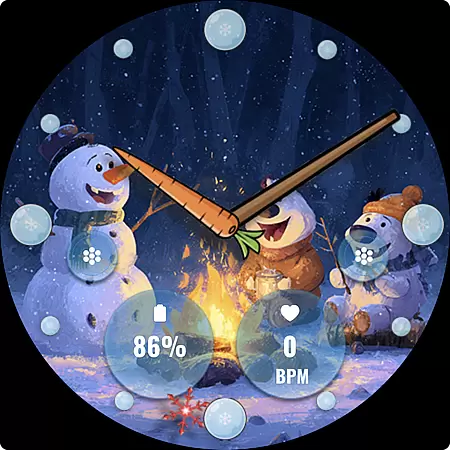
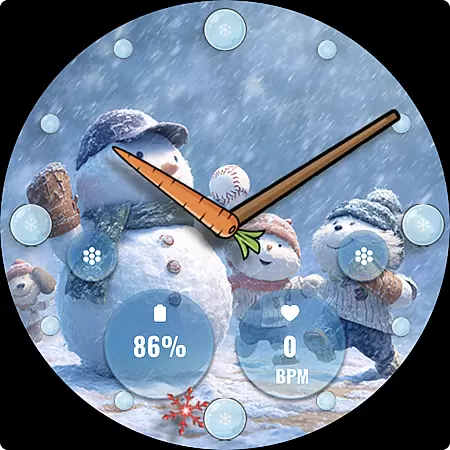
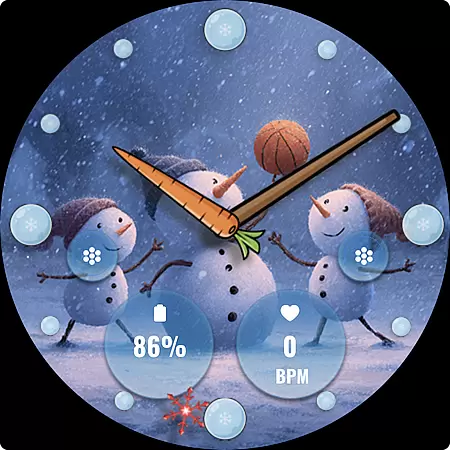
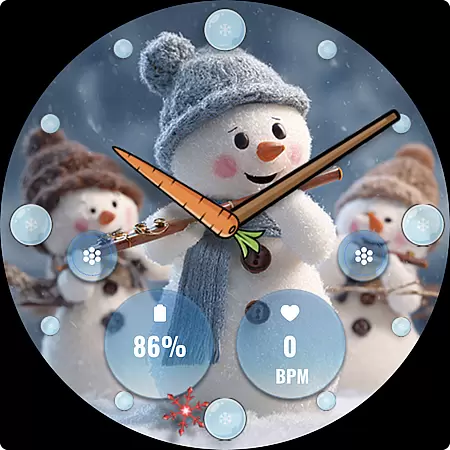
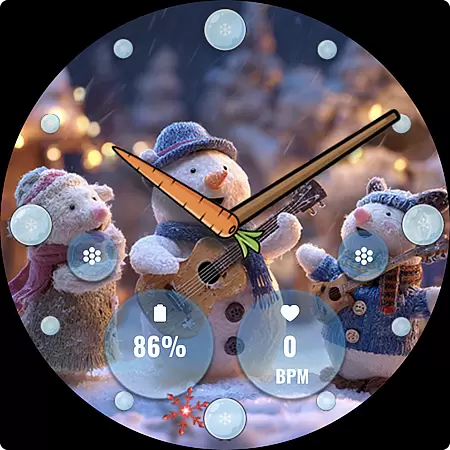
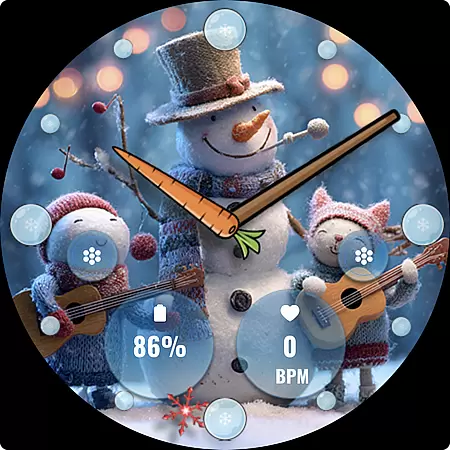
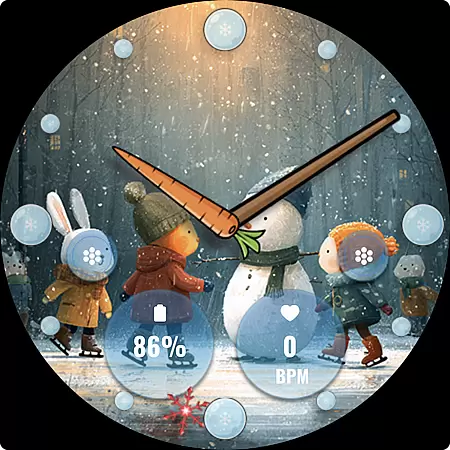
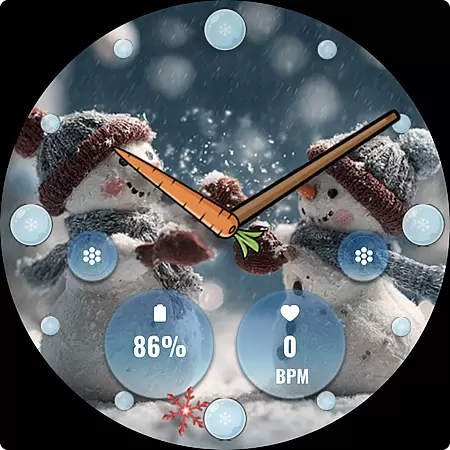
FLW105 Snowman Freeze Winter is a specially designed analog watch face for Wear OS devices, offering users a unique winter-themed experience. The interface showcases a stunning freeze ice background, complemented by elegant hour, minute, and second hands.
In addition to its visually appealing design, this watch face provides practical functionality through customizable features. Users can choose from two custom complications to display preferred information and utilize two custom shortcuts for quick access to frequently used functions. With ten different winter scenes featuring charming snowman illustrations, FLW105 brings both style and personalization to your smartwatch.
FLW105 stands out with its array of customization options tailored for the winter season. The watch face includes classic analog hands that mark time precisely while maintaining the aesthetic appeal of a frosty backdrop.
One of the key highlights is the ability to personalize the watch face according to individual preferences. Users can select from two types of complications to show relevant data such as weather updates or fitness stats. Additionally, two customizable shortcuts allow seamless interaction with favorite apps or features directly from the main screen. To further enhance user engagement, there are ten captivating images depicting serene winter landscapes adorned with cheerful snowmen.
The intuitive interface makes it easy to switch between designs; simply press and hold on the current image or complication area before selecting 'Customize.' This flexibility ensures that each user enjoys a personalized yet functional wearable experience throughout the chilly months.
For FLW105 Snowman Freeze Winter, seamless companion app integration is crucial for an enhanced user experience. This watch face connects effortlessly with its companion app on your mobile device, allowing for easy customization and control.
The integration enables users to access additional features not available directly on the watch interface. By using the companion app, users can change displayed information, customize shortcuts, and choose from a variety of winter-themed images, including charming snowman illustrations.
This synchronization ensures that all preferences set in the companion app are accurately reflected on the wearable device. Users can enjoy a personalized and visually appealing watch face that perfectly matches their style while maintaining full functionality across devices.
FLW105 Snowman Freeze Winter boasts extensive compatibility with various Wear OS devices, ensuring broad user accessibility. The developers have optimized this analog watch face to function smoothly across different smartwatch models running on the Wear OS platform.
This compatibility extends to supporting essential features like customizable complications and shortcuts. Regardless of whether you're using a Fossil, TicWatch, or any other Wear OS device, you can expect consistent performance and visual appeal from this winter-themed watch face.
Moreover, the application maintains high standards of quality assurance by regularly updating its codebase to accommodate new Wear OS versions and device releases. This commitment guarantees ongoing compatibility and an uninterrupted user experience throughout software updates and hardware changes.
Visually Stunning Design
Highly Customizable Interface
Practical Shortcut Options
Variety of Winter Themes
User-Friendly Customization
Limited Seasonal Appeal
Potential Battery Drain
Complication Setup Complexity
Fewer Features Than Digital
Compatibility Constraints

WTW M17 is a premium and luxurious hybrid watch face
 4.70
4.70
Precision analog watch face with 7 complications and style options
4.0
Snowflake Rose Gold Watch Face - Digital, modern, & sleek with GYRO effect.
4.10
Analog watch face with 8 complications and expedition styling
4.0
Contemporary digital watch face with five complications
4.2
Watch face designed for Thanksgiving Day. 7 Background Styles included.
3.20
Authentic military-tactical design with ZULU time! Realistic and functional!
3.80
Viewer for Wyze/Yi/Eufy/Arlo/ONVIF/RTSP/P2P IP cams w/ adv. features & DIY DVR
4.00
From periods to pregnancy & perimenopause, Flo helps you track it all. Try now.
4.70
Hybrid watch face for Wear OS with customizable complications by Matteo Dini MD
4.70
Simple, helpful messaging by Google
4.60
Stylish, Energizing and Modern Watch Face crafted by Dominus Mathias.
4.50
Embrace the holiday spirit with this magical animated watch face!
4.40
Premium hybrid watch face with many customizations for Wear OS devices.
4.40
Locate your family members by GPS phone location tracker everywhere and anytime
4.30
Want to take charge of your health? Let Google Fit help you reach your goals.
3.50
A heartwarming Christmas scene featuring a cute image of Santa and Rudolf
4.5
3 Complications. All shadow on/off. 30 Themes color palette...
4.2
Stylish digital watch face for Wear OS devices with customizable features
4.2


User Reviews