
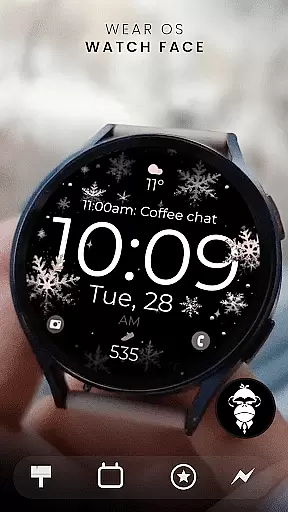
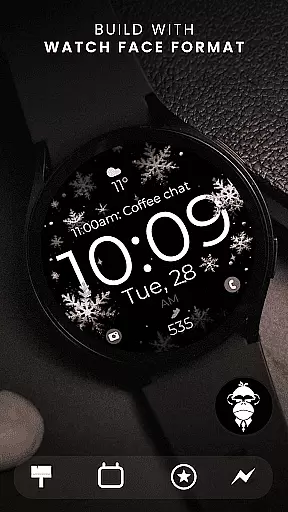
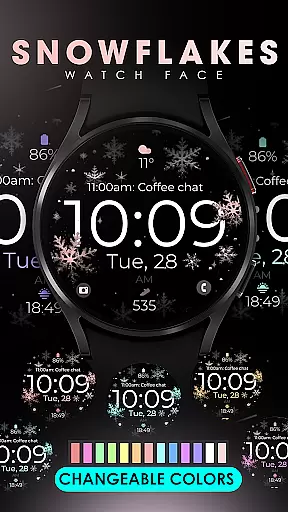
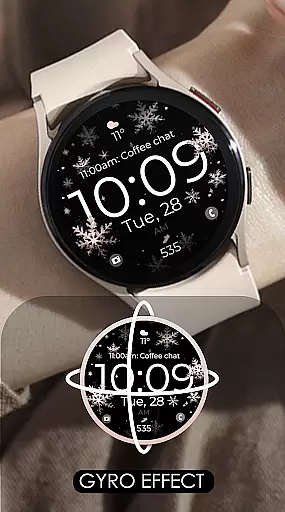
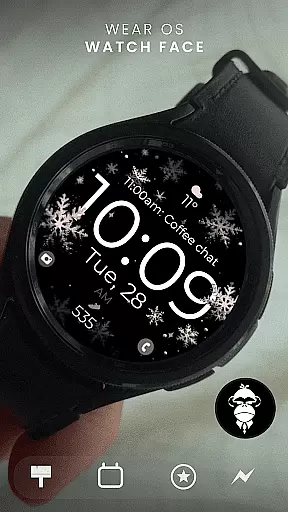
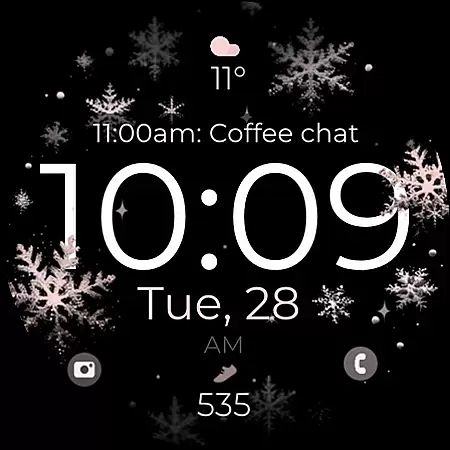
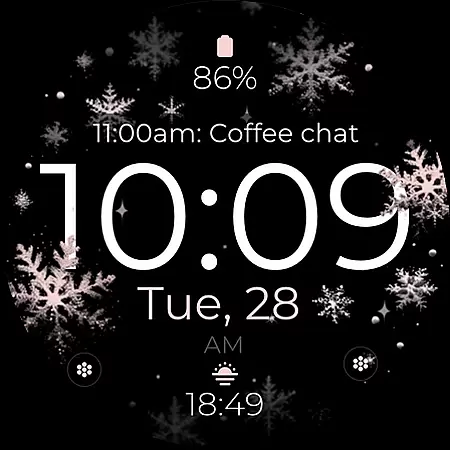
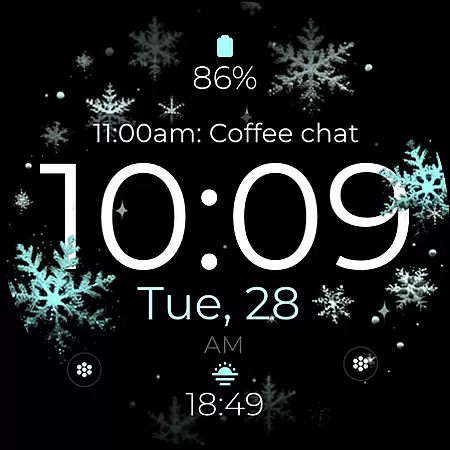
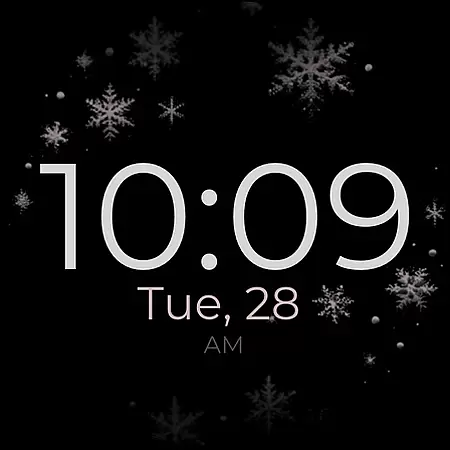
Snowflake Rose Gold is a modern Wear OS watch face featuring a mesmerizing GYRO effect that moves snowflakes as you shift your wrist. Designed for digital smartwatch displays, it combines sleek aesthetics with customizable features.
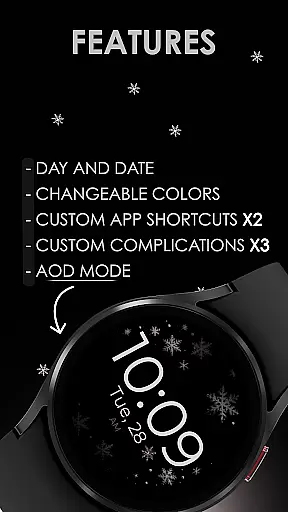
This watch face supports day and date display, two custom app shortcuts, three complications, and adjustable colors. With Always-On Display (AOD) functionality, users can enjoy uninterrupted access to essential information while personalizing the appearance to match their style.
The Snowflake Rose Gold watch face stands out with its unique GYRO effect, creating an interactive experience by animating silver and rose gold snowflakes in response to wrist movements. This feature adds a touch of elegance and dynamism to your smartwatch display.
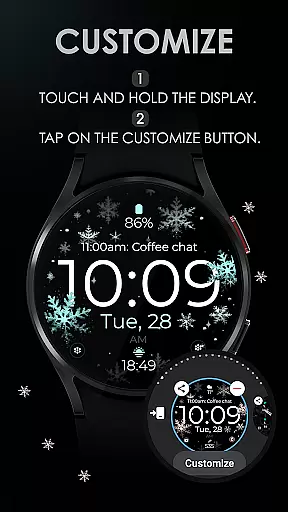
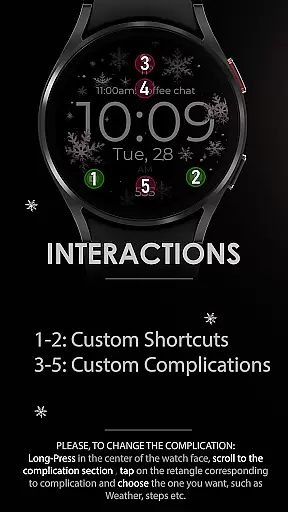
Customization options include changing snowflake colors, setting up app shortcuts, and configuring complications for weather, fitness tracking, or other services. Compatible with all Wear OS devices running API 33+, including Google Pixel Watch and Samsung Galaxy series, this versatile design ensures broad usability across various models.
For the Snowflake Rose Gold watch face, seamless companion app integration is a key feature that enhances user experience. This digital watch face is designed to work harmoniously with its companion app on your mobile device, allowing for effortless customization and control.
The connection between the Wear OS smartwatch and its companion app ensures that users can easily access and modify settings. With just a few taps, you can adjust the colors of the mesmerizing snowflakes or set up custom app shortcuts and complications, tailoring the watch face to match your personal style and needs.
This level of integration provides real-time updates and synchronization, which means any changes made in the companion app will instantly reflect on your wearable. Such immediacy not only adds convenience but also enriches the overall utility by maintaining consistency across devices.
Snowflake Rose Gold is crafted to be compatible with a wide range of Wear OS devices, ensuring that users across different hardware platforms can enjoy this modern and sleek watch face. It supports all Wear OS smartwatches running API 33+, including popular models like Google Pixel Watch and Samsung Galaxy Watch series.
The design takes full advantage of the capabilities offered by these advanced devices, such as gyro effect animations that react to wrist movements, creating an engaging visual experience. However, it's important to note that this watch face is not suitable for rectangular watches, focusing instead on round or square-faced designs where its aesthetic can truly shine.
By confirming device compatibility before installation, users are guaranteed an optimal performance without worrying about potential technical issues. This commitment to broad yet thoughtful compatibility underscores the dedication to quality and user satisfaction inherent in the Snowflake Rose Gold watch face.
Interactive GYRO effect
Highly customizable
Compatible with Wear OS
Modern and sleek design
Always-On Display support
Not suitable for rectangular watches
Limited color presets
No advanced fitness features
Requires API 33+
Premium feel may not suit all styles

Rose gold watch face with festive lights & customizable features.
 4.60
4.60
Current temperature, weather hourly, weather radar by the weather forecast app
4.40
Contemporary digital watch face with five complications
4.2
Simple Analog-Digital Watchface For Wear OS 3.0 and Up Smartwatches
4.2
Digital, flexibly customizable watch face. For Wear OS 5.0, API 34+ and later.
5.00
Let's celebrate Thanksgiving - Wear Os watch face
4.20
Gym & home workout plans with strength training, exercise tracking, HIIT & more.
4.60
Retro digital watch face with customizable colors and a unique lighting effect
4.60
Fast and smart typing with Emojis, GIFs, and more
4.50
The most customizable hybrid watch face. For Wear OS 5.0, API 34+ and later
4.70
Deck out your Wear OS Watch face with a beautifully decorated pine wreath!
4.50
Beautiful artistic animated digital watch face, with a customizable layout!
4.40
Locate your family members by GPS phone location tracker everywhere and anytime
4.30
Your music, your playlists, and more—offline and unlimited.
4.20
A digital watch face that celebrates Christmas.
4.00
Stay in touch with your friends and family using LINE!
3.40
Watch face designed for Thanksgiving Day. 7 Background Styles included.
3.20
Christmas and New Year - Themed Watchface
4.3
Minimalistic design modern digital watch face.
4.4


User Reviews