
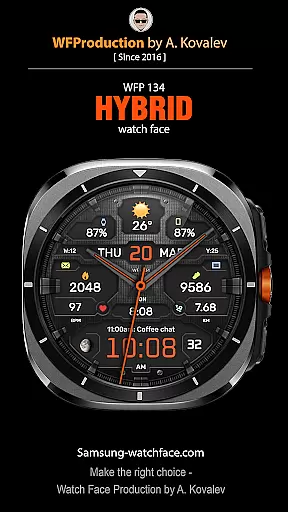
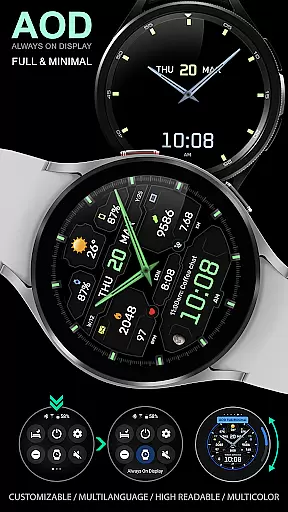
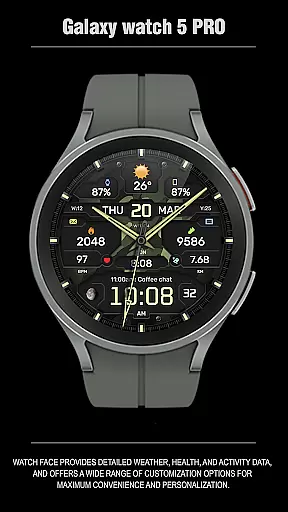
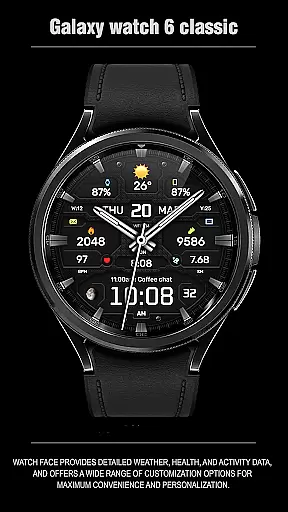
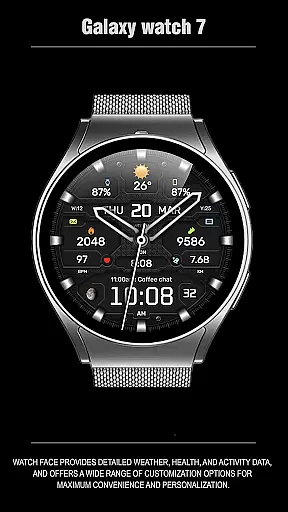
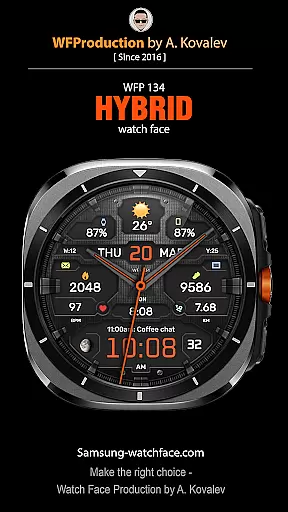
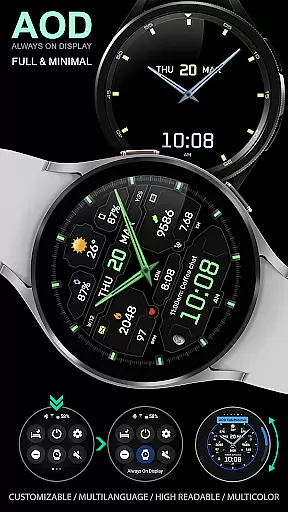
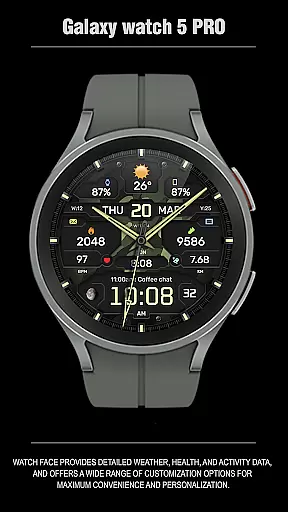
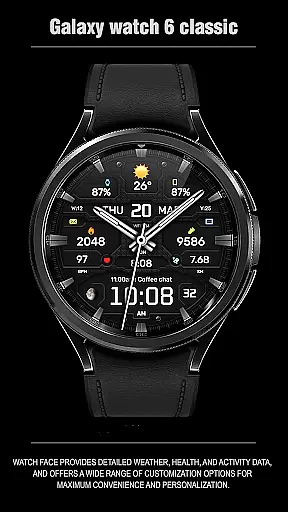
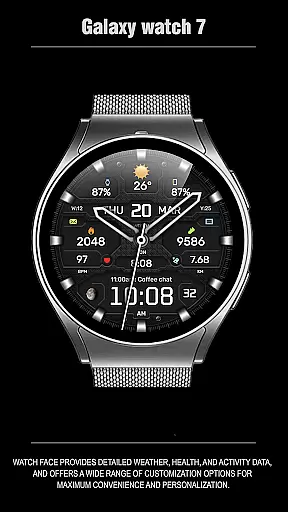
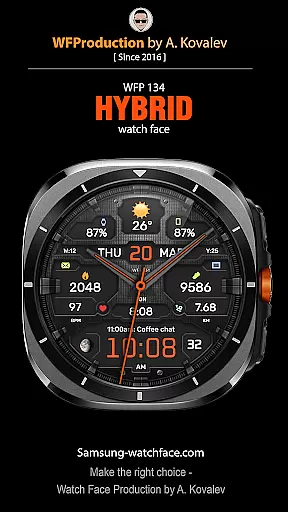
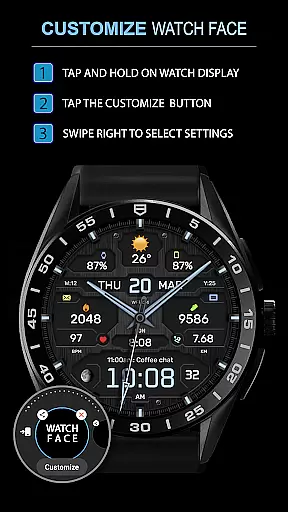
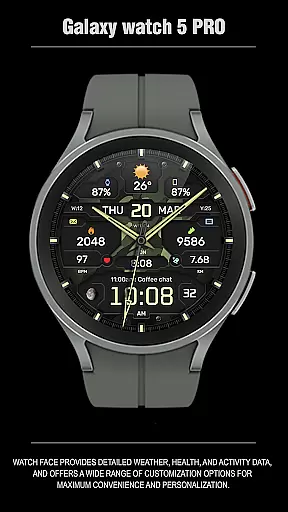
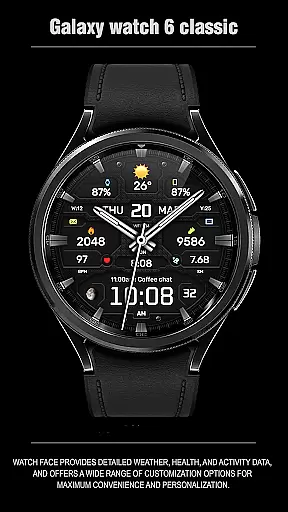
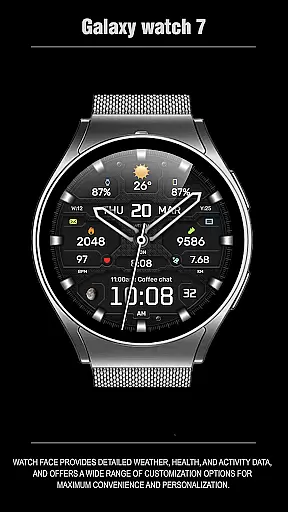
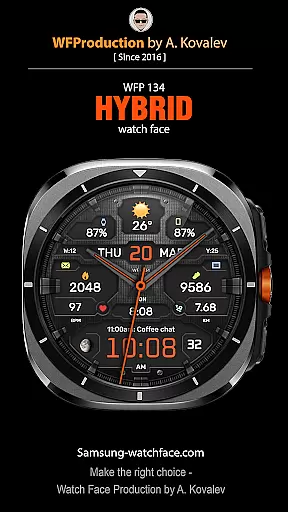
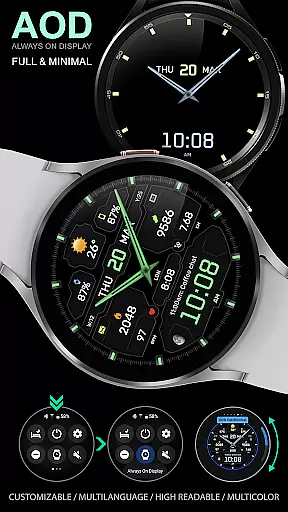
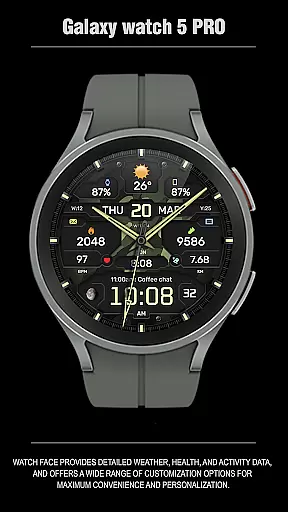
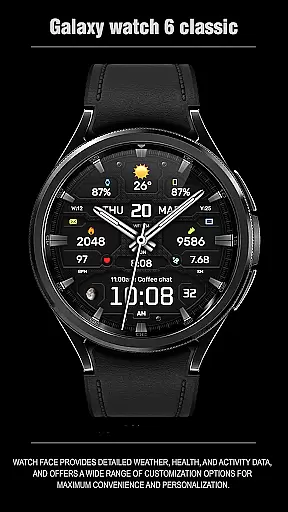
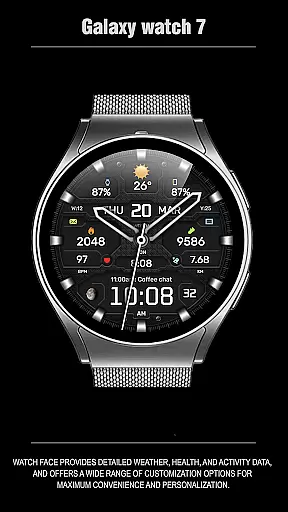
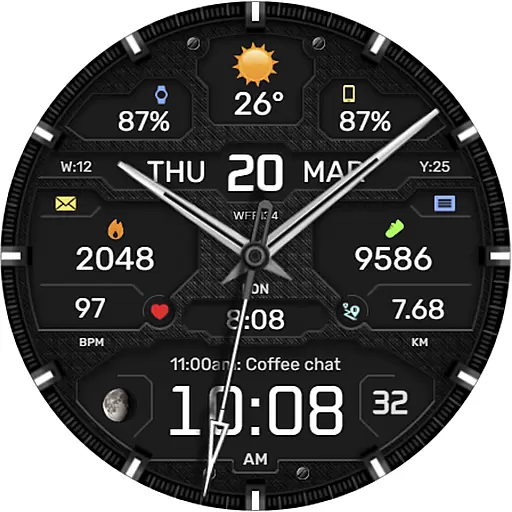
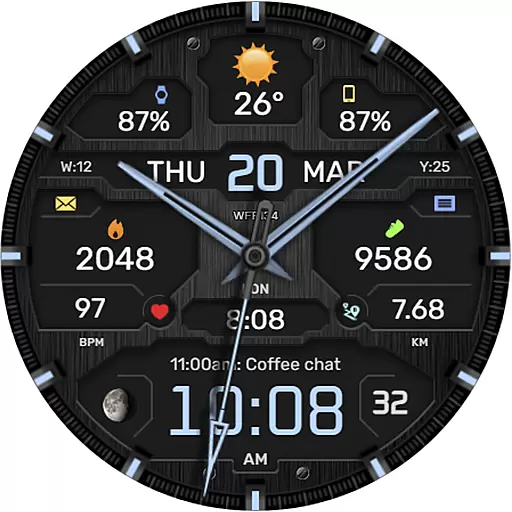
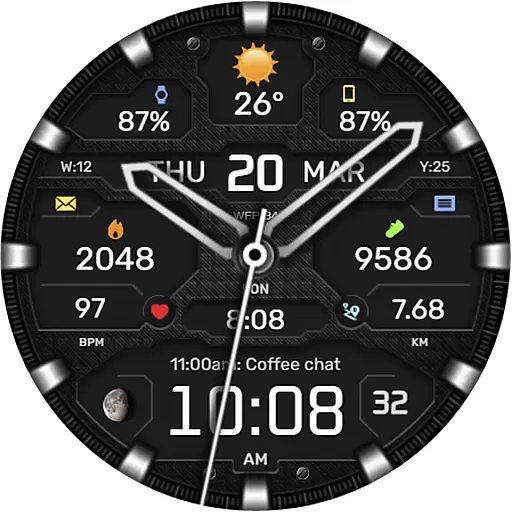
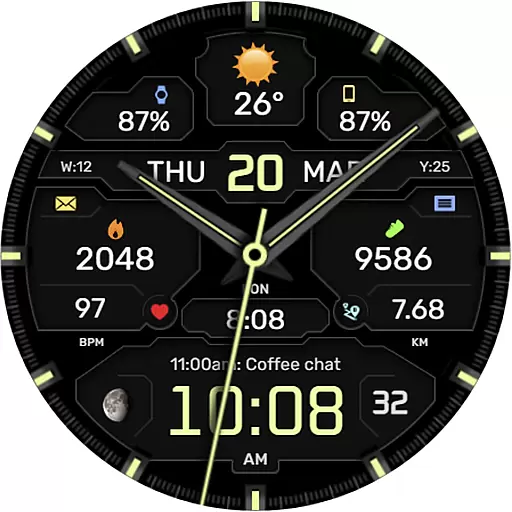
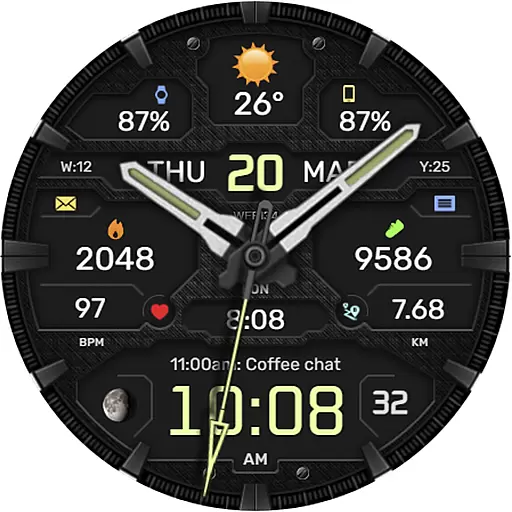
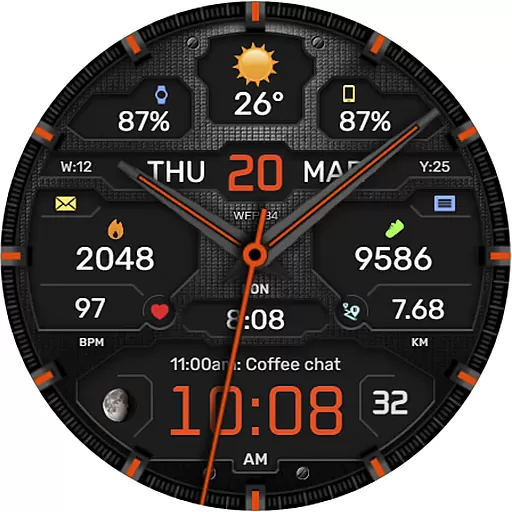
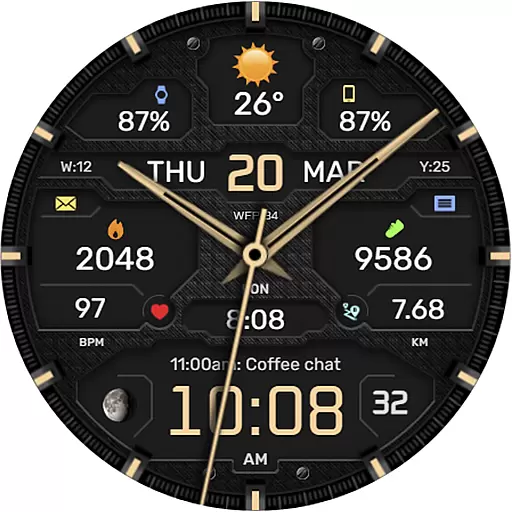
The WFP 134 Hybrid watch face is a stylish and functional timepiece designed for Android Wear devices. It offers users detailed weather forecasts, health tracking, and activity data while providing extensive customization options to suit individual preferences. Compatible with devices running API 34+ and later, this watch face ensures both convenience and personalization.
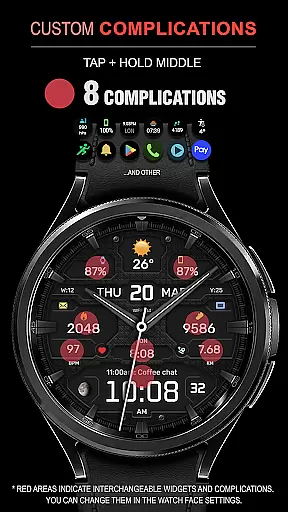
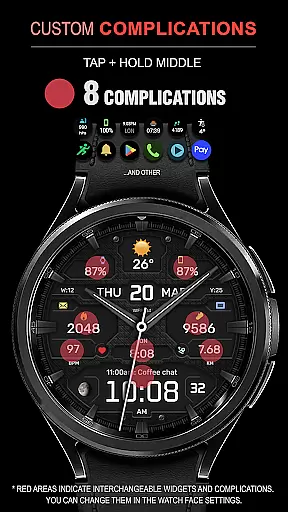
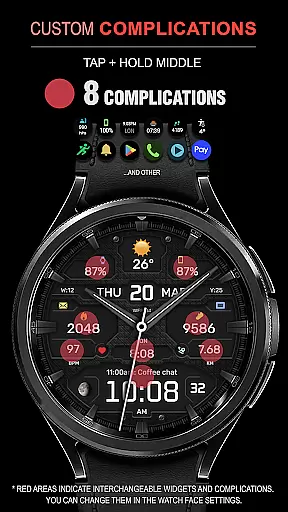
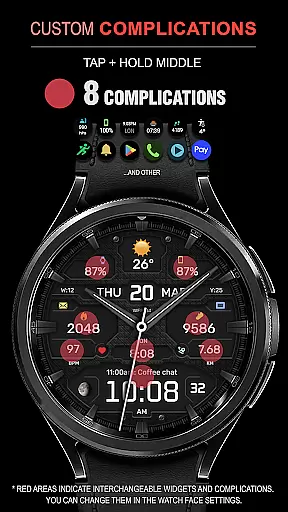
With features like 8 complications, 30 color combinations, and various customizable elements including backgrounds, hands, and fonts, the WFP 134 enhances user experience by delivering both aesthetic appeal and practical utility. Whether you're monitoring your fitness goals or staying updated on weather conditions, this hybrid watch face caters to diverse needs.
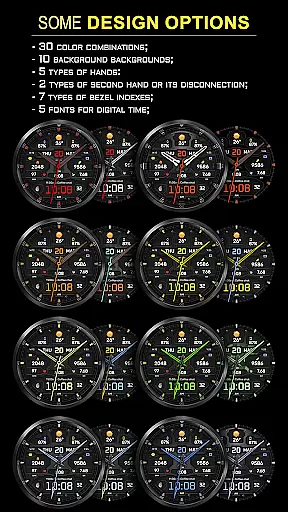
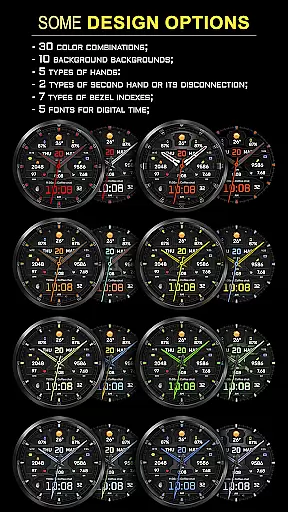
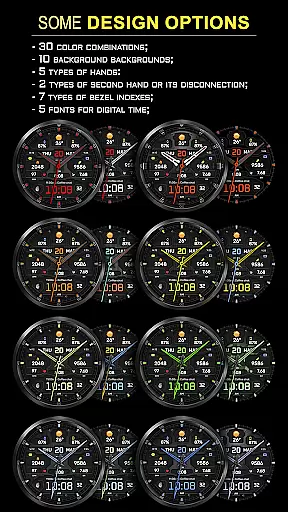
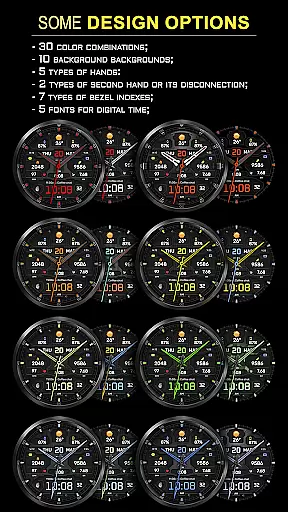
The WFP 134 Hybrid watch face stands out with its rich feature set tailored for tech-savvy users. It includes 8 complications that allow for detailed information display such as weather, moon phases, and health metrics. With 30 color combinations and 10 unique backgrounds, users can personalize their watch faces extensively.
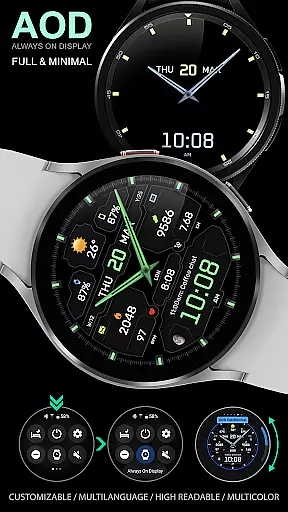
Additional features include 5 types of hands, 2 second-hand options, 7 bezel indexes, and 5 digital time fonts. The Black edition mode, high resolution, and low battery consumption make it both visually appealing and efficient. Multilingual support and customizable AOD modes further enhance usability across different contexts.
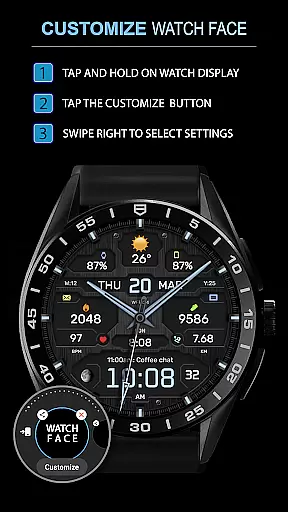
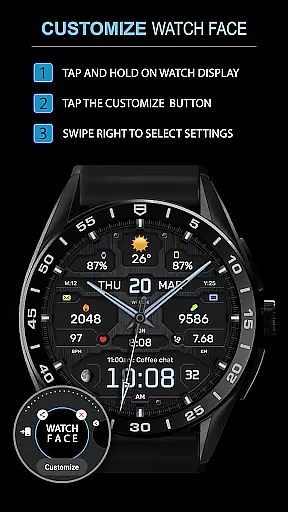
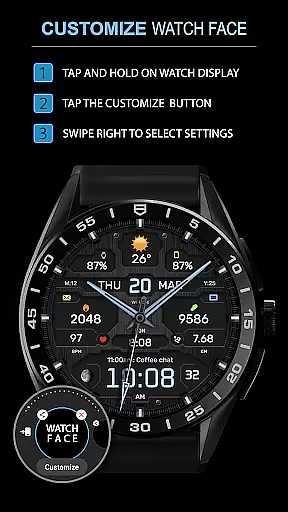
Companion app integration is essential for a seamless experience between a smartphone and a wearable device. The WFP 134 Hybrid watch face excels in this area by offering users the ability to customize their watch face directly from their phone.
This application provides detailed weather, health, and activity data, which can be easily synced with a smartphone app. Users can access various customization options through the companion app, ensuring that their preferences are accurately reflected on their wearable device.
The compatibility of the WFP 134 Hybrid watch face extends to devices running API 34+ and later, making it accessible to a wide range of users. By following the provided installation instructions, users can effortlessly set up and manage their watch face settings.
With additional resources available for further personalization, such as phone charge widgets and fitness metrics, users can tailor their experience even more. This comprehensive approach to companion app integration ensures maximum convenience and personalization for the user.
Ensuring compatibility across various Wear OS devices is crucial for a versatile watch face like WFP 134 Hybrid. This watch face supports devices running API 34+ and later, providing a broad spectrum of users with access to its stylish and functional design.
Installation instructions are provided to guide users through the setup process, guaranteeing that they can take full advantage of the watch face's features regardless of their specific device model. This ease of installation underscores the importance placed on user accessibility and satisfaction.
In addition to basic compatibility, the WFP 134 Hybrid watch face offers extensive customization options. With support for multiple complications, color combinations, backgrounds, and fonts, users can personalize their watch face to suit their individual tastes and needs.
Furthermore, the watch face boasts high optimization and low battery consumption, making it an ideal choice for users seeking both form and function in a Wear OS-compatible solution. These attributes ensure that users enjoy a visually appealing yet practical experience on their smartwatches.
Highly customizable
Low battery usage
Stylish design
Comprehensive weather data
Multiple language support
Complex setup process
Limited device compatibility
Premium cost for full features
Occasional syncing issues
Requires frequent updates

Christmas and New Year - Themed Watchface
 4.2
4.2
Precision analog watch face with 7 complications and style options
4.1
Bold, Modern Hybrid Watch Face for Wear OS. 10 Colors, Rich Info Display.
4.30
Structured watch face with seven complications and modular UI elements
3.90
The ultimate destination for kids ages 3-8 to explore the Marvel Universe!
4.30
Real-time results, stats, schedules and player profiles for all leagues
4.60
Viewer for Wyze/Yi/Eufy/Arlo/ONVIF/RTSP/P2P IP cams w/ adv. features & DIY DVR
4.00
Your local weather forecast, storm tracker, radar maps & live weather news
3.40
Fitbit is dedicated to helping people lead healthier, more active lives.
4.10
Digital, flexibly customizable watch face. For Wear OS 5.0, API 34+ and later.
5.00
Hyperlocal rain alerts by MyRadar using patent-pending technology, radar & more
4.80
Your second brain for organizing your life: to-do, calendar, reminder.
4.70
Hybrid watch face for Wear OS with customizable complications by Matteo Dini MD
4.70
Stylish, Energizing and Modern Watch Face crafted by Dominus Mathias.
4.50
A white realistic classic analog watch face with many customization options.
4.40
A customizable Christmas watch face for Wear OS with a countdown.
4.20
Let's celebrate Thanksgiving - Wear Os watch face
4.20
Wear Os Watch Face - Animated Snow Effect & Magic Spark - 6 Scenes
4.10
Get helpful reminders, take progress photos and find answers to your questions.
3.90


User Reviews