
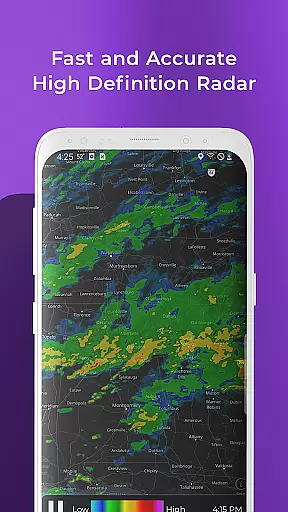
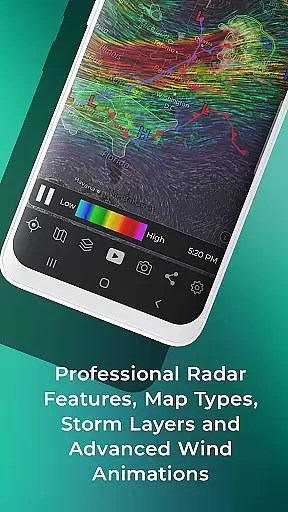
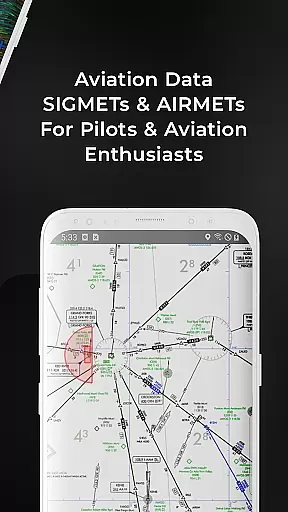
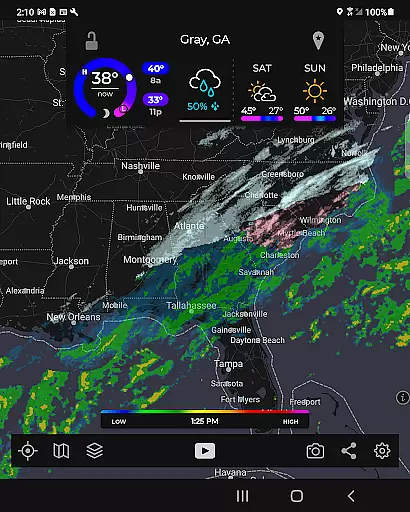
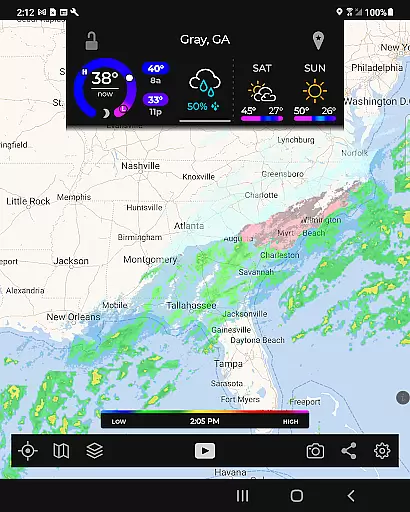
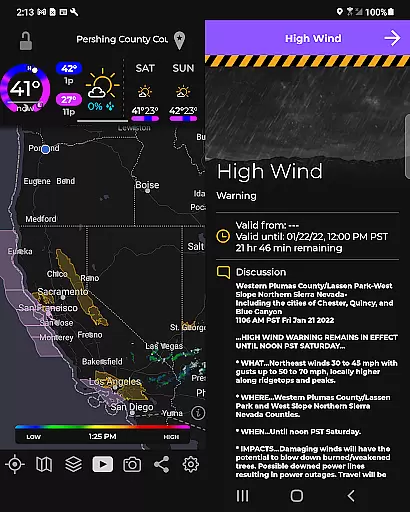
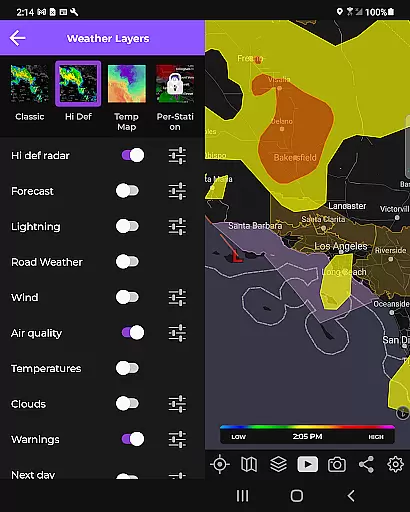
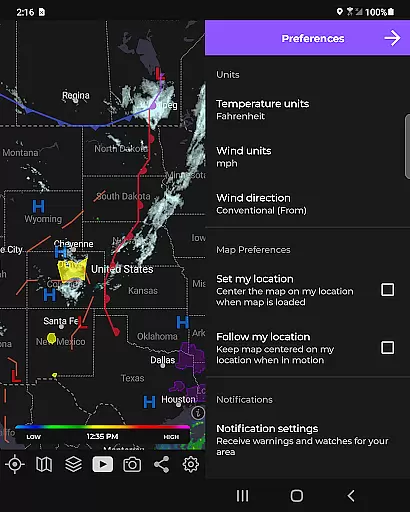
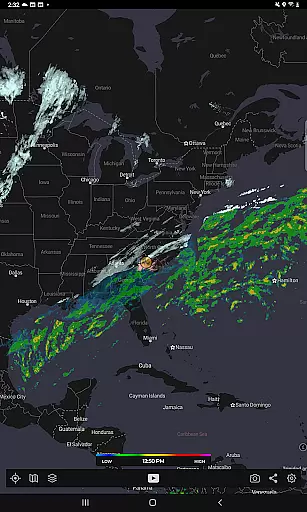
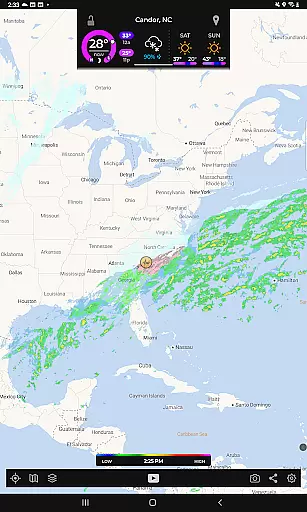
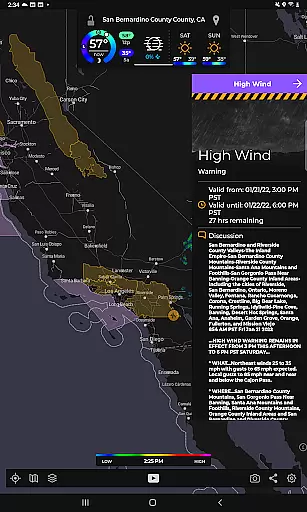
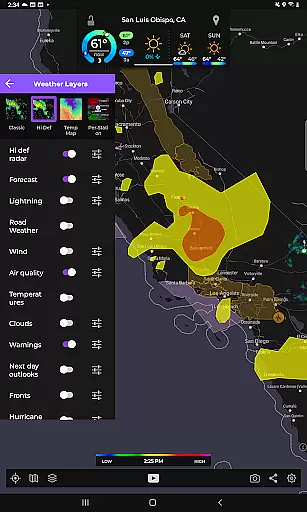
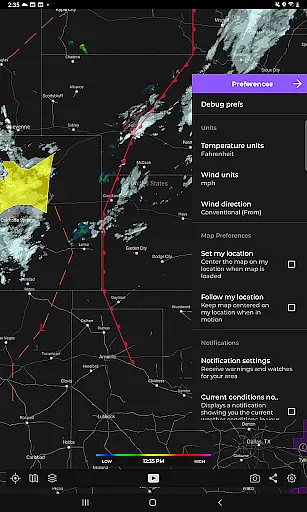
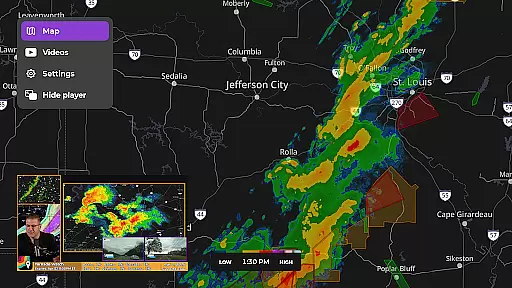
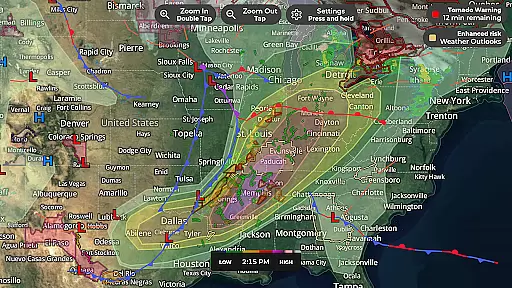
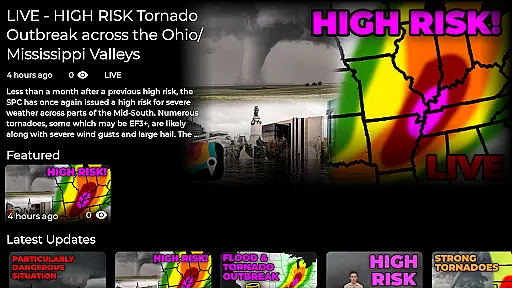
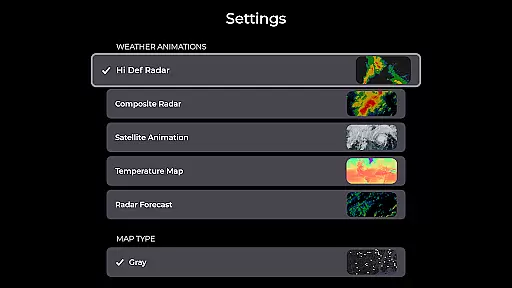
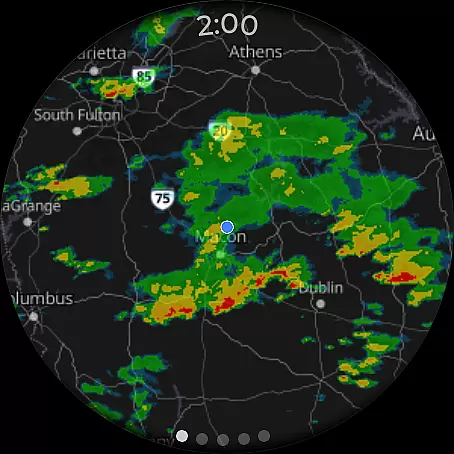
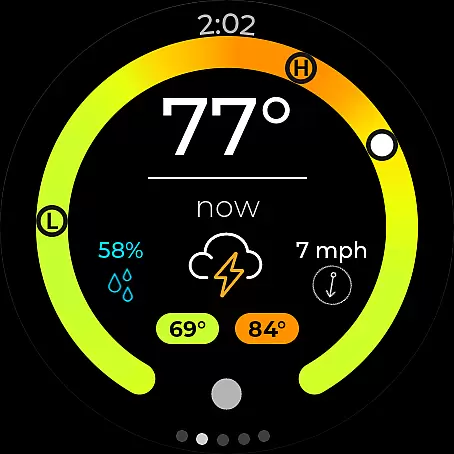
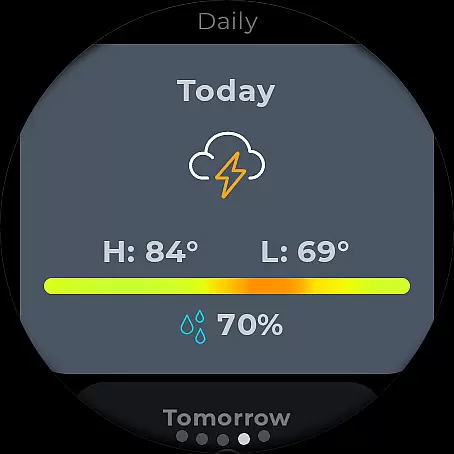
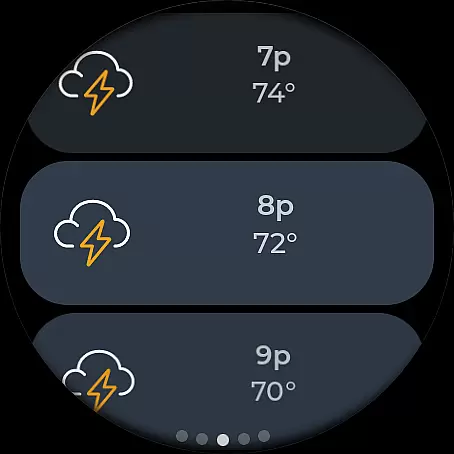
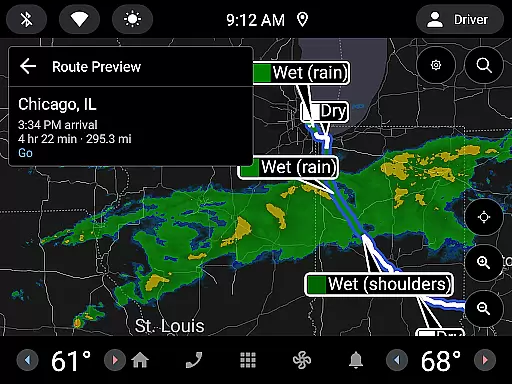
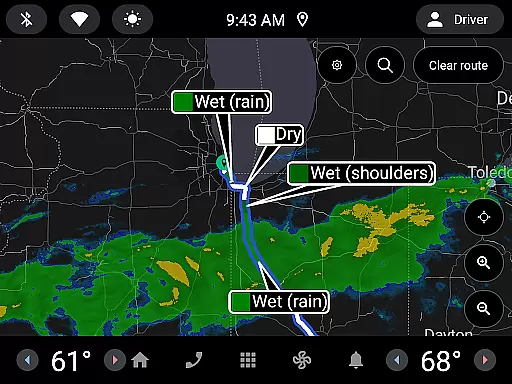
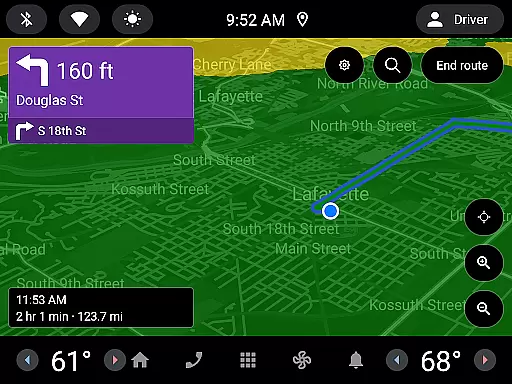
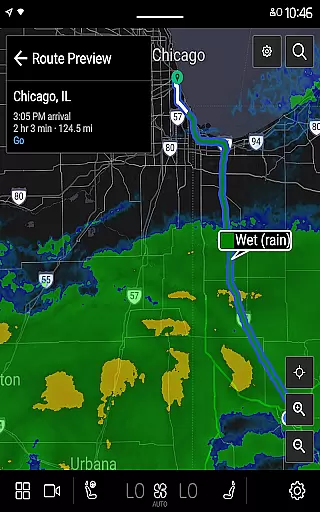
MyRadar Weather Radar is a powerful weather app designed specifically for Android Wear, providing users with instant access to crucial weather information directly from their smartwatch. The app's core functionality revolves around its animated live radar feature, which displays real-time weather conditions around the user's current location. This allows you to quickly assess approaching weather patterns and make informed decisions about your day. In addition to basic radar, MyRadar offers an impressive selection of specialized data layers that can be overlaid on the map, including wind patterns, earthquake activity, hurricane tracking, and wildfire monitoring.
What sets MyRadar apart is its ability to deliver advanced weather alerts straight to your wrist. These include hyper-local rain predictions, National Weather Center alerts, and customizable notifications for tropical storms and hurricanes. Whether you're commuting, hiking, or simply going about your daily routine, MyRadar ensures you stay prepared for changing weather conditions without needing to constantly check your phone. Its intuitive interface and smooth zoom/pan capabilities make it easy to explore weather patterns across the globe, while the premium upgrade offers even more detailed insights for weather enthusiasts.
MyRadar stands out through its comprehensive suite of features tailored for both casual users and weather enthusiasts alike. One of the most notable aspects is its innovative mapping system, developed in-house, which leverages your device's GPU for lightning-fast performance. The app provides up to two hours of animated radar loops, giving users a clear picture of how weather systems are evolving over time. Beyond standard radar, MyRadar includes multiple specialized layers such as animated wind patterns at various altitudes, seismic activity reports, hurricane forecasts, and wildfire updates, all of which can be customized based on severity thresholds and timeframes.
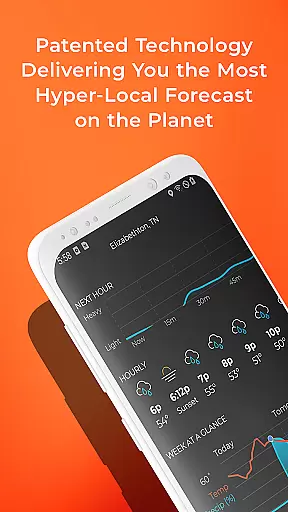
Another key feature is the app's advanced alert system, which uses patent-pending technology to predict hyper-local rainfall down to the minute. Users receive proactive notifications about when rain will arrive at their exact location, complete with details on intensity and duration. For those seeking deeper insights, the premium version unlocks additional tools like real-time hurricane tracking, professional-grade radar packs, and detailed analyses from the National Hurricane Center. With support for Wear OS devices, MyRadar extends these capabilities to smartwatches, offering convenient tiles for radar and current conditions right on your wrist.
Companion app integration is essential for a seamless experience between mobile devices and wearables. MyRadar Weather Radar offers an advanced connection with its Wear OS counterpart, ensuring that all vital weather information is accessible right from your wrist.
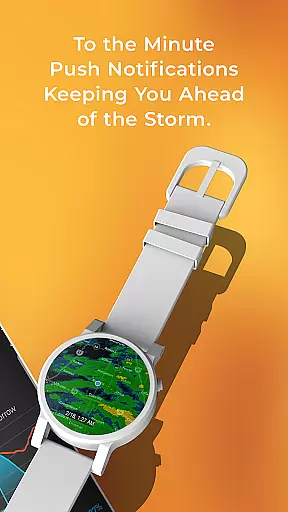
The app provides users with live radar tiles and current conditions on their smartwatches, which means you can stay informed about the weather without needing to pull out your phone. This feature allows for quick glances at incoming weather patterns, making it easier than ever to prepare for what's ahead.
With real-time updates directly available through the wearable version of MyRadar, users are always equipped with up-to-date meteorological data. Whether you're commuting or engaging in outdoor activities, having instant access to this critical information ensures you're never caught off guard by sudden changes in weather.
This level of companion app integration not only enhances convenience but also significantly boosts safety as users receive timely alerts and notifications straight to their wrists, allowing them to take necessary precautions promptly.
Ensuring broad device compatibility is crucial for any application targeting wearable technology like Wear OS devices. MyRadar Weather Radar excels in this area by offering support across various smartwatches running on Wear OS, providing consistent performance regardless of the hardware specifics.
The application leverages the capabilities of modern smartwatches, utilizing their GPUs for fast rendering of custom mapping systems. As a result, navigating through detailed weather maps becomes smooth and responsive, even when zooming into specific regions around the globe.
MyRadaru2019s design takes full advantage of touch interactions common among wearables today; pinch-and-zoom gestures work flawlessly within its interface. Users benefit from intuitive controls while exploring different layers such as animated winds or hurricane tracking overlays tailored specifically for smaller screens.
By prioritizing cross-device functionality, MyRadar guarantees that whether you're using an older model or the latest release of a Wear OS watch, you'll enjoy reliable access to comprehensive weather insights wherever life takes you.
Fast and responsive performance
Comprehensive weather data layers
Hyper-local rain prediction alerts
Supports Wear OS integration
User-friendly interface design
Premium features come at a cost
Some data layers may overwhelm new users
Occasional GPS accuracy issues
Notifications can be frequent
Limited offline functionality

A full-featured Amazon Alexa voice assistant that can show you things.
 3.70
3.70
Analog watch face with 8 complications and expedition styling
4.3
A heartwarming Christmas scene featuring a cute image of Santa and Rudolf
4.5
Locate your family members by GPS phone location tracker everywhere and anytime
4.30
Reliable phone calls with spam protection, caller ID and more helpful features
4.40
Real-time weather radar with temperatures, warnings, hurricanes, and widgets
4.80
A digital watch face that celebrates Christmas.
4.00
Daily Weather forecast with 15 weather images for Day & Night plus Big Bold time
4.10
Download full tracks, listen to music offline, make unlimited playlists.
4.80
Period, ovulation & pregnancy tracker. Fertility insights & menstrual calendar.
4.90
WTW M17 is a premium and luxurious hybrid watch face
4.70
Kia Access makes getting your vehicle information easier than ever
4.60
Monitor health with the stress test and pulse checker in the heart rate app.
4.60
Elegant animated Christmas tree with multiple customization options
4.20
Embrace the festive spirit with our Christmas Countdown watchface for Wear OS
4.10
Viewer for Wyze/Yi/Eufy/Arlo/ONVIF/RTSP/P2P IP cams w/ adv. features & DIY DVR
4.00
Watch face designed for Thanksgiving Day. 7 Background Styles included.
3.20
Wear Os Watch Face - Animated Snow Effect & Christmas Lights
4.1
Stunning modern digital watch face with 7 complications and strong contrast
4.2


User Reviews