
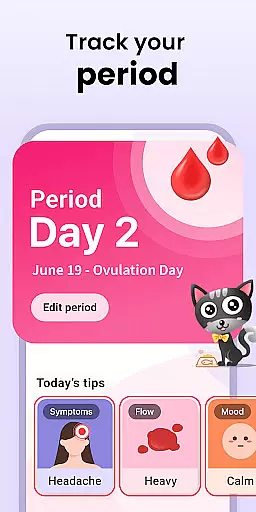
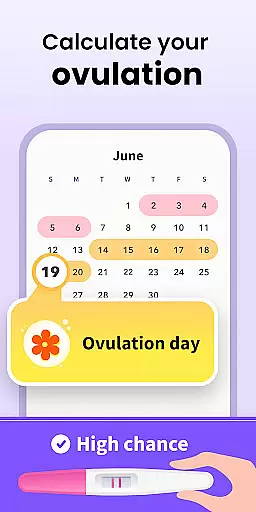

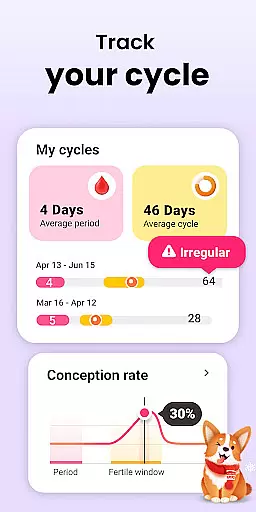
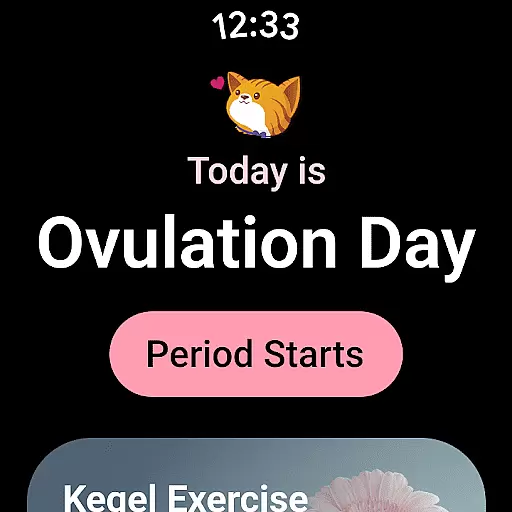
Period Calendar Period Tracker is a comprehensive menstrual cycle management app designed for Android Wear users. This app, trusted by 300 million users globally, offers detailed tracking of periods, blood flow, cycles, ovulation, and conception chances. It serves both women trying to conceive and those practicing birth control. With features like discreet notifications, fertility tracking, and symptom logging, it ensures privacy and accuracy in menstrual health management.
The app includes an ovulation calculator, period prediction tools, and customizable reminders for contraceptive pills. Users can track symptoms, moods, intimacy, and body temperature, which aids in determining the ovulation date. Its integration with Google account allows secure data backup and restoration, ensuring that users never lose their valuable health data.
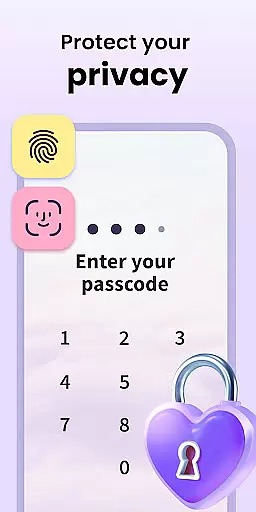
Designed with security in mind, Period Calendar supports multi-account setups and encrypted anonymous data syncing. It respects user privacy by not collecting or storing any personal data. Available as a complication and tile on Wear OS devices, this app provides quick access to period and ovulation predictions, making it an essential tool for managing menstrual health efficiently.
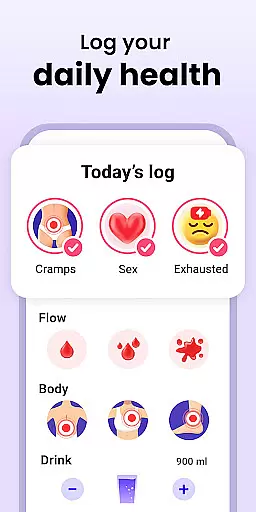
Period Calendar stands out with its robust feature set tailored for menstrual health management. The app's core functionality revolves around precise period, fertility, and ovulation tracking. Users can log various metrics such as menstrual flow, cervical mucus, BMI, sexual activity, weight, temperature, symptoms, and moods, creating a personalized health diary.
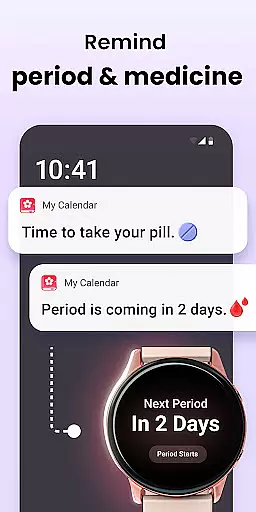
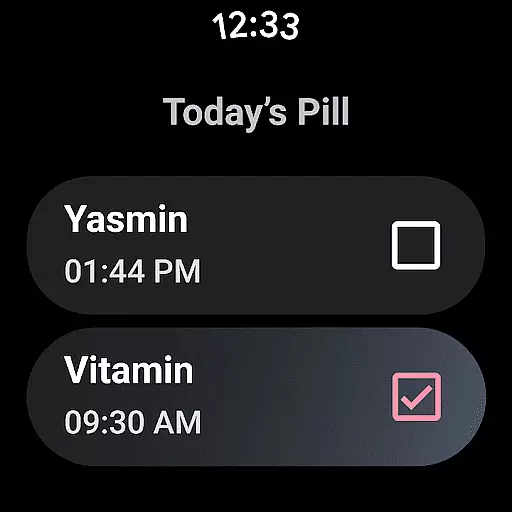
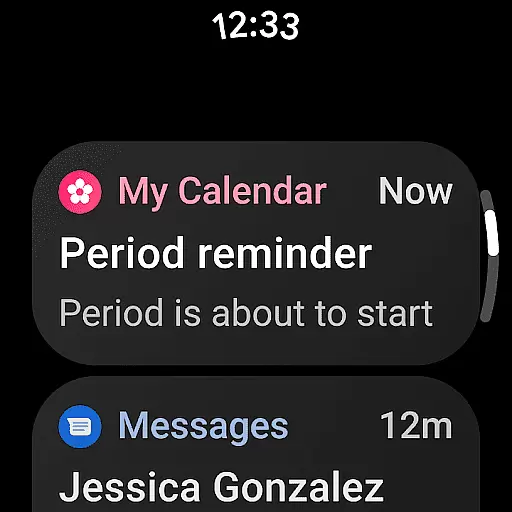
One of the standout features is the pill reminder system, which includes customizable notifications for periods, fertility, ovulation, and contraceptive methods like pills, rings, patches, and injections. These reminders are discreet, ensuring privacy in public settings. Additionally, the app provides detailed insights into fertile symptoms, cervical changes, and daily conception odds, aiding in effective family planning.
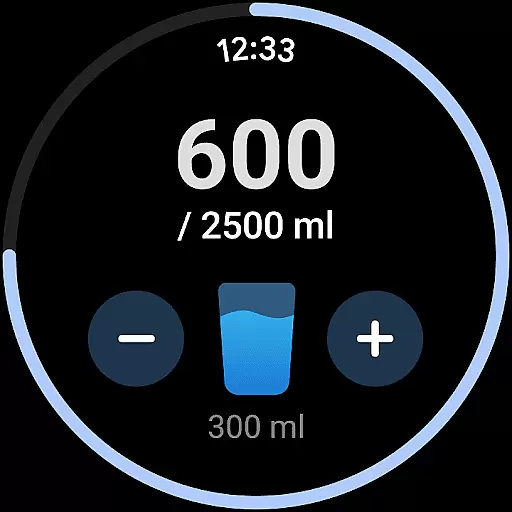
Security and convenience are prioritized with Google account integration for data backup and restoration. Users can maintain multiple accounts with enhanced security protections. The app also supports Wear OS complications and tiles, offering quick access to essential features like water drinking reminders and pill alerts directly from smartwatches, enhancing usability and accessibility.
Period Calendar offers seamless companion app integration, ensuring that your data is always synchronized across multiple devices. This feature allows users to access their menstrual cycle information on both their mobile devices and Wear OS smartwatches.
The synchronization process is automatic and real-time, meaning any updates made on one device are instantly reflected on others. This ensures that whether you're at home or on the go, your period, ovulation, and fertility data are up-to-date and accessible.
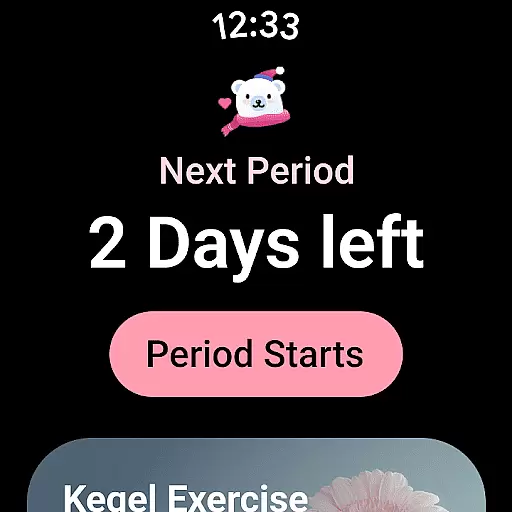
For those using Wear OS, complications and tiles provide quick access to essential features such as period predictions, water drinking reminders, and pill notifications. This level of integration enhances user convenience by offering vital information at a glance.
By leveraging Google account data backup and restoration, Period Calendar guarantees that your information is never lost. Users can easily back up their data to the cloud and restore it whenever needed, providing peace of mind and data security.
Period Calendar boasts extensive compatibility with Wear OS devices, making it an ideal choice for users who want to manage their menstrual health directly from their smartwatch. The app supports various Wear OS functionalities, including complications and tiles, which display critical information like period and ovulation predictions.
This compatibility extends to a range of smartwatches, ensuring that regardless of your device, you can enjoy a seamless experience. Notifications for periods, fertility, and ovulation are readily available, keeping you informed without needing to check your phone constantly.
In addition to basic tracking, the app includes discreet pill reminders for contraceptives, rings, patches, and injections. These reminders can be customized to maintain privacy, avoiding any potential embarrassment in public settings.
Furthermore, the app respects user privacy and data security. All data synced between devices is encrypted, and users have full control over their information. With just one click, you can delete all data, ensuring your personal health information remains confidential and secure.
User-friendly interface
Comprehensive tracking options
Discreet notifications
Secure data backup
Multi-account support
Limited third-party integrations
No web-based version
Premium features require subscription
Occasional sync issues
Interface may feel cluttered

Gym Log & Workout Tracker | Fitness Journal, Training & Weight Lifting Planner
 4.90
4.90
Wear Os Watch Face - Animated Snow Effect & Christmas Lights
4.0
Monitor health with the stress test and pulse checker in the heart rate app.
4.60
Stay in touch with your friends and family using LINE!
3.40
Professional weather radar and more
3.90
Stylish, Energizing and Modern Watch Face crafted by Dominus Mathias.
4.50
Hyper-Realistic Airplane Dashboard Watch Face With 10 Skins and Custom AOD
4.00
Animated video-game inspired “secret agent” simulation, right on your wrist!
4.20
Fitbit is dedicated to helping people lead healthier, more active lives.
4.10
The most customizable hybrid watch face. For Wear OS 5.0, API 34+ and later
4.70
Hybrid watch face for Wear OS with customizable complications by Matteo Dini MD
4.70
Highly customizable hybrid watch face for Wear OS, perfect for everyday use.
4.60
To-Do List: daily schedule planner, task organizer, to do reminder app, calendar
4.60
Simple, helpful messaging by Google
4.60
Watch face for Wear OS.
4.20
Your music, your playlists, and more—offline and unlimited.
4.20
Embrace the festive spirit with our Christmas Countdown watchface for Wear OS
4.10
A watch face that fuses motorsport precision with contemporary smartwatch design
4.0
Minimalistic design modern digital watch face.
4.1


User Reviews