
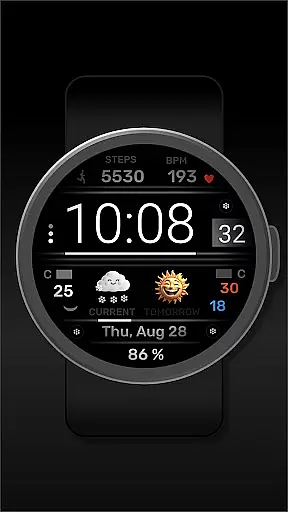
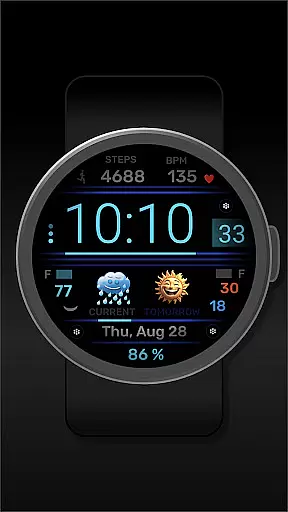
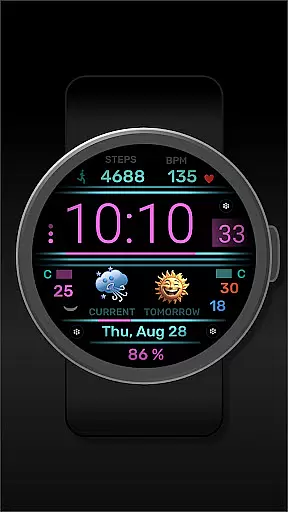
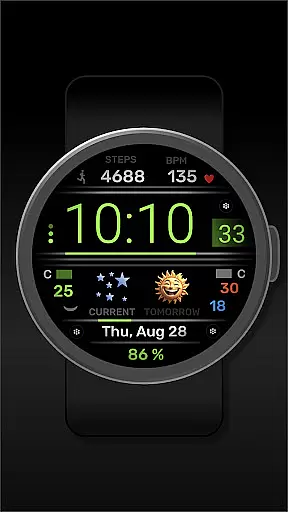
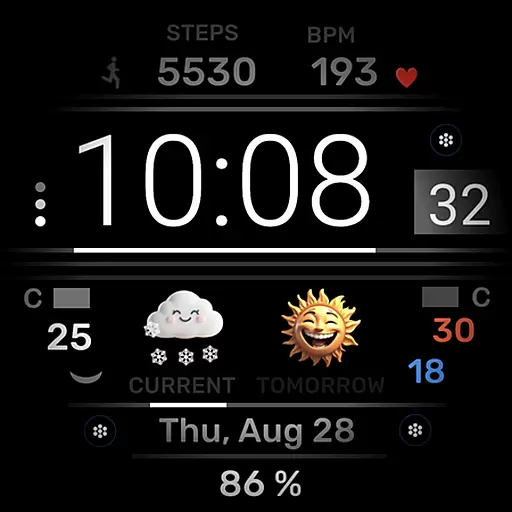
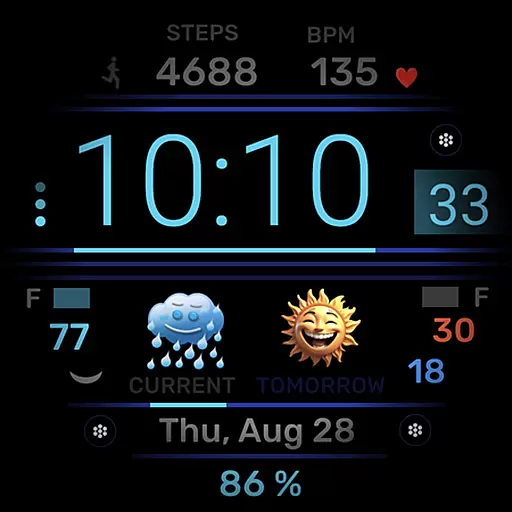
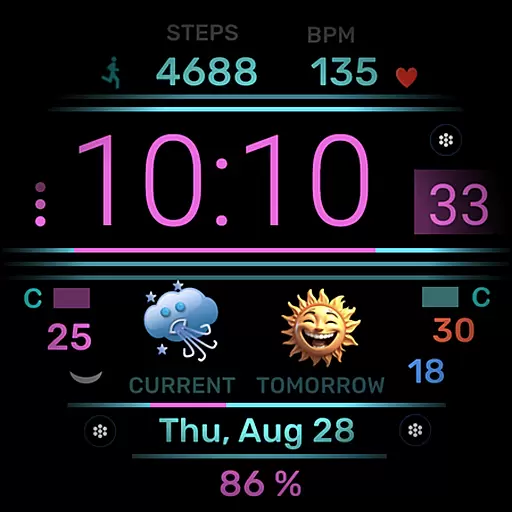
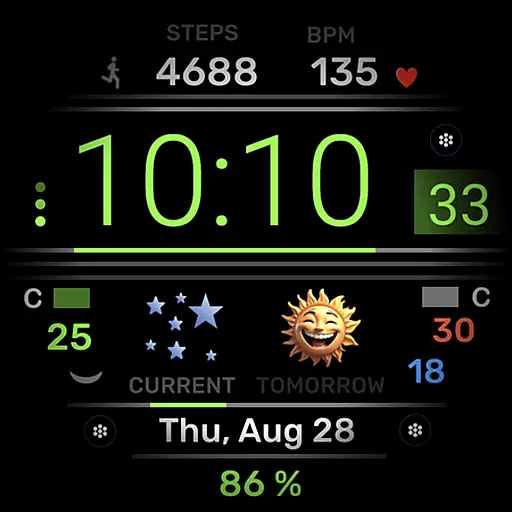
h702 Minicreator is a feature-rich watch face designed specifically for Wear OS devices. This application provides users with essential information at a glance, including time, date, heart rate, step count, and weather forecast. The customizable color scheme allows personalization according to individual preferences. Additionally, the inclusion of three direct app launchers enhances user convenience by providing quick access to frequently used applications.
This watch face stands out through its combination of functionality and aesthetics. Users can easily monitor their fitness metrics while enjoying accurate timekeeping and weather updates. Its intuitive design ensures that all vital information is readily accessible on the wrist, making it an ideal companion for both daily activities and workouts.
The h702 Minicreator offers a comprehensive set of features tailored for smartwatch users. Key functionalities include displaying the current time and date alongside health metrics such as heart rate and step count. Weather forecasting adds another layer of utility, allowing users to stay informed about upcoming conditions.
Customization options are abundant with this watch face. Users have the freedom to adjust the color scheme, ensuring that the interface matches their style or mood. Furthermore, three direct app launchers provide seamless navigation between preferred apps without needing to exit the watch face view. These thoughtful additions make h702 Minicreator not only practical but also highly adaptable to various user needs.
For any smartwatch user, seamless integration between the wearable and its companion app is essential. The h702 Minicreator watch face offers just that by ensuring all your vital data is synchronized effortlessly with your mobile device.
This Wear OS watch face not only displays time and date but also integrates heart rate, step count, and weather forecast directly from your phone. This synchronization allows for real-time updates, ensuring that you always have the most current information at a glance.
Additionally, the ability to customize the color scheme through the companion app adds another layer of personalization. Users can tailor the appearance of their watch face to match their style or mood, enhancing both functionality and aesthetic appeal.
Compatibility across various devices and operating systems is crucial for maximizing the utility of any wearable technology. The h702 Minicreator excels in this area by offering broad support for Wear OS, making it accessible to a wide range of users.
This watch face supports multiple features such as displaying heart rate, steps, and weather forecasts, which are essential for fitness enthusiasts and everyday users alike. Its universal design ensures that regardless of your specific Wear OS device model, you will enjoy a smooth and consistent experience.
Furthermore, the inclusion of three direct app launchers enhances usability by providing quick access to frequently used applications. This thoughtful feature underscores the h702 Minicreator's commitment to delivering a versatile and user-friendly experience across different devices.
User-friendly interface
Comprehensive health tracking
Customizable design elements
Integrated weather forecasts
Quick app accessibility
Limited to Wear OS
No advanced analytics
Basic customization options
Dependent on phone connectivity
May drain battery faster

Christmas Theme Watch Face for Wear Os
 5.00
5.00
Wear Os Watch Face - Animated Snow - Sesonal for Christmas & Winter
4.2
A modern premium sporty hybrid watch face for Wear OS by Ballozi
4.70
The most customizable minimal watch face. For Wear OS 5.0, API 34+ and later
4.70
Hyperlocal rain alerts by MyRadar using patent-pending technology, radar & more
4.80
A digital watch face that celebrates Christmas.
4.00
A realistic hybrid watch face with many customization options.
4.60
A white realistic classic analog watch face with many customization options.
4.40
Connect, create, and collaborate with Gmail, part of Google Workspace.
4.10
Hybrid watch face for Wear OS with customizable complications by Matteo Dini MD
4.70
Highly customizable hybrid watch face for Wear OS, perfect for everyday use.
4.60
Connect to your Bluelink equipped Hyundai vehicle from your smartphone.
4.50
The ultimate destination for kids ages 3-8 to explore the Marvel Universe!
4.30
Animated Watch Face and Customizable with 24 Backgrounds. Perfect for Christmas!
3.90
Professional weather radar and more
3.90
Christmas is near, let's count together the days left until Santa comes
4.1
A Wintery Snow Globe on Your Wrist; now celebrating Christmas!
4.1
Contemporary digital watch face with five complications
4.5
Simple Analog-Digital Watchface For Wear OS 3.0 and Up Smartwatches
4.4


User Reviews