
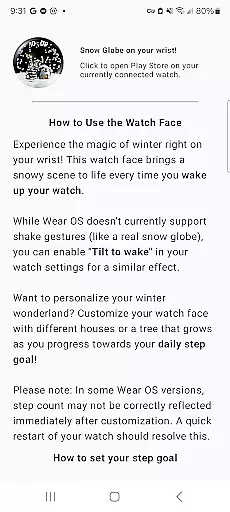
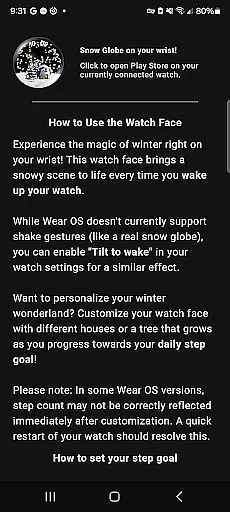
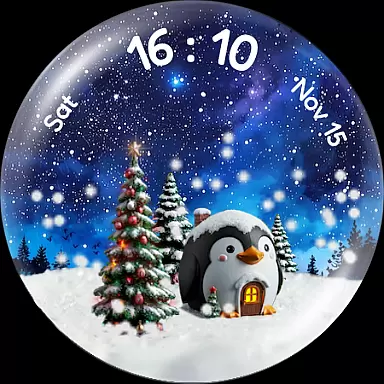
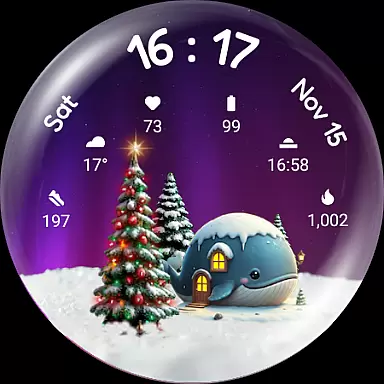
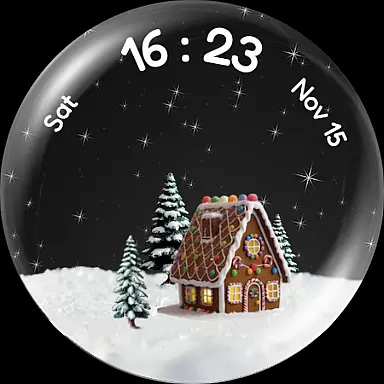
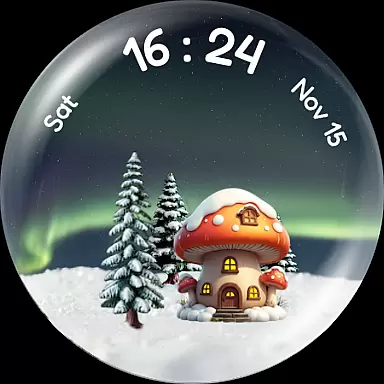
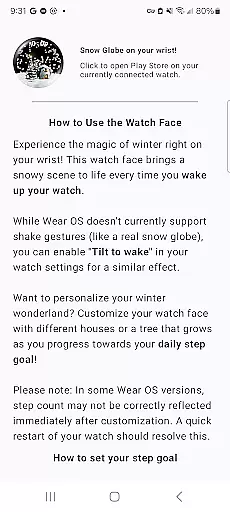
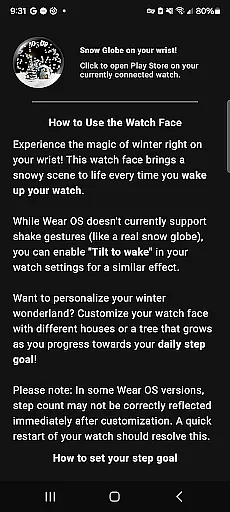
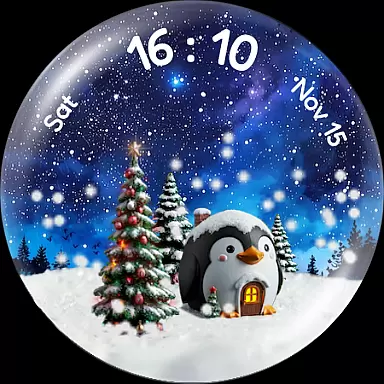
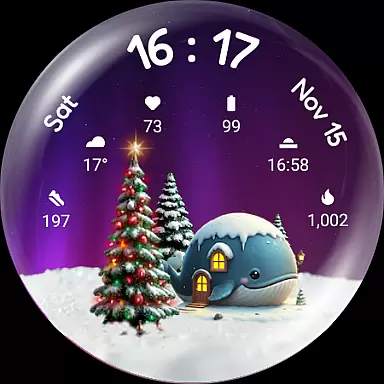
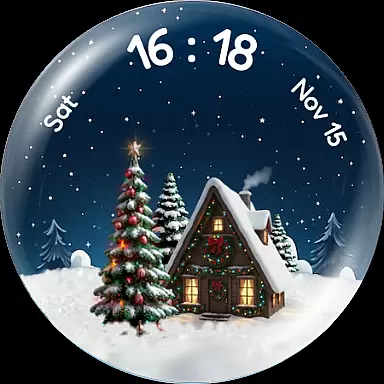
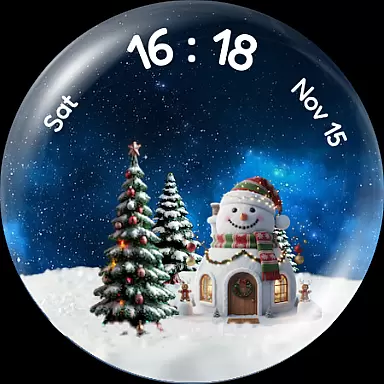
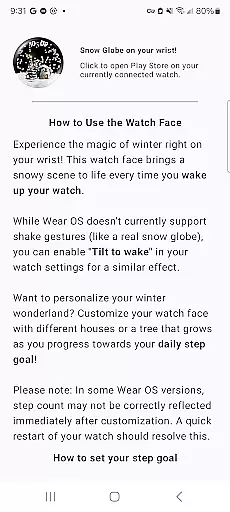
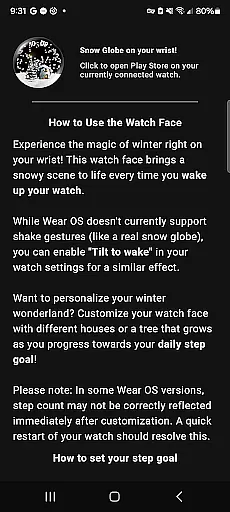
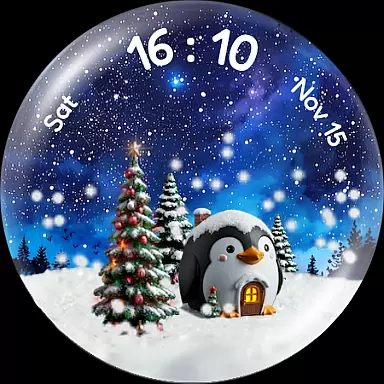
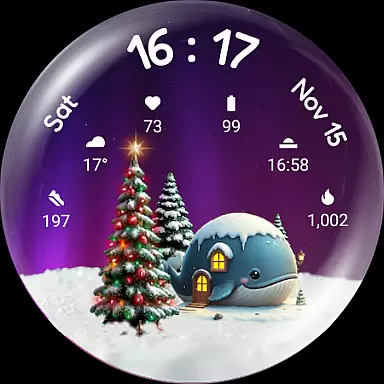
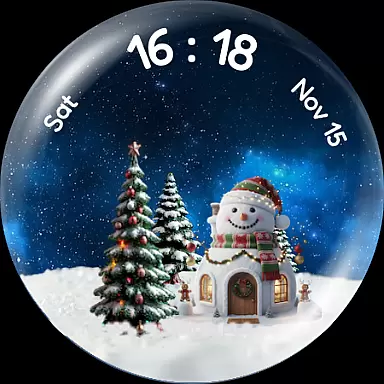
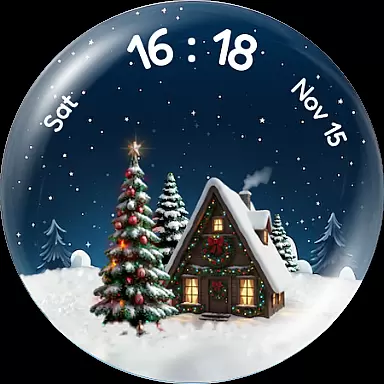
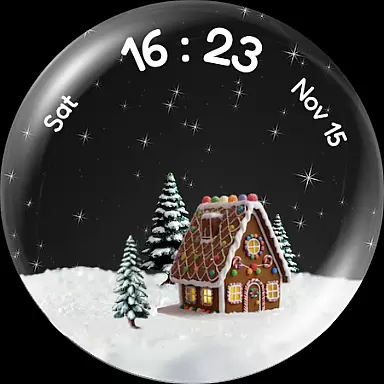
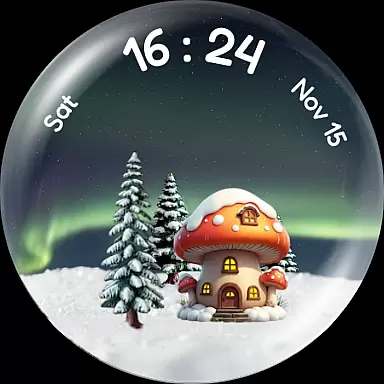
Experience the enchantment of winter with Christmas Snow Globe WatchFace, a festive watch face designed for Wear OS 4+. This app brings a delightful snow globe animation to your wrist, complete with customizable features that capture the holiday spirit. The gentle snowfall effect activates every time you wake your watch, while additional options like tilt-to-wake create an interactive experience.
Personalize your watch face with charming houses, night sky backgrounds, and a Christmas tree that grows as you achieve your daily step goals. With six complication slots available, you can easily access essential information such as heart rate, weather, and steps. Compatible with Wear OS 4+, this app ensures both functionality and festivity, making it perfect for the holiday season or year-round enjoyment.
Christmas Snow Globe WatchFace offers a range of captivating features designed to enhance your wearable experience. At its core is the mesmerizing snow globe animation, which creates a lifelike snowfall effect on your watch face. Users can customize their scene with charming animal-themed houses, imaginative designs, and festive Xmas houses, ensuring a unique and personalized display.
The app also integrates health tracking by linking your daily step count to the growth of a virtual Christmas tree. As you progress toward your fitness goals, the tree flourishes and lights up, providing motivation in a fun and engaging way. Additionally, the inclusion of six custom complication slots allows seamless access to vital data like heart rate and weather updates. Compatible with Wear OS 4+, this app combines style, customization, and practicality into one delightful package.
Companion app integration is crucial for enhancing the functionality of wearable devices. The Christmas Snow Globe WatchFace offers a seamless connection between your smartwatch and smartphone.
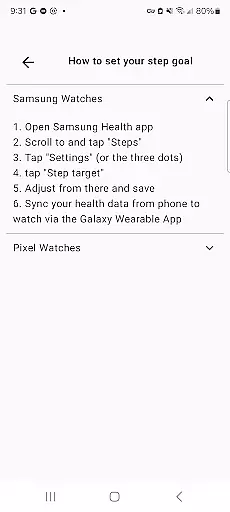
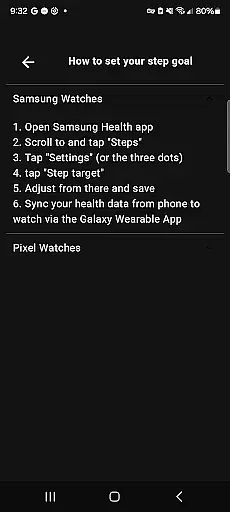
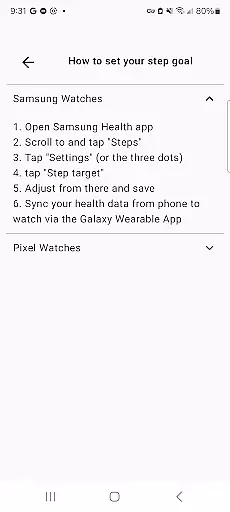
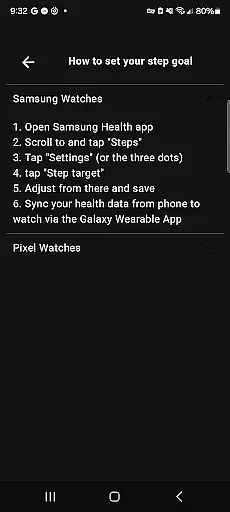
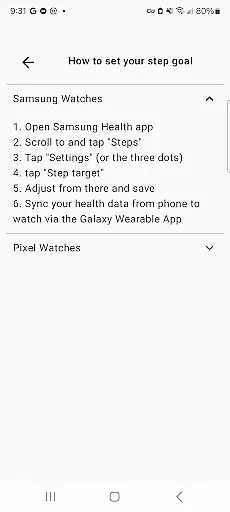
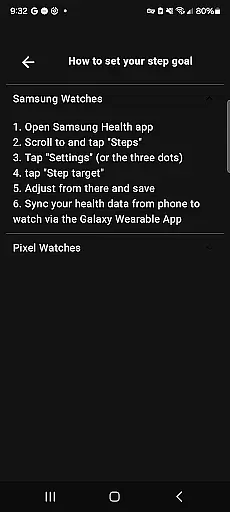
This integration allows users to access easy instructions directly from their phone, ensuring a smooth setup process. Additionally, it enables personalized configurations such as setting a daily step goal that influences the growth of a virtual Christmas tree on the watch face.
By using the companion app, users can enjoy an enriched experience with features like customizing their snow globe scene or monitoring health data through complication slots. This connectivity ensures that all personal preferences are synchronized across devices, providing convenience and continuity.
The ability to manage settings remotely not only simplifies user interaction but also enhances engagement by making every interaction with the watch more meaningful and tailored to individual needs.
Ensuring compatibility with Wear OS and various devices is essential for any wearable application. The Christmas Snow Globe WatchFace is designed specifically for Wear OS 4+, guaranteeing optimal performance on supported devices.
This compatibility means users can enjoy stunning animations and deep customization options without worrying about system limitations. With support for advanced functionalities such as tilt-to-wake snow effects and customizable complications, this watch face takes full advantage of Wear OS capabilities.
Moreover, its design caters to different screen sizes and resolutions, ensuring a consistent visual experience regardless of the device model. Users benefit from having access to six custom complication slots, which provide quick insights into important information like heart rate or weather updates.
By focusing on robust compatibility, the Christmas Snow Globe WatchFace delivers an engaging and reliable experience, allowing users to personalize their smartwatches while maintaining high performance standards.
Beautiful animations
Highly customizable
Fitness goal integration
Variety of house designs
Complication-ready design
Limited OS compatibility
Premium features may cost extra
Battery usage concerns
Setup requires companion app
Some users may find settings complex

Christmas - Festive - Christmas Village - Winter - Christmas lights
 5.00
5.00
Current temperature, weather hourly, weather radar by the weather forecast app
4.40
Stunning modern digital watch face with 7 complications and strong contrast
4.5
Easy Voice Recorder is your everyday companion to record important moments.
4.70
Beautiful, colorful and practical watch face. For Wear OS devices.
5.00
Be an elegant and classy secret agent, with this carefully detailed watch face
4.70
Digital watch face. For Wear OS devices.
4.40
Daily Weather forecast with 15 weather images for Day & Night plus Big Bold time
4.10
Back up your contacts & access them anywhere
4.30
Hyperlocal rain alerts by MyRadar using patent-pending technology, radar & more
4.80
Walking app for weight loss: walk & step tracker, pedometer, indoor treadmill
4.60
Kia Access makes getting your vehicle information easier than ever
4.60
Fast and smart typing with Emojis, GIFs, and more
4.50
Reliable phone calls with spam protection, caller ID and more helpful features
4.40
Locate your family members by GPS phone location tracker everywhere and anytime
4.30
Let's celebrate Thanksgiving - Wear Os watch face
4.20
Snowflake Rose Gold Watch Face - Digital, modern, & sleek with GYRO effect.
4.10
Stay in touch with your friends and family using LINE!
3.40
Contemporary digital watch face with five complications
4.0


User Reviews