
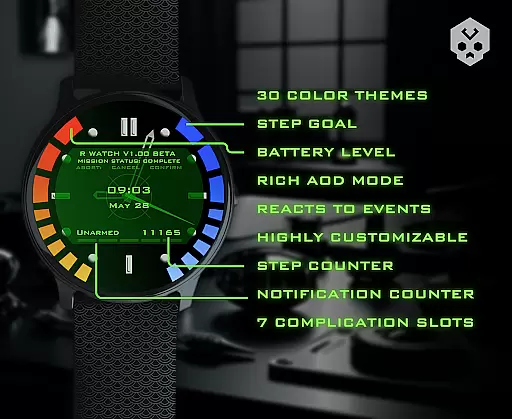
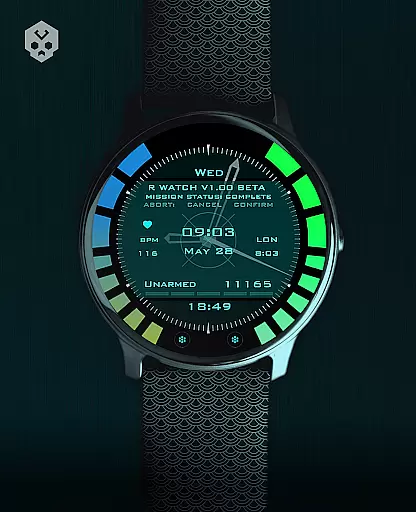
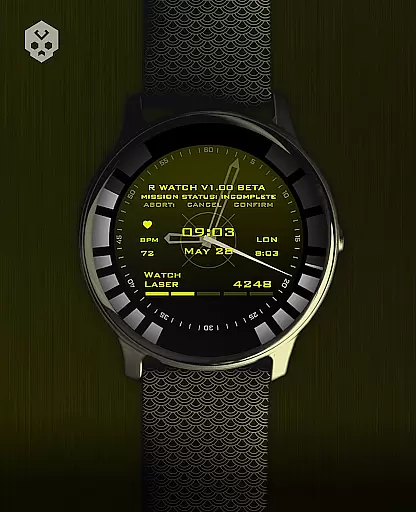
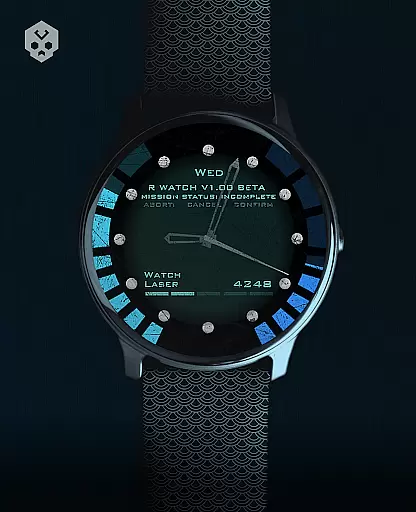
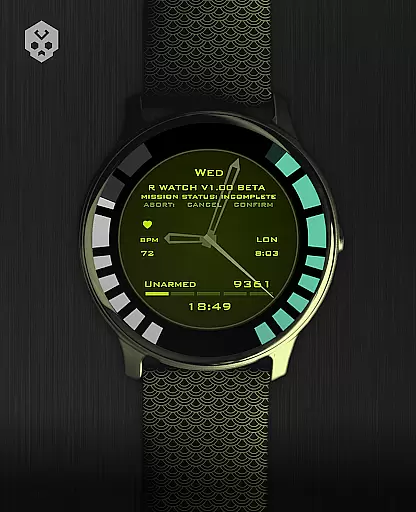
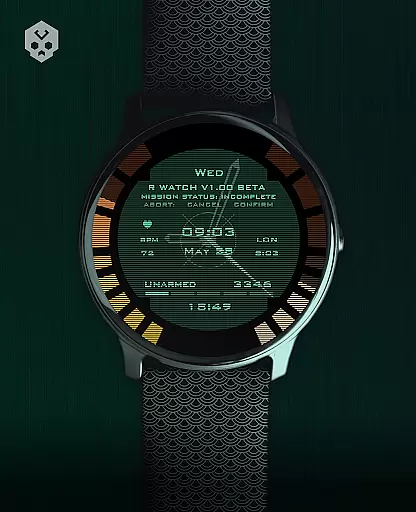
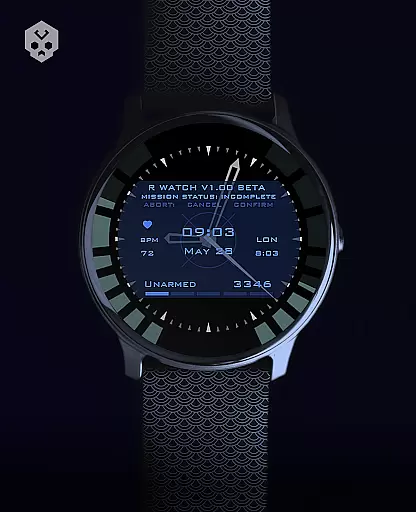
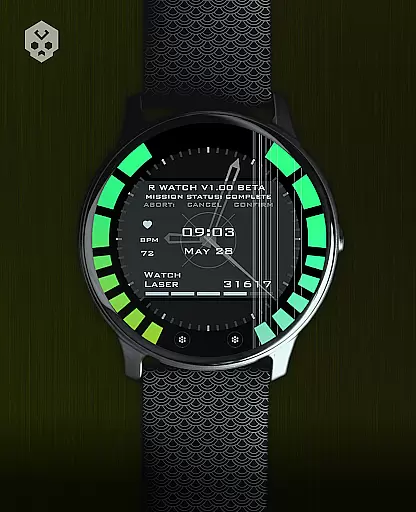
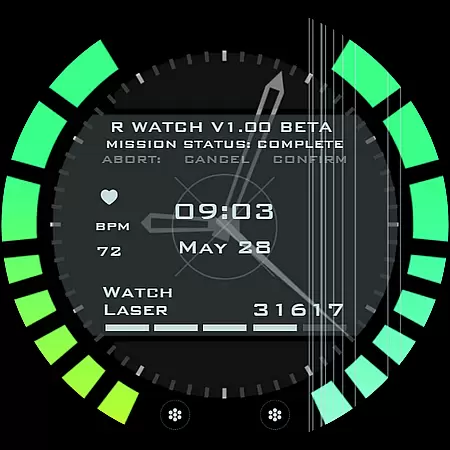
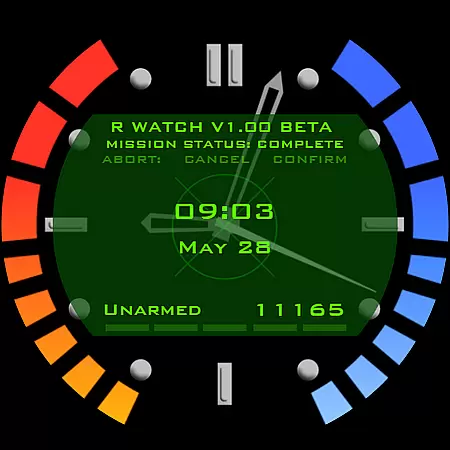
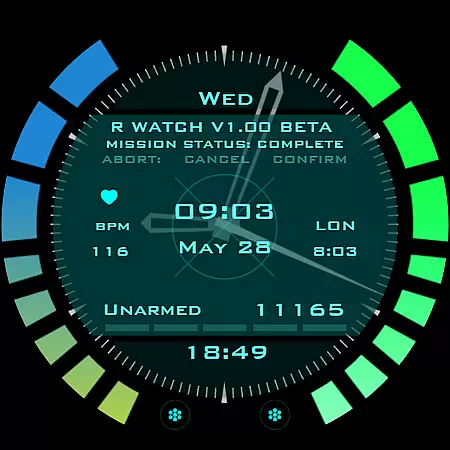
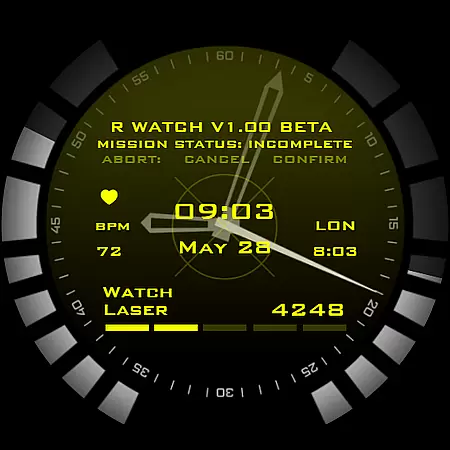
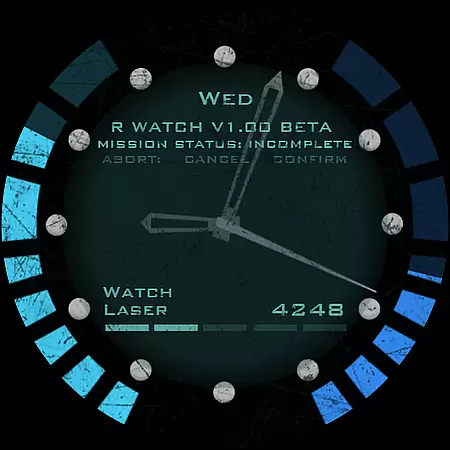
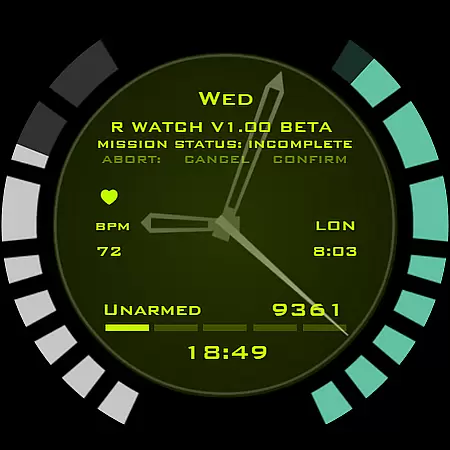
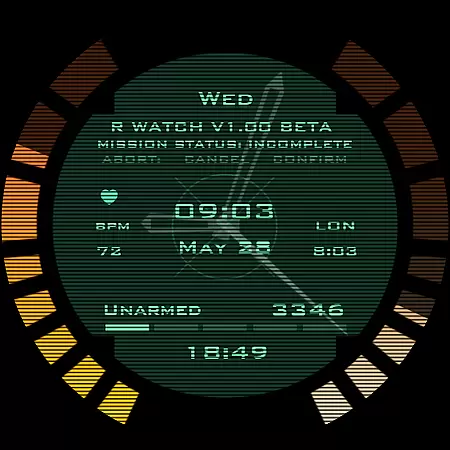
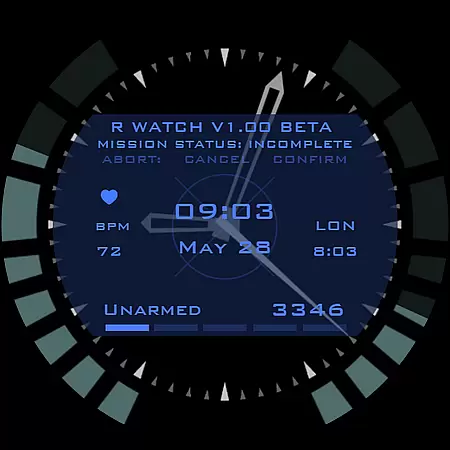
Secret Service Watch Face is a premium Wear OS watch face designed for smartwatch users who value both elegance and futuristic sci-fi aesthetics. This app offers an extensive range of customization options, including 30 color schemes and multiple personalization features such as customizable complications, screen elements, and clock ticks.
Built to be compatible with various Wear OS devices like Samsung, Mobvoi Ticwatch, Fossil, Oppo, and more, this standalone watch face ensures a seamless experience across different brands. Its unique handcrafted design makes it stand out, providing users with a stylish accessory that reacts to notifications, low battery, and charging status.
Whether you're looking to enhance your smartwatch's appearance or seeking advanced functionality through its seven customizable complications, Secret Service Watch Face delivers both form and function in one package.
Secret Service Watch Face stands out with its comprehensive feature set tailored for Wear OS users. The app provides over 30 distinct color schemes, allowing users to personalize their watch faces extensively. Each scheme can be further customized with adjustable screen elements, clock ticks, and complications, ensuring a unique look that matches individual preferences.
The watch face also includes seven different complication slots of varying sizes, which can display a wide array of information directly on the watch face. These complications are not only functional but also contribute to the overall aesthetic by integrating seamlessly with the design. Additionally, the app responds dynamically to device states such as low battery, incoming notifications, and charging events, enhancing user awareness without compromising style.
To assist with setup and management, a companion app is available. This app simplifies the installation process and allows for easy adjustments to settings. Despite being optional, the companion app ensures that even novice users can navigate the complexities of customization effortlessly.
Companion app integration is essential for a seamless smartwatch experience. The Secret Service Watch Face offers an easy-to-use companion app that simplifies the installation and customization process. This ensures users can efficiently manage their watch face settings directly from their smartphone.
The companion app serves as a bridge between the user's smartphone and Wear OS smartwatch. By installing the app on a smartphone, users can connect their smartwatch and access features such as color schemes and customizable complications. This connectivity allows for real-time updates and changes to the watch face without the need for manual adjustments on the watch itself.
One of the key benefits of this integration is the ability to troubleshoot common issues. For instance, if a user encounters problems with the watch face, they can utilize the companion app to reinstall or adjust settings. Additionally, the app includes an email support option, providing direct assistance from the developer.
Overall, the companion app enhances the functionality of the Secret Service Watch Face by offering intuitive controls, robust support, and effortless management. This results in a more personalized and trouble-free experience for users who want to maintain an elegant and sci-fi appearance on their smartwatch.
Ensuring compatibility across various devices is crucial for any Wear OS application. The Secret Service Watch Face is designed to work seamlessly with a wide range of Wear OS smartwatches, including models from Samsung, Mobvoi Ticwatch, Fossil, Oppo, and the latest Xiaomi devices. This broad compatibility makes it accessible to a diverse user base.
To guarantee optimal performance, the watch face undergoes rigorous testing on different devices. This meticulous process ensures that features such as color schemes, customizable complications, and battery notifications function correctly regardless of the smartwatch model. Users can be confident that the design will retain its elegance and unique sci-fi aesthetic on their specific device.
For users uncertain about their device's compatibility, the developer provides support through email. This personal touch reassures users that help is available should they encounter any issues during installation or use. It highlights the dedication to customer satisfaction and product reliability.
In summary, the Secret Service Watch Face stands out due to its extensive Wear OS and device compatibility. By supporting numerous smartwatch models and offering personalized support, it delivers a versatile and dependable solution for users seeking a stylish and functional watch face.
Highly customizable
Stylish sci-fi design
Wide device compatibility
Dynamic state reactions
Companion app support
Premium price point
Requires Wear OS
Complex setup for beginners
Limited free options
Occasional sync issues

Christmas Theme Watch Face for Wear Os
 5.00
5.00
Animated Watch Face and Customizable with 24 Backgrounds. Perfect for Christmas!
3.90
Snowflake Rose Gold Watch Face - Digital, modern, & sleek with GYRO effect.
4.10
Elegant animated Christmas tree with multiple customization options
4.20
Stunning modern digital watch face with 7 complications and strong contrast
4.0
Artistic Digital Watchface
4.5
Beautiful, colorful and practical watch face. For Wear OS devices.
5.00
Digital watch face with big numbers and many customization for Wear OS devices
4.40
Hybrid watch face for Wear OS with customizable complications by Matteo Dini MD
4.70
A white realistic classic analog watch face with many customization options.
4.40
The ultimate destination for kids ages 3-8 to explore the Marvel Universe!
4.30
Locate your family members by GPS phone location tracker everywhere and anytime
4.30
A customizable Christmas watch face for Wear OS with a countdown.
4.20
"PER27 Galaxy Digital" is a digital Wear OS watch face designed by PERSONA
4.10
Wear Os Watch Face - Animated Snow Effect & Magic Spark - 6 Scenes
4.10
Watch the sharpness of the sky on your wrist..
3.70
an Analog Watch Face for winter season with freeze winter background for Wear OS
4.3
Wear Os Watch Face - Animated Snow - Sesonal for Christmas & Winter
4.1
Stylish digital watch face for Wear OS devices with customizable features
4.1


User Reviews