
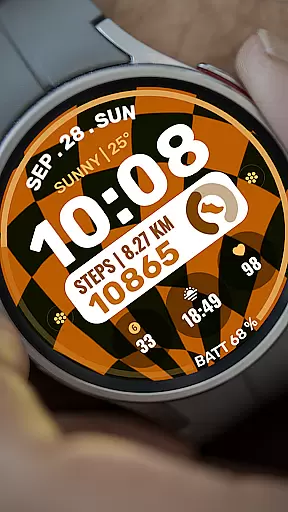
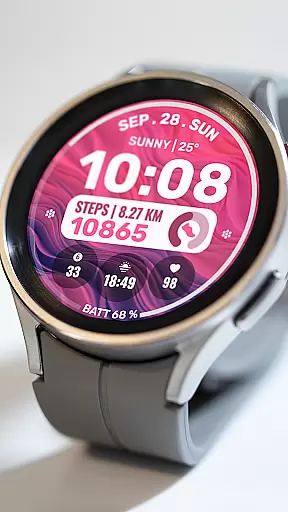
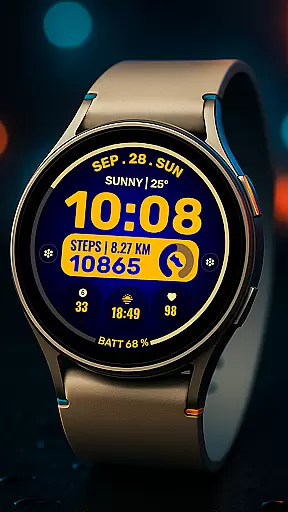
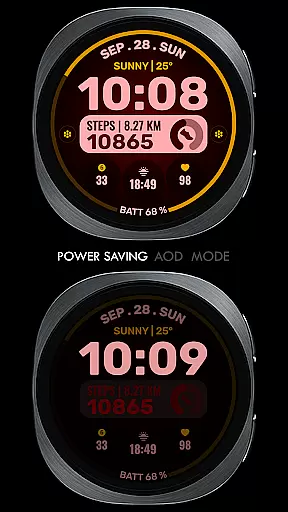
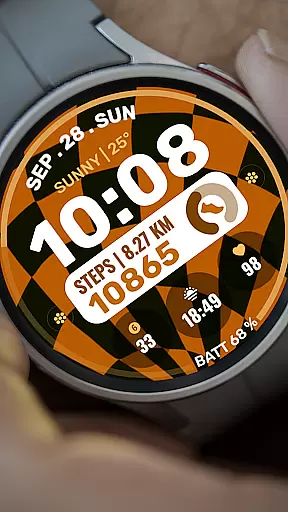
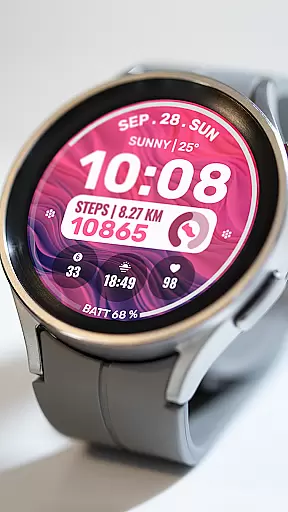
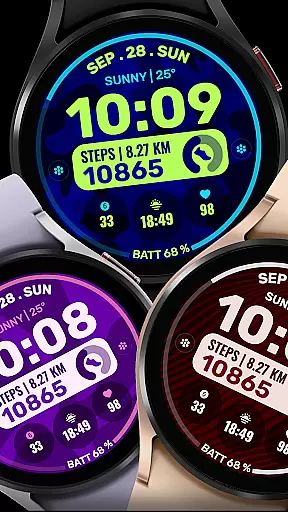
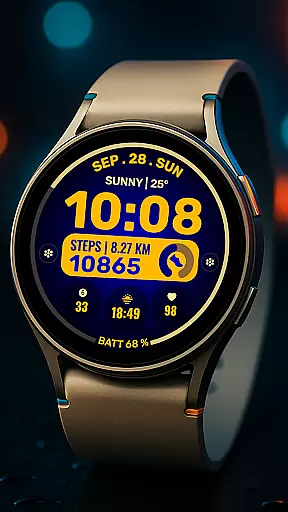
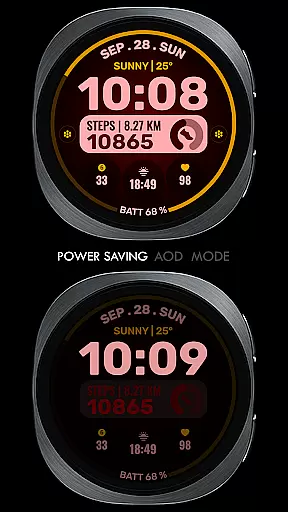
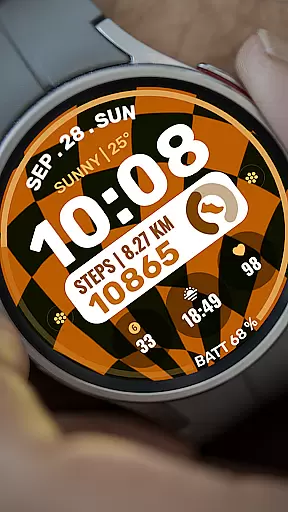
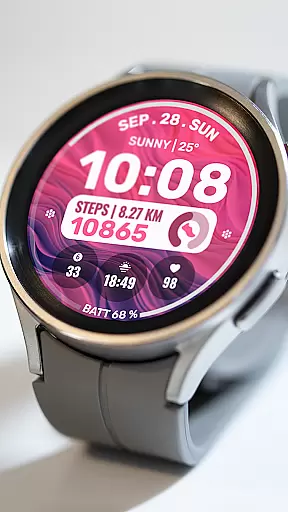
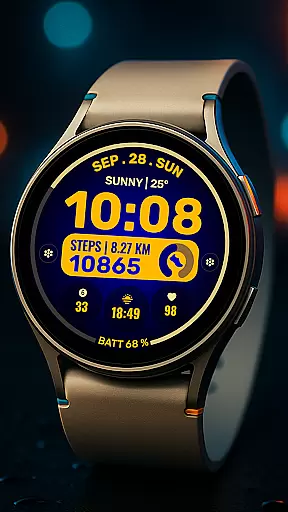
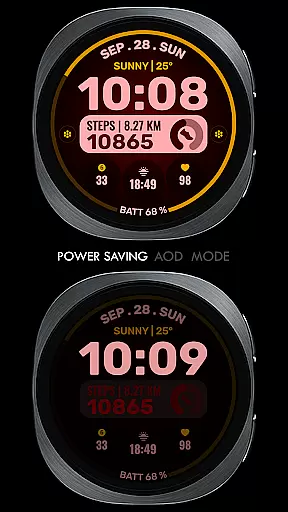
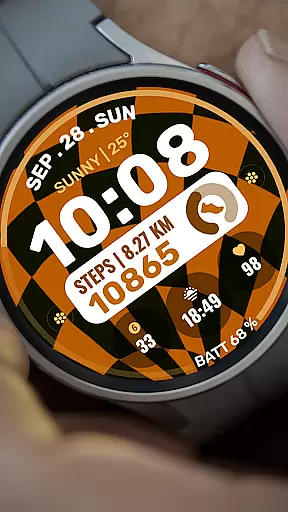
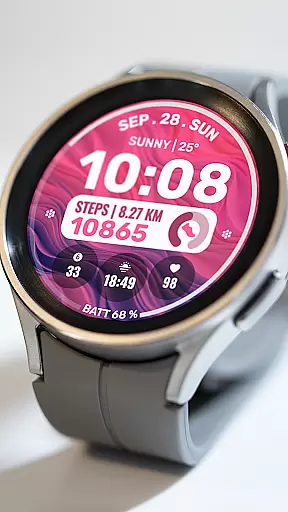
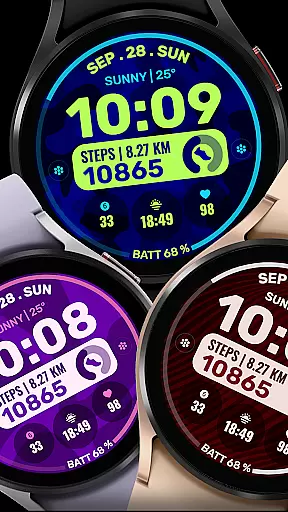
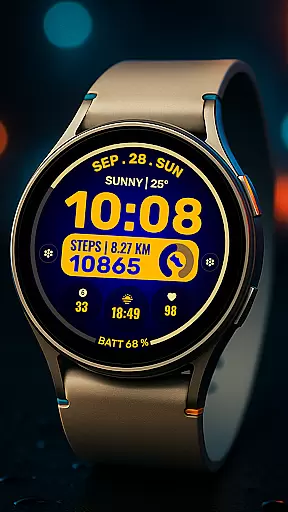
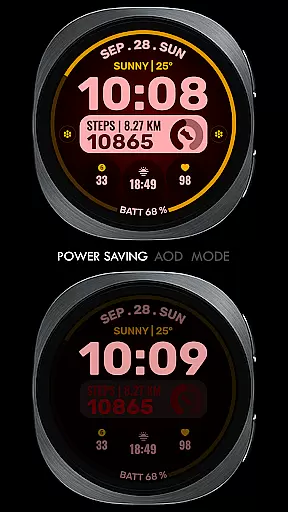
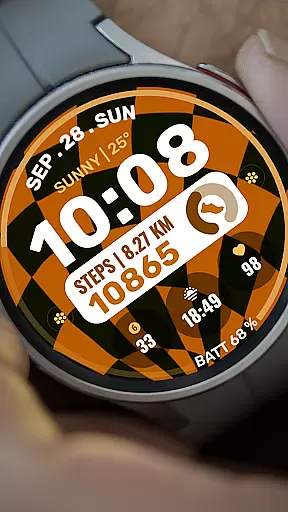
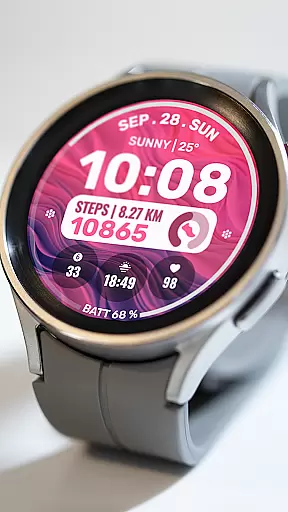
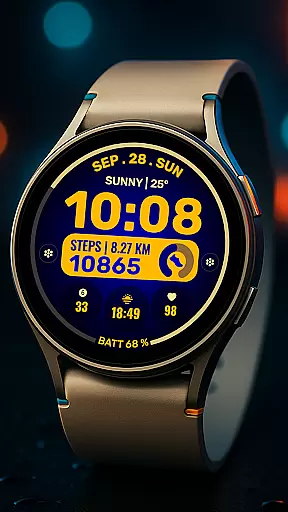
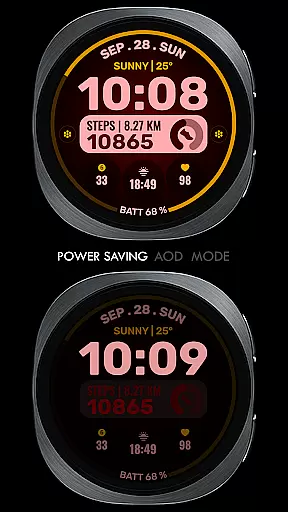
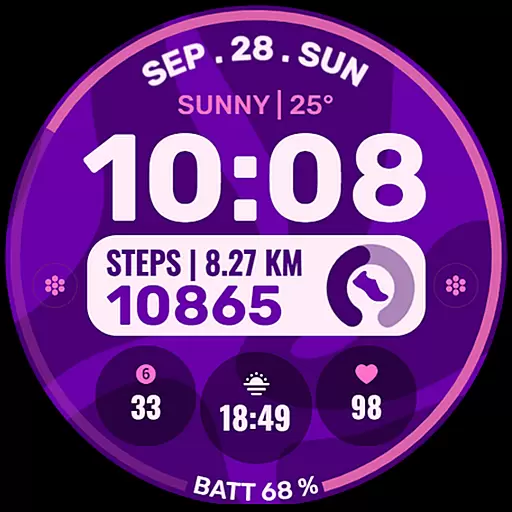
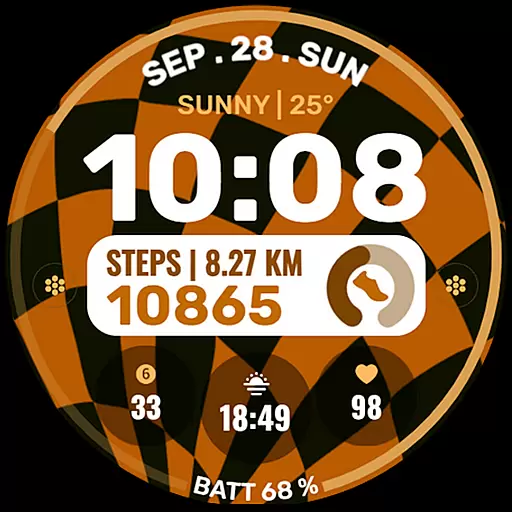
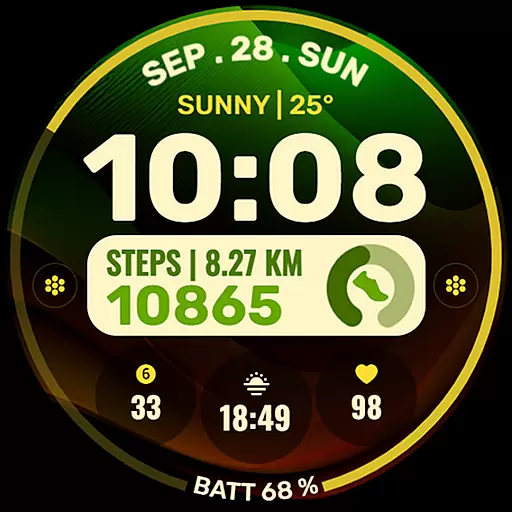
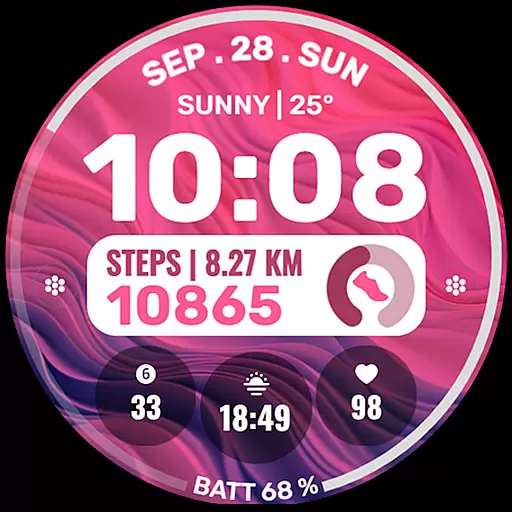
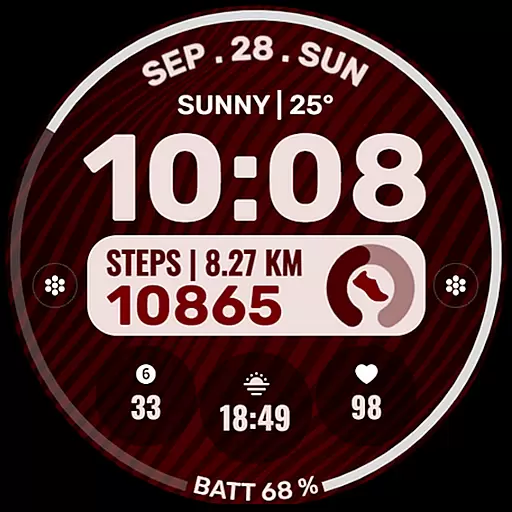
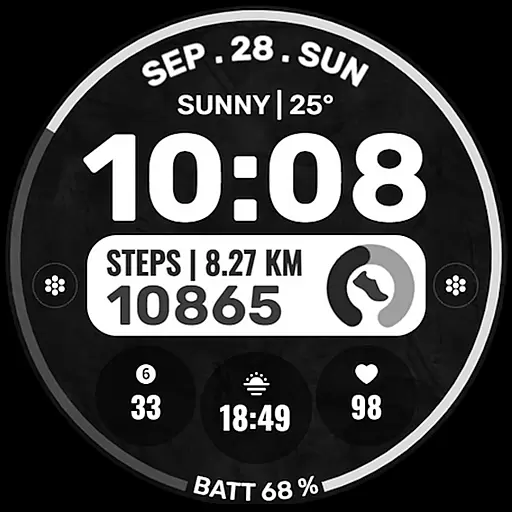
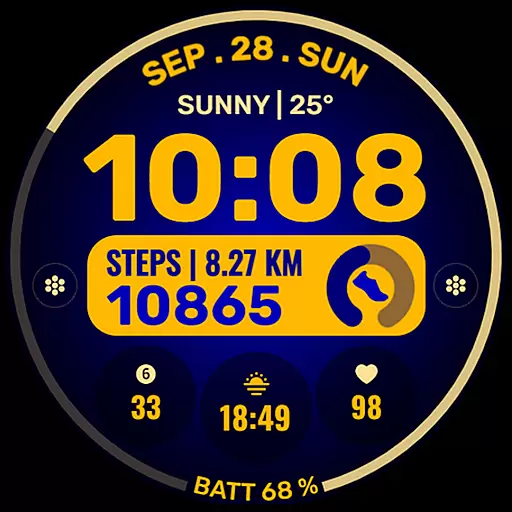
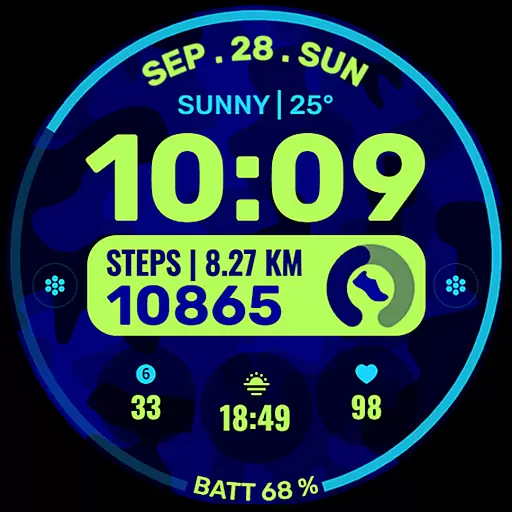
Data Dash is a feature-rich watch face designed specifically for Wear OS devices, supporting all devices with API Level 34+ and Wear OS 4 or later. This artistic digital clock offers users the ability to customize their watch faces directly on their device, providing a seamless experience even when Samsung's watch face editor encounters syncing issues.
With pre-set app shortcuts, customizable complications, and color themes, Data Dash allows users to tailor their watch face to display various data such as date, weather, steps, and more. The installation process is straightforward but requires attention to detail to ensure proper syncing and setup.
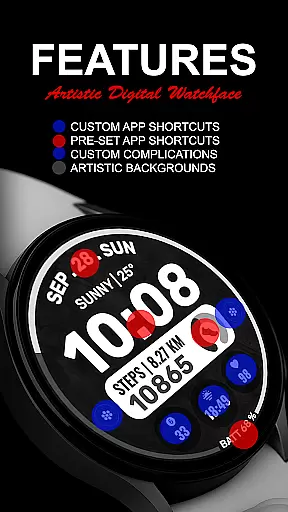
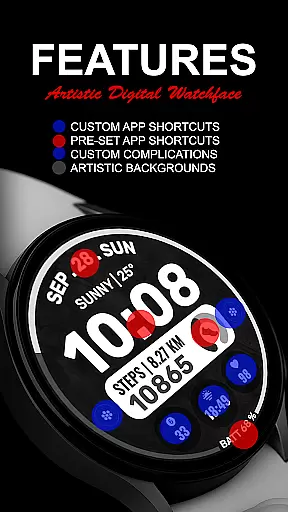
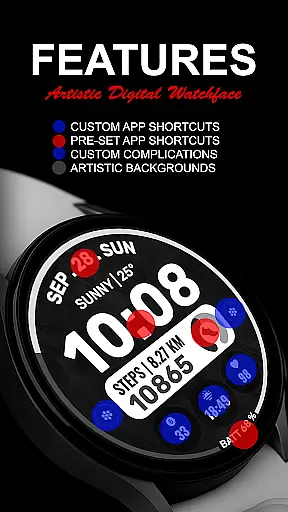
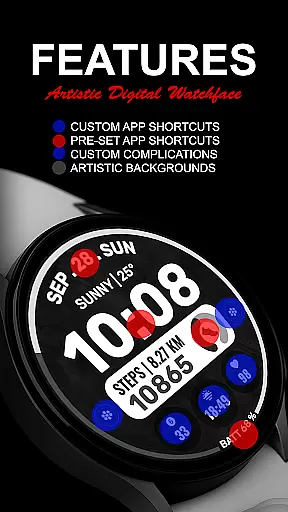
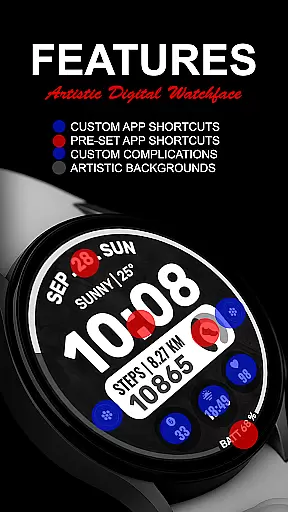
Data Dash stands out with its versatile customization options. Users can enjoy an artistic digital clock interface complemented by pre-set app shortcuts for Alarm, Calendar, Battery, and Steps. Additionally, the watch face supports two custom app shortcuts and three customizable complications.
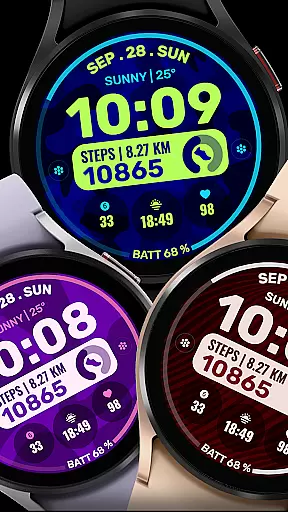
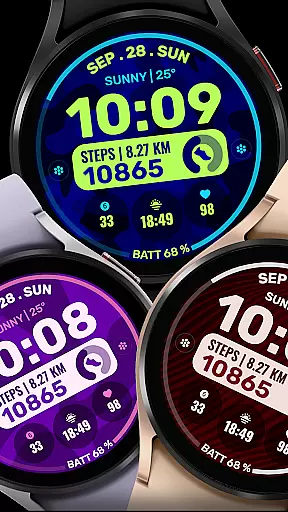
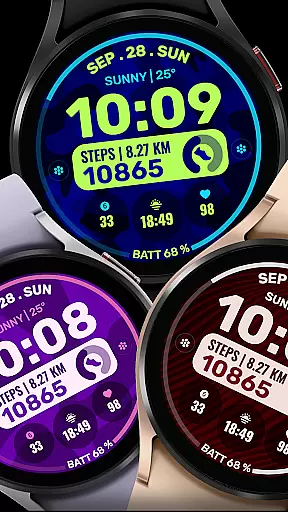
These complications can be tailored to show a variety of data, including world clock, sunset/sunrise times, next appointments, and distance walked. To enhance personalization, users can also select custom backgrounds and color themes, ensuring their watch face is both functional and visually appealing.
The watch face automatically installs on compatible Wear OS devices and requires specific permissions to be enabled from the settings. It's important to sync the watch with the phone using the same email address and allow some time for the transfer process to complete successfully.
Companion app integration is essential for a seamless wearable experience. Data Dash ensures that your watch face settings and customizations are perfectly synced with your smartphone. This synchronization allows users to make adjustments easily through their mobile devices.
The Samsung Wearable app provides a dedicated watch face editor, enabling users to customize their watch faces directly from their phones. Although some Galaxy Watch users may experience syncing issues with complex designs, the recommended workaround is to personalize the watch face directly on the device. This approach guarantees that all features, including pre-set app shortcuts and complications, function as intended.
By maintaining consistent connectivity between the phone and the watch using the same email account, users can enjoy uninterrupted service. The automatic installation feature further simplifies the process, ensuring that the watch face is readily available on your Wear OS device without any hassle.
Ensuring broad device compatibility is crucial for any Wear OS application. Data Dash supports all Wear OS devices operating on API Level 34+ and Wear OS 4 or later versions. This extensive compatibility means that users with different models can enjoy the artistic digital clock and customization options without worrying about technical limitations.
While some features might not be accessible on certain watches due to hardware constraints, the core functionalities such as custom backgrounds, color themes, and complications remain available. Users can personalize their watch faces with data like date, weather, steps, and more, enhancing their overall experience.
Installation is straightforward, thanks to the automatic transfer feature. After downloading, users need only wait a few minutes for the watch face to appear on their device. Should any issues arise, the Play Store on the watch itself offers an easy way to locate and install Data Dash, ensuring that everyone can access its innovative design and features.
Highly customizable
Artistic design
Wide range of data display options
Easy installation process
Supports latest Wear OS versions
Complex setup for beginners
Limited to Wear OS devices
Some features need third-party apps
Occasional syncing issues
Refund only within 24 hours

A customizable Christmas watch face for Wear OS with a countdown.
 4.20
4.20
Highly customizable hybrid watch face for Wear OS, perfect for everyday use.
4.60
Easy Voice Recorder is your everyday companion to record important moments.
4.70
Stylish digital watch face for Wear OS devices with customizable features
4.5
Ideal for surviving in the wasteland left after nuclear fallout
4.50
Your second brain for organizing your life: to-do, calendar, reminder.
4.70
Hyper-Realistic Airplane Dashboard Watch Face With 10 Skins and Custom AOD
4.00
Spam call blocker and caller ID for automatic call protection!
4.40
From periods to pregnancy & perimenopause, Flo helps you track it all. Try now.
4.70
A realistic hybrid watch face with many customization options.
4.60
Simple, helpful messaging by Google
4.60
A white realistic classic analog watch face with many customization options.
4.40
"PER27 Galaxy Digital" is a digital Wear OS watch face designed by PERSONA
4.10
Daily Weather forecast with 15 weather images for Day & Night plus Big Bold time
4.10
Get helpful reminders, take progress photos and find answers to your questions.
3.90
Professional weather radar and more
3.90
Christmas and New Year - Themed Watchface
4.1
an Analog Watch Face for winter season with freeze winter background for Wear OS
4.2
A watch face that fuses motorsport precision with contemporary smartwatch design
4.5


User Reviews