
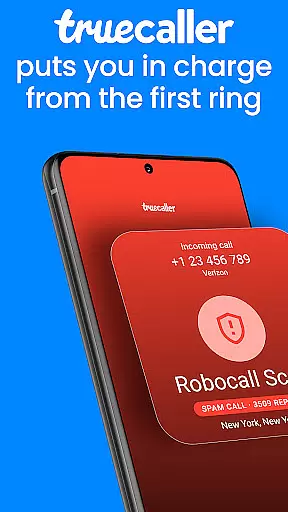



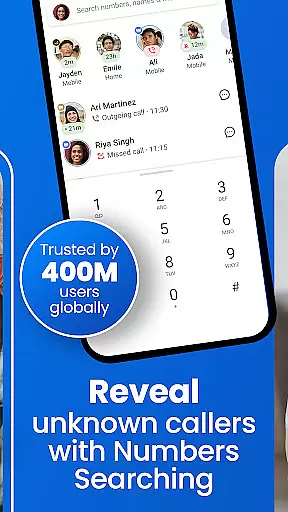

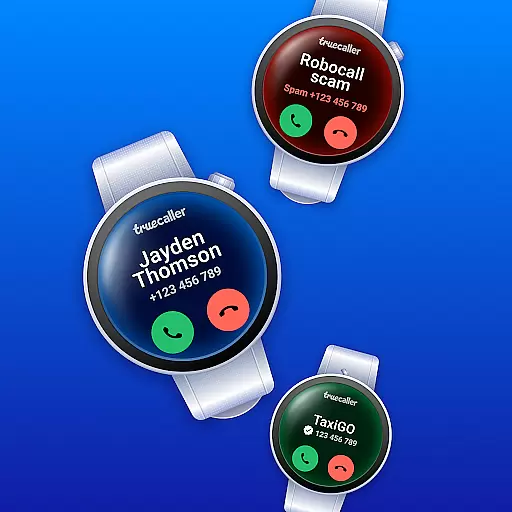
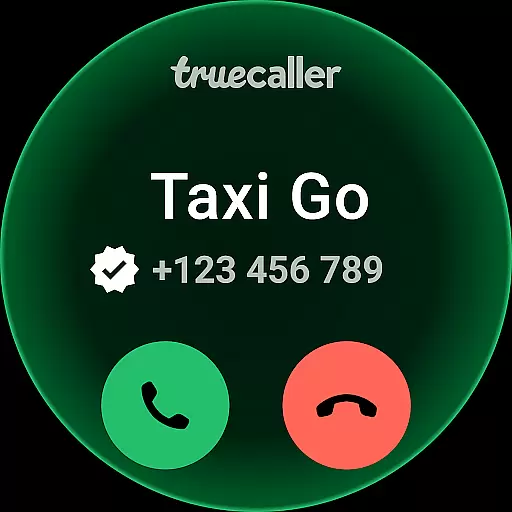
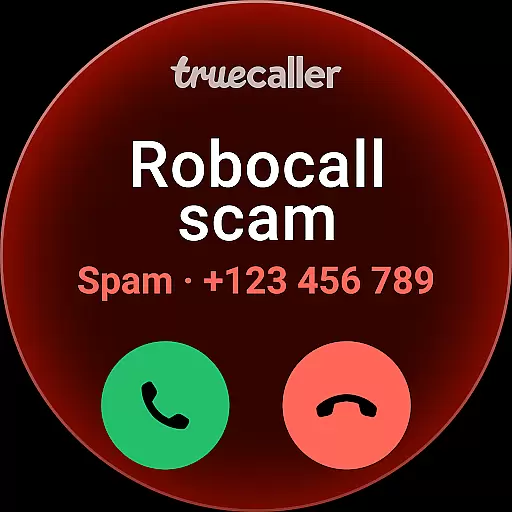
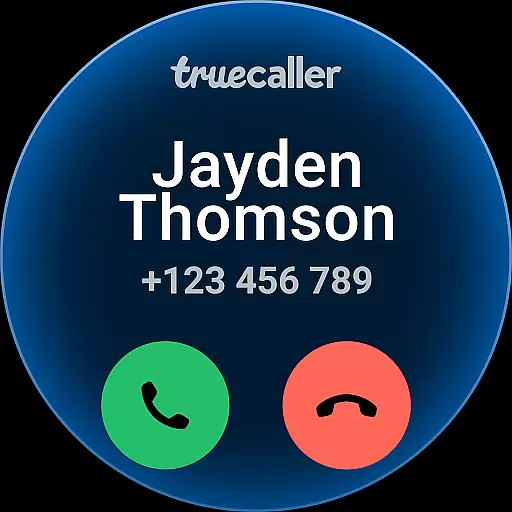
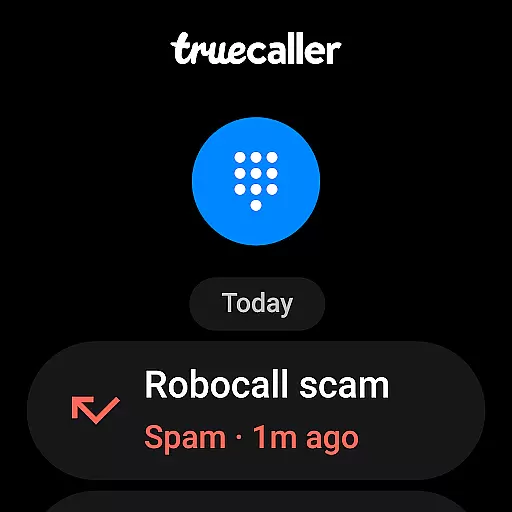
Truecaller is a leading caller ID and spam-blocking app designed to enhance your communication experience. It instantly identifies incoming calls, blocks unwanted contacts, and provides advanced call management features. With its AI-powered tools like AI Call Scanner and Truecaller Assistant, the app ensures you stay protected from spam, scams, and fraudulent calls while maintaining control over your phone interactions.
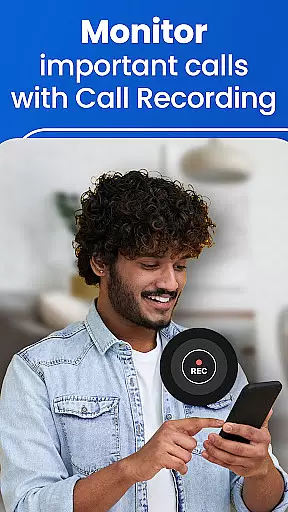
The app also offers additional productivity features such as call recording, reverse number lookup, and organized messaging tabs. Available for Android Wear, Truecaller seamlessly integrates into your smart device ecosystem, empowering users with efficient and secure communication capabilities.
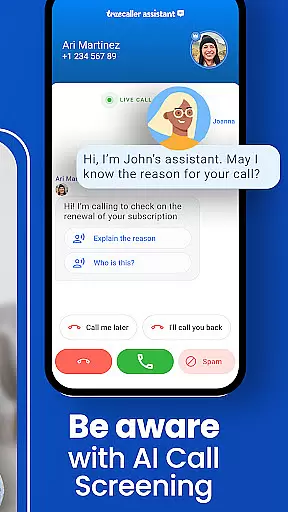
Truecaller stands out with its comprehensive suite of features tailored for modern communication needs. The AI Call Scanner detects whether incoming calls are from real humans or automated bots, providing an extra layer of security against potential scams. The Truecaller Assistant screens calls using machine learning and speech-to-text technology, identifying callers' intent and filtering out spam with over 90% accuracy.
Other notable features include a robust spam call blocker that filters telemarketers, robocalls, and fraud attempts in real-time. Users can record calls, generate AI-based summaries, and access written transcripts for future reference. Additionally, the app's Caller ID function works even for unknown numbers, while the reverse number lookup helps identify unlisted contacts. These features collectively ensure a smarter, safer calling experience.
Truecaller offers seamless companion app integration, ensuring that your wearable devices stay connected with your smartphone. This means you can access essential features like Caller ID and spam blocking directly from your Android Wear device.
The synchronization between the Truecaller mobile app and its wearable counterpart is designed for real-time updates. Whether it's identifying unknown callers or receiving notifications about blocked numbers, users can expect instant alerts on their smartwatches.
This integration enhances convenience by allowing users to manage calls and messages without needing to reach for their phones. With important information always accessible on your wrist, staying informed has never been easier.
Truecaller ensures broad compatibility with various Wear OS devices, making it a versatile choice for smartwatch users. The application supports a wide range of models, ensuring that most Android Wear users can take advantage of its features.
Device-specific optimizations guarantee smooth performance across different hardware configurations. Regardless of whether you have an older model or the latest smartwatch, Truecaller delivers consistent functionality and user experience.
By prioritizing compatibility, Truecaller allows users to enjoy advanced call management features without worrying about device limitations. This commitment to inclusivity makes it a reliable tool for enhancing communication efficiency on any supported Wear OS device.
Advanced spam detection
AI-powered call screening
Free VOIP calling
Call recording with summaries
Reverse number lookup
Premium subscription required
Occasional false positives
Limited free features
Privacy concerns
Ads in free version

Christmas Theme Watch Face for Wear Os
 5.00
5.00
Animated Watch Face and Customizable with 24 Backgrounds. Perfect for Christmas!
3.90
Elegant animated Christmas tree with multiple customization options
4.20
Stunning modern digital watch face with 7 complications and strong contrast
4.3
The ultimate destination for kids ages 3-8 to explore the Marvel Universe!
4.30
Period, ovulation & pregnancy tracker. Fertility insights & menstrual calendar.
4.90
The Chevron App allows you to pay for fuel from the comfort of your car!
4.80
Premium hybrid watch face with many customizations for Wear OS devices.
4.40
Start and succeed with PAP
4.10
Digital, flexibly customizable watch face. For Wear OS 5.0, API 34+ and later.
5.00
Rose gold watch face with festive lights & customizable features.
4.60
Bold, Modern Hybrid Watch Face for Wear OS. 10 Colors, Rich Info Display.
4.30
Snowflake Rose Gold Watch Face - Digital, modern, & sleek with GYRO effect.
4.10
Get helpful reminders, take progress photos and find answers to your questions.
3.90
Watch the sharpness of the sky on your wrist..
3.70
Wear Os Watch Face - Animated Snow Effect & Christmas Lights
4.0
Christmas and New Year - Themed Watchface
4.1
A heartwarming Christmas scene featuring a cute image of Santa and Rudolf
4.0
Contemporary digital watch face with five complications
4.5


User Reviews