
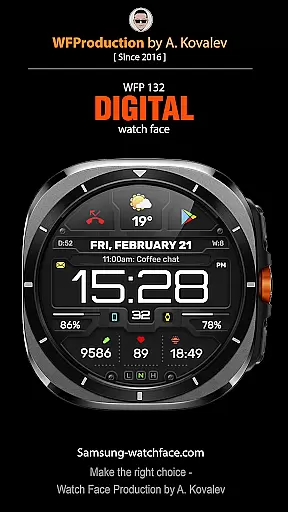
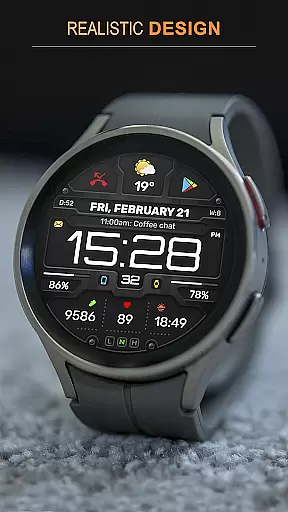
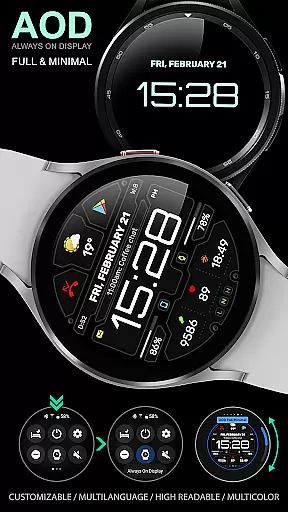
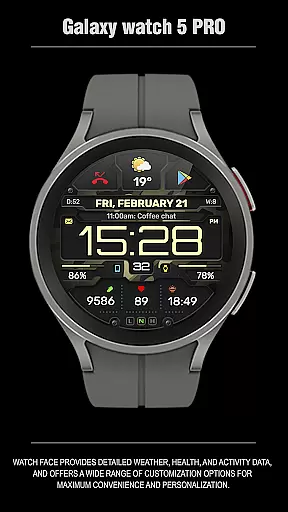
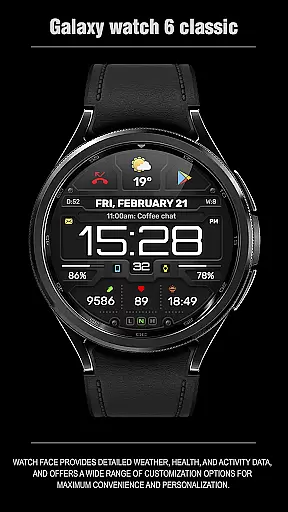
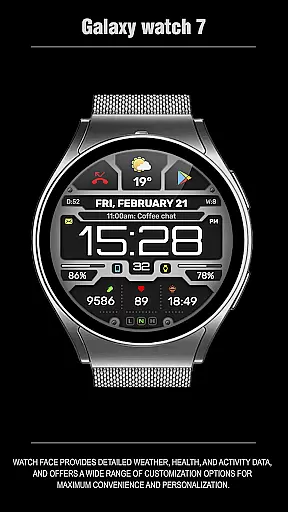
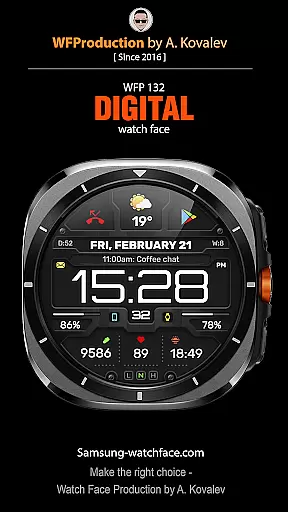
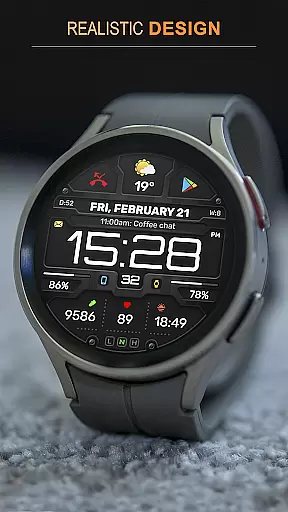
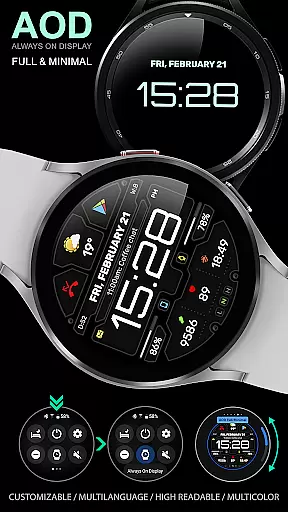
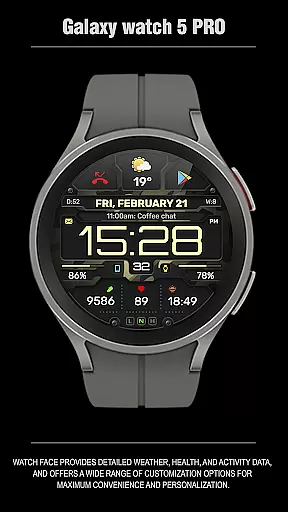
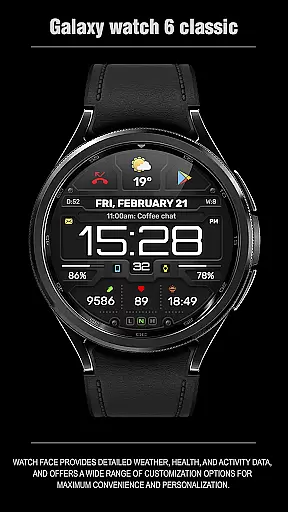
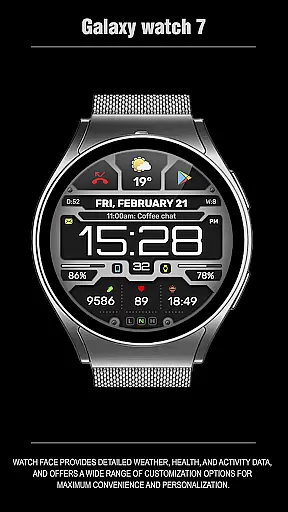
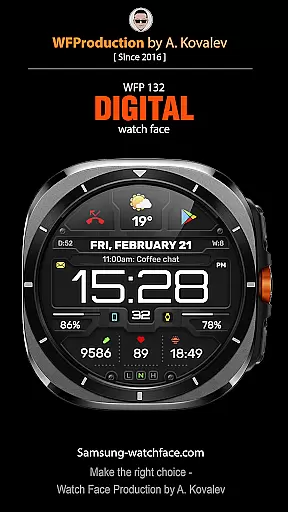
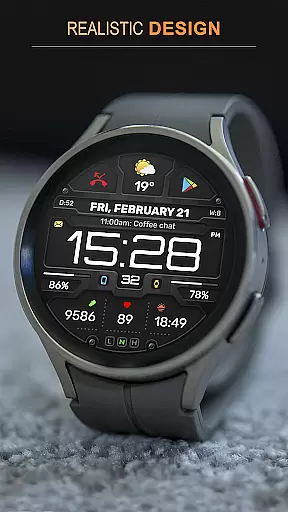
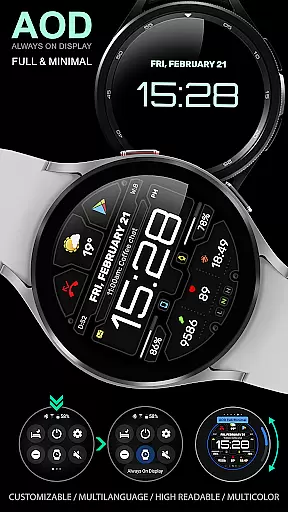
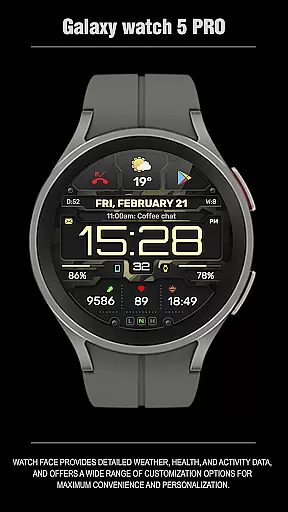
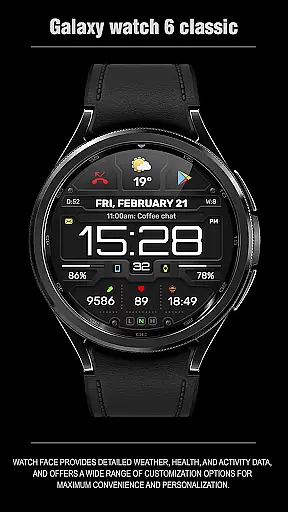
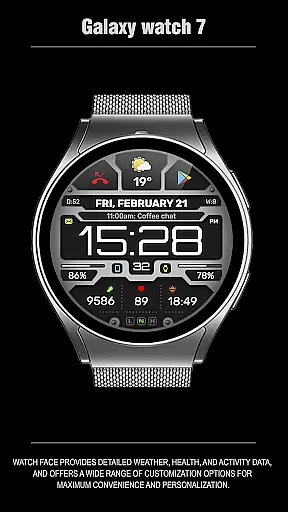
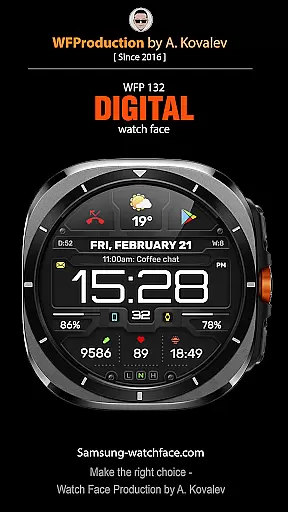
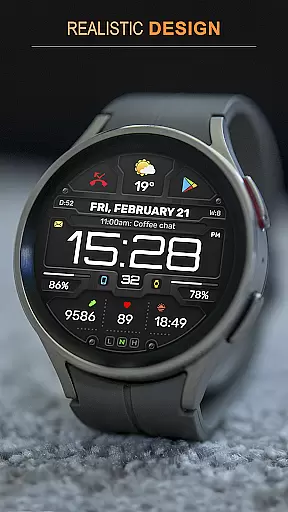
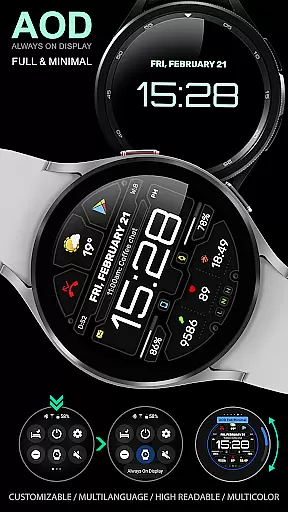
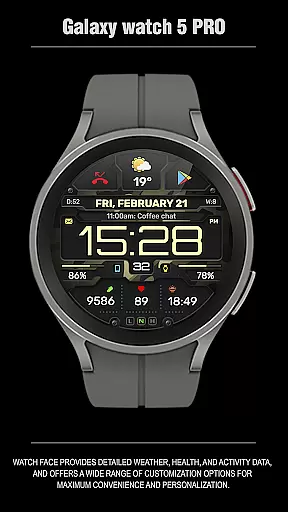
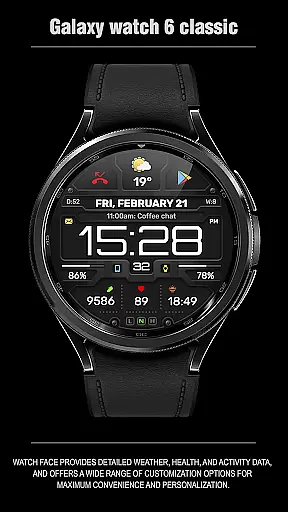
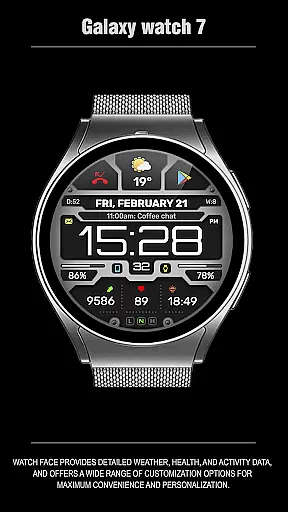
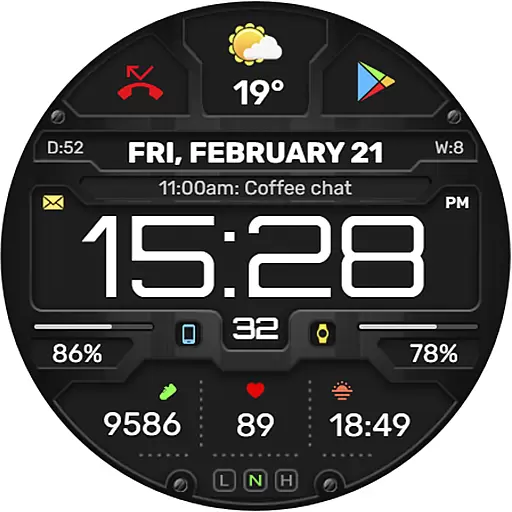
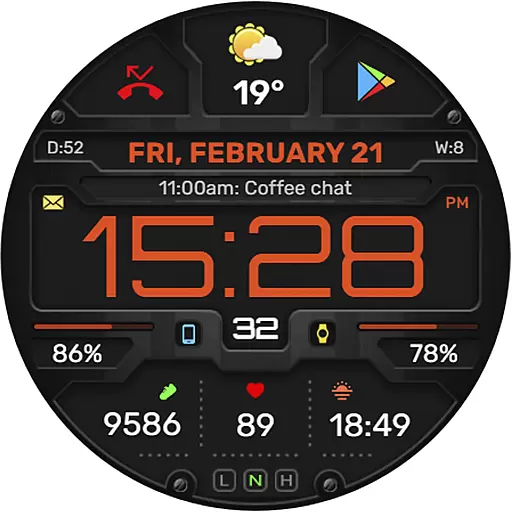
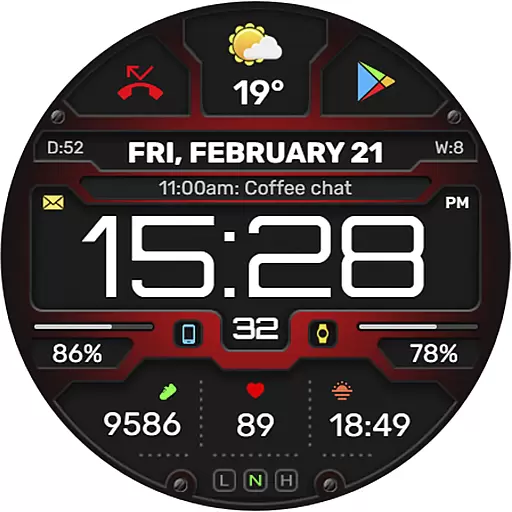
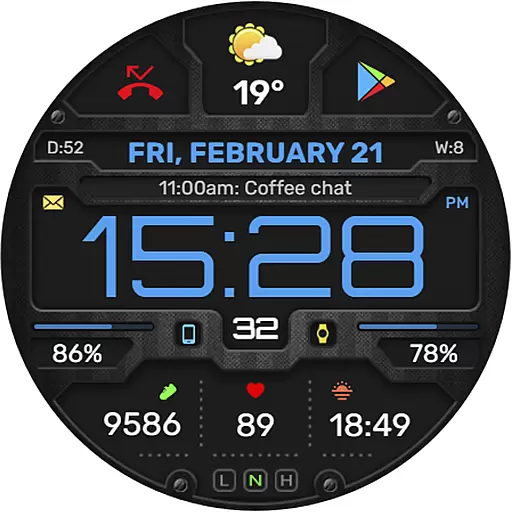
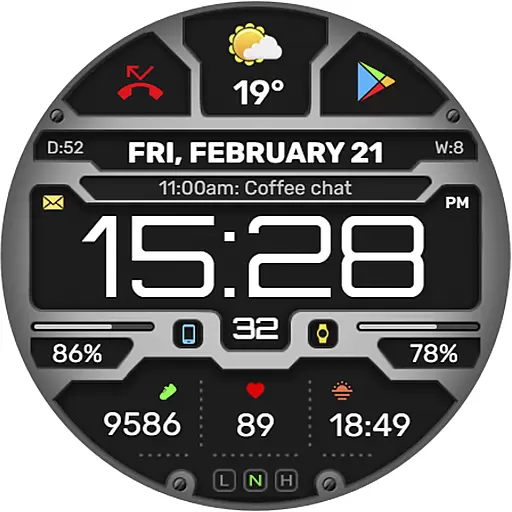
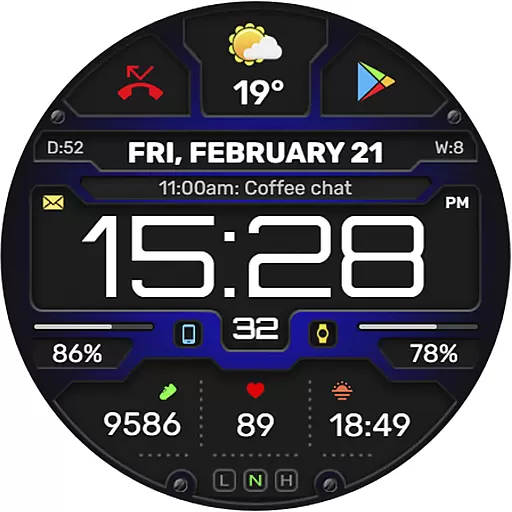
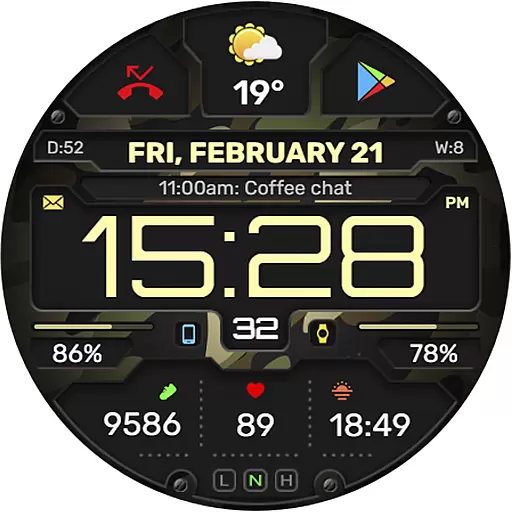
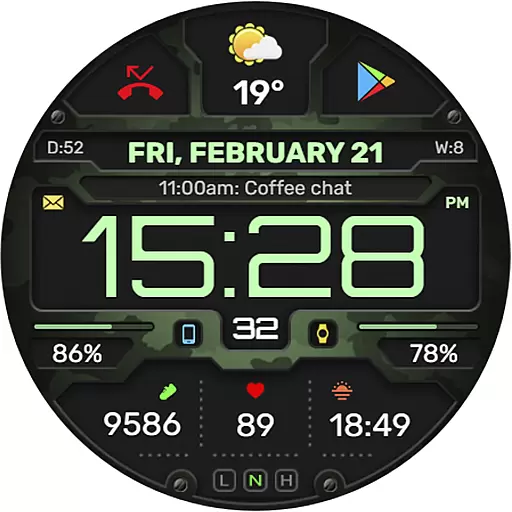
The WFP 132 Digital watch face is a stylish and highly functional wearable application designed for smartwatch users. It offers detailed weather forecasts, health tracking, and activity monitoring while providing extensive customization options to enhance personalization. Compatible with devices running API 34+ (Wear OS 5.0 and later), this watch face ensures both convenience and style.
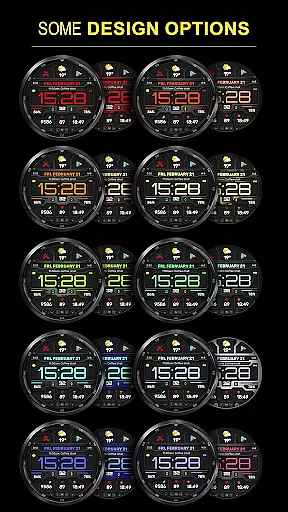
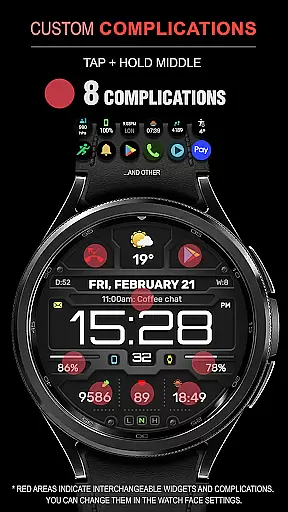
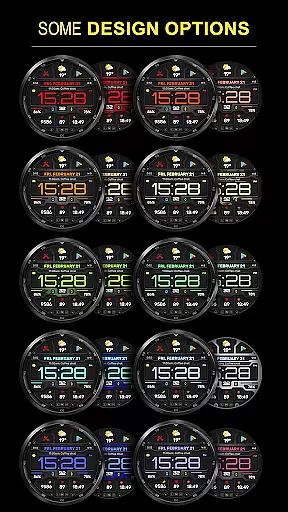
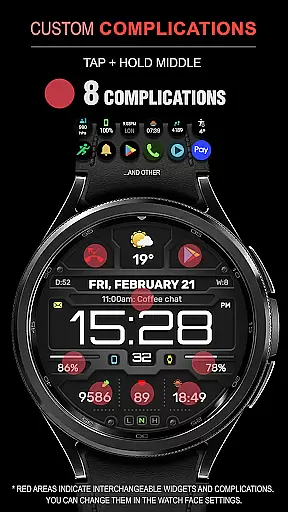
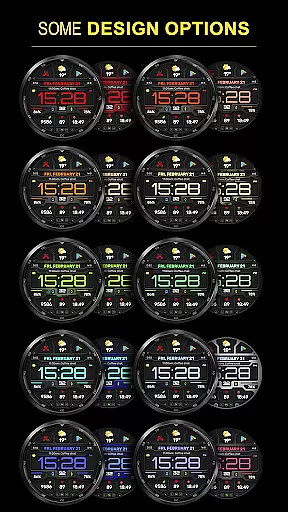
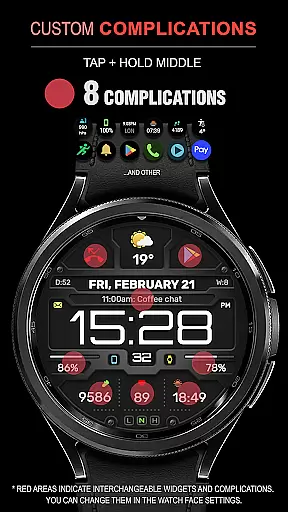
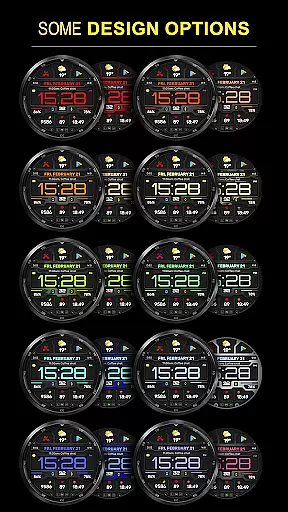
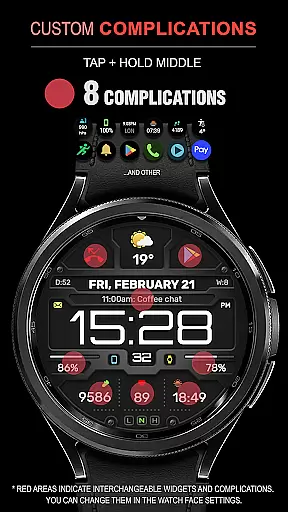
Key features include eight complications and widgets, multiple color combinations, changeable backgrounds, and support for Fahrenheit/Celsius weather displays. With high optimization and low battery consumption, it delivers an optimal user experience. Additionally, the customizable Always-On Display (AOD) mode allows users to choose between full and minimal views, ensuring maximum flexibility.
Whether you're monitoring your daily fitness goals or staying updated on weather conditions, the WFP 132 Digital watch face provides a seamless blend of functionality and aesthetics, making it an ideal choice for tech-savvy individuals seeking both utility and personal expression on their smartwatches.
The WFP 132 Digital watch face stands out with its comprehensive feature set tailored for smartwatch users. One of its notable aspects is the inclusion of eight complications and widgets that display various data points such as weather forecasts, health metrics, and activity statistics. This variety ensures that users have quick access to essential information directly from their watch face.
Customization is at the heart of this application's design. Users can choose from many color combinations and changeable backgrounds to match their personal style. The high-resolution display and optimized performance ensure that visuals remain sharp and battery consumption stays low. Furthermore, the multilingual support and weather display in both Fahrenheit and Celsius cater to a global audience, enhancing accessibility.
Another standout feature is the customizable Always-On Display (AOD) mode, which offers both full and minimal views. This flexibility allows users to tailor their experience based on preference and need, ensuring that the watch face remains both functional and visually appealing throughout the day. Overall, these features collectively deliver a personalized, efficient, and stylish user experience.
Companion app integration is essential for a seamless smartwatch experience. The WFP 132 Digital watch face excels in this area by offering users the ability to sync and interact with their smartphone effortlessly.
This functionality allows for real-time updates of weather, health metrics, and notifications directly on the watch face. Users can customize their watch face via the companion app, choosing from a plethora of widgets and color combinations that suit their personal style.
By following the provided installation instructions, users ensure that all features are correctly set up. This includes setting up phone charge widgets and other personalized data displays, enhancing both convenience and accessibility.
The synchronization between the watch and its companion app not only streamlines the user experience but also significantly boosts productivity by keeping important information at the wearer's fingertips.
Ensuring broad device compatibility is crucial for any Wear OS application. The WFP 132 Digital watch face supports devices running API 34+ and later, making it accessible to a wide range of users.
This compatibility extends the functionality of the watch face across various Samsung devices, providing consistent performance and reliability. Users benefit from high optimization and low battery consumption, thanks to the efficient design tailored for these specifications.
With multilingual support and customizable AOD modes, the WFP 132 meets diverse user needs while maintaining a stylish appearance. Detailed setup instructions further enhance ease of use, ensuring that every feature operates smoothly right out of the box.
Ultimately, robust Wear OS/device compatibility guarantees that users enjoy a versatile, high-performance watch face that integrates seamlessly into their digital ecosystem.
Highly customizable
Low battery usage
Multiple widget options
High resolution display
Global language support
Limited to Wear OS
Requires API 34+
No standalone app
Premium features cost
Complex setup

A Wintery Snow Globe on Your Wrist; now celebrating Christmas!
 4.3
4.3
Watch face designed for Thanksgiving Day. 7 Background Styles included.
3.20
Be an elegant and classy secret agent, with this carefully detailed watch face
4.70
The most customizable minimal watch face. For Wear OS 5.0, API 34+ and later
4.70
Fitness interactive virtual pet super fighter boy watch face
4.4
Monitor health with the stress test and pulse checker in the heart rate app.
4.60
Animated video-game inspired “secret agent” simulation, right on your wrist!
4.20
Want to take charge of your health? Let Google Fit help you reach your goals.
3.50
Start and succeed with PAP
4.10
Nutrition, Macro tracker: Food, fitness & healthy diet tracking for weight loss
4.60
To-Do List: daily schedule planner, task organizer, to do reminder app, calendar
4.60
Embrace the holiday spirit with this magical animated watch face!
4.40
Find EV charging stations
4.30
A customizable Christmas watch face for Wear OS with a countdown.
4.20
Watch face for Wear OS.
4.20
Let's celebrate Thanksgiving - Wear Os watch face
4.20
Wear Os Watch Face - Animated Snow Effect & Magic Spark - 6 Scenes
4.10
Connect, create, and collaborate with Gmail, part of Google Workspace.
4.10
Stay in touch with your friends and family using LINE!
3.40


User Reviews