
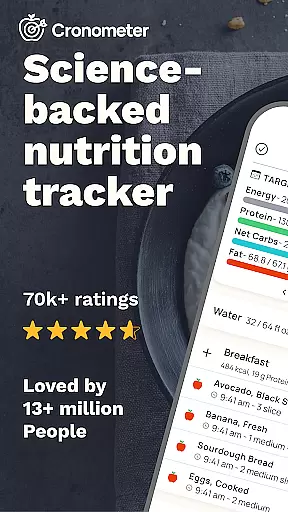
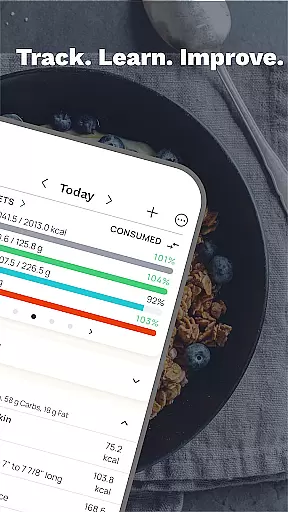
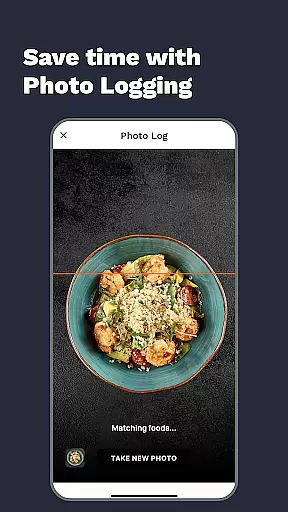
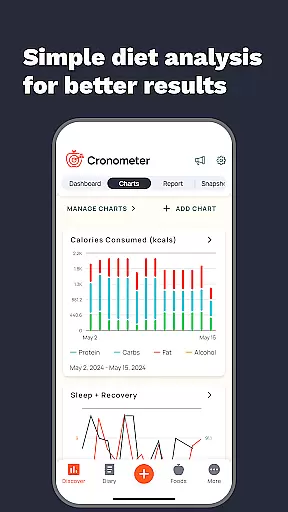
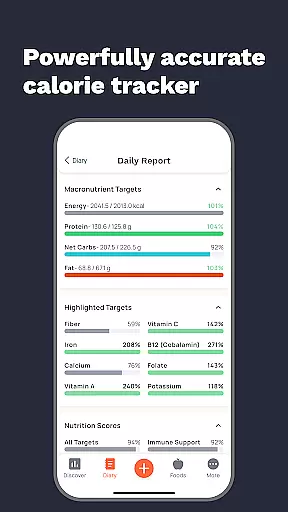
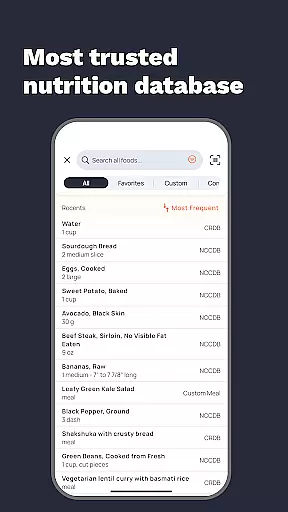
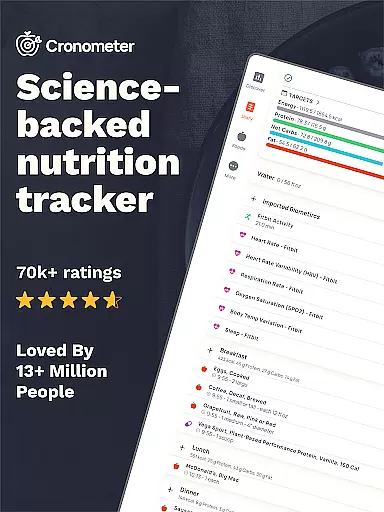
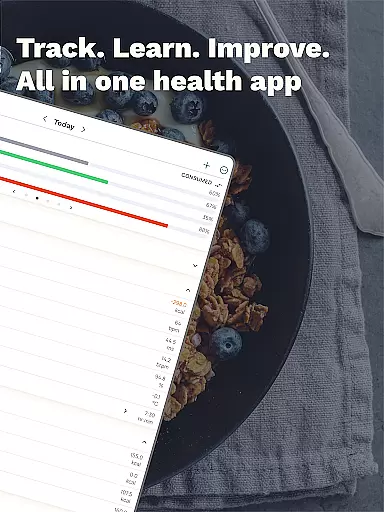
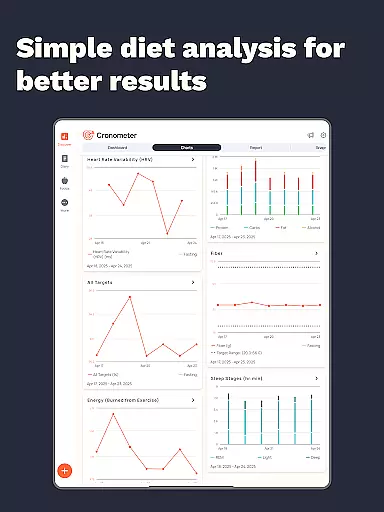
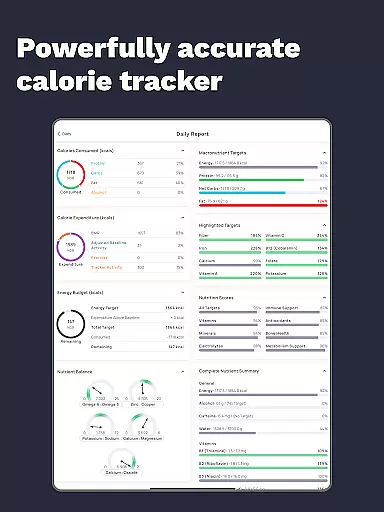
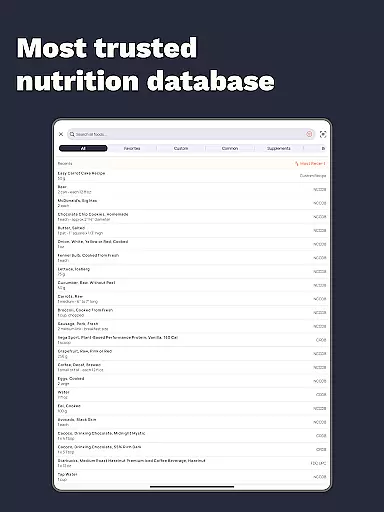
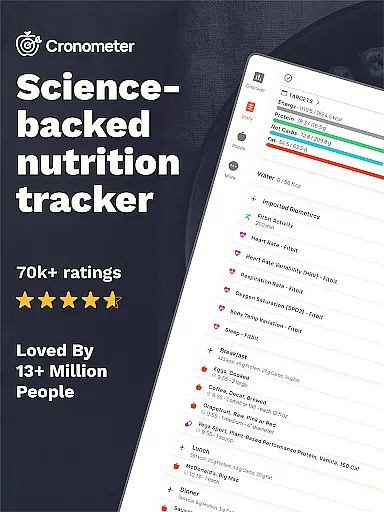
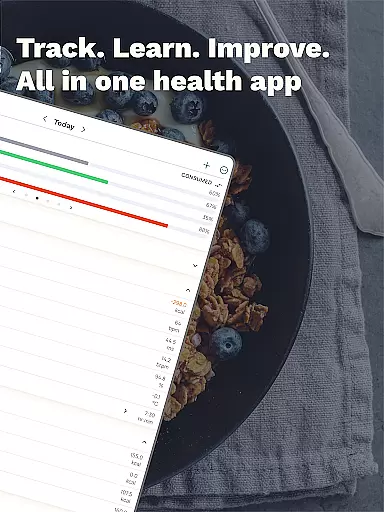
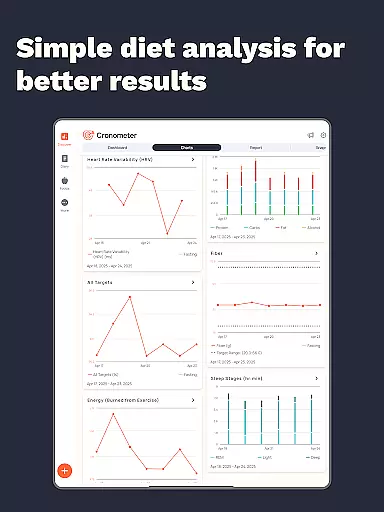
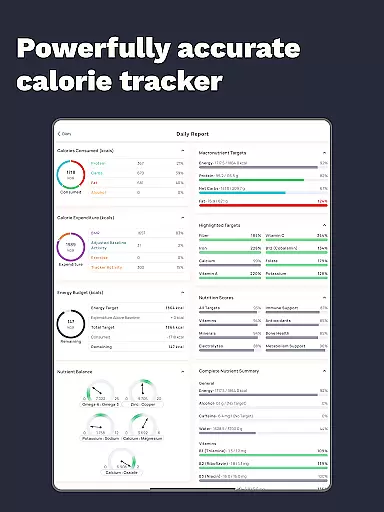
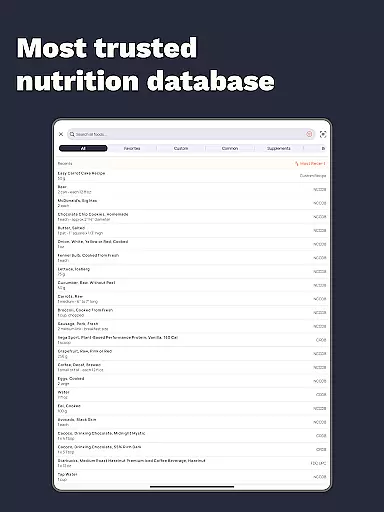
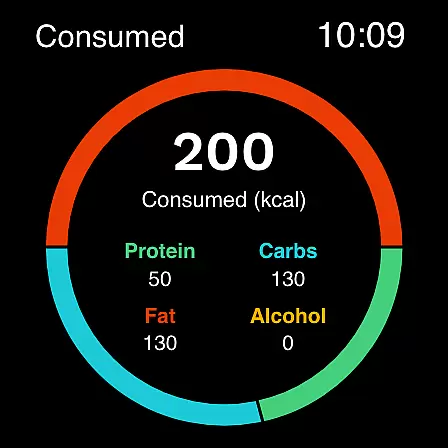
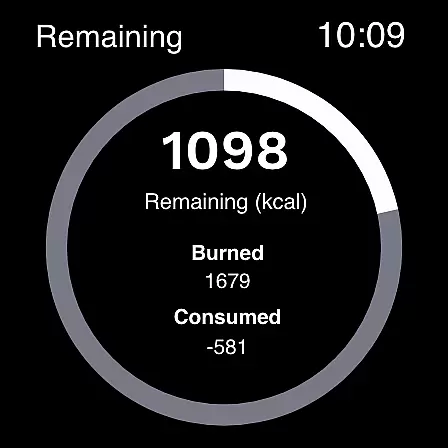
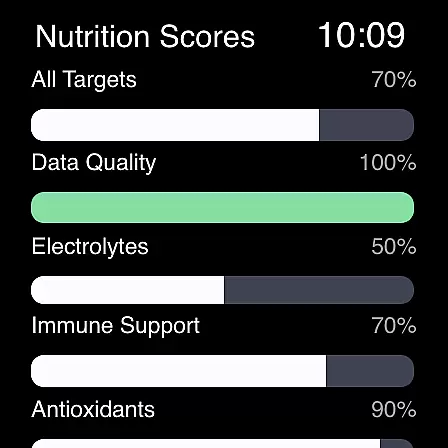
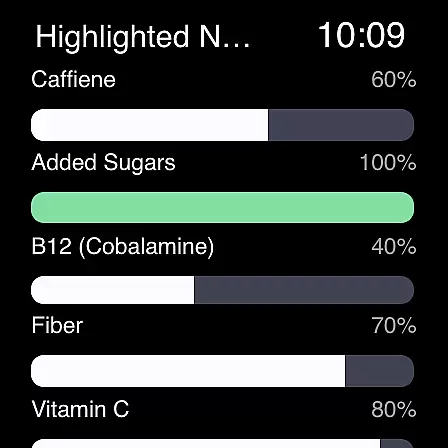
Calorie Counter by Cronometer is a feature-rich Android Wear application designed to provide users with precise calorie, nutrition, and macro tracking capabilities. The app stands out with its extensive database of over 1.1 million verified foods, all lab-analyzed for unmatched accuracy. It also offers AI-powered photo logging, making meal tracking faster and easier.
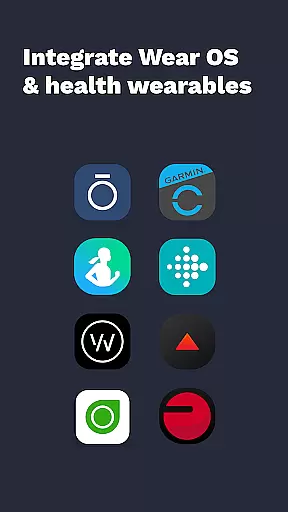
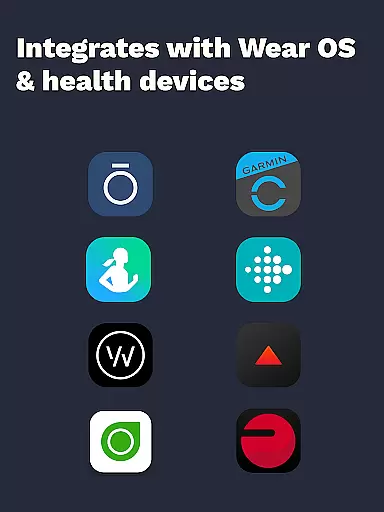
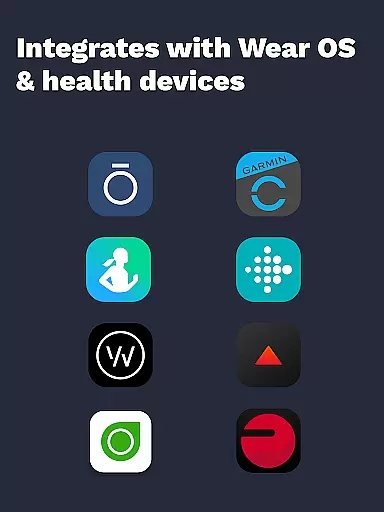
Beyond basic calorie counting, Cronometer provides a holistic health view by integrating with various wearable devices such as Fitbit, Garmin, and Apple Watch. This allows users to track not only their dietary intake but also hydration, sleep, and fitness activities. Its advanced tools cater to both personal health enthusiasts and professionals like doctors and dietitians who require detailed nutrient analysis.
Whether your goal is weight loss, muscle gain, or balanced eating, Cronometer's science-backed tools ensure you have the necessary data to make informed decisions about your health. The app's ability to track 84 micronutrients and offer custom biometrics and nutrition scores makes it a powerful ally in achieving long-term health objectives.
One of the standout features of Calorie Counter by Cronometer is its AI-powered photo logging capability. Users can snap a picture of their meal, and the app will identify ingredients, estimate portions, and fill in the nutritional diary accordingly. This feature leverages the NCC database for lab-verified nutrient accuracy, ensuring reliable diet tracking.
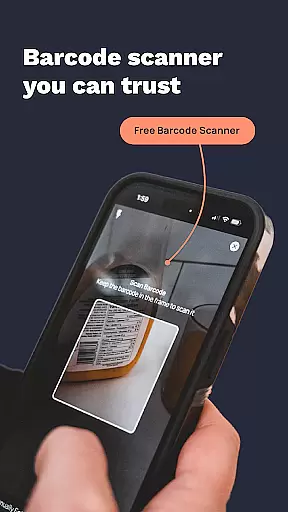
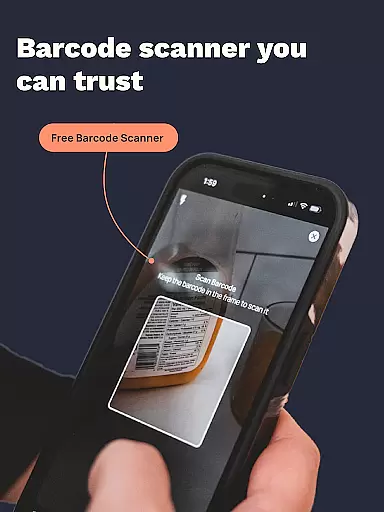
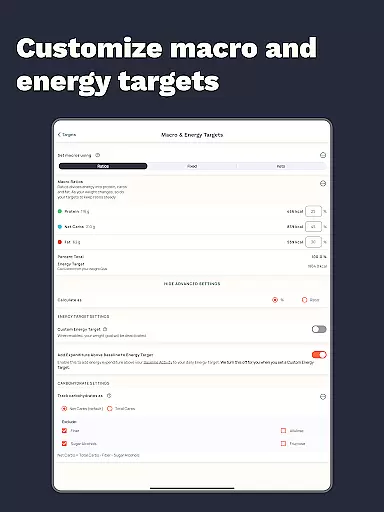
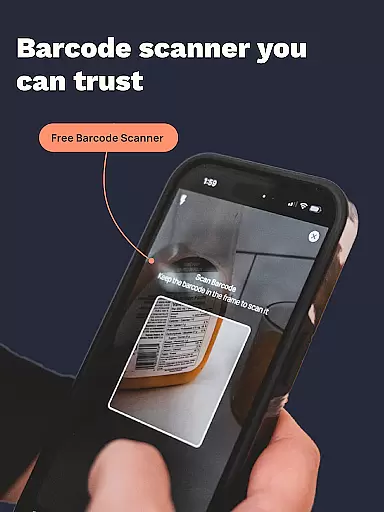
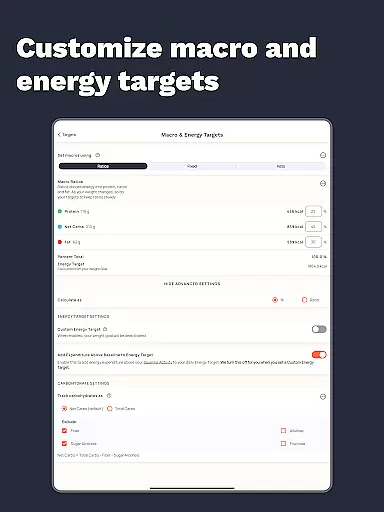
The app also includes a comprehensive suite of tracking tools. These include a free barcode scanner for fast food logging, custom goals and charts for setting precise nutrient targets, and integrations with various wearable devices for unified health data. Additionally, Cronometer offers advanced premium features such as custom biometrics, nutrition scores, and the ability to print professional PDF reports.
For those looking to go beyond simple calorie counting, Cronometer provides insights into micronutrients, macronutrients, and overall dietary balance. The app's nutrient oracle and food suggestions help users optimize their intake, while the repeat items feature automates logging for frequently consumed foods and meals. These robust functionalities make Cronometer a versatile tool for anyone serious about managing their health.
Companion app integration is essential for users who want a seamless experience between their mobile devices and wearables. Cronometer excels in this area by offering robust synchronization capabilities with its Wear OS application.
The app ensures that all data logged on your mobile device, such as calorie intake, macronutrients, and micronutrients, are accurately reflected on your smartwatch. This allows you to track your nutrition and fitness goals without needing to constantly refer to your phone.
Furthermore, Cronometer's Wear OS app provides quick access to key features like logging meals, tracking water intake, and monitoring daily goals directly from your wrist. This convenience enhances the overall user experience, making health tracking more accessible throughout the day.
Device compatibility is crucial for any wearable application, and Cronometer offers extensive support for Wear OS devices. This ensures that users with different smartwatches can benefit from Cronometer's advanced nutrition and fitness tracking features.
Cronometer's compatibility extends to various models of smartwatches, providing a consistent and reliable performance across devices. Whether you own a popular brand or a lesser-known model, Cronometer is designed to offer smooth functionality and accurate data tracking.
In addition to supporting multiple devices, Cronometer also integrates with other health apps and wearables like Fitbit, Garmin, and Dexcom. This interoperability allows users to consolidate their health data in one place, creating a comprehensive view of their wellness journey.
Accurate tracking
Comprehensive data
User-friendly
Premium features
Wearable support
Premium cost
Complex interface
Limited offline
Heavy battery
Occasional bugs

Wear Os Watch Face - Animated Snow - Sesonal for Christmas & Winter
 4.3
4.3
Rose gold watch face with festive lights & customizable features.
4.60
Snowflake Rose Gold Watch Face - Digital, modern, & sleek with GYRO effect.
4.10
Stunning modern digital watch face with 7 complications and strong contrast
4.5
Monitor health with the stress test and pulse checker in the heart rate app.
4.60
Locate your family members by GPS phone location tracker everywhere and anytime
4.30
Funny animated watch face for Thanksgiving
4.0
Retro digital watch face with customizable colors and a unique lighting effect
4.60
Fast and smart typing with Emojis, GIFs, and more
4.50
WTW M17 is a premium and luxurious hybrid watch face
4.70
Easy Voice Recorder is your everyday companion to record important moments.
4.70
The most customizable hybrid watch face. For Wear OS 5.0, API 34+ and later
4.70
MyNISSAN® lets you remotely control your car from your phone.*
4.50
Connect to your Bluelink equipped Hyundai vehicle from your smartphone.
4.50
Find EV charging stations
4.30
The ultimate destination for kids ages 3-8 to explore the Marvel Universe!
4.30
Elegant animated Christmas tree with multiple customization options
4.20
Wear Os Watch Face - Animated Snow Effect & Christmas Lights
4.1
Christmas and New Year - Themed Watchface
4.1


User Reviews