
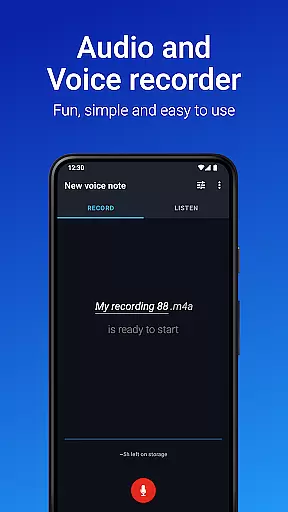
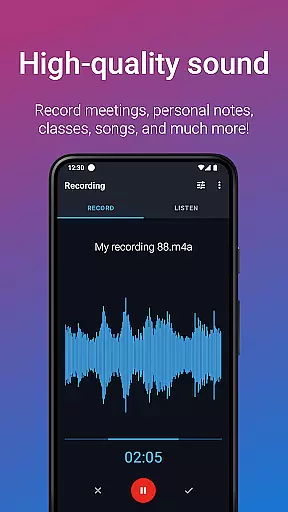
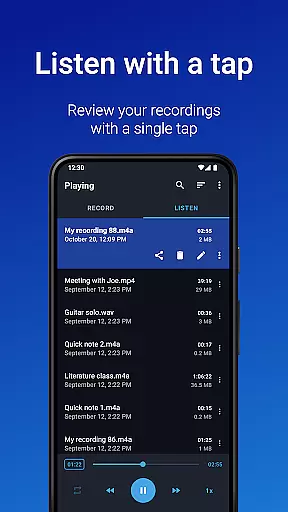
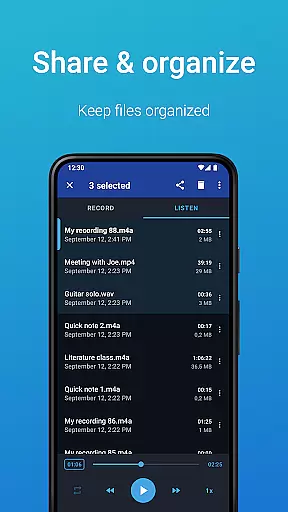
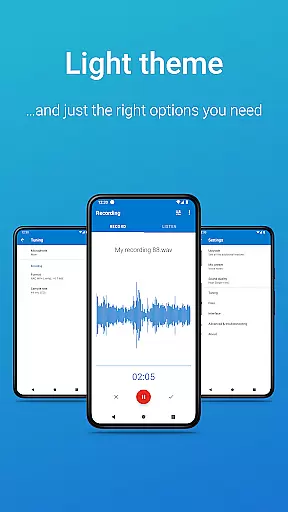
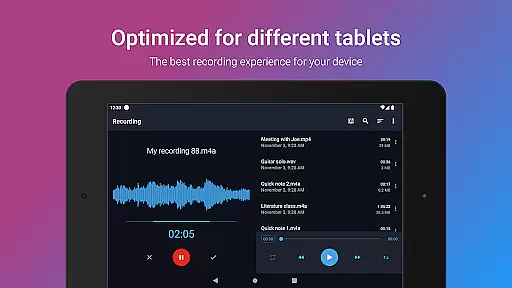
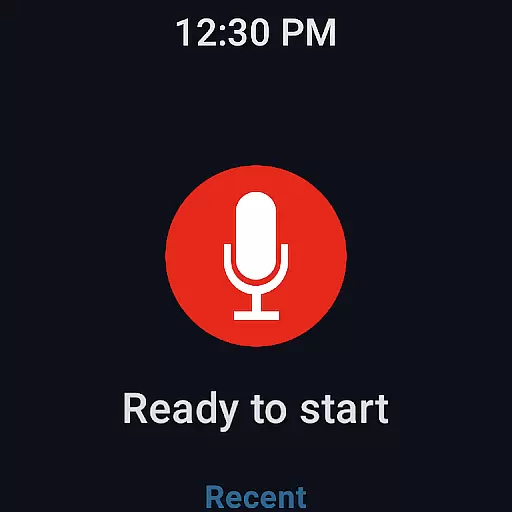
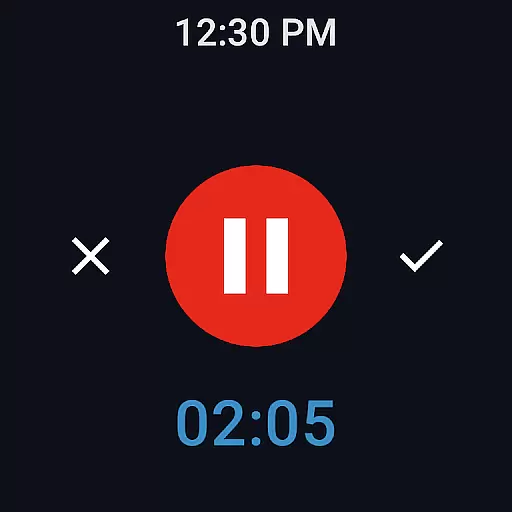
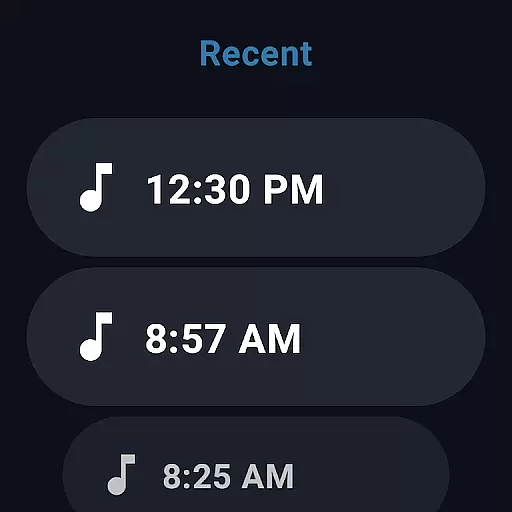
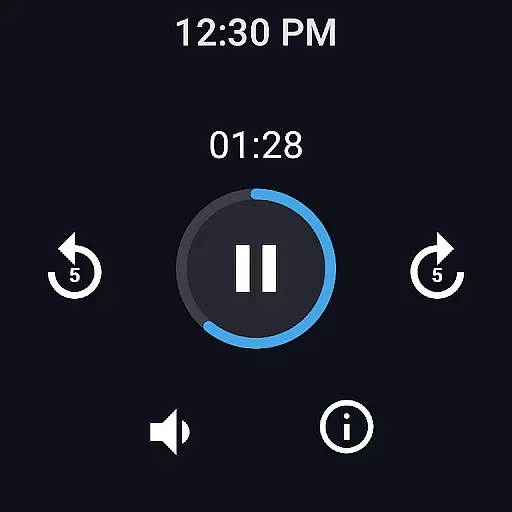
Easy Voice Recorder is a versatile audio recording application designed for Android Wear devices, offering users the ability to capture high-quality recordings of meetings, classes, music, and more. The app stands out with its user-friendly interface and powerful features that cater to various needs, from students capturing lectures to professionals documenting interviews.
One of the key strengths of Easy Voice Recorder is its flexibility in recording formats. Users can choose between high-quality PCM and MP4 formats or opt for AMR to conserve storage space. The app also supports background recording, making it convenient for multitasking. With additional functionalities like speed adjustment for playback and easy sharing options, it ensures recordings are not only captured but also easily accessible and shareable.
The app's compatibility with Wear OS enhances its utility, allowing users to start recordings directly from their smartwatches. This feature, combined with powerful widgets and shortcuts, makes Easy Voice Recorder an indispensable tool for anyone needing reliable and adaptable audio recording capabilities on their wearable devices.
Easy Voice Recorder offers an array of features that make it a top choice for Android Wear users seeking a comprehensive recording solution. One standout feature is its support for multiple recording formats including PCM, MP4, AMR, and in the Pro version, MP3, FLAC, and AAC. This versatility allows users to optimize their recordings based on quality or file size preferences.
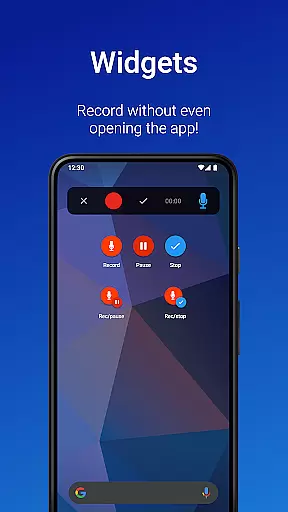
Another notable aspect is the app's seamless integration with Wear OS. Users can initiate recordings directly from their smartwatch using the included watch tile, which is particularly useful for capturing notes or ideas on the go. Additionally, the app provides powerful widgets and shortcuts that facilitate quick access and ease of use, enabling users to start new recordings instantly from their home screen.
For enhanced usability, Easy Voice Recorder includes practical features such as the ability to adjust playback speed, trim recordings, and organize files into folders in the Pro version. These features ensure that users can manage and tailor their audio content efficiently, making the app suitable for a wide range of applications from personal note-taking to professional documentation.
Easy Voice Recorder offers seamless companion app integration, ensuring that your recordings are always synchronized across all your devices. Whether you're using a smartphone, tablet, or smartwatch, the app provides consistent functionality and access to your audio files.
The synchronization feature allows users to start a recording on one device and continue on another without missing a beat. This is particularly useful for professionals who need to capture meetings or interviews and then review or share them later from different locations.
Additionally, the app supports Wear OS, enabling users to control recordings directly from their smartwatches. This convenient functionality ensures that you can initiate or stop recordings even when your phone isn't immediately accessible.
With easy sharing options through email or messaging apps, Easy Voice Recorder makes it simple to distribute your recordings to colleagues or friends, enhancing collaborative efforts and information dissemination.
Designed with versatility in mind, Easy Voice Recorder boasts extensive compatibility with various devices, including those running Wear OS. This compatibility ensures that no matter what device you're using, you'll have access to the same high-quality recording features.
The app's support for Wear OS means that smartwatch users can enjoy the convenience of starting or stopping recordings right from their wrists. This feature is especially beneficial during situations where handling a phone might be inconvenient or disruptive.
Moreover, Easy Voice Recorder adapts to different device capabilities, offering options like Bluetooth microphone recording and stereo sound on supported devices. These features enhance the recording experience by providing greater flexibility and improved audio quality.
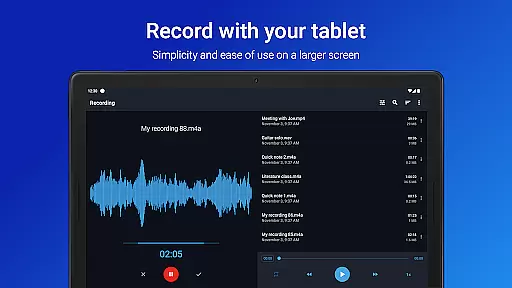
Regardless of whether you're using an Android phone, tablet, or smartwatch, Easy Voice Recorder delivers a reliable and intuitive recording solution, making it an essential tool for capturing important moments across all your devices.
User-friendly interface
Multiple recording formats
Background recording capability
Wear OS compatibility
Speed-adjustable playback
Limited free features
No automatic backup
Pro version costs extra
Occasional bugs reported
Not a call recorder

WTW M17 is a premium and luxurious hybrid watch face
 4.70
4.70
Christmas - Festive - Christmas Village - Winter - Christmas lights
5.00
MyNISSAN® lets you remotely control your car from your phone.*
4.50
Kia Access makes getting your vehicle information easier than ever
4.60
Gym & home workout plans with strength training, exercise tracking, HIIT & more.
4.60
The most customizable hybrid watch face. For Wear OS 5.0, API 34+ and later
4.70
Retro digital watch face with customizable colors and a unique lighting effect
4.60
Simple, helpful messaging by Google
4.60
Start and succeed with PAP
4.10
Christmas Theme Watch Face for Wear Os
5.00
Diet tracker for weight loss - track calories, food and macros. Simple and easy!
4.70
Rose gold watch face with festive lights & customizable features.
4.60
Deck out your Wear OS Watch face with a beautifully decorated pine wreath!
4.50
Fast and smart typing with Emojis, GIFs, and more
4.50
Reliable phone calls with spam protection, caller ID and more helpful features
4.40
A customizable Christmas watch face for Wear OS with a countdown.
4.20
Viewer for Wyze/Yi/Eufy/Arlo/ONVIF/RTSP/P2P IP cams w/ adv. features & DIY DVR
4.00
Animated Watch Face and Customizable with 24 Backgrounds. Perfect for Christmas!
3.90
an Analog Watch Face for winter season with freeze winter background for Wear OS
4.0


User Reviews