
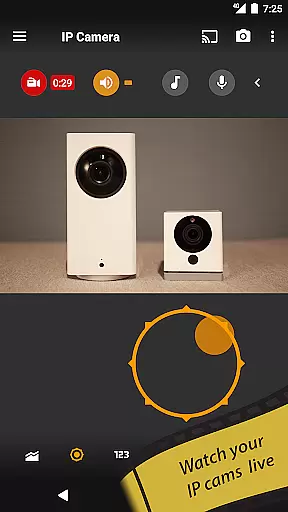
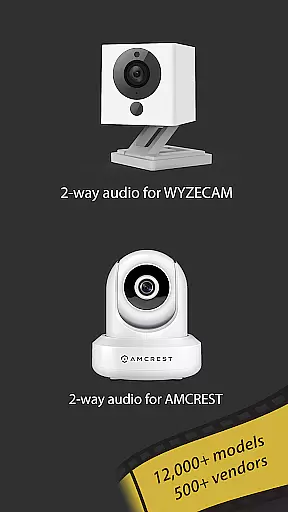
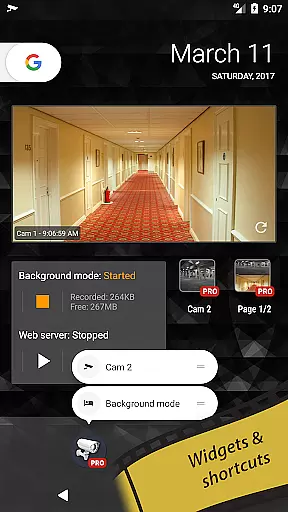
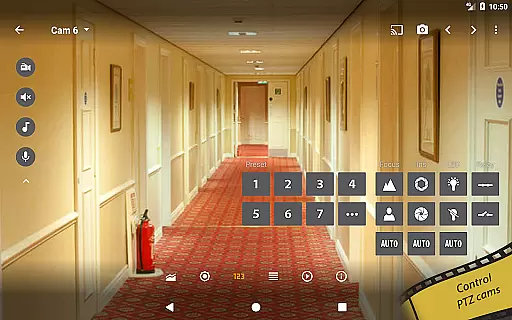
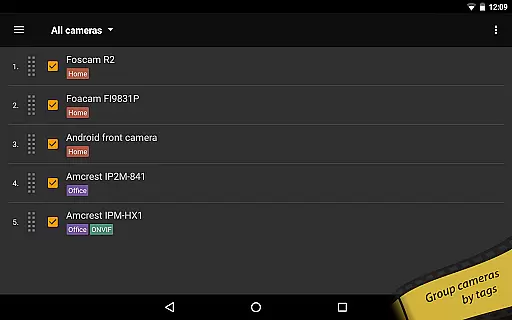
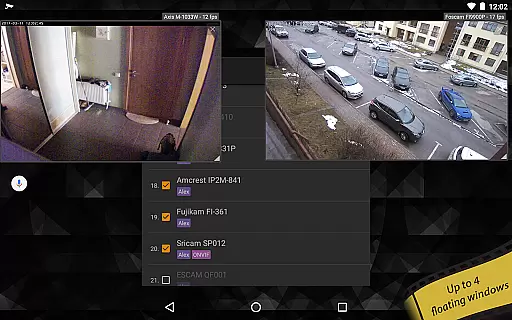
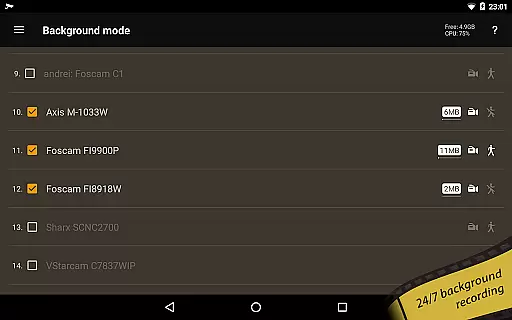
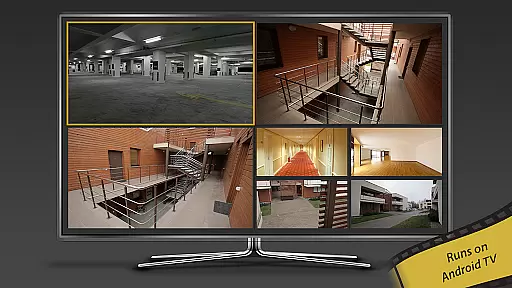
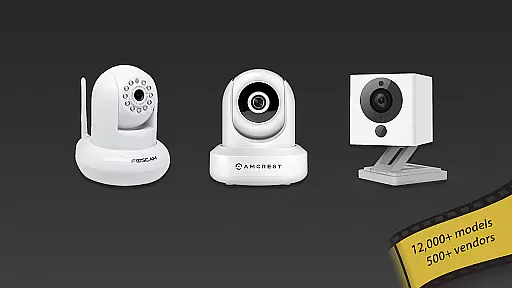
tinyCam Monitor PRO is the ultimate Android application for remote surveillance and video recording, designed to securely monitor your home, business, or any location with IP cameras. With support for MJPEG, H264, H265, and RTSP protocols, it ensures compatibility with a wide range of devices including Foscam and Amcrest cameras.
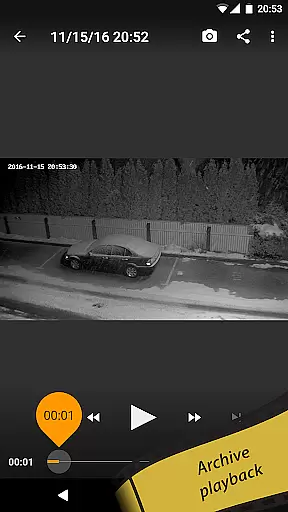
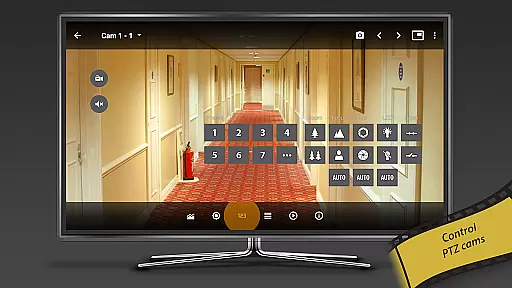
The app offers advanced features such as ONVIF Profile S support, 2-way audio, SSL secured monitoring, and PTZ control. It also supports background recording, time-lapse recording, and AI object detection, making it an indispensable tool for both personal and professional security needs.
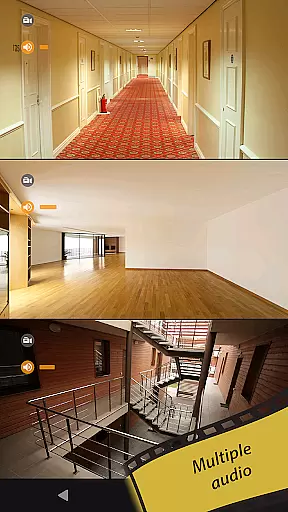
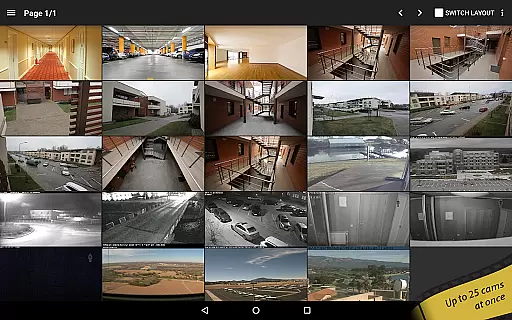
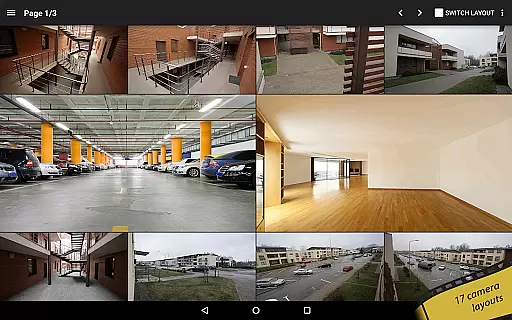
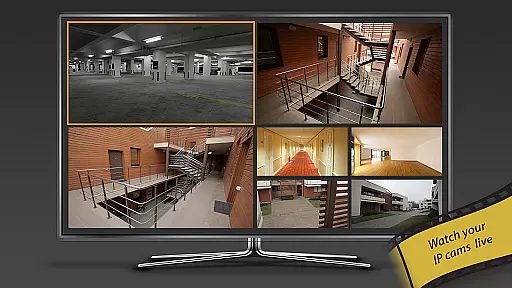
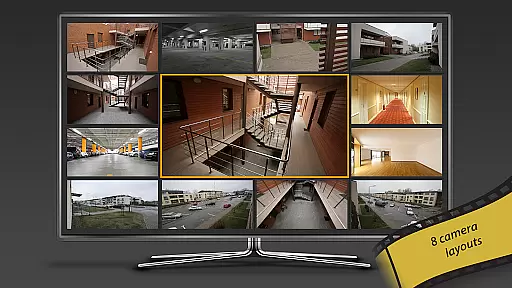
tinyCam Monitor PRO stands out with its intuitive interface and extensive feature set tailored for comprehensive surveillance. The app supports 19 different layouts, allowing users to customize their monitoring setup with an unlimited number of cameras. Its smart camera support includes popular brands like Wyze, Eufy, and Blink, enhancing its versatility.
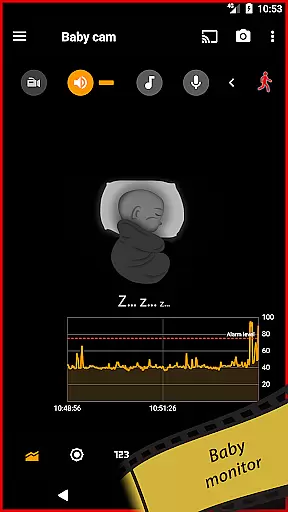
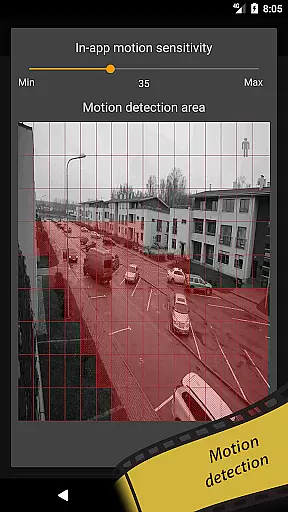
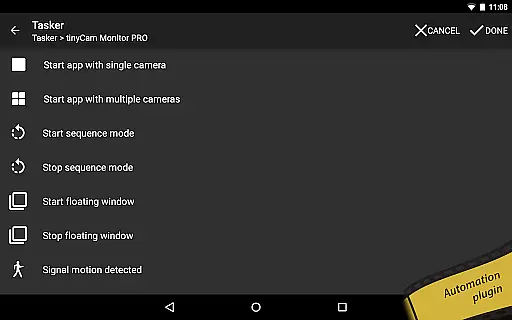
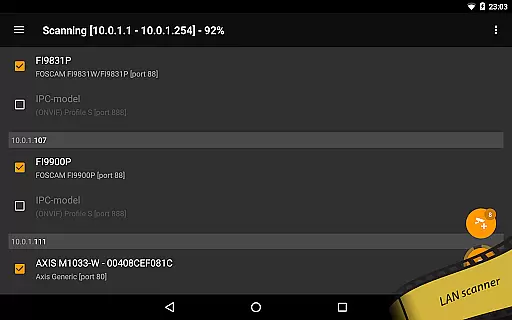
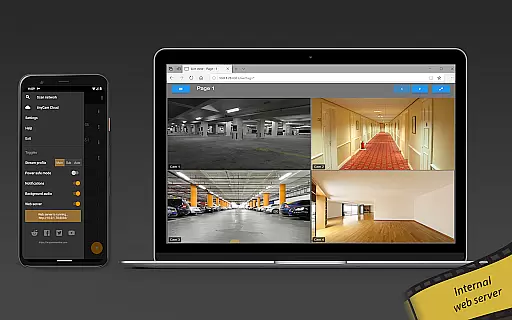
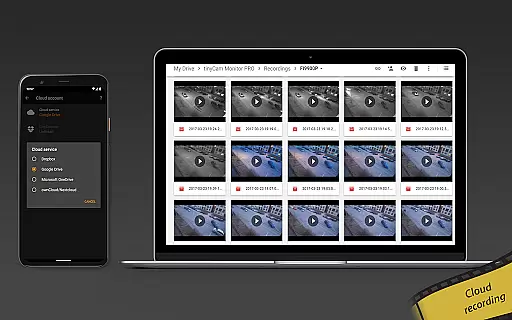
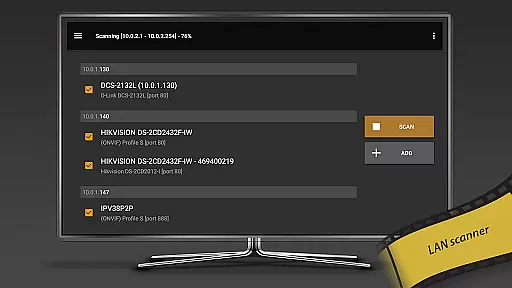
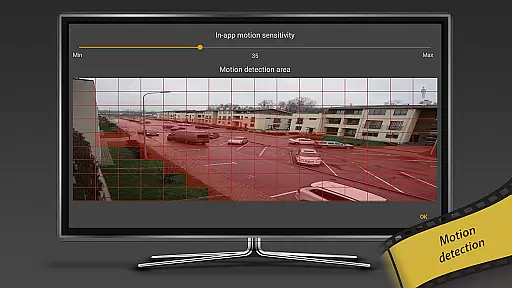
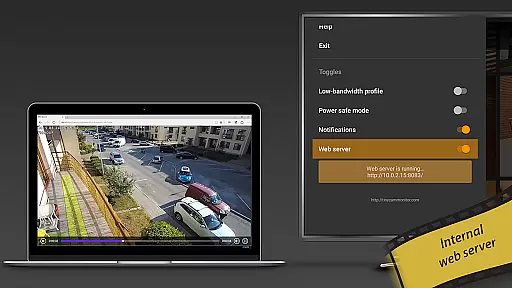
Unique capabilities include an internal web server for remote access, in-app and on-camera motion detection, and integration with cloud services like Dropbox and Google Drive for video storage. Advanced functionalities such as face detection, LAN scanner, and Tasker plugin for home automation further solidify its position as a top-tier surveillance solution.
Companion app integration is essential for users who want seamless connectivity between their mobile devices and wearables. tinyCam Monitor PRO ensures that all your surveillance data, camera controls, and recording settings are perfectly synchronized across devices.
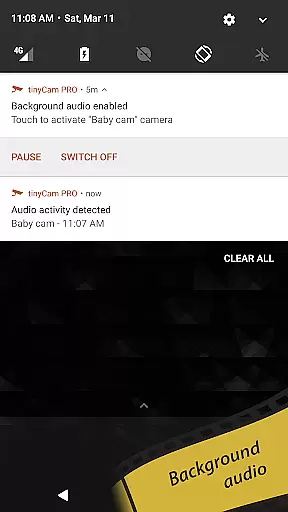
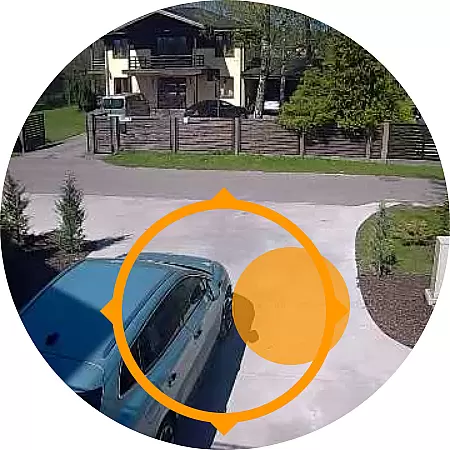
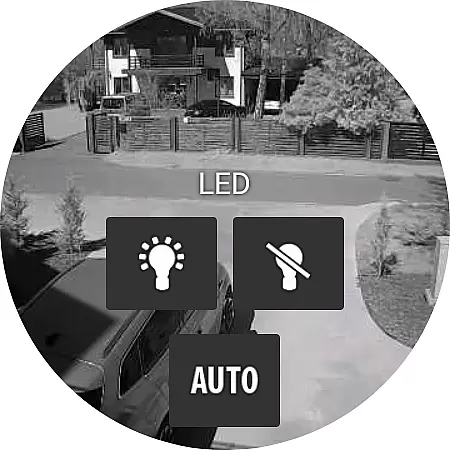
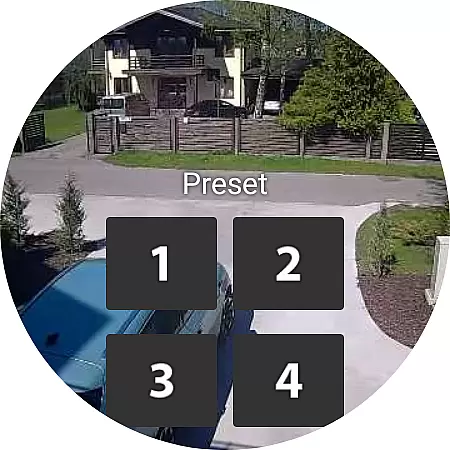
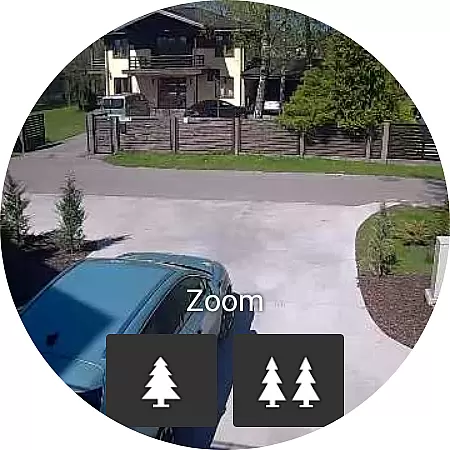
The application supports a comprehensive range of features specifically designed for smartwatches. This includes real-time video streaming, push notifications for motion detection, and even control options for PTZ cameras directly from your wearable device.
Users benefit from the ability to receive instant alerts and take immediate actions without needing to reach for their smartphones. Whether you're monitoring your home or business, having this level of integration provides peace of mind and convenience.
This synchronization not only enhances accessibility but also improves response times in critical situations. With tinyCam Monitor PRO, managing your IP cameras on the go has never been easier or more efficient.
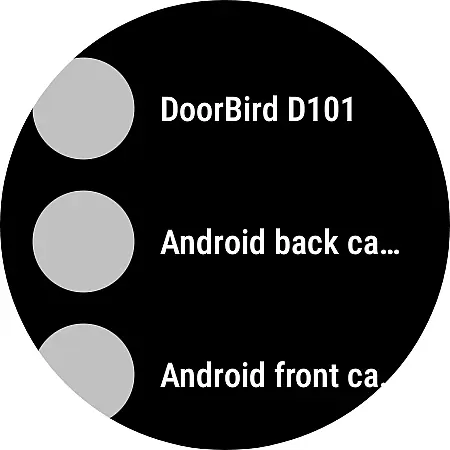
Ensuring broad compatibility with various Wear OS devices is crucial for maximizing user accessibility. tinyCam Monitor PRO offers extensive support for different smartwatch models, ensuring that you can use your preferred device without limitations.
The app is optimized to deliver smooth performance on all supported Wear OS devices. It leverages hardware acceleration to provide high-quality video streaming and responsive controls, regardless of the specific model you own.
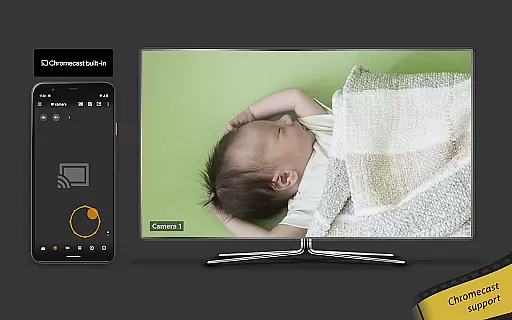
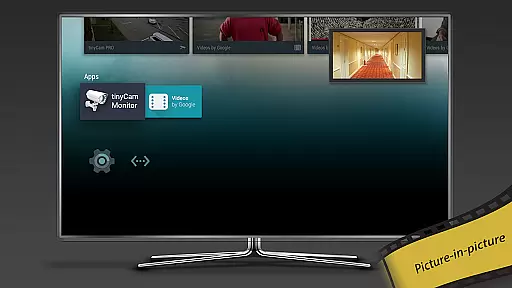
By supporting a wide array of devices, tinyCam Monitor PRO allows users to choose the best fit for their needs without worrying about compatibility issues. This flexibility extends to integrating with other connected devices like Chromecast for enhanced viewing experiences.
Ultimately, this compatibility empowers users to build a cohesive ecosystem where all their devices work harmoniously together, providing an unparalleled level of convenience and functionality in remote surveillance.
User-friendly interface
Wide camera compatibility
Advanced motion detection
Cloud storage integration
AI-powered object detection
Paid application
Complex setup required
High system requirements
Limited free features
Occasional bugs reported

Animated Watch Face and Customizable with 24 Backgrounds. Perfect for Christmas!
 3.90
3.90
Beautiful artistic animated digital watch face, with a customizable layout!
4.40
Stunning modern digital watch face with 7 complications and strong contrast
4.5
Kia Access makes getting your vehicle information easier than ever
4.60
Hyper-Realistic Airplane Dashboard Watch Face With 10 Skins and Custom AOD
4.00
A modern hybrid informative watch face for Wear OS designed by BALLOZI
4.80
Daily Weather forecast with 15 weather images for Day & Night plus Big Bold time
4.10
Fast and smart typing with Emojis, GIFs, and more
4.50
Simple, helpful messaging by Google
4.60
Reliable phone calls with spam protection, caller ID and more helpful features
4.40
Embrace the holiday spirit with this magical animated watch face!
4.40
Find EV charging stations
4.30
A digital watch face that celebrates Christmas.
4.00
an Analog Watch Face for winter season with freeze winter background for Wear OS
4.3
Wear Os Watch Face - Animated Snow - Sesonal for Christmas & Winter
4.1
Christmas is near, let's count together the days left until Santa comes
4.1
A heartwarming Christmas scene featuring a cute image of Santa and Rudolf
4.4
Stylish digital watch face for Wear OS devices with customizable features
4.1
Fitness interactive virtual pet super fighter boy watch face
4.3


User Reviews