
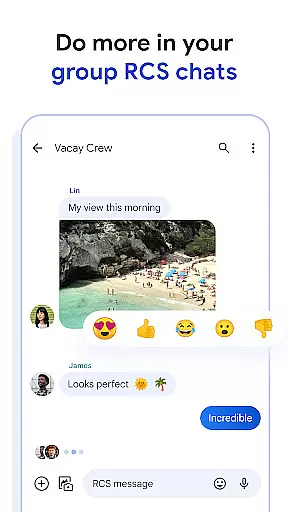
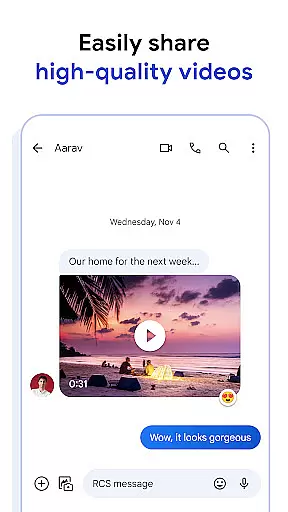
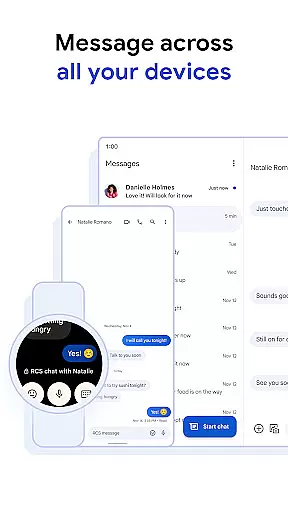
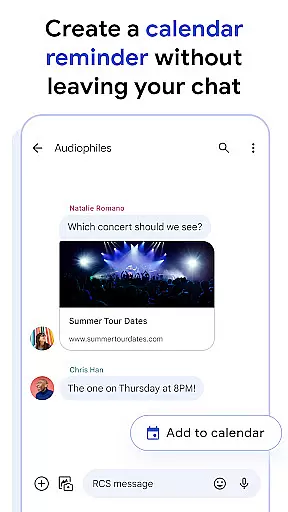
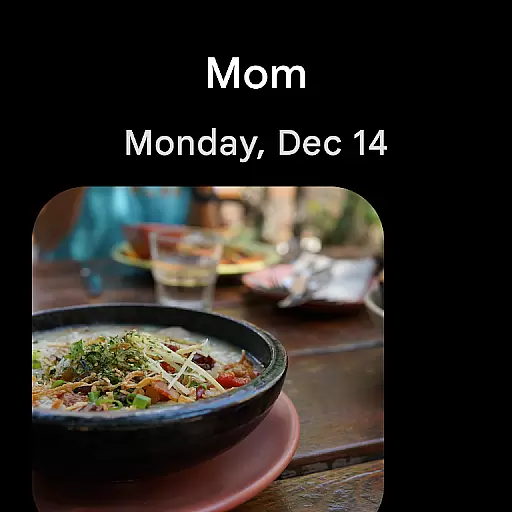
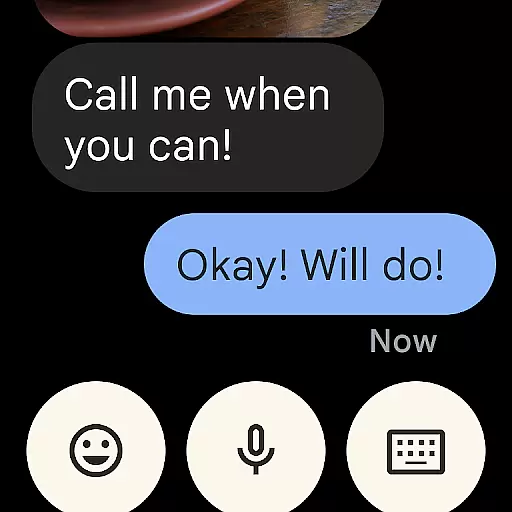
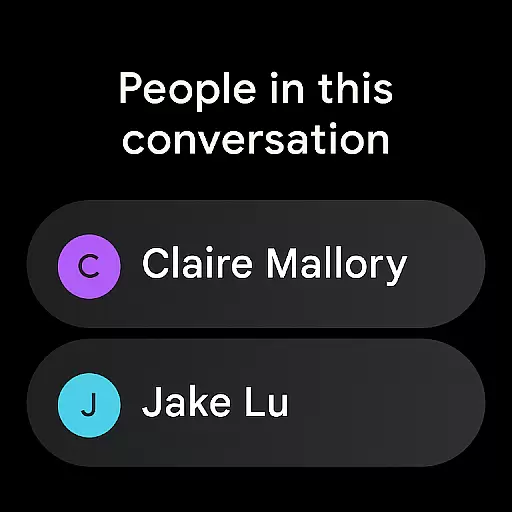
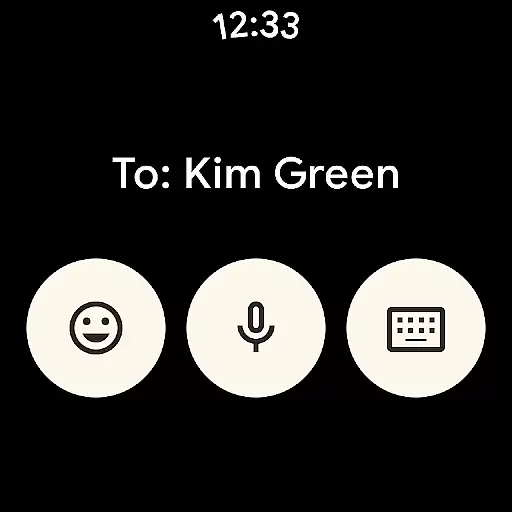
Google Messages is the official messaging app from Google, designed to enhance communication for over a billion users worldwide. It leverages Rich Communication Services (RCS), which replaces traditional SMS and MMS, allowing users to share high-resolution photos and videos, engage in dynamic group chats, and seamlessly connect with other RCS users, including iPhone friends. The app offers a richer, safer, and more expressive way to communicate.
With features like custom chat bubble colors, fun selfie GIFs, end-to-end encryption, and AI-powered message suggestions, Google Messages provides a personalized and secure messaging experience. Available on Android devices, tablets, computers, and Wear OS, it ensures seamless communication across multiple platforms. Whether you're looking to stay connected with friends or manage your messages efficiently, Google Messages delivers a comprehensive solution tailored to modern communication needs.
Google Messages stands out with its innovative features that redefine mobile communication. The app's core functionality is built around RCS, enabling users to send high-quality media, see typing indicators, and participate in dynamic group conversations. This creates a more interactive and engaging messaging experience compared to traditional SMS.
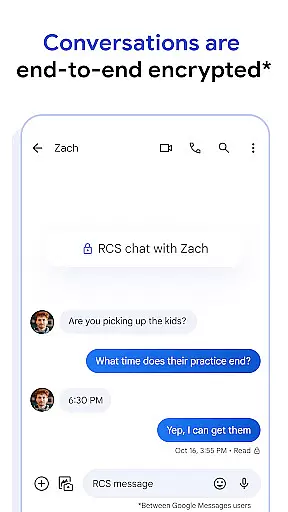
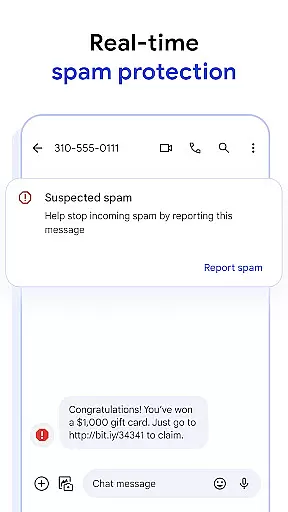
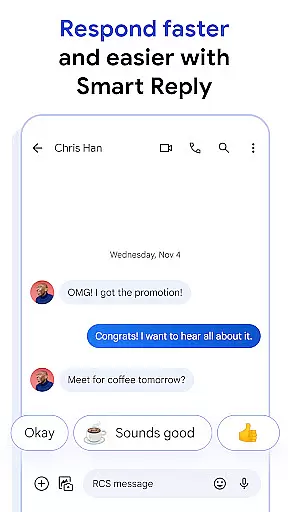
In addition to RCS, the app offers unique customization options such as custom chat bubble colors and fun selfie GIFs, allowing users to personalize their conversations. Privacy is prioritized with end-to-end encryption, ensuring that only the intended recipients can read messages and view attachments. Advanced spam protection further enhances security. AI-powered tools like Magic Compose provide intelligent message suggestions, helping users craft perfect responses quickly. Lastly, cross-device compatibility ensures users can transition between phones, tablets, computers, and Wear OS without missing a beat.
Companion app integration is a crucial feature for Android Wear applications, ensuring seamless synchronization between mobile devices and wearables. Google Messages excels in this area by providing users with a unified messaging experience across multiple devices.
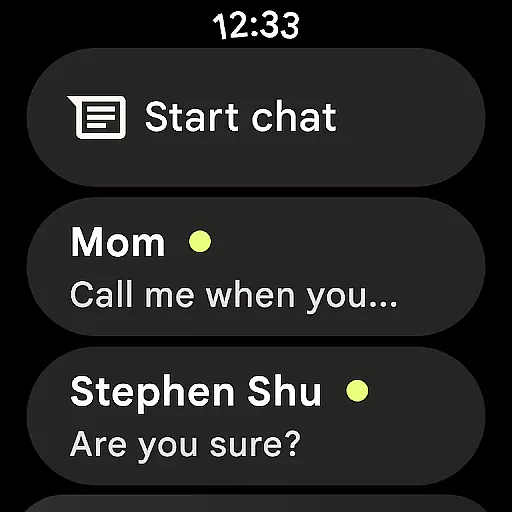
The application allows you to start a conversation on your smartphone and continue it effortlessly on your Wear OS device. This cross-device functionality ensures that users are not tethered to their phones and can respond to messages conveniently from their wrist.
By maintaining consistent chat history, notifications, and even typing indicators across devices, Google Messages creates a truly integrated ecosystem. This level of synchronization enhances productivity and user convenience, especially for professionals who need to stay connected while on the move.
The implementation of end-to-end encryption across all devices adds an extra layer of security, ensuring that your private conversations remain protected regardless of which device you're using. This comprehensive approach to companion app integration sets a new standard for wearable communication applications.
Device compatibility is essential for any Android Wear application, and Google Messages demonstrates exceptional versatility in this aspect. The app supports a wide range of Wear OS devices, ensuring that users can enjoy rich communication features regardless of their specific smartwatch model.
Google has optimized the application's interface for various screen sizes and resolutions, providing an intuitive user experience across different devices. The app's adaptive design maintains full functionality while presenting information in a clear, readable format on smaller displays.
Compatibility extends beyond just hardware support; Google Messages integrates seamlessly with the Wear OS operating system. This deep integration enables features like voice dictation, quick replies, and notification syncing to work flawlessly with the smartwatch's native functions.
Furthermore, the application's optimization for wearable devices ensures efficient battery usage and responsive performance. By balancing rich features with system resource management, Google Messages delivers a superior user experience without compromising device performance or battery life.
High-quality media sharing
End-to-end encryption
AI-powered suggestions
Cross-device compatibility
Dynamic group chats
Limited RCS availability
Requires data plan
Beta testing needed
Feature limitations by region
Device compatibility issues

Christmas Theme Watch Face for Wear Os
 5.00
5.00
Christmas and New Year - Themed Watchface
4.4
Artistic Digital Watchface
4.0
Authentic military-tactical design with ZULU time! Realistic and functional!
3.80
Structured watch face with seven complications and modular UI elements
3.90
Retro digital watch face with customizable colors and a unique lighting effect
4.60
Daily Weather forecast with 15 weather images for Day & Night plus Big Bold time
4.10
Control your Samsung Smart TVs, appliances, and SmartThings-compatible devices
4.60
Download full tracks, listen to music offline, make unlimited playlists.
4.80
Real-time weather radar with temperatures, warnings, hurricanes, and widgets
4.80
WTW M17 is a premium and luxurious hybrid watch face
4.70
Your second brain for organizing your life: to-do, calendar, reminder.
4.70
Kia Access makes getting your vehicle information easier than ever
4.60
Nutrition, Macro tracker: Food, fitness & healthy diet tracking for weight loss
4.60
Ideal for surviving in the wasteland left after nuclear fallout
4.50
Digital watch face. For Wear OS devices.
4.40
Calming & relaxing sounds for sleeping and stress relief. Stay focused all day!
4.20
Watch face for Wear OS.
4.20
Wear Os Watch Face - Animated Snow Effect & Christmas Lights
4.0


User Reviews