
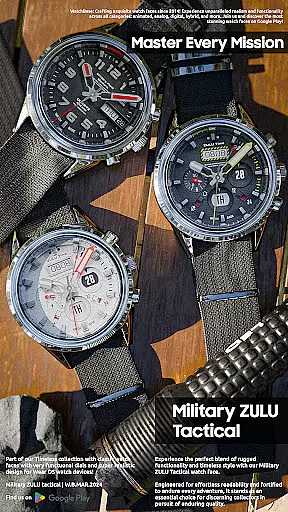
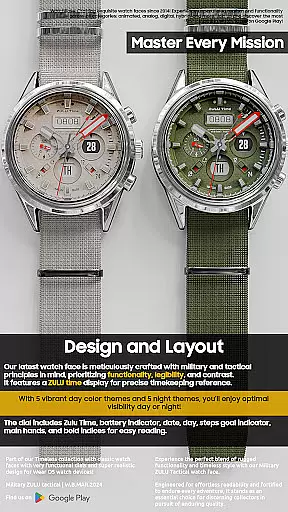
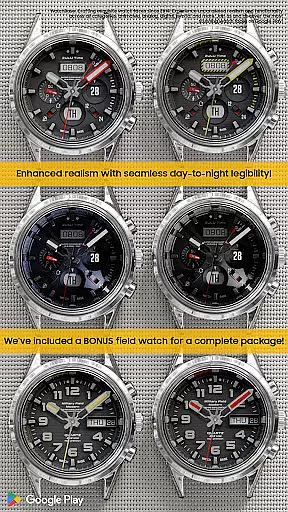
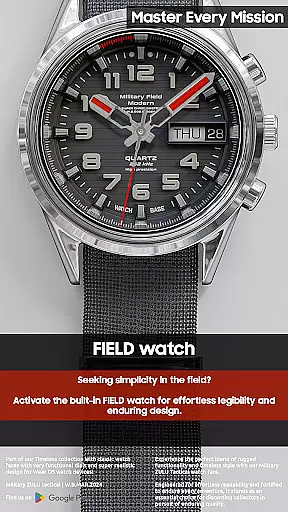
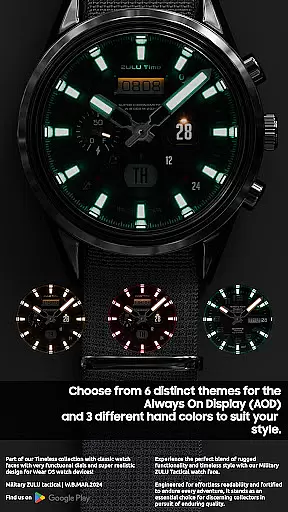
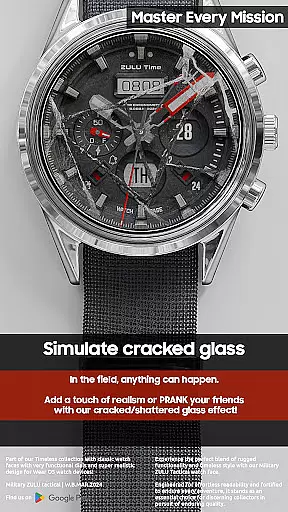
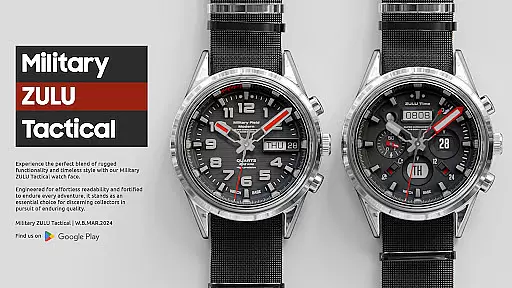
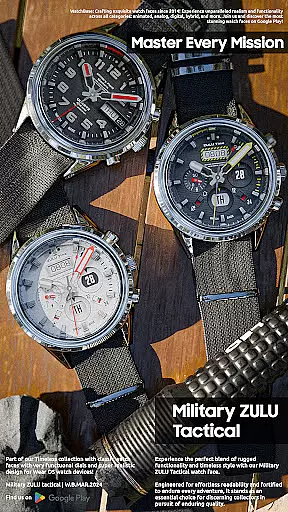
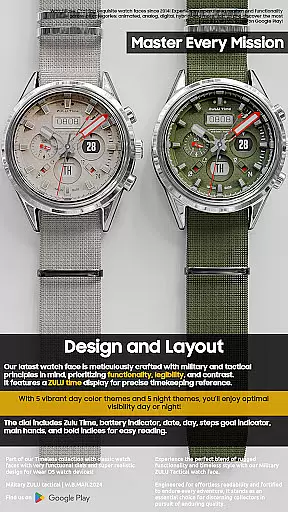
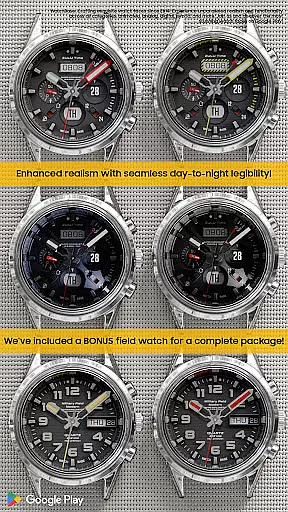
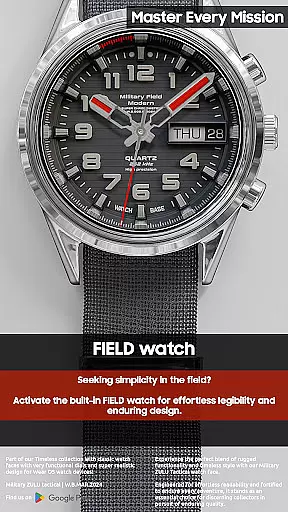
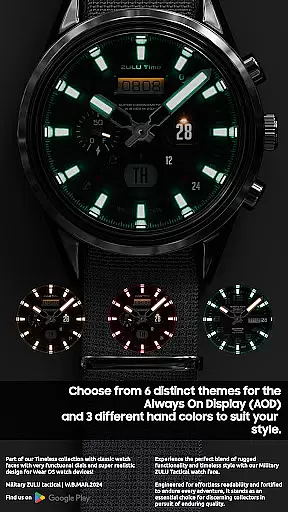
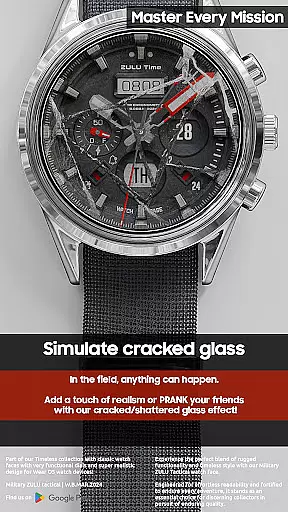
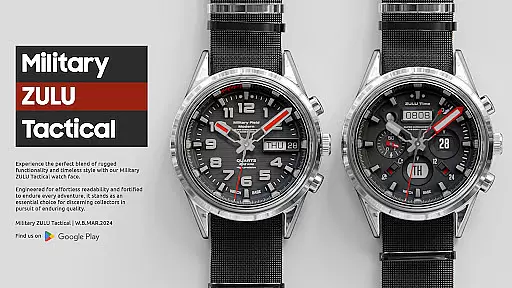
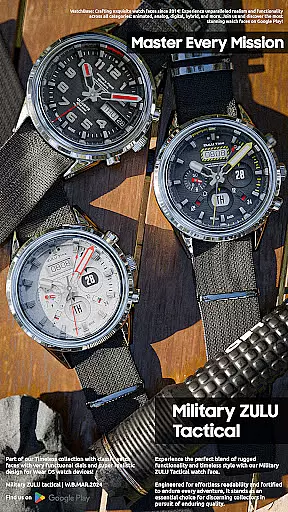
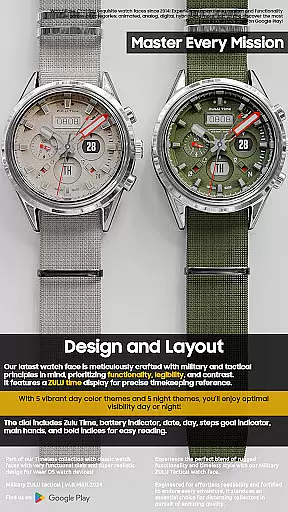
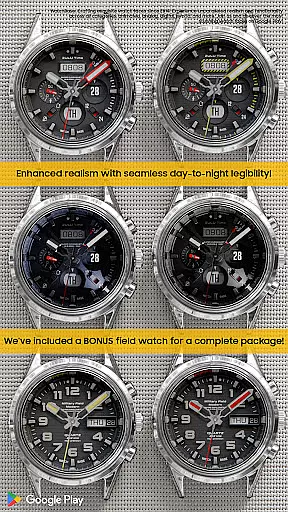
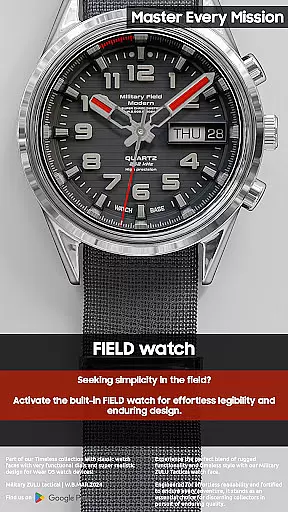
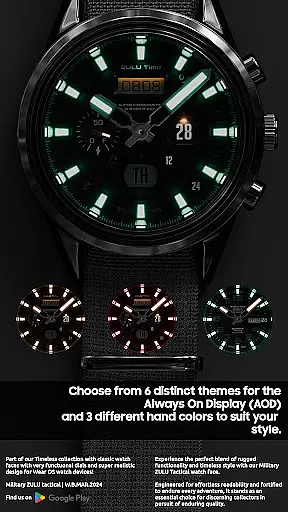
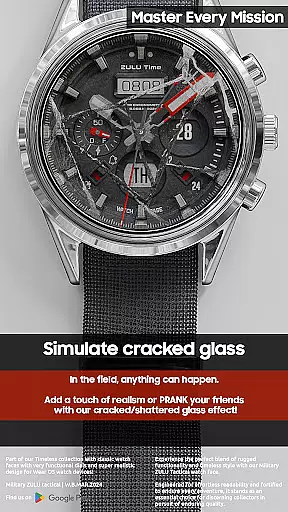
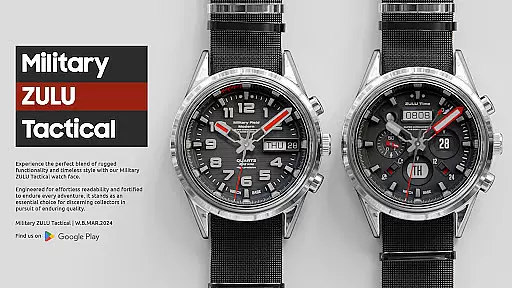
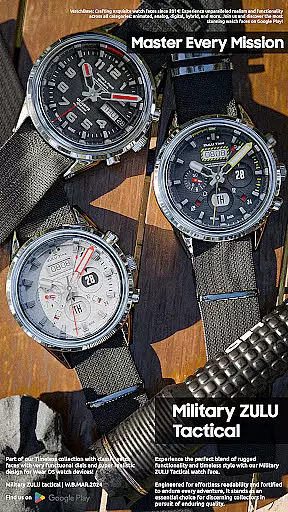
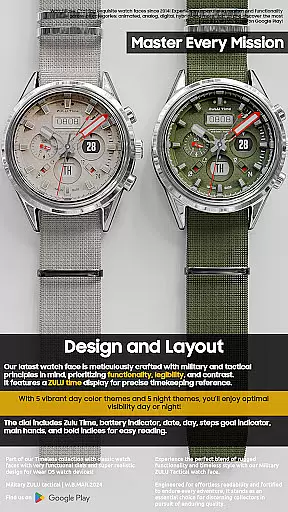
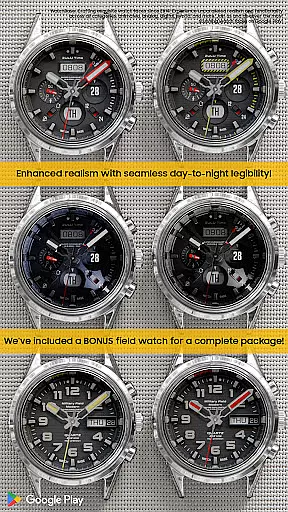
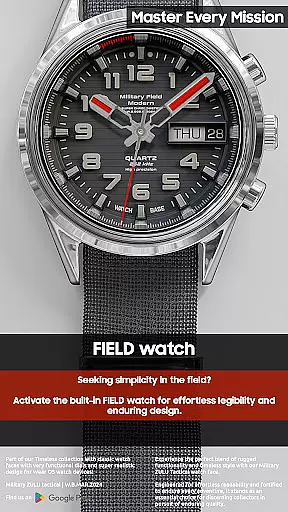
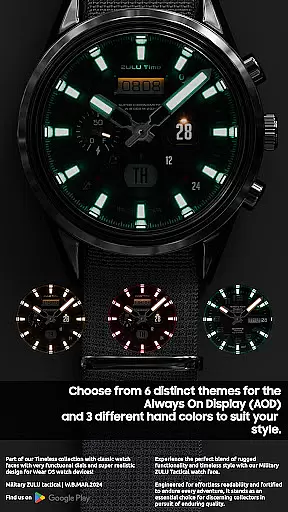
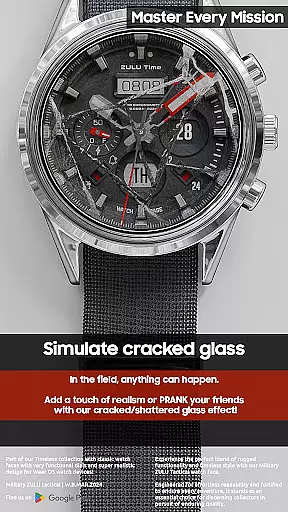
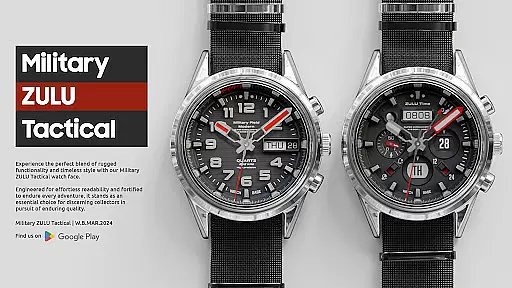
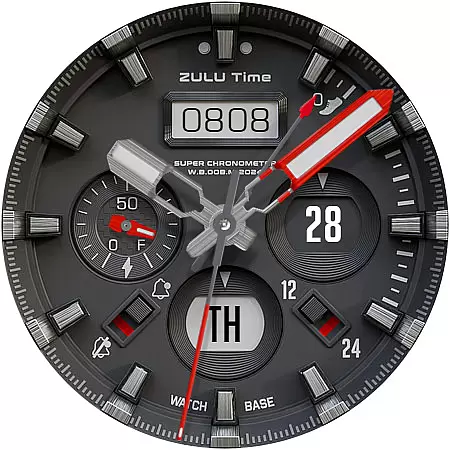
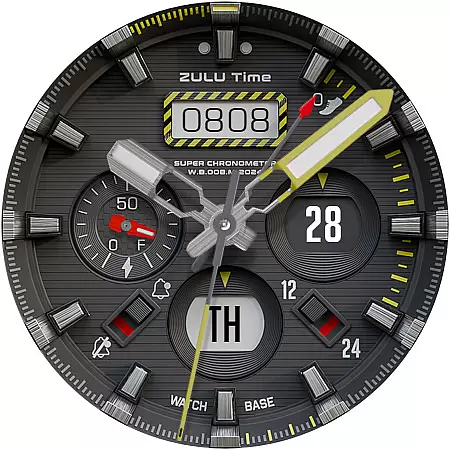
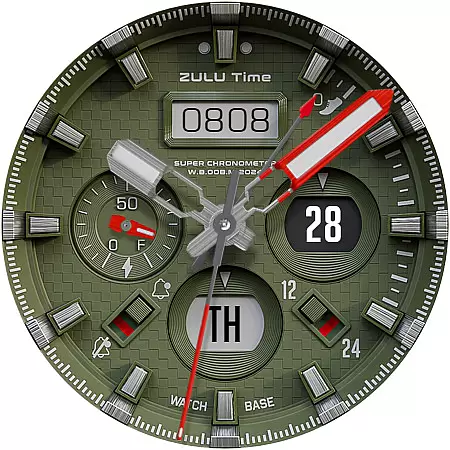
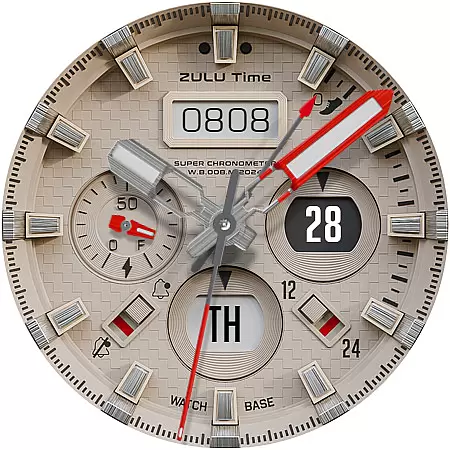
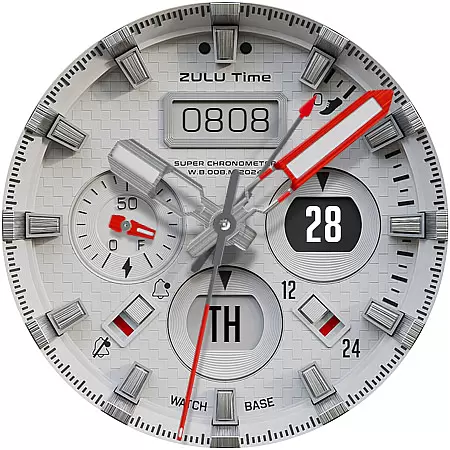
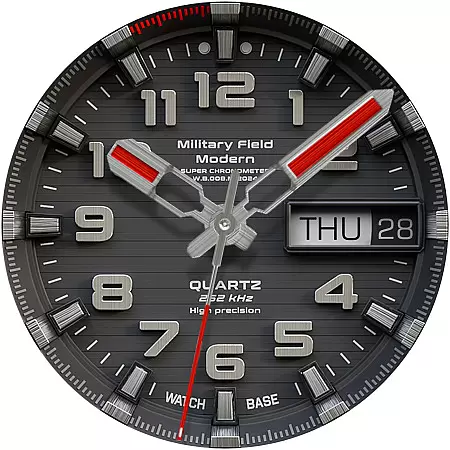
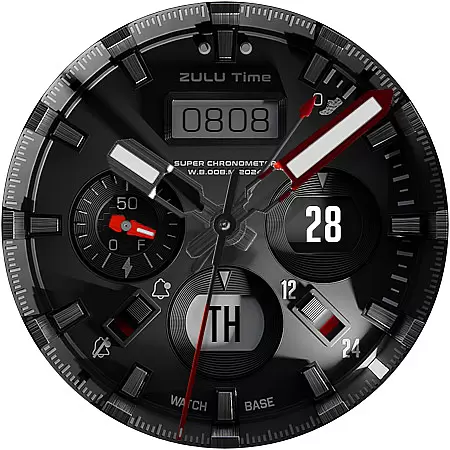
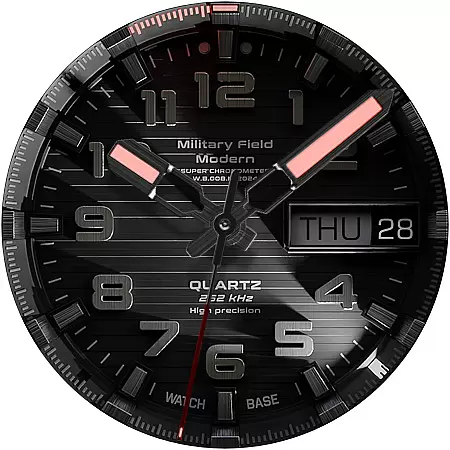
Military ZULU Tactical watch is a premium Wear OS face that blends military-inspired design with advanced functionality. Featuring a tactical layout, this watch offers both ZULU time and a secondary FIELD watch option, making it versatile for various users.
With its hidden prank feature displaying cracked glass, 10 dial color options, and 6 Always On Display modes, it provides both realism and customization. Key indicators include battery level, step goals, moon-phase, and notifications, all wrapped in a super realistic LED-illuminated display.
Ideal for tactical enthusiasts and tech-savvy users, this watch face brings both utility and style to your smartwatch experience.
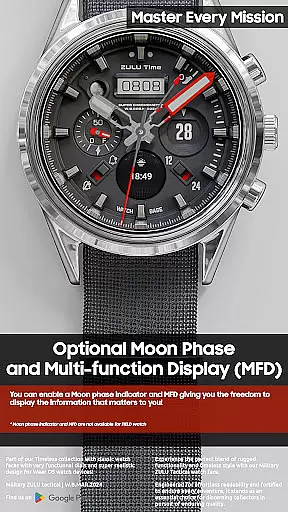
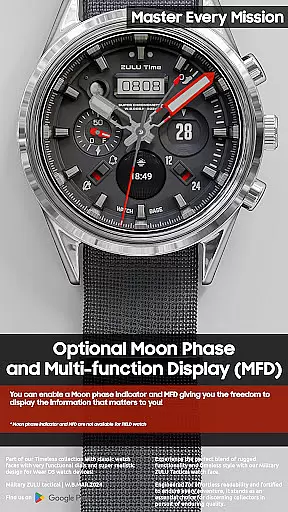
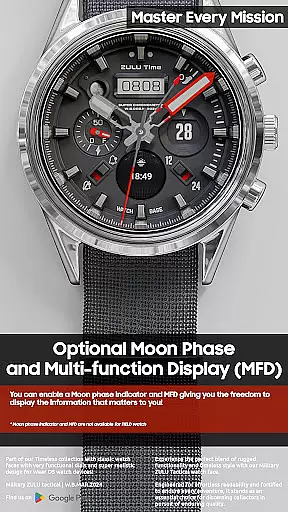
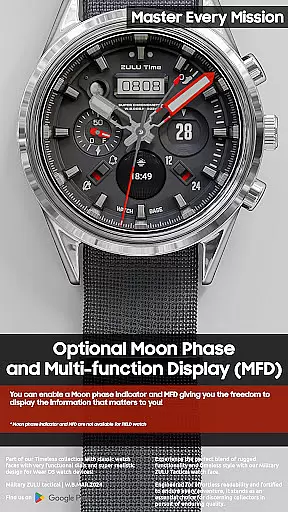
The Military ZULU Tactical watch stands out with its comprehensive feature set tailored for both functionality and aesthetics. Its MFD (Multi-Function Display) allows users to customize information views, while maintaining a clean interface when disabled.
Unique elements like the moon-phase indicator and 12/24 mode display cater to specific user needs, though these features aren't available in FIELD watch mode. The inclusion of day, date, and battery indicators ensures essential information is always accessible.
With realistic night modes and diverse customization options, this watch face delivers an engaging and personalized wearable experience suitable for various occasions.
Companion app integration is a crucial feature for Android Wear applications like Military ZULU Tactical watch. This functionality allows users to seamlessly manage and customize their watch faces through a smartphone app.
The companion app simplifies the installation process by providing clear instructions and direct access to the watch face options. When users purchase the Military ZULU Tactical watch face, they can use the companion app to install it easily. After tapping the install button on their phone, a screen appears on the watch showing the watch face, prompting another tap to complete the installation.
This integration ensures that any synchronization issues are minimized. If a user encounters a prompt to buy the watch face again on the watch, there's no need to worry as they won't be charged twice. It's usually just a synchronization hiccup that resolves with time or after restarting the device.
Overall, companion app integration enhances user experience by making the management of watch faces straightforward and efficient, ensuring users can enjoy their chosen designs without hassle.
For an Android Wear application such as Military ZULU Tactical watch, ensuring broad Wear OS/device compatibility is essential. This compatibility guarantees that the watch face functions correctly across various devices and Wear OS versions.
Military ZULU Tactical watch is designed to work seamlessly on different smartwatches running Wear OS. The developers have ensured that features like the 'hidden' prank function, cracked/shattered glass effect, and MFD (Multi-Function Display) operate smoothly regardless of the specific device model.
Compatibility extends to different functionalities within the app. For instance, users can choose from 10 main dial color combinations and 6 Always On Display modes, knowing these features will perform consistently across supported devices. Additionally, indicators such as battery level, steps goal, and moon-phase are reliably displayed.
By focusing on extensive compatibility, Military ZULU Tactical watch ensures that all users, regardless of their device type, can enjoy a high-quality, consistent experience, enhancing satisfaction and usability.
Highly customizable
Realistic design
Versatile functionality
Unique prank feature
Multiple display modes
Complex setup process
Limited FIELD watch features
Potential sync issues
Requires companion app
Not all features work simultaneously

"PER27 Galaxy Digital" is a digital Wear OS watch face designed by PERSONA
 4.10
4.10
Watch face designed for Thanksgiving Day. 7 Background Styles included.
3.20
3 Complications. All shadow on/off. 30 Themes color palette...
4.4
Monitor health with the stress test and pulse checker in the heart rate app.
4.60
The #1 source of faces for your smartwatch!
4.00
Retro digital watch face with customizable colors and a unique lighting effect
4.60
Your local weather forecast, storm tracker, radar maps & live weather news
3.40
Fitbit is dedicated to helping people lead healthier, more active lives.
4.10
Back up your contacts & access them anywhere
4.30
Beautiful, colorful and practical watch face. For Wear OS devices.
5.00
A modern hybrid informative watch face for Wear OS designed by BALLOZI
4.80
Ideal for surviving in the wasteland left after nuclear fallout
4.50
Digital watch face with big numbers and many customization for Wear OS devices
4.40
A customizable Christmas watch face for Wear OS with a countdown.
4.20
sleep, alarm, snoring, stress, healing, focus, sound therapy, circadian rhythm
4.10
Daily Weather forecast with 15 weather images for Day & Night plus Big Bold time
4.10
Animated Watch Face and Customizable with 24 Backgrounds. Perfect for Christmas!
3.90
Watch the sharpness of the sky on your wrist..
3.70
Sleek, highly customizable watch face inspired by Galaxy Watch Circle Dashboard.
4.4


User Reviews