
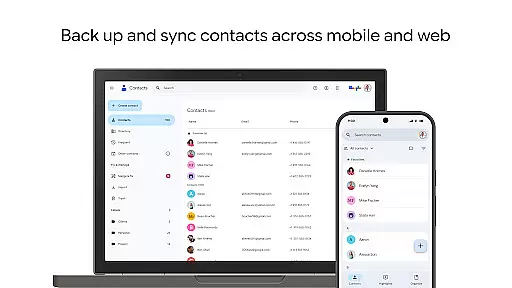
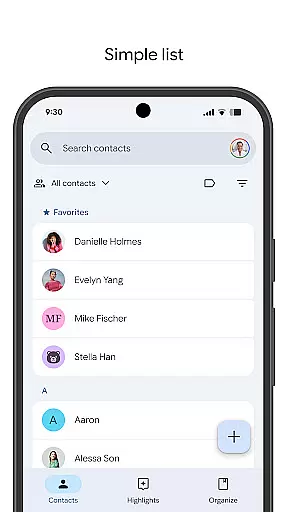
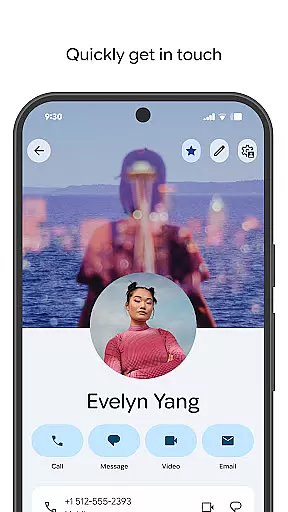
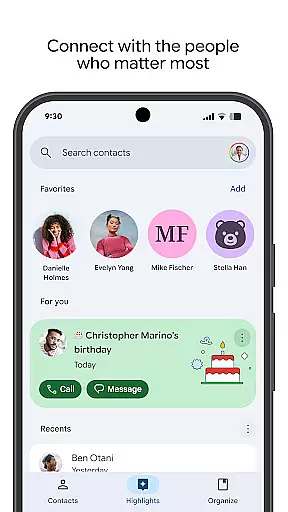
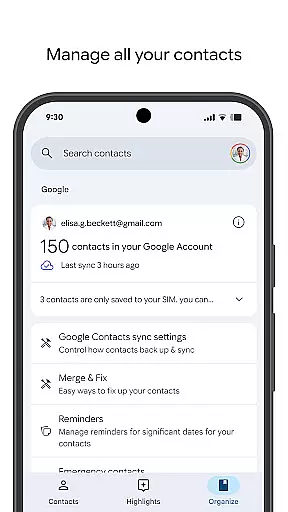
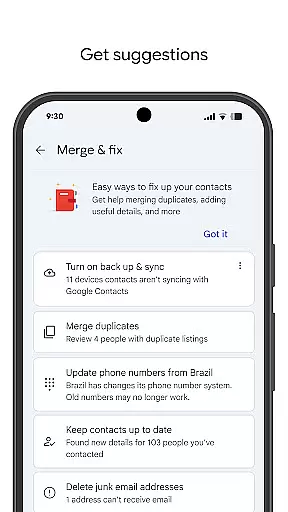
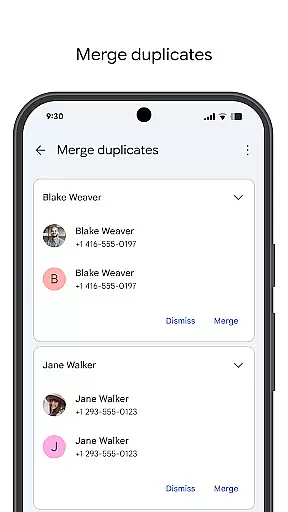
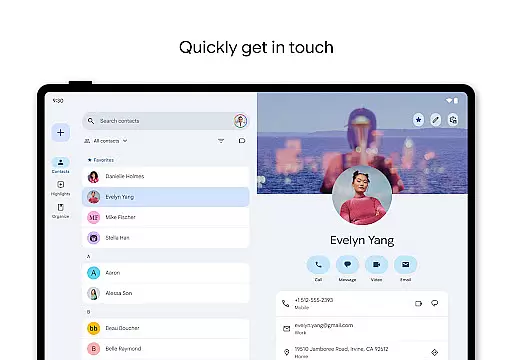
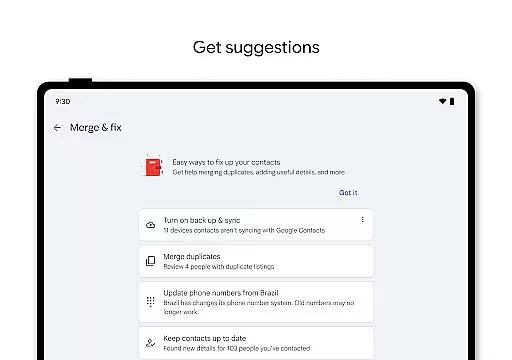
Contacts is a comprehensive contact management application designed specifically for Android Wear devices. The app allows users to back up and sync their contacts across all devices, ensuring that important information is always accessible and secure. With its intuitive interface, Contacts makes it easy to organize and update contact details, including phone numbers, emails, and photos.
One of the standout features of Contacts is its ability to help users maintain meaningful connections by providing reminders for special occasions such as birthdays and anniversaries. Additionally, the app offers tools to merge duplicate entries and recover accidentally deleted contacts. Whether you're managing professional or personal relationships, Contacts ensures your data remains organized and up-to-date, enhancing both convenience and peace of mind.
Contacts offers a robust set of features tailored for efficient contact management on Android Wear. Users can back up their entire contact list to their Google Account, allowing seamless access from any signed-in device. This feature not only safeguards against data loss but also simplifies the transition to a new phone by automatically syncing contacts.
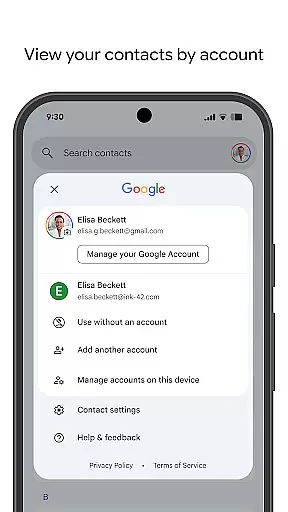
The app provides powerful organizational tools, enabling users to categorize contacts by account type, such as work or personal. It includes functionalities to easily add new contacts, edit existing information, and manage duplicates. Furthermore, Contacts enhances user engagement by highlighting key events like upcoming birthdays and anniversaries, with customizable notifications to ensure no important date is missed.
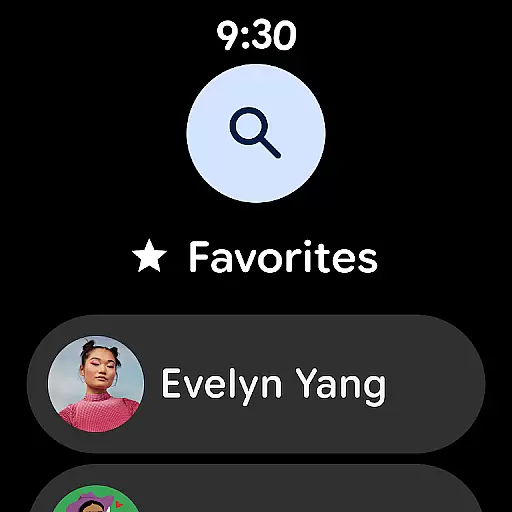
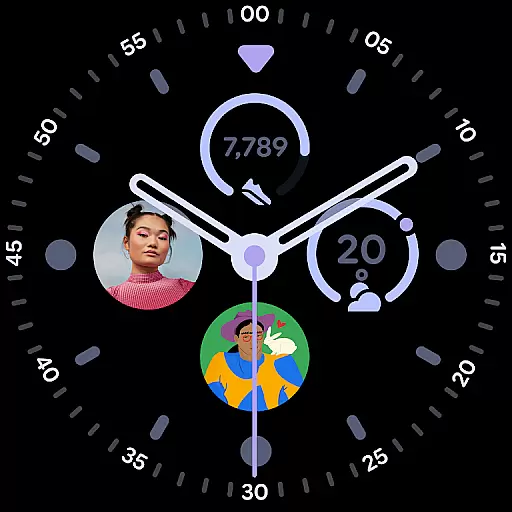
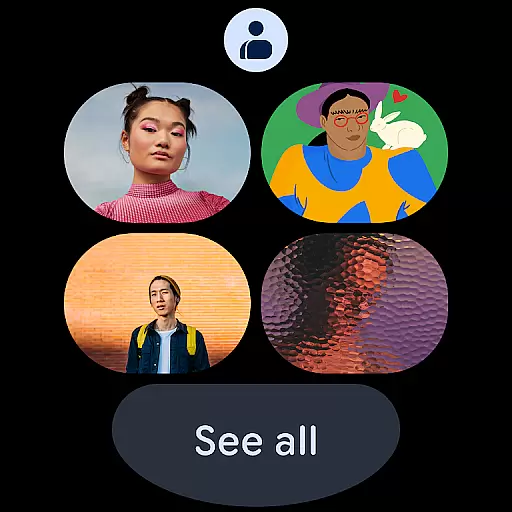
For those using Wear OS, Contacts extends its utility with dedicated tiles and complications, offering quick access to favorite and recently viewed contacts. These thoughtful integrations make daily interactions smoother and more efficient, solidifying Contacts as an essential tool for anyone looking to streamline their communication processes.
Companion app integration is essential for seamless functionality between mobile devices and wearables. The Contacts app ensures that your contacts are consistently synchronized across all devices, including Wear OS.
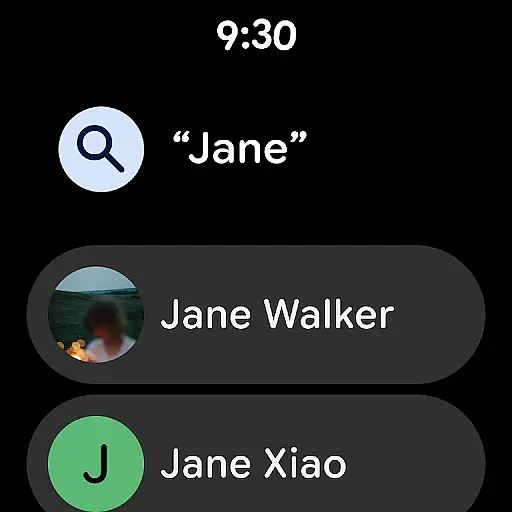
This synchronization allows users to access their contacts directly from their smartwatch, providing quick access to important information without needing to reach for their phone. The app's integration with Wear OS includes features like a favorite contacts tile, making it easy to call or message key contacts on the go.
By maintaining real-time updates between the smartphone and wearable, users can be confident that their contact information is always current. This level of integration enhances user convenience by ensuring that whether you're at home, in the office, or on the move, your contacts are readily accessible wherever you need them.
Ensuring compatibility with Wear OS and various devices is crucial for delivering a consistent user experience. The Contacts app supports a wide range of devices running Wear OS, allowing users to manage their contacts effortlessly on their smartwatches.
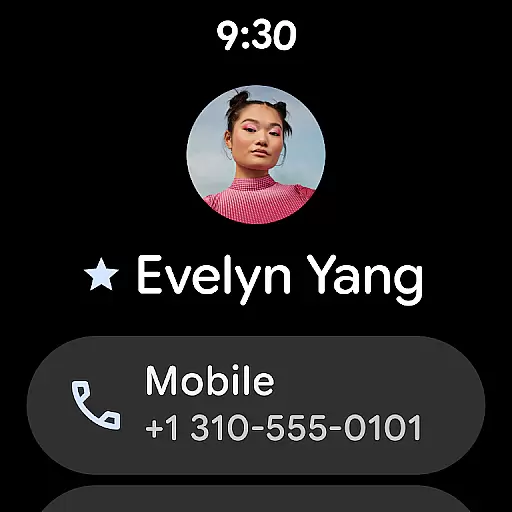
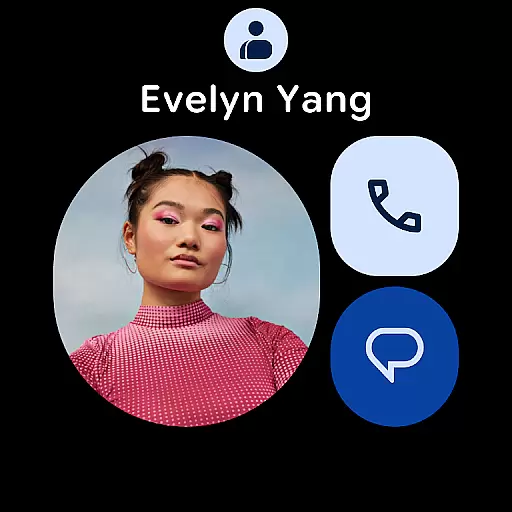
The app offers specialized features tailored for wearable technology, such as individual contact tiles and contact complications. These features enable users to view detailed contact information and interact with their network directly from their wrist.
Device compatibility extends beyond just supporting different hardware; it also involves optimizing performance and battery usage. By focusing on these aspects, the Contacts app provides an efficient and reliable solution for managing contacts on Wear OS devices, enhancing both usability and accessibility.
User-friendly interface
Automatic backup and sync
Comprehensive contact management
Event reminders and notifications
Wear OS integration
Limited third-party integrations
No offline mode
Occasional sync delays
Basic customization options
Requires Google Account

Animated Watch Face and Customizable with 24 Backgrounds. Perfect for Christmas!
 3.90
3.90
Beautiful artistic animated digital watch face, with a customizable layout!
4.40
Wear Os Watch Face - Animated Snow Effect & Magic Spark - 6 Scenes
4.10
sleep, alarm, snoring, stress, healing, focus, sound therapy, circadian rhythm
4.10
The ultimate destination for kids ages 3-8 to explore the Marvel Universe!
4.30
Gym & home workout plans with strength training, exercise tracking, HIIT & more.
4.60
A realistic hybrid watch face with many customization options.
4.60
Want to take charge of your health? Let Google Fit help you reach your goals.
3.50
Control your Samsung Smart TVs, appliances, and SmartThings-compatible devices
4.60
A modern hybrid informative watch face for Wear OS designed by BALLOZI
4.80
Easy Voice Recorder is your everyday companion to record important moments.
4.70
The most customizable hybrid watch face. For Wear OS 5.0, API 34+ and later
4.70
Simple, helpful messaging by Google
4.60
Digital watch face. For Wear OS devices.
4.40
Reliable phone calls with spam protection, caller ID and more helpful features
4.40
Calming & relaxing sounds for sleeping and stress relief. Stay focused all day!
4.20
Embrace the festive spirit with our Christmas Countdown watchface for Wear OS
4.10
Contemporary digital watch face with five complications
4.1
Simple Analog-Digital Watchface For Wear OS 3.0 and Up Smartwatches
4.1


User Reviews