

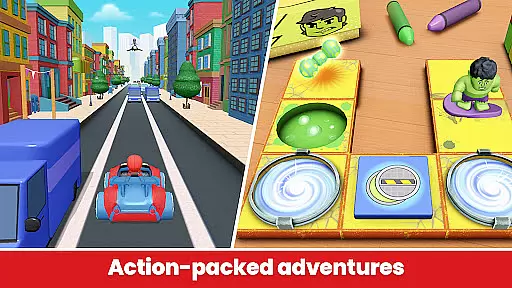
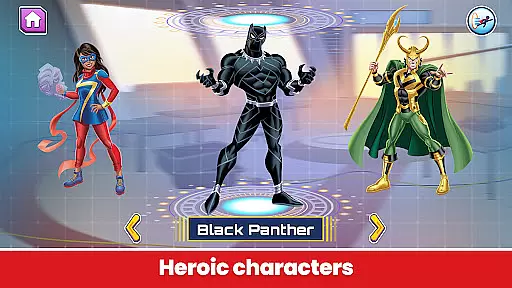
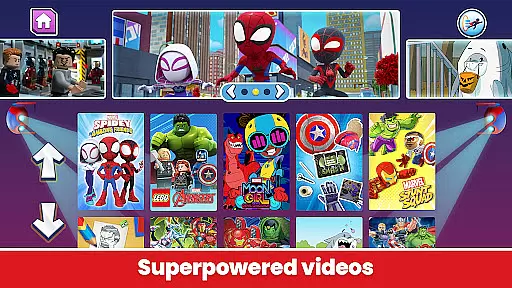
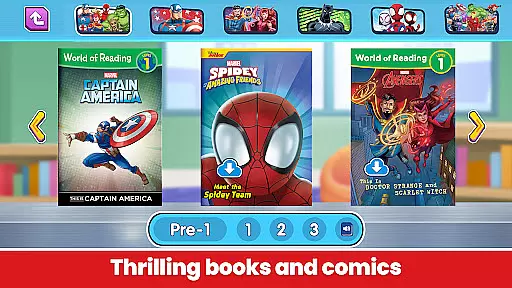
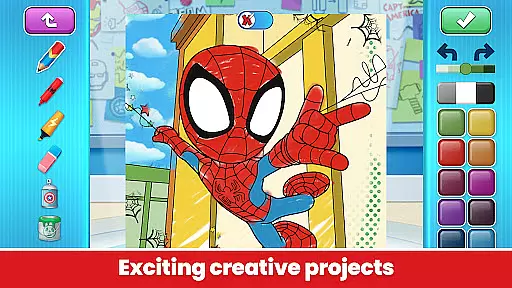
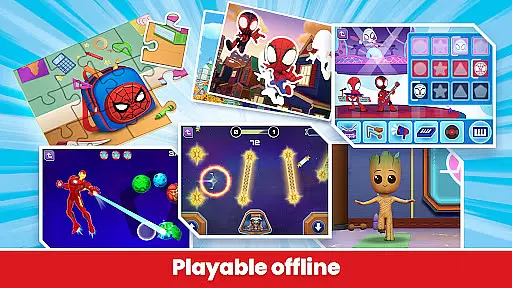

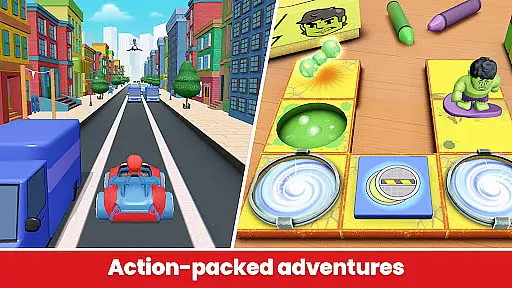
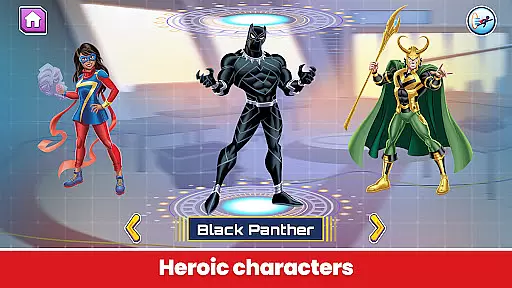
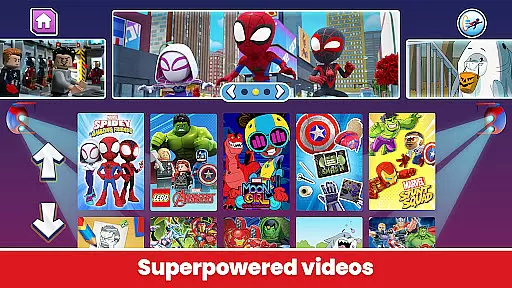
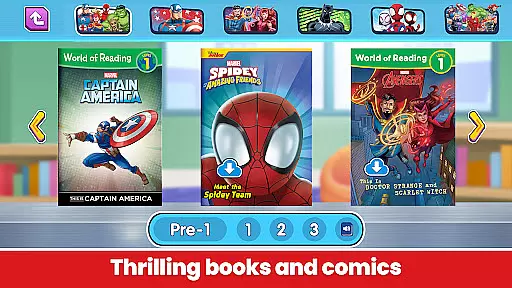
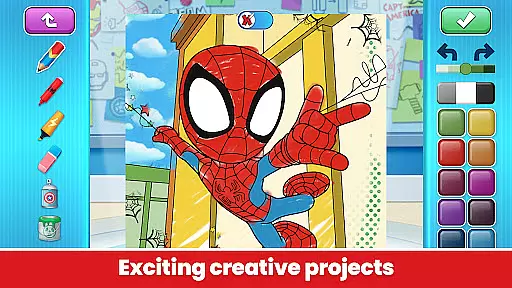
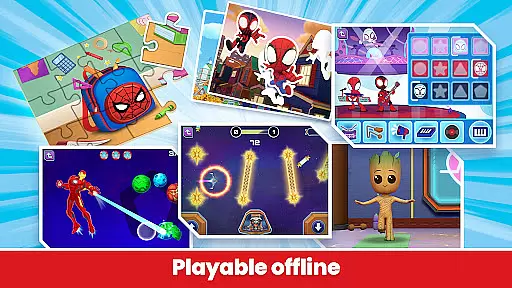

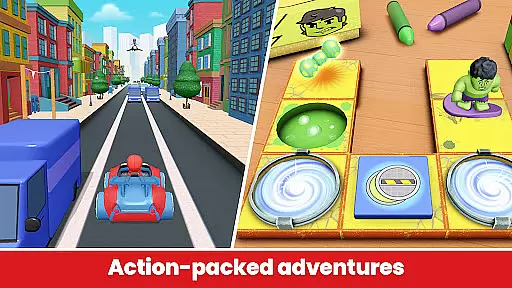
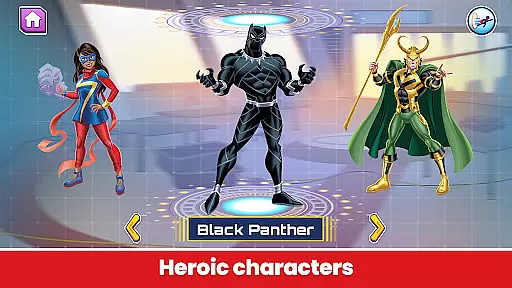
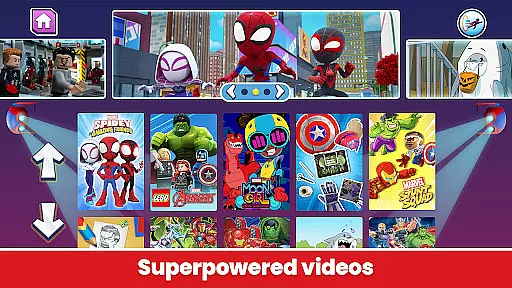
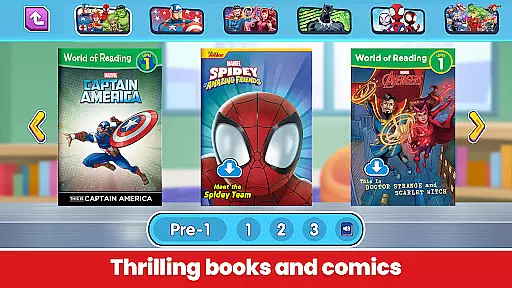
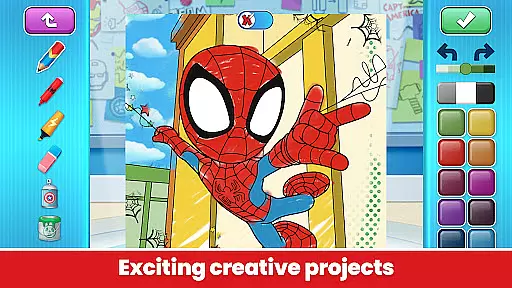
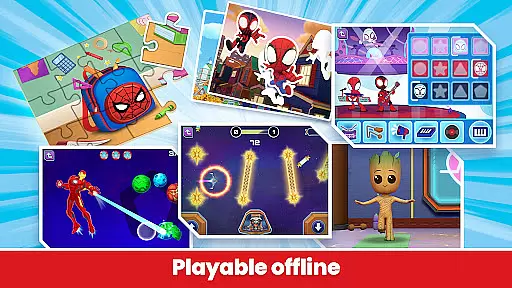

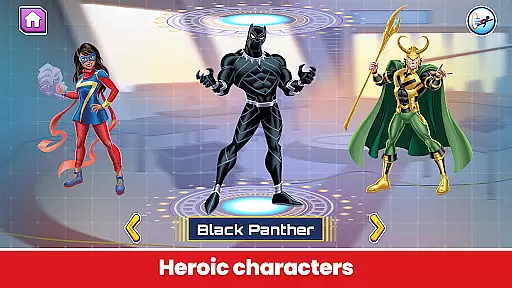
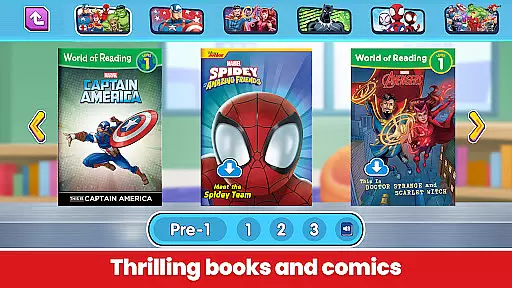
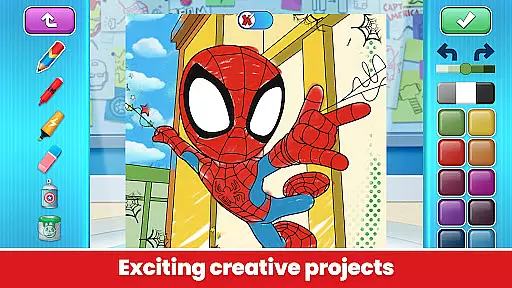
Marvel HQ is a comprehensive entertainment and learning platform designed specifically for children aged 3-8, offering an immersive experience into the Marvel Universe. This app provides access to a wide range of engaging content including comics, videos, activities, and creative tools that are both educational and entertaining.
The app features interactive experiences such as coding with Hulk, watching episodes of Spidey and His Amazing Friends, reading Marvel stories, and nurturing a virtual Groot. These activities are crafted to enhance problem-solving, critical thinking, cognition, knowledge, memory, literacy, and artistic development in young users. Additionally, Marvel HQ ensures a safe and age-appropriate environment, certified by the FTC under COPPA guidelines.
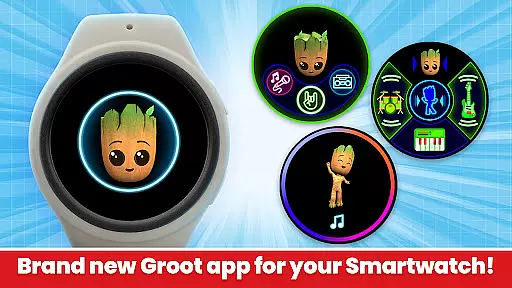
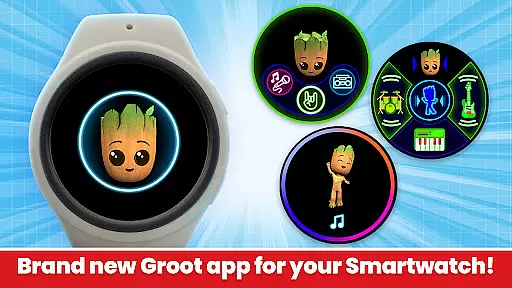
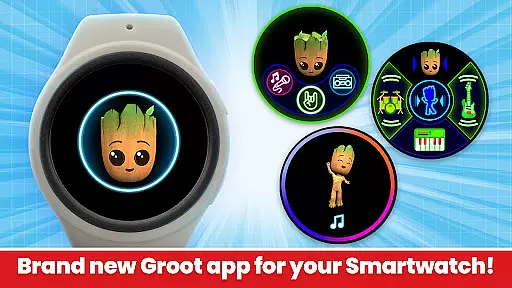
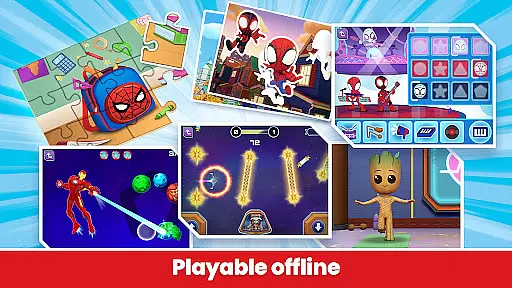
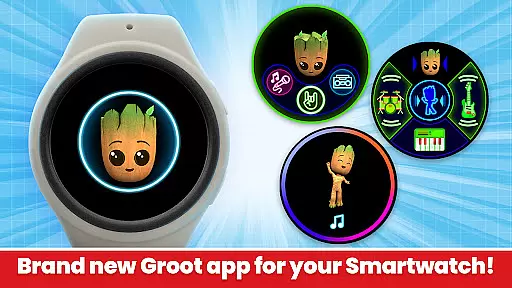
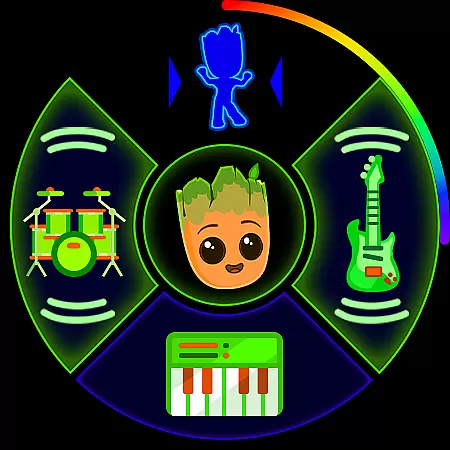
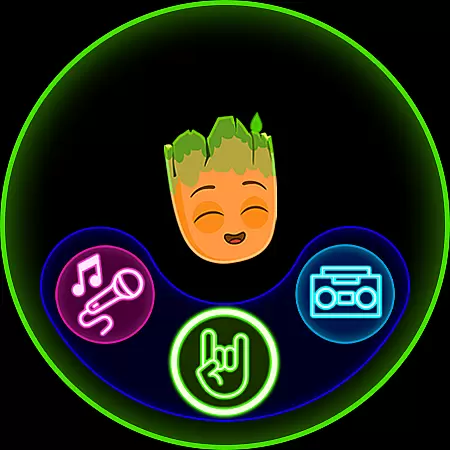
With regular updates, offline play capabilities, and no third-party advertising or in-app purchases for subscribers, Marvel HQ offers a seamless and enriching digital experience for kids. The newly introduced Wear OS version extends this fun to smartwatches, allowing children to engage with Groot through music and dance challenges.
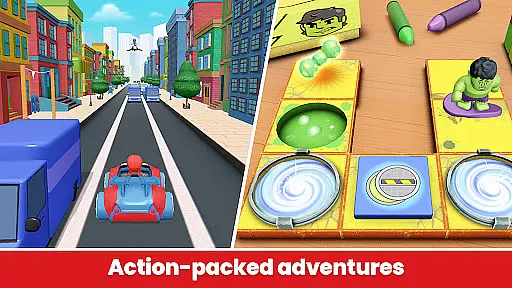
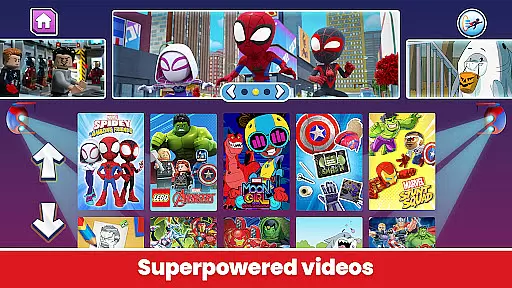
Marvel HQ stands out with its diverse array of features tailored for young Marvel fans. The app includes a vast library of digital comics, instructional videos, and interactive games that promote learning through play. Children can enjoy thrilling episodes of their favorite Marvel characters while developing essential skills like problem-solving and critical thinking.
A key highlight is the app's focus on child safety and responsible screen time usage. It is certified by the FTC under COPPA guidelines and designed to foster healthy digital habits from a young age. The inclusion of offline content ensures uninterrupted access to educational materials without the need for constant internet connectivity.
Furthermore, Marvel HQ offers unique experiences such as Groove with Groot on Wear OS devices, where kids can create music and participate in dance challenges. Regular updates with fresh content keep the app engaging, while subscription options unlock a world of additional activities and resources for continuous learning and fun.
Marvel HQ offers seamless companion app integration, ensuring that users can enjoy a cohesive experience across multiple devices. The main application provides a vast array of activities, videos, comics, and creative tools designed for children aged 3-8, allowing them to explore the Marvel Universe in depth.
The companion app for Wear OS enhances this experience by offering unique features such as 'Groove with Groot,' where kids can create and mix their own tunes, acting as Groot's personal DJ. This feature is available totally free and adds an interactive layer to the overall app experience, making it more engaging for young users.
By pairing with the animated Groot watch face, which includes extra complications for additional fun, the app ensures that children remain connected to their favorite Marvel characters throughout the day. These synchronized experiences between the main app and the Wear OS app encourage continuous engagement and enjoyment.
This integration not only extends the functionality of Marvel HQ but also promotes healthy digital habits by letting children enjoy screen time while developing various skills such as problem-solving, critical thinking, and artistic development. Parents can have peace of mind knowing their kids are learning and having fun simultaneously.
Marvel HQ is meticulously designed to ensure full compatibility with Wear OS devices, providing an optimized user experience for kids on the go. The app supports a range of functionalities that cater specifically to wearable technology, ensuring smooth performance and accessibility.
One of the standout features is the 'Groove with Groot' experience, which allows children to interact with Groot directly from their smartwatch. By clicking on the Groot tile, kids can trigger dance challenges and get Groot dancing, adding a layer of interactivity and fun that is perfectly suited for wearable devices.
In addition to interactive features, Marvel HQ ensures that all content is age-appropriate and safe for children, adhering to FTC Approved COPPA Safe Harbor Certification by Privo. This commitment to safety extends to its Wear OS compatibility, giving parents confidence in the app's responsible design.
With regular updates and new content additions, Marvel HQ maintains its position at the forefront of educational and entertaining apps for children. Its compatibility with Wear OS devices guarantees that kids can enjoy their favorite Marvel adventures anytime, anywhere, fostering both learning and enjoyment in a mobile format.
User-friendly interface
Educational and entertaining content
Regular content updates
Safe and age-appropriate environment
Offline play capabilities
Limited free content
Subscription required for full access
No Family Library sharing
Some features exclusive to Wear OS
Occasional bugs reported

Wear Os Watch Face - Animated Snow - Sesonal for Christmas & Winter
 4.5
4.5
Stunning modern digital watch face with 7 complications and strong contrast
4.0
Digital watch face with big numbers and many customization for Wear OS devices
4.40
Connect to your Bluelink equipped Hyundai vehicle from your smartphone.
4.50
Get helpful reminders, take progress photos and find answers to your questions.
3.90
The Chevron App allows you to pay for fuel from the comfort of your car!
4.80
Funny animated watch face for Thanksgiving
4.5
Bold weather Digital watchface with forecast & optional animated background
4.40
Control your Samsung Smart TVs, appliances, and SmartThings-compatible devices
4.60
The most customizable minimal watch face. For Wear OS 5.0, API 34+ and later
4.70
Beautiful artistic animated digital watch face, with a customizable layout!
4.40
"PER27 Galaxy Digital" is a digital Wear OS watch face designed by PERSONA
4.10
Wear Os Watch Face - Animated Snow Effect & Magic Spark - 6 Scenes
4.10
The #1 source of faces for your smartwatch!
4.00
Animated Watch Face and Customizable with 24 Backgrounds. Perfect for Christmas!
3.90
Watch the sharpness of the sky on your wrist..
3.70
Your local weather forecast, storm tracker, radar maps & live weather news
3.40
Contemporary digital watch face with five complications
4.4
Simple Analog-Digital Watchface For Wear OS 3.0 and Up Smartwatches
4.2


User Reviews