
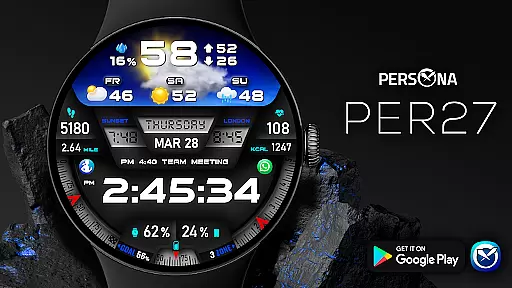
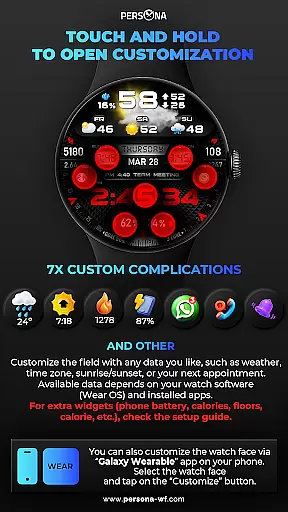
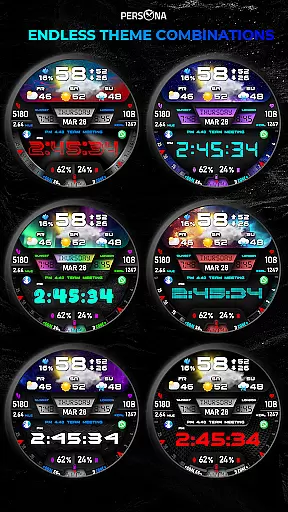
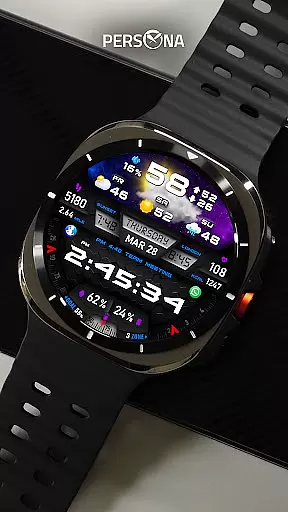
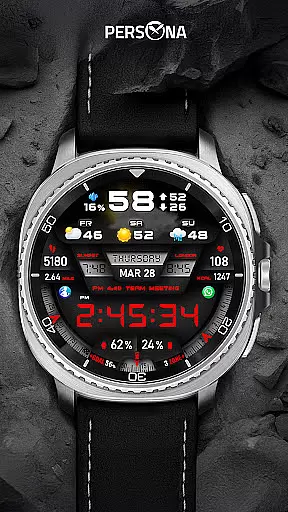
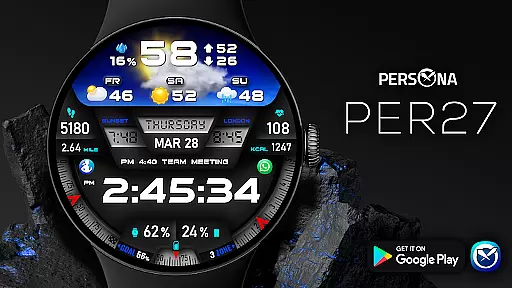
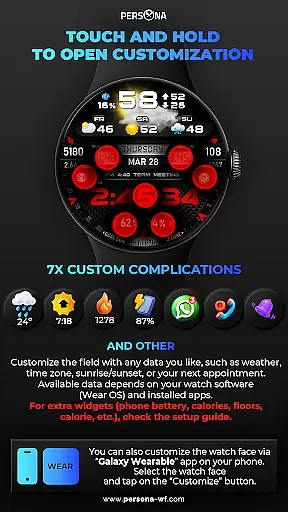
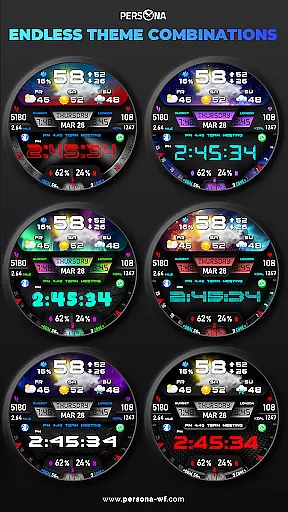
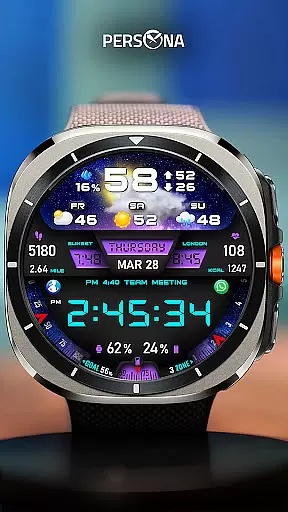
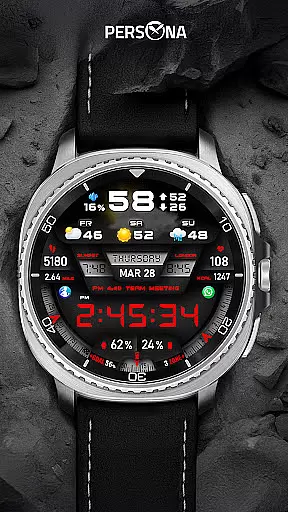
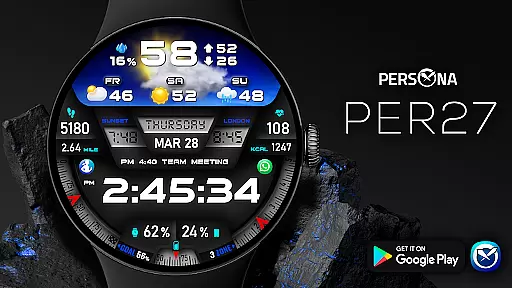
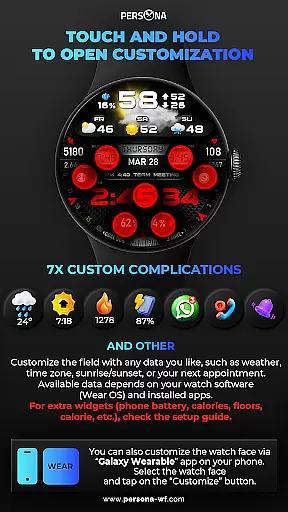
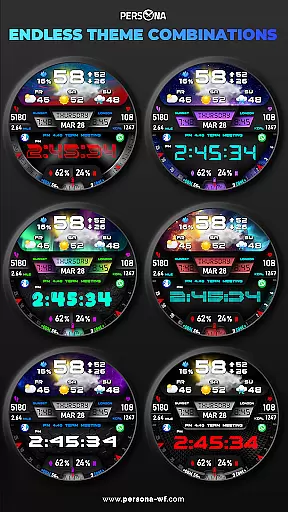
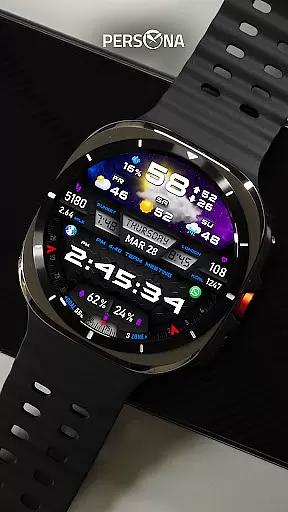
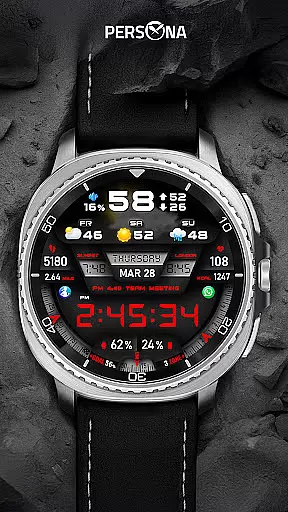
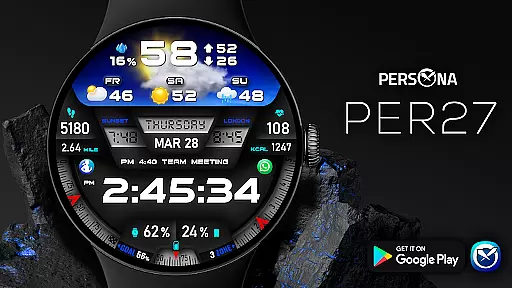
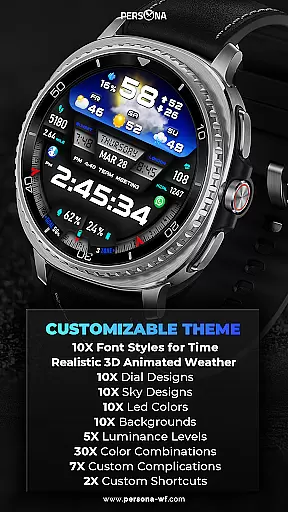
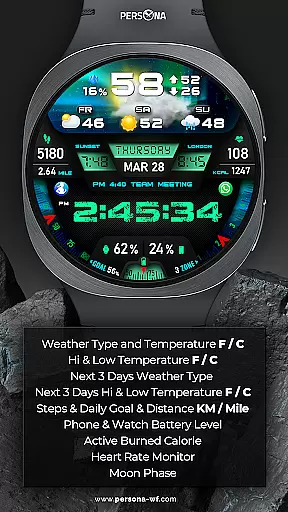
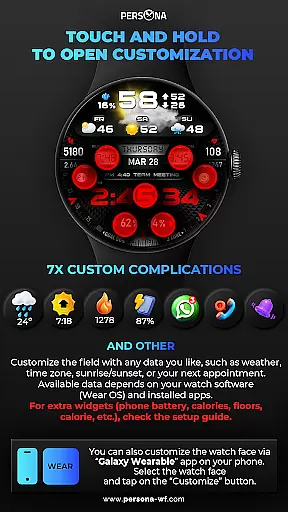
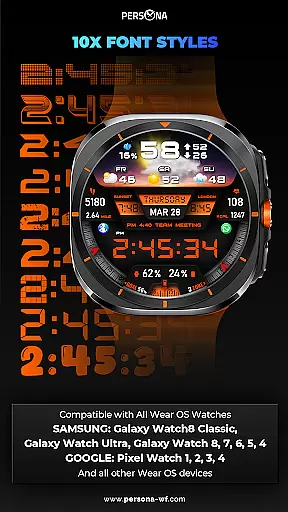
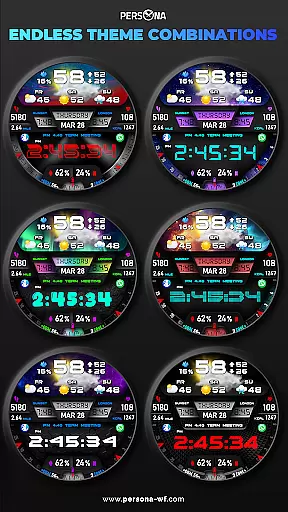
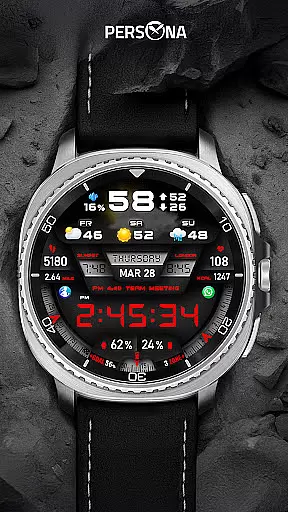
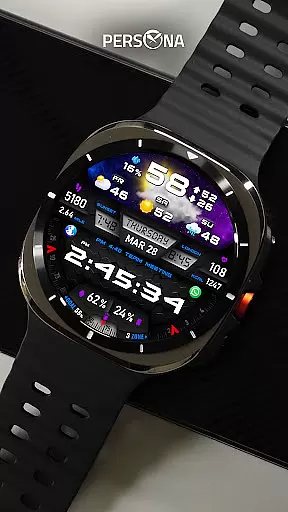
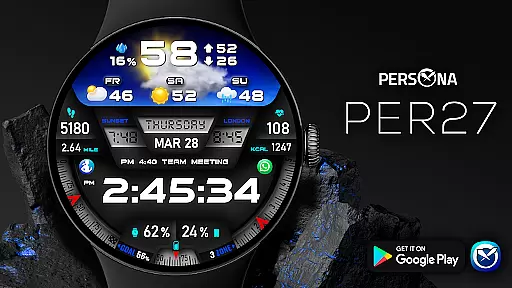
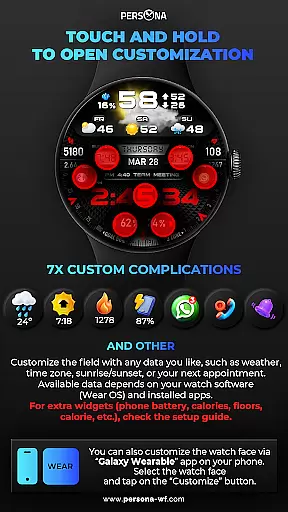
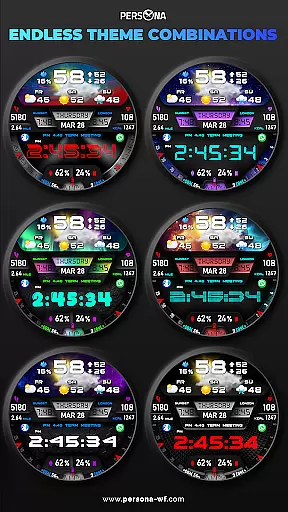
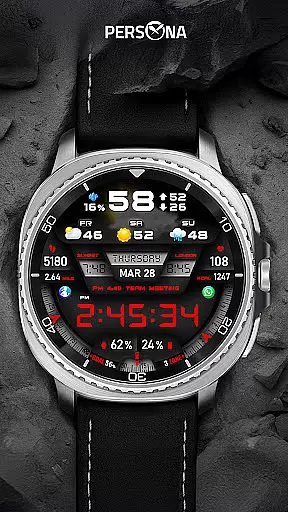
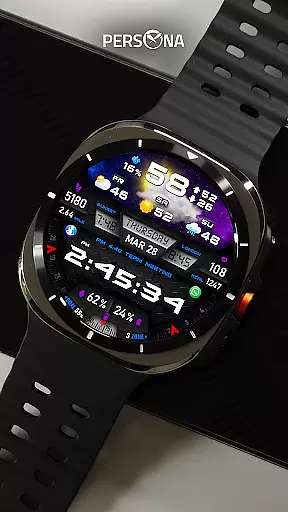
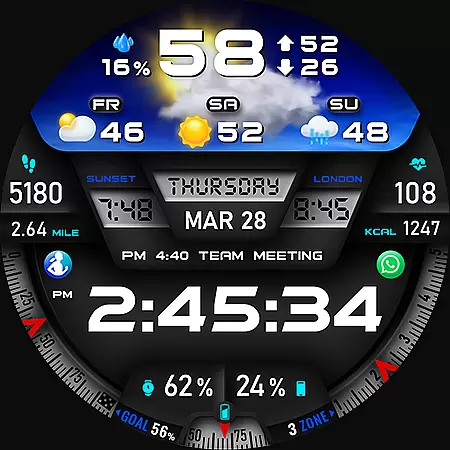
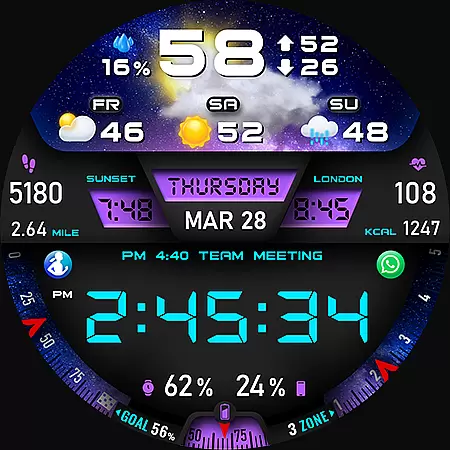
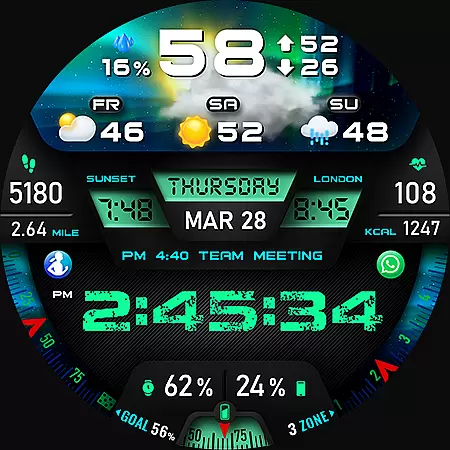
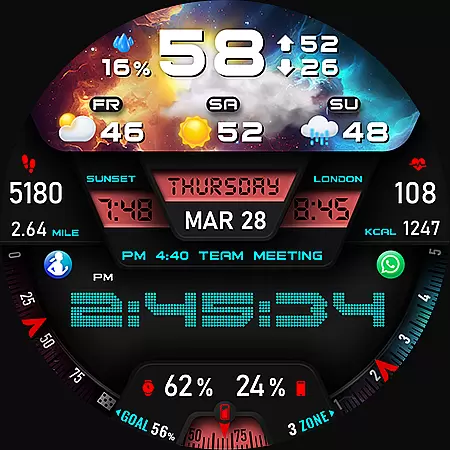
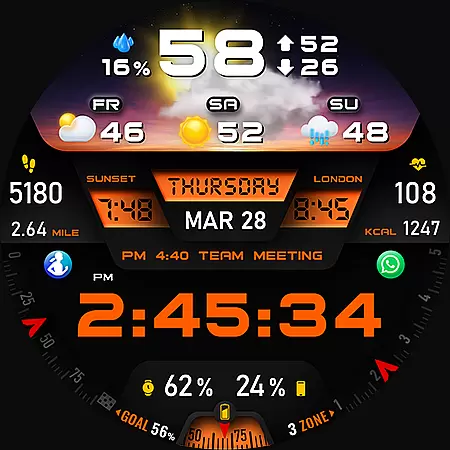
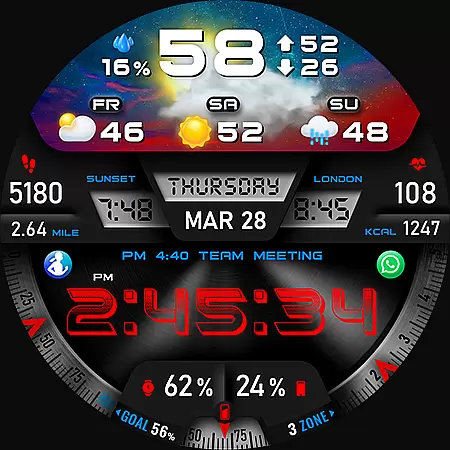
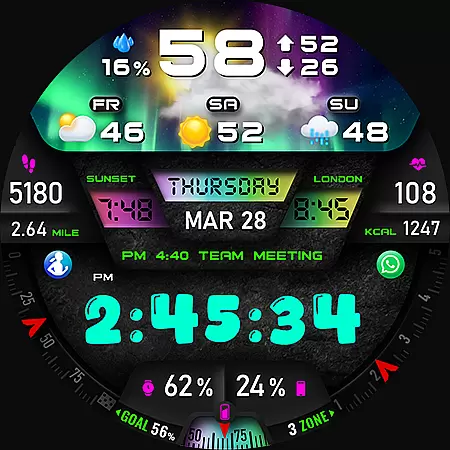
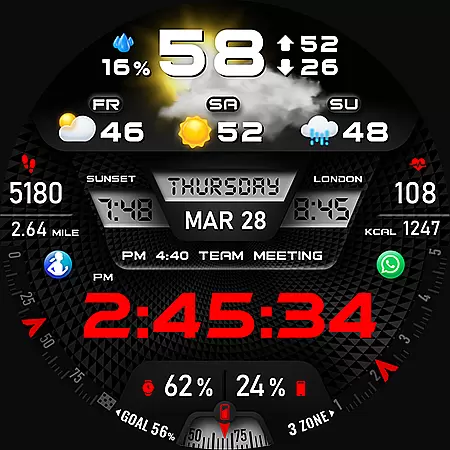
PER27 Galaxy Digital WatchFace is a sophisticated digital watch face designed specifically for Wear OS smartwatches. It combines cutting-edge design with practical functionality, making it a top choice for users seeking both style and utility on their smartwatches.
This application offers an impressive range of customization options. Users can choose from various font styles, backgrounds, and dial designs. Additionally, it provides critical data at a glance, including weather forecasts, fitness tracking metrics, and phone/watch battery levels. These features ensure users stay informed and connected throughout the day.
PER27 is particularly beneficial for individuals who lead active lifestyles and require quick access to essential information. Whether monitoring daily fitness goals or staying updated on weather conditions, this watch face delivers a seamless and visually stunning experience tailored to each user's preferences.
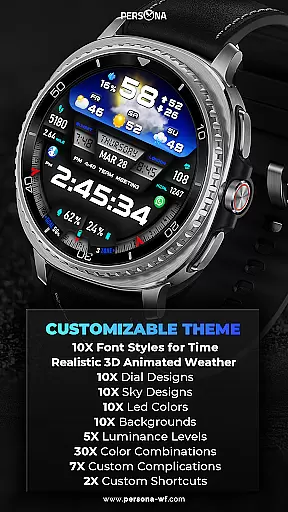
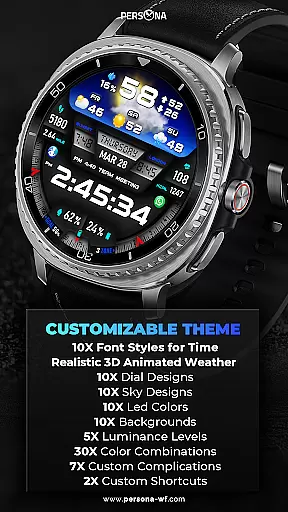
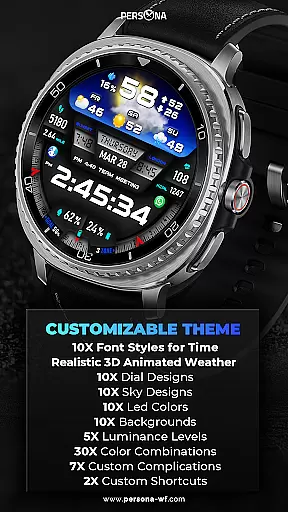
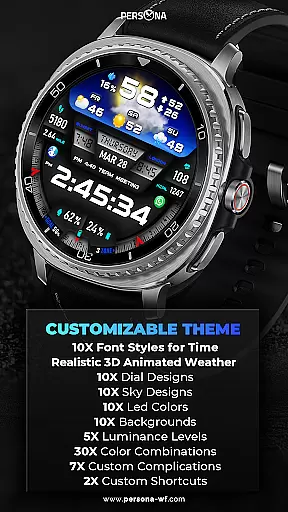
PER27 Galaxy Digital WatchFace stands out with its extensive customization options tailored for Wear OS users. The application provides over 10 font styles, 10 background choices, and 10 dial designs, allowing users to create a personalized look that suits their style.
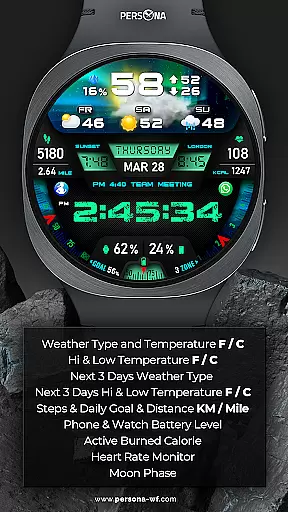
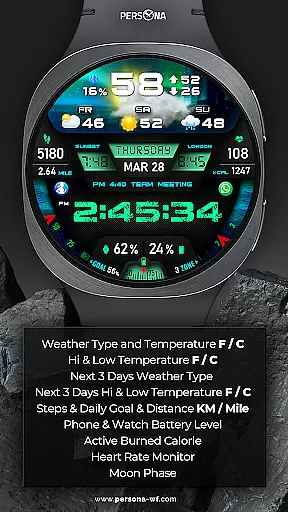
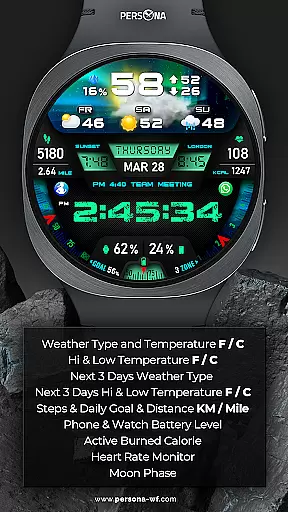
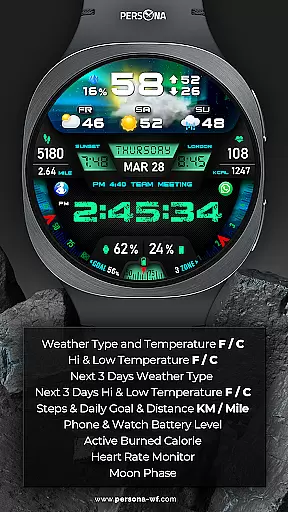
One of the key highlights is the advanced weather feature. Users can view current weather conditions, temperature in Fahrenheit or Celsius, high and low temperatures, and even a three-day forecast directly on their watch face. This ensures you are always prepared for changing weather conditions.
In addition to aesthetic customization, the watch face includes practical functionalities such as fitness tracking, displaying steps, distance, calories burned, heart rate, and more. The Always-On Display feature with adjustable brightness and colors makes it both functional and visually appealing, ensuring important information is accessible at a glance.
Companion app integration is essential for a seamless smartwatch experience. The PER27 Galaxy Digital Watch Face offers advanced synchronization capabilities with its companion app, ensuring that all your preferences and settings are perfectly mirrored between your smartphone and Wear OS device.
This digital watch face allows users to customize their experience through the companion app, providing access to over 10 font styles, 10 backgrounds, and 10 dial designs. These options ensure that every user can tailor their watch face to match their personal style while maintaining functional utility.
The integration extends to health and environmental data as well. Key features such as weather updates, step tracking, heart rate monitoring, and even next appointment reminders are easily managed and updated via the companion app. This ensures that your watch face is not only visually appealing but also a practical tool in daily life.
By streamlining the setup process and offering extensive customization options, this application makes it simple for users to keep their smartwatch faces up-to-date with relevant information, enhancing both aesthetics and usability.
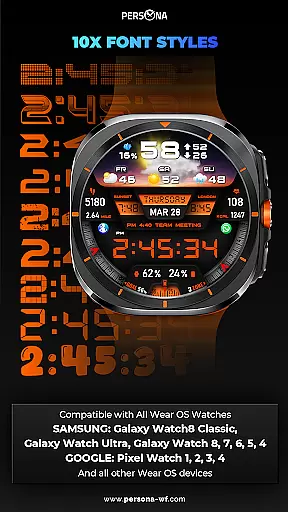
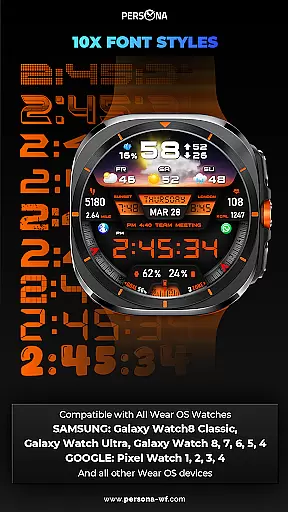
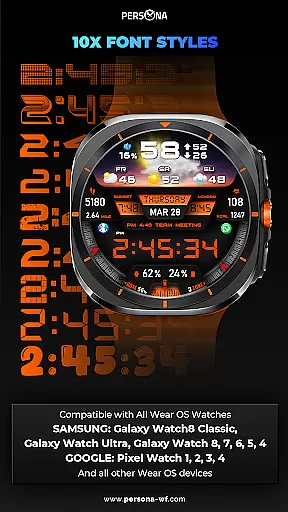
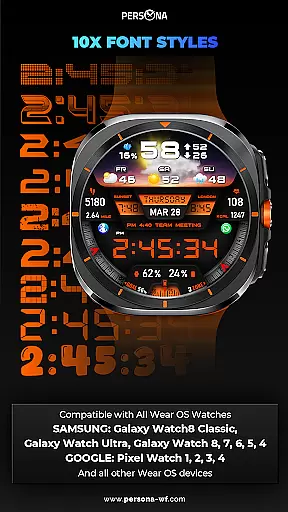
Ensuring broad device compatibility is crucial for any Wear OS application. The PER27 Galaxy Digital Watch Face is designed to work seamlessly with a wide range of Wear OS devices, supporting API Level 34 and above. This guarantees that whether you own a Samsung Galaxy Watch or a Google Pixel Watch, you will enjoy optimal performance.
Compatibility spans across major brands including Samsung's Galaxy Watch series (Watch8 Classic, Ultra), Googleu2019s Pixel Watches (1-4), Fossilu2019s Gen series (5e-7), and Mobvoiu2019s TicWatch models like Pro 5 and E3. Such extensive support means more users can benefit from the advanced features without worrying about technical limitations.
In addition to supporting various devices, the watch face also includes an Always-On Display feature adjustable through ten brightness levels. This flexibility caters to different user preferences and ambient light conditions, enhancing readability while preserving battery life.
With comprehensive device support and adaptable display settings, the PER27 Galaxy Digital Watch Face stands out by delivering consistent quality and functionality across multiple platforms, making it a reliable choice for tech-savvy individuals seeking both style and substance in their wearable technology.
Highly customizable
Accurate weather data
Fitness tracking
Vibrant designs
Always-On Display
Limited to Wear OS
Complex setup
Weather sync issues
Battery drain
Premium cost

Walking app for weight loss: walk & step tracker, pedometer, indoor treadmill
 4.60
4.60
Simple Analog-Digital Watchface For Wear OS 3.0 and Up Smartwatches
4.5
A modern premium sporty hybrid watch face for Wear OS by Ballozi
4.70
Digital watch face. For Wear OS devices.
4.40
Fitness interactive virtual pet super fighter boy watch face
4.1
sleep, alarm, snoring, stress, healing, focus, sound therapy, circadian rhythm
4.10
Get helpful reminders, take progress photos and find answers to your questions.
3.90
A white realistic classic analog watch face with many customization options.
4.40
Simple, helpful messaging by Google
4.60
Beautiful, colorful and practical watch face. For Wear OS devices.
5.00
A modern hybrid informative watch face for Wear OS designed by BALLOZI
4.80
Kia Access makes getting your vehicle information easier than ever
4.60
To-Do List: daily schedule planner, task organizer, to do reminder app, calendar
4.60
A realistic hybrid watch face with many customization options.
4.60
Embrace the festive spirit with our Christmas Countdown watchface for Wear OS
4.10
Professional weather radar and more
3.90
A heartwarming Christmas scene featuring a cute image of Santa and Rudolf
4.5
Contemporary digital watch face with five complications
4.3
Funny animated watch face for Thanksgiving
4.1


User Reviews