
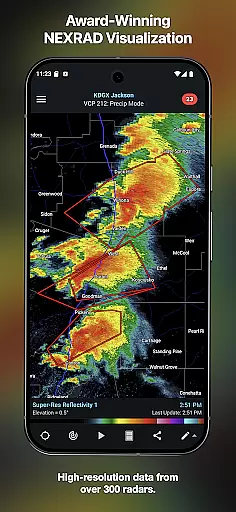
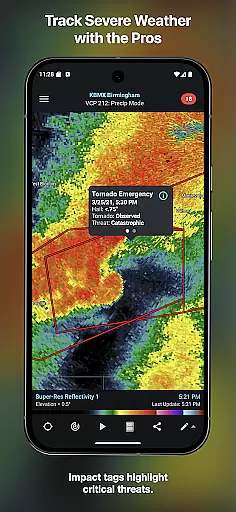
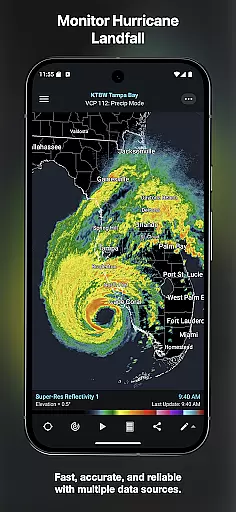
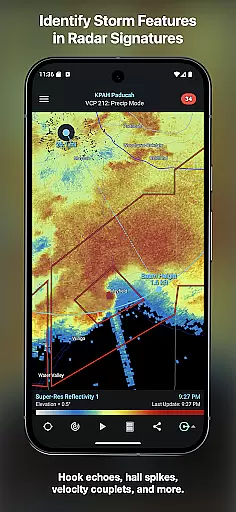
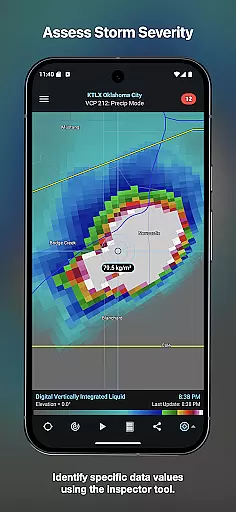
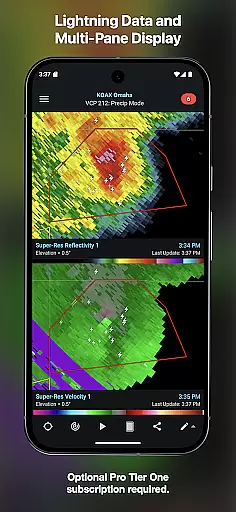
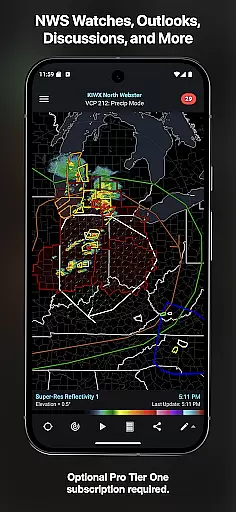
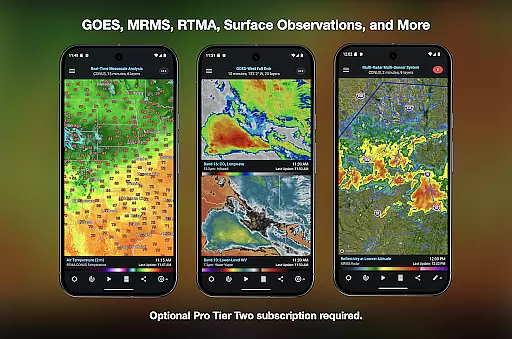
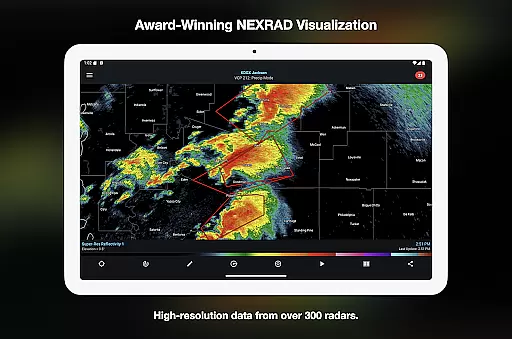
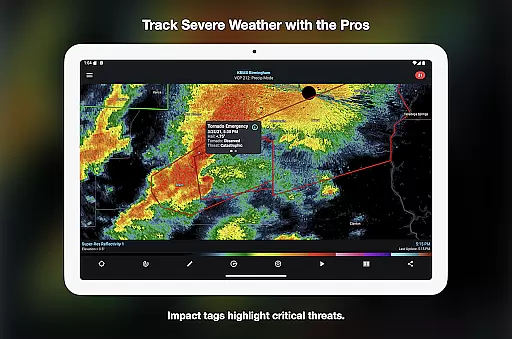
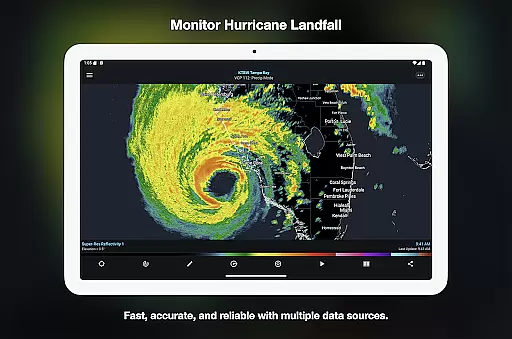
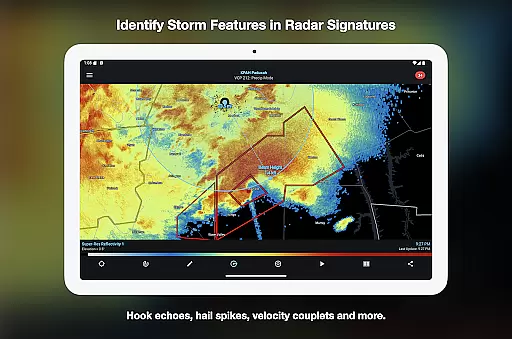
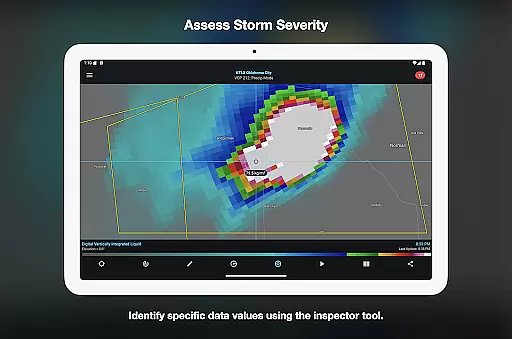

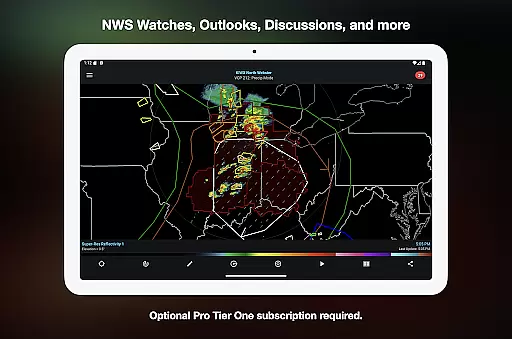
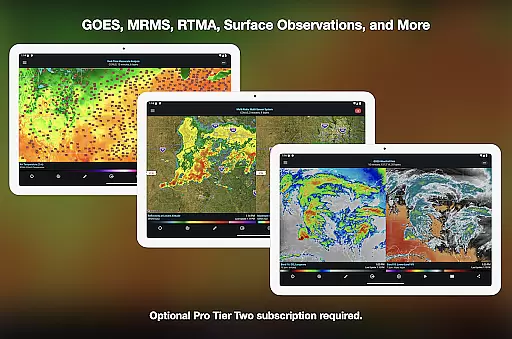
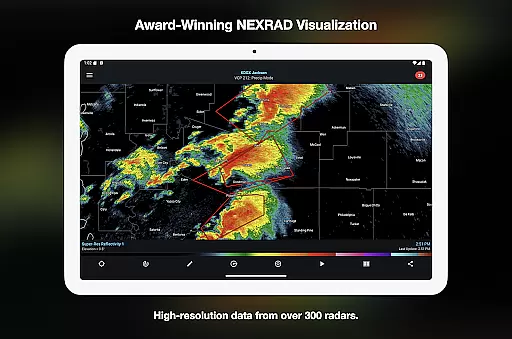
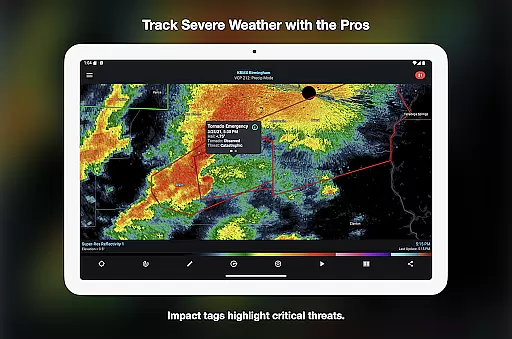
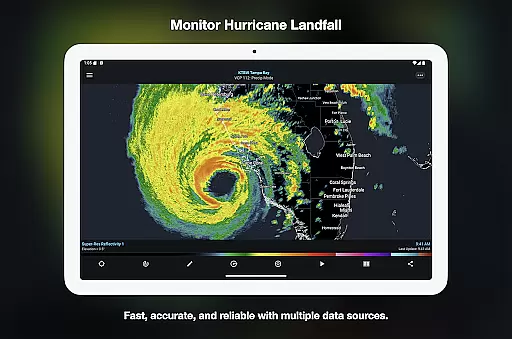
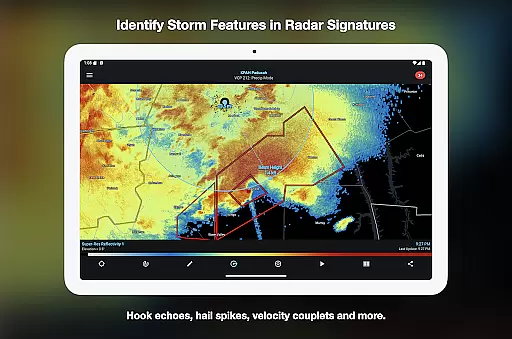
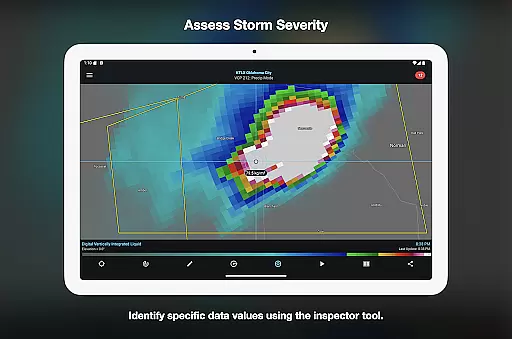
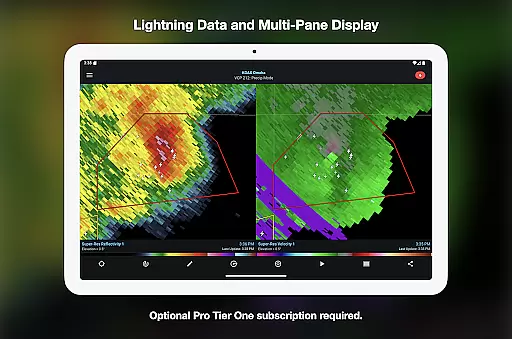
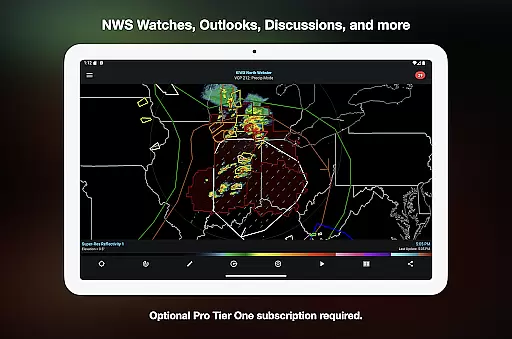
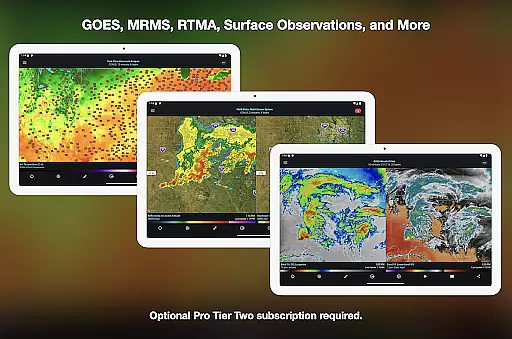
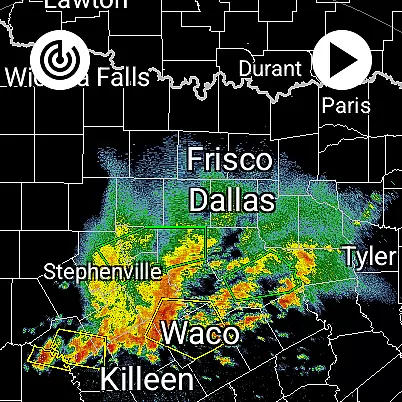
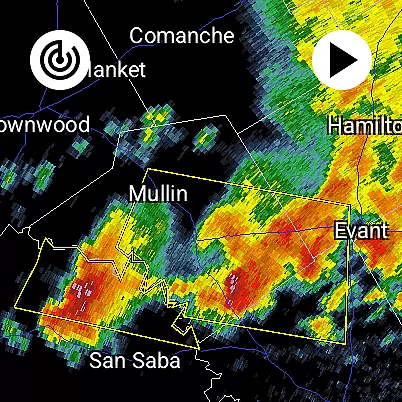
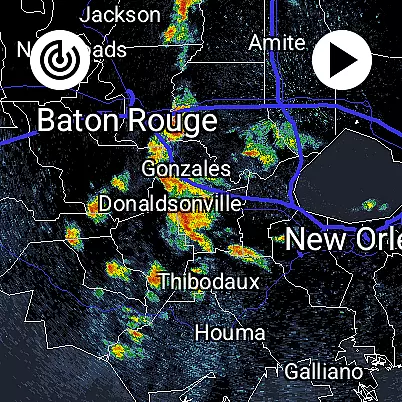
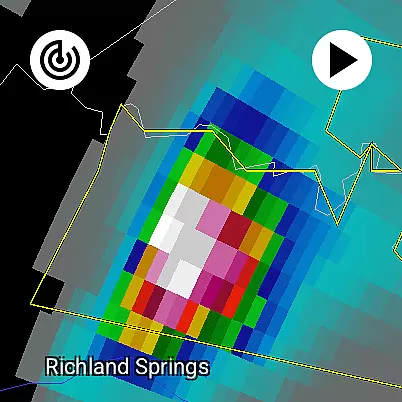
RadarScope is a professional weather visualization tool designed for meteorologists, public safety officials, storm spotters, and weather enthusiasts. It provides an extensive suite of single-site radar data and severe weather products across multiple countries including the US, Canada, and Germany. The app offers real-time updates every two to ten minutes, displaying native radar data in its original radial format.
With features like tornado warnings, storm tracks, and lightning strike tracking, RadarScope empowers users to monitor critical weather patterns such as mesocyclones, hurricane eye walls, and hail spikes. Its optional Pro Tier subscriptions enhance capabilities further with historical radar data, GOES satellite imagery, and advanced weather outlooks, making it a comprehensive solution for both casual users and professionals.
RadarScope stands out with its robust feature set tailored for weather analysis. The app includes 6-frame radar loops, built-in radar data providers, and NWS-generated storm tracks with attributes like hail and mesocyclone detection. Tools like Inspector and distance measurement allow precise analysis, while color palette options enable customizable visualizations.
For advanced users, RadarScope Pro tiers unlock additional functionalities. Pro Tier One adds 30-frame radar loops, cloud-to-ground lightning strikes, and SPC outlooks. Pro Tier Two expands this with NEXRAD Level II data, a 50-frame loop capacity, and MRMS products. These features ensure RadarScope remains a versatile tool for tracking storms and analyzing historical weather patterns.
Companion app integration is crucial for Android Wear applications as it ensures seamless data synchronization and feature coordination between the wearable and its primary device. RadarScope excels in this area by offering a unified experience across both Android and Wear OS platforms.
The app provides real-time weather updates directly to your wrist, ensuring that meteorologists, storm spotters, and weather enthusiasts can access critical radar data without needing their phones nearby. This native support allows users to receive timely alerts and interact with radar loops effortlessly.
Furthermore, RadarScope's universal design supports Family Library sharing and widgets, enhancing usability across multiple devices. Users benefit from consistent functionality whether they're on their phone or smartwatch, making severe weather tracking more convenient than ever.
Device compatibility is a key factor in determining the effectiveness of an Android Wear application. RadarScope demonstrates exceptional versatility by supporting a wide range of devices running Wear OS, ensuring broad accessibility for its user base.
This compatibility extends to various screen sizes and resolutions, providing an optimal viewing experience regardless of the device. Whether you're using a smaller smartwatch or a larger display, RadarScope delivers crisp radar images and detailed weather information tailored to fit perfectly.
In addition to visual optimization, the app maintains full functionality on Wear OS devices, including interactive tools like the Inspector and distance measurements. This comprehensive approach guarantees that all users, regardless of their hardware choice, enjoy a robust and reliable weather visualization tool.
Real-time radar updates
Comprehensive weather data
Customizable color palettes
Pro Tier enhancements
Cross-platform support
Subscription costs
Complex for beginners
Limited free features
High data usage
Regional limitations

Watch the sharpness of the sky on your wrist..
 3.70
3.70
Highly customizable hybrid watch face for Wear OS, perfect for everyday use.
4.60
Current temperature, weather hourly, weather radar by the weather forecast app
4.40
Artistic Digital Watchface
4.0
Bold, Modern Hybrid Watch Face for Wear OS. 10 Colors, Rich Info Display.
4.30
Locate your family members by GPS phone location tracker everywhere and anytime
4.30
The #1 source of faces for your smartwatch!
4.00
Funny animated watch face for Thanksgiving
4.2
Premium hybrid watch face with many customizations for Wear OS devices.
4.40
Hybrid watch face for Wear OS with customizable complications by Matteo Dini MD
4.70
Real-time results, stats, schedules and player profiles for all leagues
4.60
Deck out your Wear OS Watch face with a beautifully decorated pine wreath!
4.50
Fast and smart typing with Emojis, GIFs, and more
4.50
Reliable phone calls with spam protection, caller ID and more helpful features
4.40
A white realistic classic analog watch face with many customization options.
4.40
The ultimate destination for kids ages 3-8 to explore the Marvel Universe!
4.30
Daily Weather forecast with 15 weather images for Day & Night plus Big Bold time
4.10
Wear Os Watch Face - Animated Snow Effect & Christmas Lights
4.4
Precision analog watch face with 7 complications and style options
4.1


User Reviews