

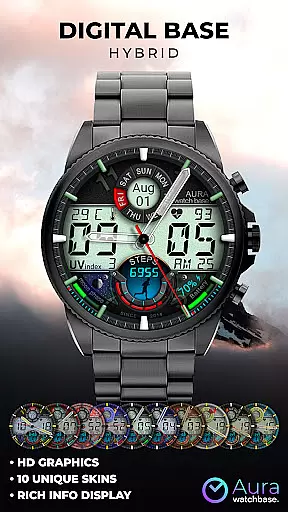
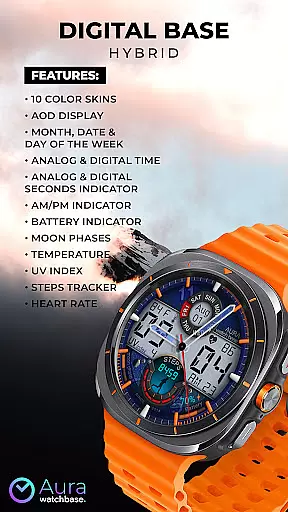

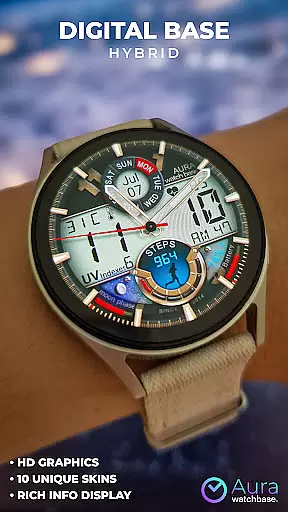
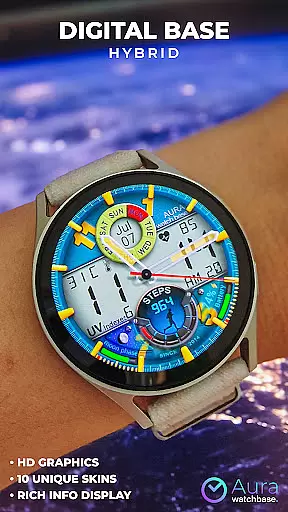
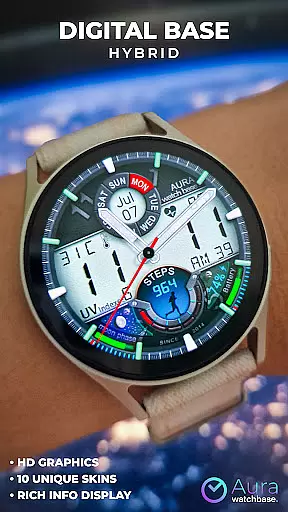
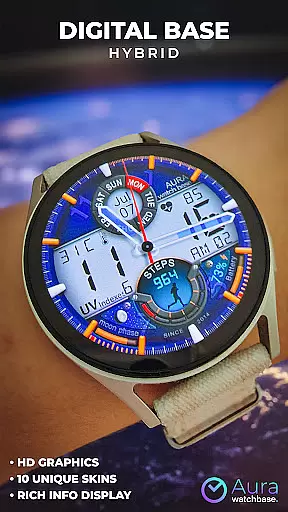
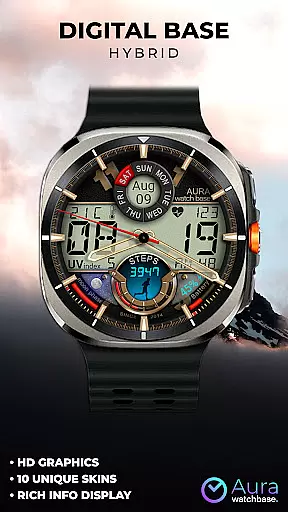

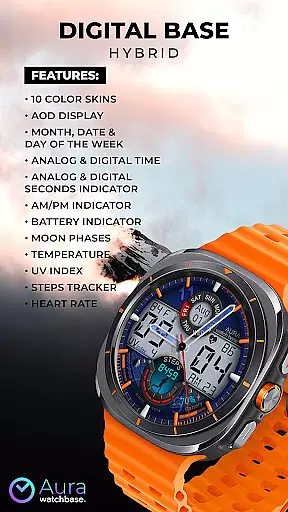
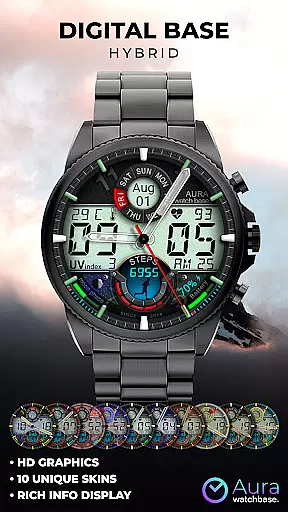
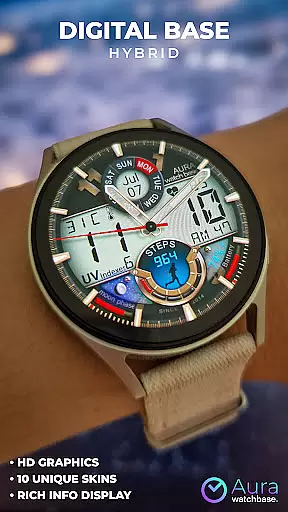
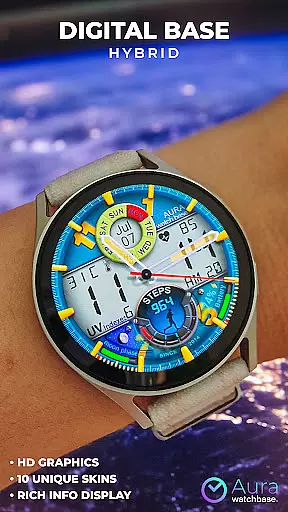
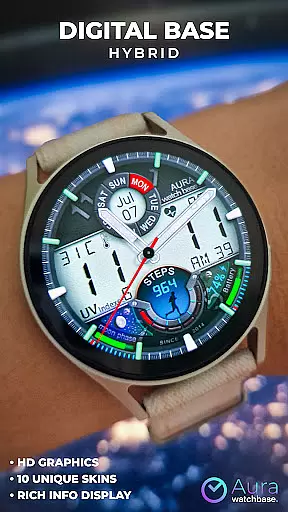
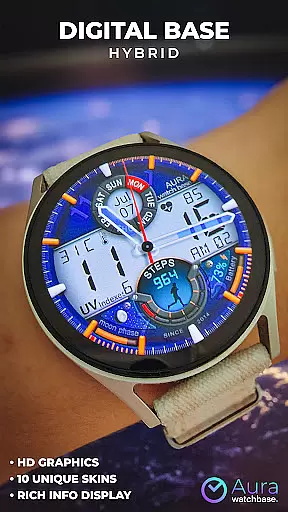
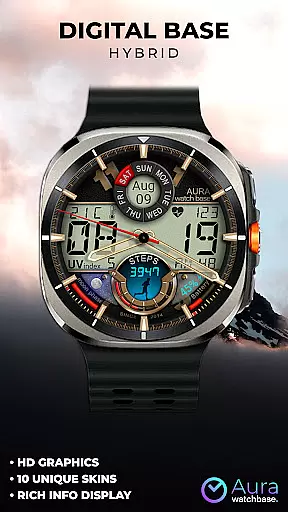

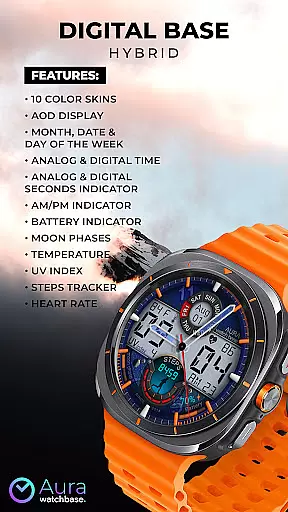
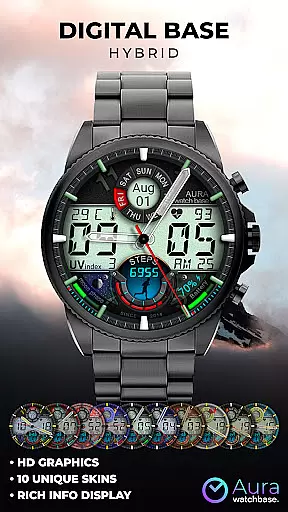
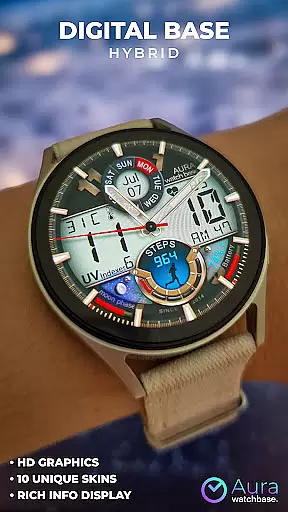
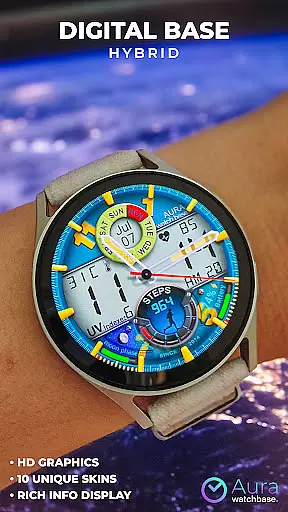
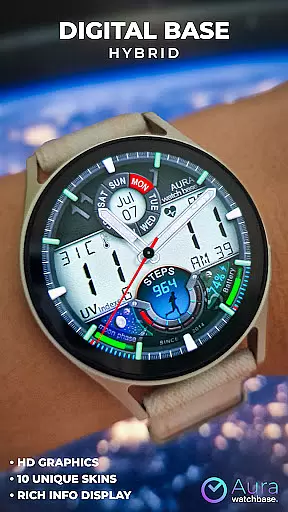
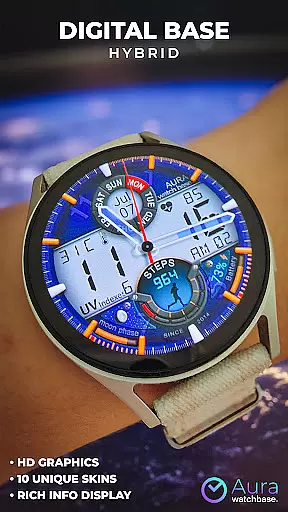
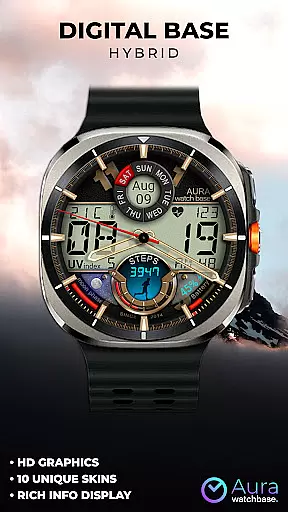

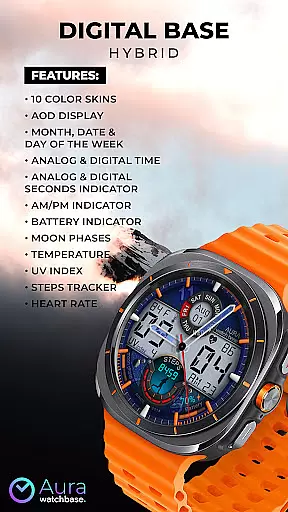
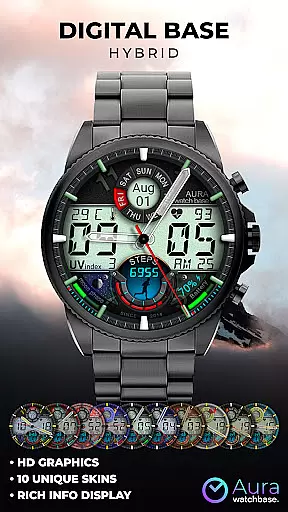
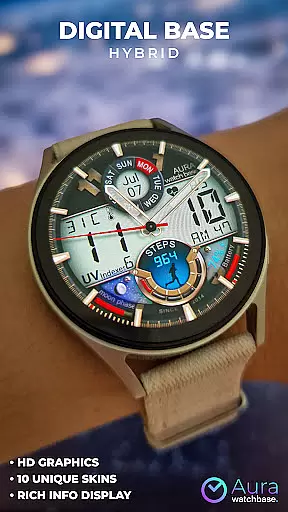
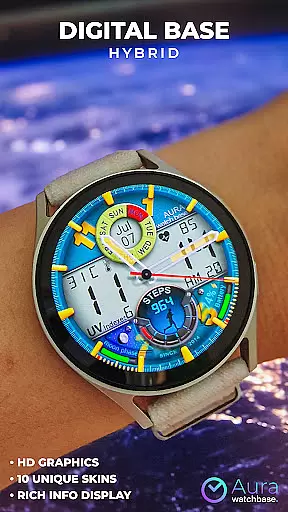
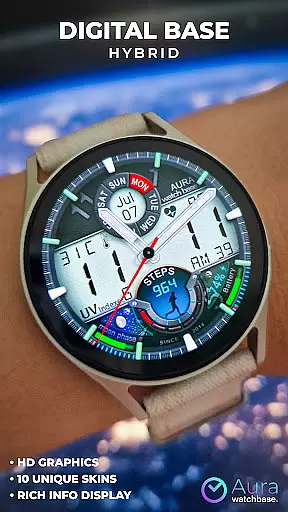
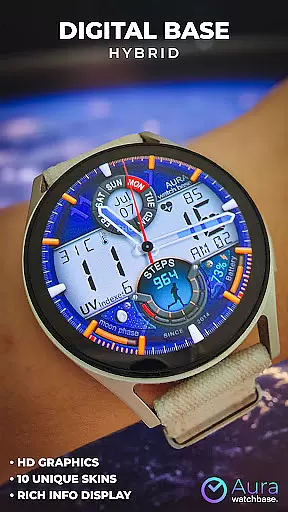
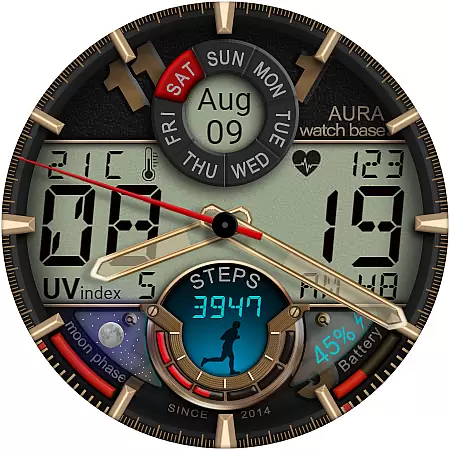
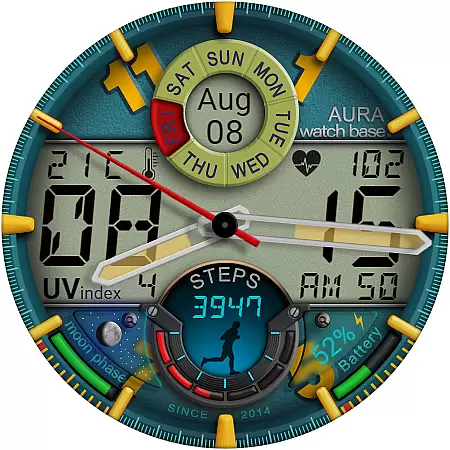
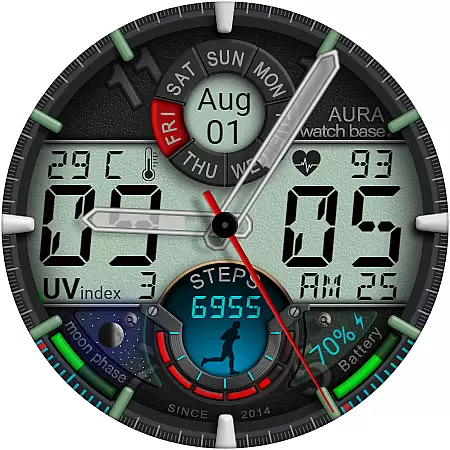
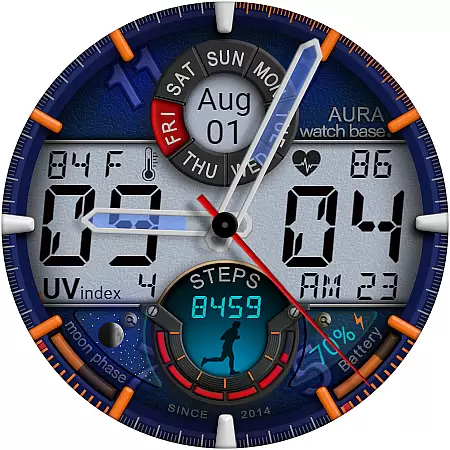
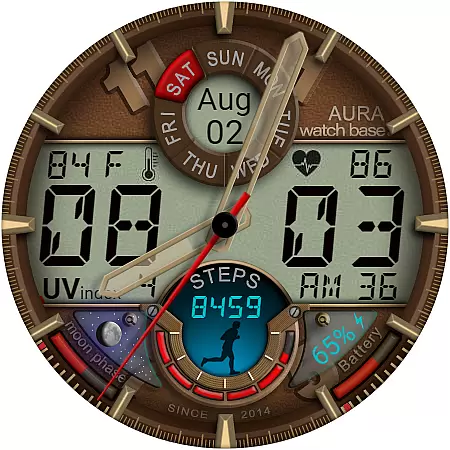
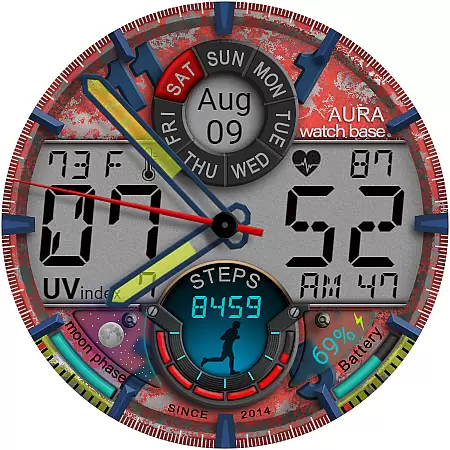
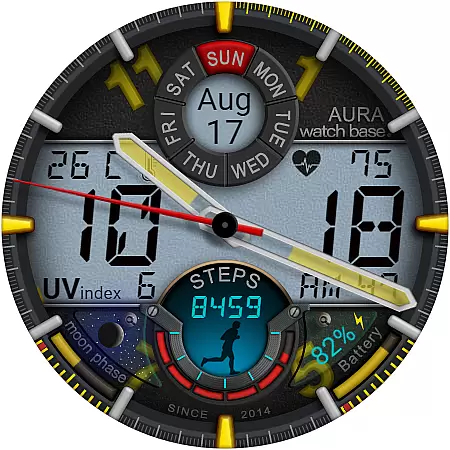
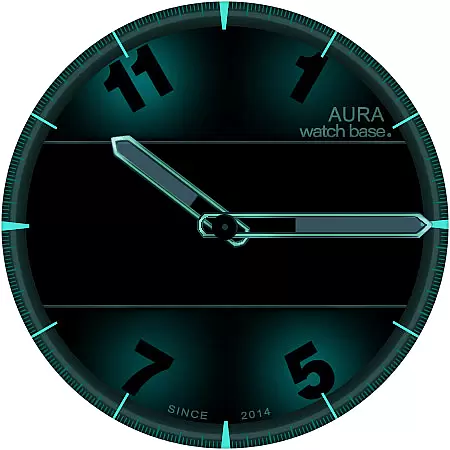
WB DIGITAL BASE Hybrid is a feature-rich watch face designed exclusively for Wear OS 5 and higher. This modern hybrid watch face combines analog and digital elements, offering users a bold aesthetic with 10 vibrant color options to choose from. It provides essential information at a glance, including time, date, battery status, temperature, and health metrics like heart rate and step count.
The watch face stands out with its Always-On Display (AOD) functionality, moon phases indicator, UV index, and automatic temperature unit adjustment based on device settings. With customization options accessible through a simple tap-and-hold gesture, users can tailor the appearance to their preferences. Whether you're tracking daily activity or monitoring environmental conditions, this watch face ensures both style and utility.
WB DIGITAL BASE Hybrid offers an impressive array of features that cater to both style-conscious and data-driven users. With 10 customizable color skins, users can personalize their watch face while enjoying functionalities such as analog and digital time displays, seconds indicators, AM/PM markers, and battery level tracking. The inclusion of advanced metrics like temperature, UV index, moon phases, and health stats—heart rate and step count—makes it versatile for various needs.
One standout feature is its seamless integration with device settings, automatically adjusting temperature units without requiring manual input. Additionally, the companion app simplifies installation by syncing purchases across devices, addressing common synchronization issues. Users also benefit from detailed guidance on resolving installation challenges, ensuring a smooth setup process. These thoughtful design choices make WB DIGITAL BASE Hybrid not just visually appealing but highly functional.
Companion app integration is a crucial feature for smartwatch applications, ensuring seamless synchronization between the watch and paired mobile device. WB DIGITAL BASE Hybrid excels in this area by providing users with an intuitive companion app that simplifies the installation process.
The companion app acts as a bridge, allowing users to easily install and apply the watch face from their phone. After purchasing the watch face, users can tap the install button within the phone app, which triggers the installation process on the connected watch. This ensures that the watch face is correctly installed and ready for use without requiring complex manual steps.
This streamlined approach not only enhances user convenience but also addresses common synchronization issues. If users encounter prompts to repurchase the watch face on their device, they can rest assured knowing this is merely a temporary syncing issue, and they won't be charged again. The companion app helps maintain consistency across devices, providing peace of mind during the setup process.
Device compatibility is a fundamental aspect of any Wear OS application, determining its ability to function correctly across various smartwatch models. WB DIGITAL BASE Hybrid clearly communicates its compatibility requirements, specifying support for devices running Wear OS 5 and higher.
This clear compatibility information helps users make informed decisions before downloading. By restricting support to newer Wear OS versions, the application can leverage advanced operating system features while maintaining optimal performance and stability.
The watch face automatically adjusts to user preferences set in the device settings, including temperature units (Celsius or Fahrenheit). This intelligent adaptation demonstrates how the application seamlessly integrates with the device's native settings, enhancing user experience without requiring additional configuration.
Furthermore, the application's compatibility extends beyond just operating system requirements. It supports a wide range of smartwatch functionalities, including AOD display, health tracking features, and environmental indicators, ensuring comprehensive integration with modern Wear OS devices.
Customizable color skins
Automatic temperature adjustment
Companion app for easy installation
Versatile health and environmental metrics
Always-On Display functionality
Limited to Wear OS 5+
Potential sync issues
Installation complexity
No manual temp override
Feature-heavy for some

"PER27 Galaxy Digital" is a digital Wear OS watch face designed by PERSONA
 4.10
4.10
Watch the sharpness of the sky on your wrist..
3.70
Rose gold watch face with festive lights & customizable features.
4.60
Christmas is near, let's count together the days left until Santa comes
4.2
Simple Analog-Digital Watchface For Wear OS 3.0 and Up Smartwatches
4.3
Watch face for Wear OS.
4.20
Stylish, Energizing and Modern Watch Face crafted by Dominus Mathias.
4.50
Fitbit is dedicated to helping people lead healthier, more active lives.
4.10
From periods to pregnancy & perimenopause, Flo helps you track it all. Try now.
4.70
Christmas Theme Watch Face for Wear Os
5.00
Real-time weather radar with temperatures, warnings, hurricanes, and widgets
4.80
Ideal for surviving in the wasteland left after nuclear fallout
4.50
Embrace the holiday spirit with this magical animated watch face!
4.40
Beautiful artistic animated digital watch face, with a customizable layout!
4.40
The #1 source of faces for your smartwatch!
4.00
Authentic military-tactical design with ZULU time! Realistic and functional!
3.80
A Wintery Snow Globe on Your Wrist; now celebrating Christmas!
4.1
Contemporary digital watch face with five complications
4.5
Stunning modern digital watch face with 7 complications and strong contrast
4.2


User Reviews