
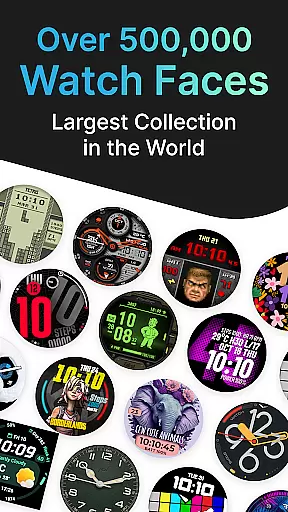
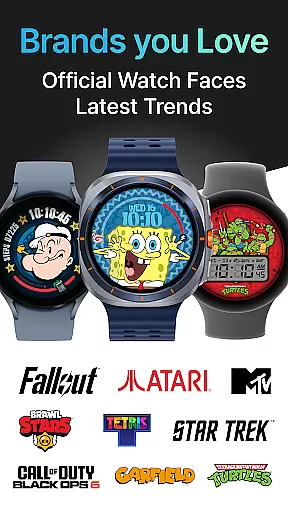
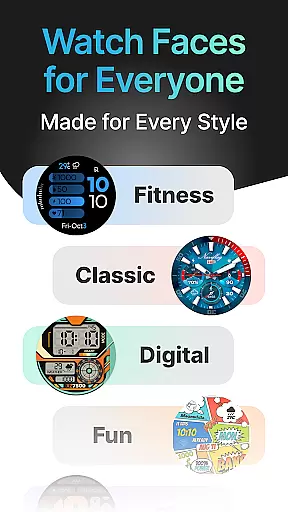
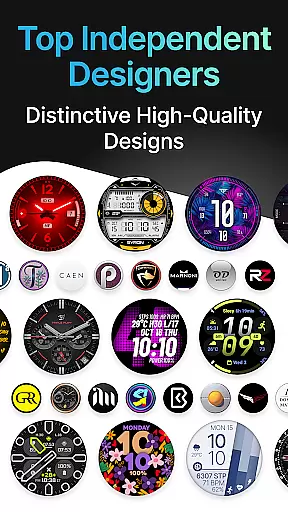
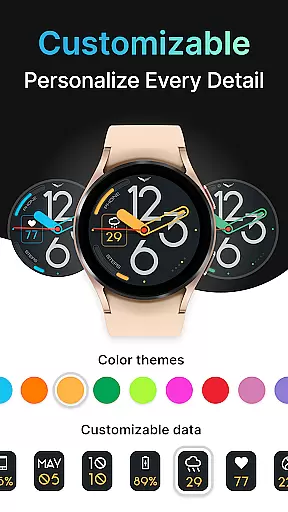
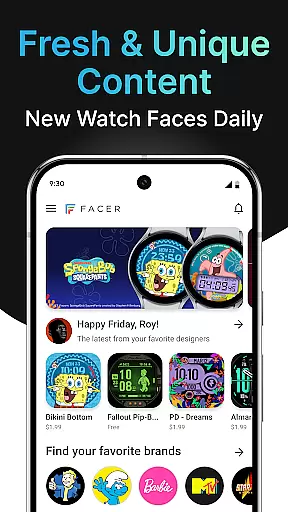
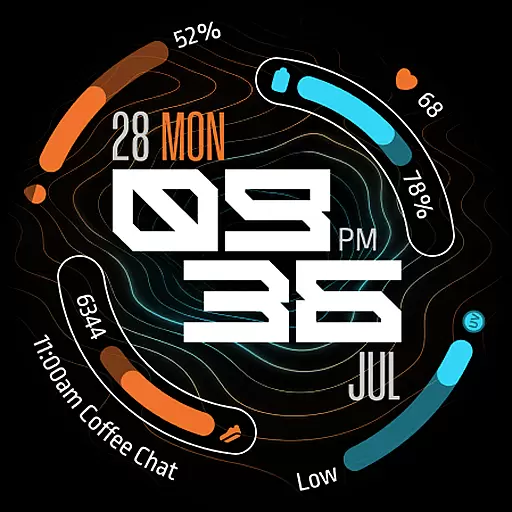
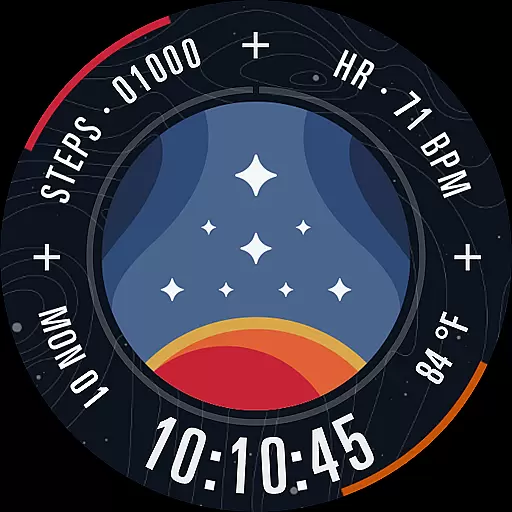
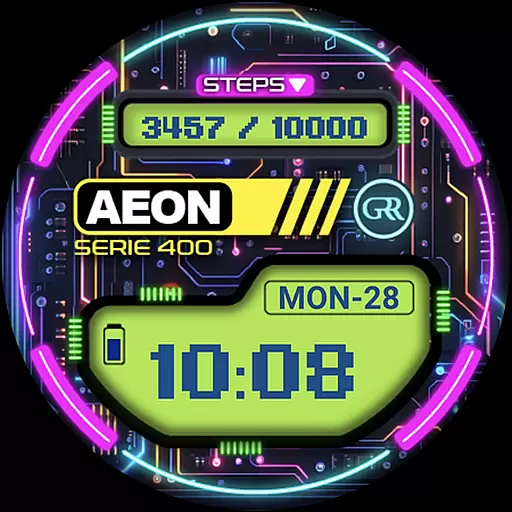
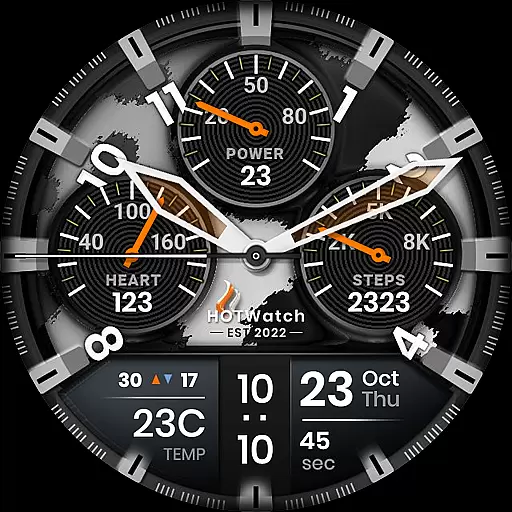
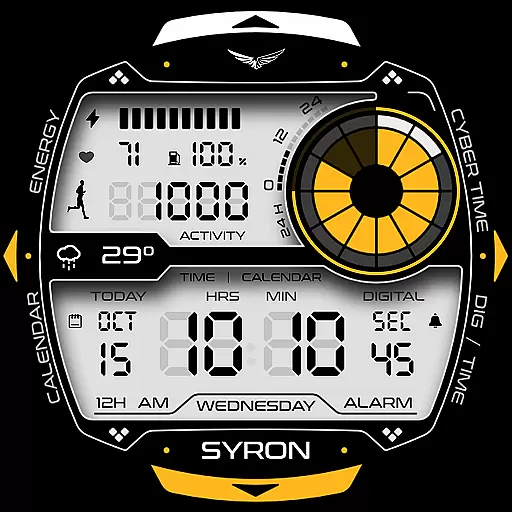
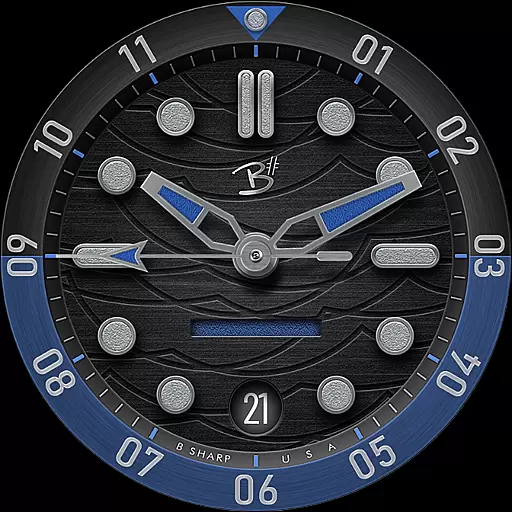
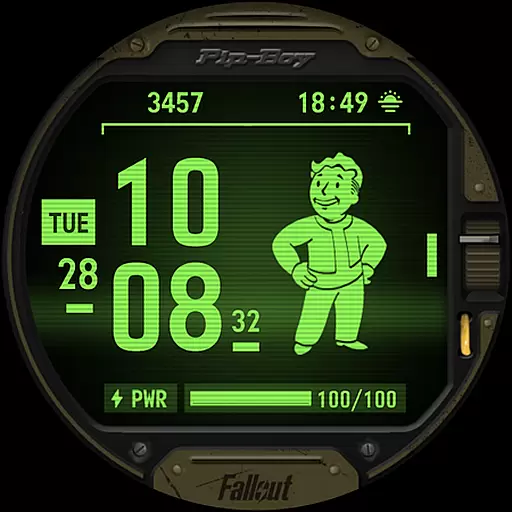
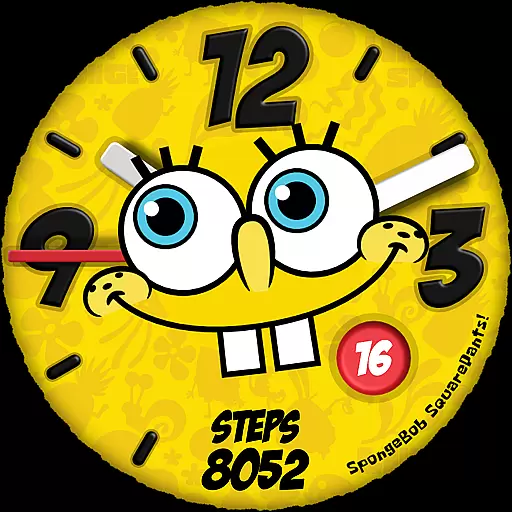
Facer Watch Faces is the ultimate customization tool for your smartwatch, offering over 500,000 free and premium watch faces from leading brands and independent artists. Compatible with Wear OS, Tizen, Apple Watch, and more, it allows users to personalize their smartwatches effortlessly.
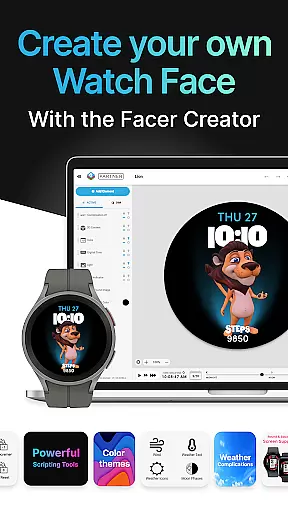
With features like Facer Creator, users can design and share their own watch faces. The app supports a wide range of devices including Samsung Galaxy Watches, Google Pixel Watches, and many others. Whether you're looking for branded designs or original creations, Facer provides dynamic and beautiful options for every style.
Facer stands out with its massive catalog of watch faces, supporting both new and legacy versions of Wear OS. Users can access faces directly on their devices or through the Facer app on their phones, ensuring seamless synchronization across platforms.
The app's powerful web-based editor at facer.io enables users to create custom watch faces with ease. With support for fitness and health data display, location-based weather updates, and integration with top brands, Facer offers unparalleled personalization and functionality for smartwatch enthusiasts.
Companion app integration is crucial for smartwatch applications as it ensures seamless synchronization between the wearable and its smartphone counterpart. Facer excels in this area by providing users with a cohesive experience across devices.
The Facer app requires installation on both the phone and the paired smartwatch, allowing for effortless management of watch faces directly from the mobile device. This dual-installation approach streamlines the process of browsing, selecting, and applying new watch faces.
By setting up Facer on their smartphones, users can easily browse through an extensive library of over 500,000 watch faces. Once a selection is made, the chosen design is quickly synced to the connected smartwatch, ensuring that personalization is not limited by device type.
This integration extends beyond mere aesthetics; it also encompasses functional aspects such as health data display and location-based weather updates, making Facer a versatile tool for customizing both the look and utility of your smartwatch.
Device compatibility is a significant factor when choosing a smartwatch application, especially for platforms like Wear OS that support a wide range of devices. Facer stands out by offering broad compatibility with numerous smartwatch models.
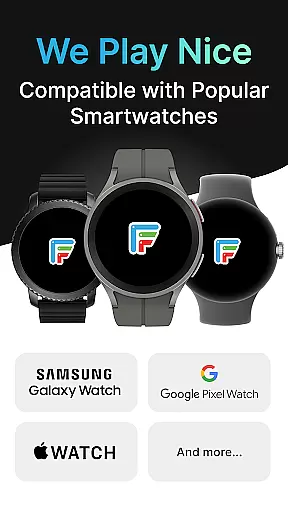
Facer supports all major Wear OS devices including Samsung Galaxy Watches, Google Pixel Watches, OnePlus Watches, Oppo Watches, Mobvoi Ticwatch Series, and many others. This extensive support ensures that no matter which Wear OS device you own, Facer will likely be compatible.
In addition to Wear OS, Facer also works with Tizen-based Samsung smartwatches and even extends its reach to Apple Watch users. This cross-platform availability makes it a versatile choice for users who may switch between different ecosystems.
Whether you have a newer model running Wear OS 6 or an older device still operating on Wear OS 3 or 4, Facer provides a consistent experience. Users can enjoy either the latest features or continue using the legacy version without missing out on customization options, ensuring that every user gets the most out of their smartwatch.
Extensive face selection
Cross-platform support
User-friendly interface
Regular updates
Active community
Premium faces cost extra
Some features require permissions
Legacy version limitations
Occasional sync issues
Design quality varies

Calming & relaxing sounds for sleeping and stress relief. Stay focused all day!
 4.20
4.20
A watch face that fuses motorsport precision with contemporary smartwatch design
4.3
Contemporary digital watch face with five complications
4.1
Stunning modern digital watch face with 7 complications and strong contrast
4.4
Wear Os Watch Face - Animated Snow Effect & Magic Spark - 6 Scenes
4.10
To-Do List: daily schedule planner, task organizer, to do reminder app, calendar
4.60
Hyper-Realistic Airplane Dashboard Watch Face With 10 Skins and Custom AOD
4.00
Premium hybrid watch face with many customizations for Wear OS devices.
4.40
Connect, create, and collaborate with Gmail, part of Google Workspace.
4.10
Digital, flexibly customizable watch face. For Wear OS 5.0, API 34+ and later.
5.00
Period, ovulation & pregnancy tracker. Fertility insights & menstrual calendar.
4.90
Walking app for weight loss: walk & step tracker, pedometer, indoor treadmill
4.60
Monitor health with the stress test and pulse checker in the heart rate app.
4.60
Locate your family members by GPS phone location tracker everywhere and anytime
4.30
Let's celebrate Thanksgiving - Wear Os watch face
4.20
Professional weather radar and more
3.90
Christmas and New Year - Themed Watchface
4.3
Sleek, highly customizable watch face inspired by Galaxy Watch Circle Dashboard.
4.5
Funny animated watch face for Thanksgiving
4.4


User Reviews