
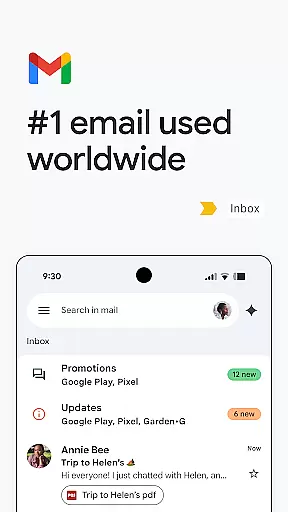
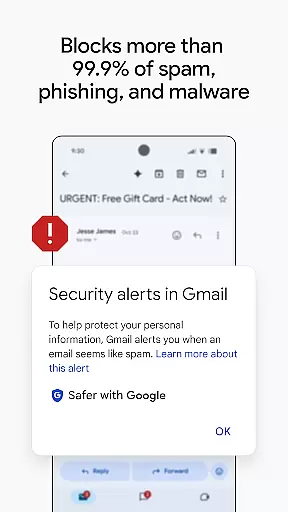
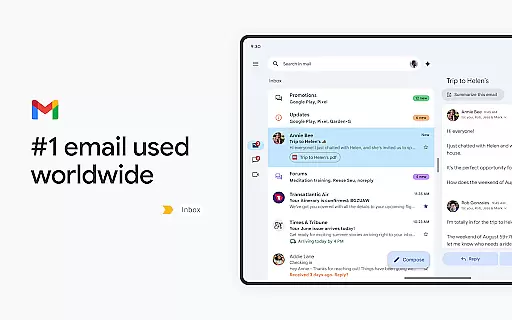
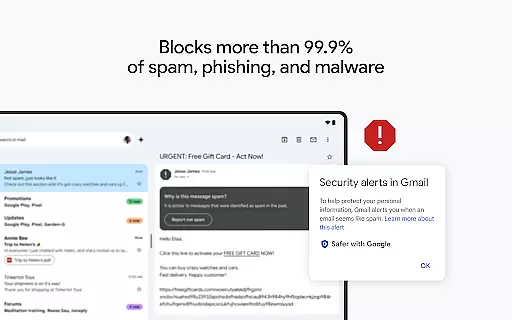
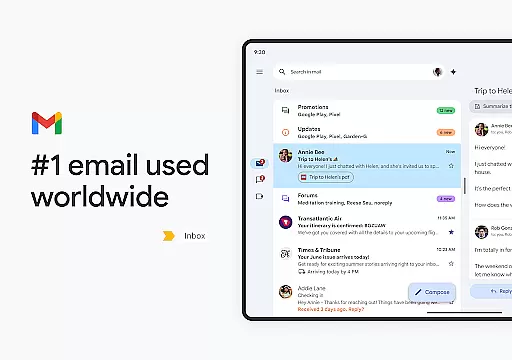
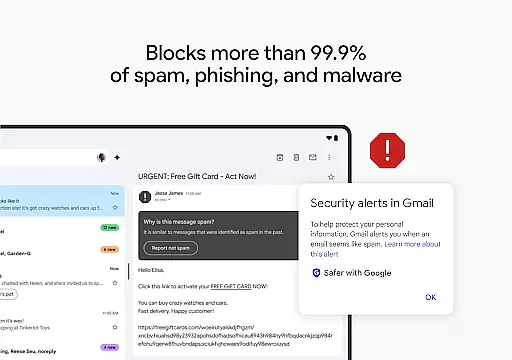
Gmail is the official email application from Google, designed to bring a seamless and secure emailing experience to Android devices. It offers advanced features such as multiple account support, powerful search capabilities, and enhanced security protections that block over 99.9% of spam and phishing attempts.
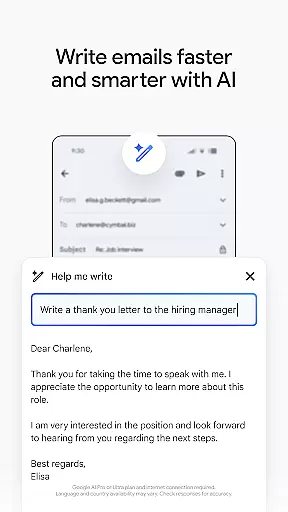
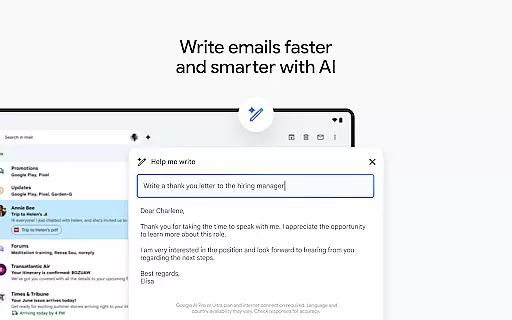
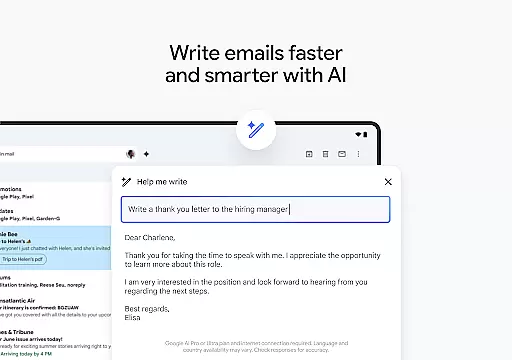
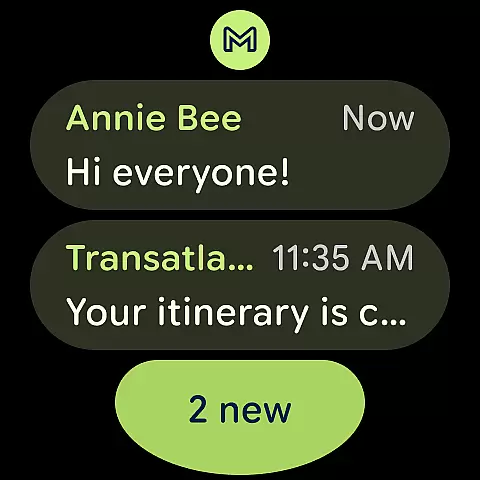
With the integration of Google AI, Gmail provides users with innovative tools like 'Help me write' and contextual Smart Reply, making email management faster and more efficient. Available on both Android and Wear OS, Gmail ensures you can stay connected and productive no matter where you are.
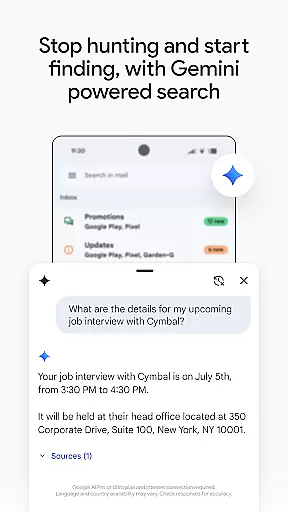
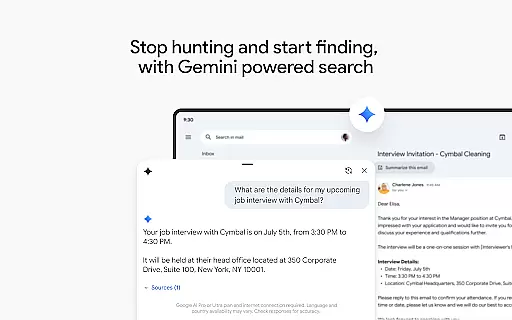
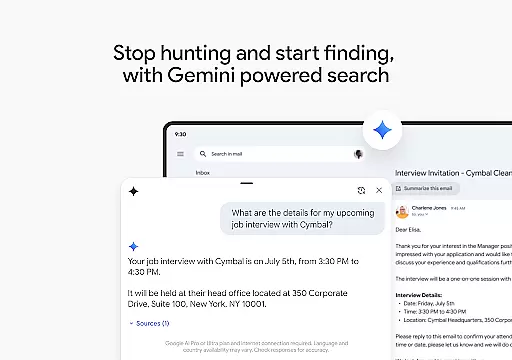
Gmail stands out with its robust feature set tailored for productivity and ease of use. The app's powerful search functionality allows users to quickly find emails using relevant keywords or leverage Gemini to extract specific details from their inbox or linked Google Drive files.
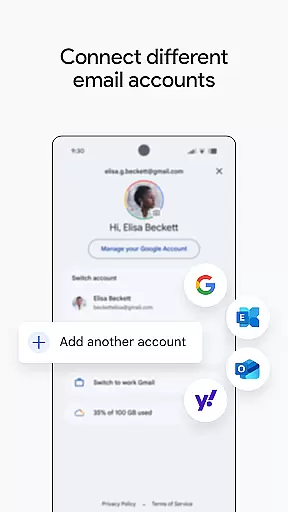
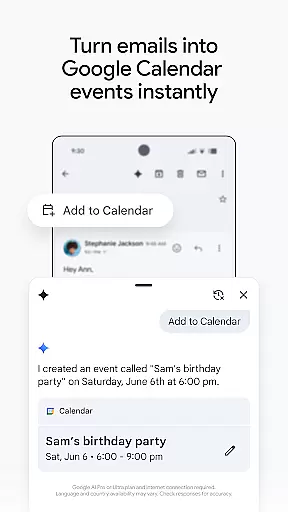
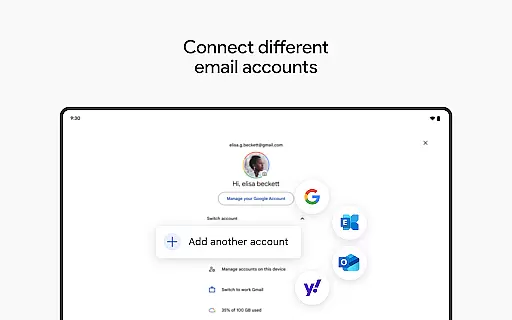
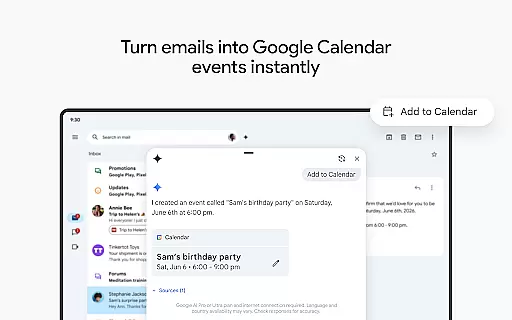
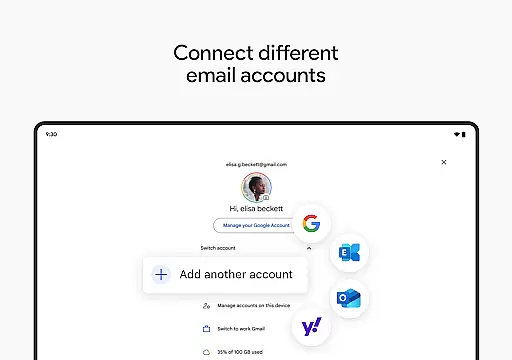
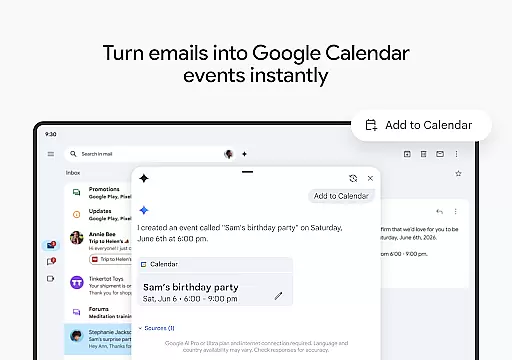
The app supports multiple accounts across different providers, giving users the flexibility to manage all their emails in one place. With built-in AI writing assistance, Gmail helps users compose emails more efficiently. Additionally, the 'Add to Calendar' feature powered by Gemini enables instant creation of Google Calendar invites directly from the inbox.
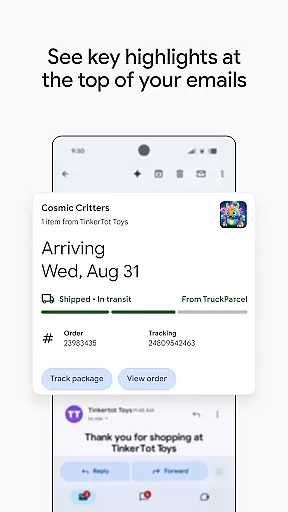
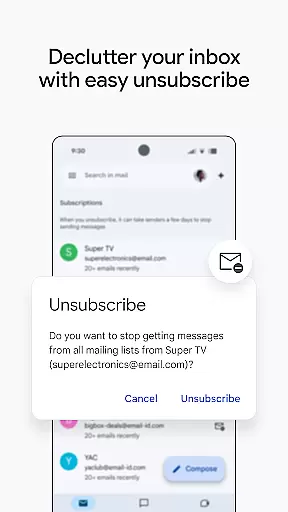
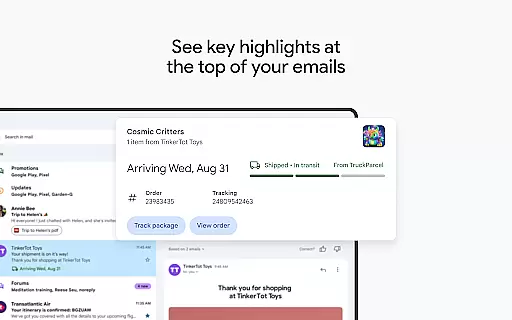
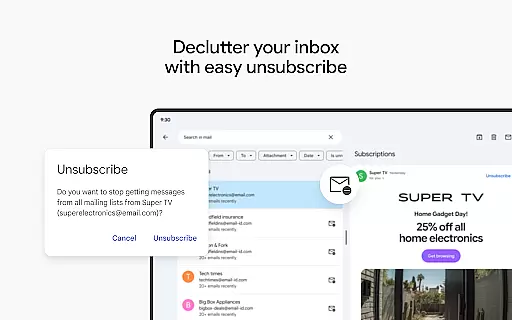
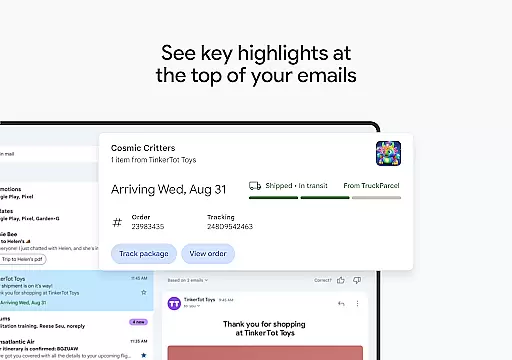
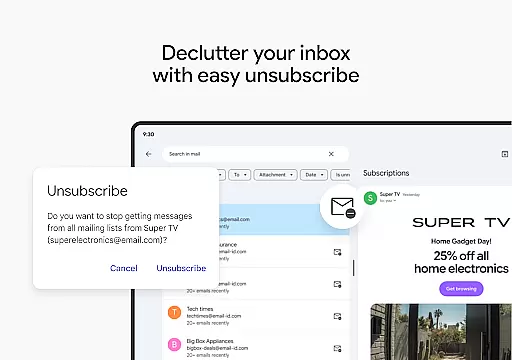
Gmail also includes proactive unsubscribe suggestions, summary cards for quick email previews, and enterprise-grade security features that make it an ideal choice for both personal and business use.
Companion app integration is crucial for a seamless experience across devices. Gmail excels in this area by offering robust synchronization between your Android device and Wear OS smartwatch.
The app ensures that all emails, labels, and folders are consistently updated across devices. This means you can start drafting an email on your phone and continue editing it on your watch without missing a beat.
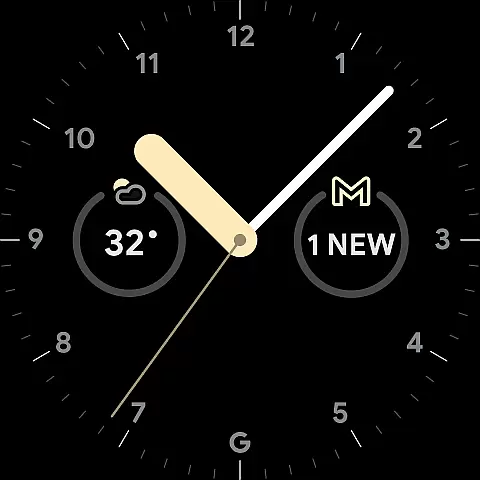
Gmail's tight integration with Google Workspace enhances productivity further. You can manage meetings, respond to urgent emails, and even create calendar invites directly from your Wear OS device.
This level of companion app integration provides users with unparalleled convenience and efficiency, allowing them to stay connected and productive regardless of the device they're using.
Device compatibility is essential for ensuring that applications run smoothly across different platforms. Gmail offers extensive support for Wear OS devices, making it a versatile choice for smartwatch users.
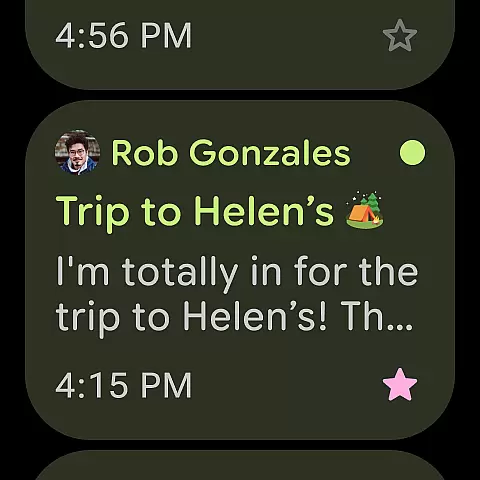
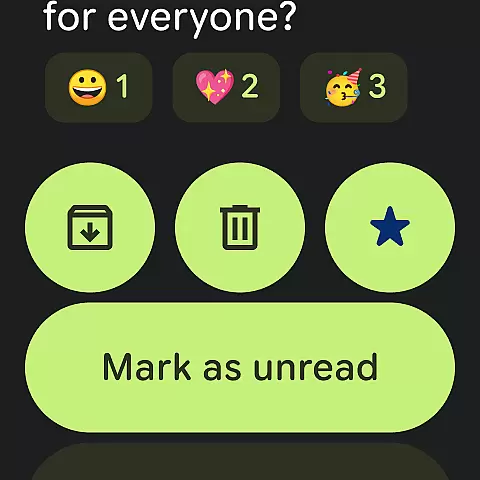
The app is optimized to work seamlessly on various Wear OS watches, providing a user-friendly interface that adapts to smaller screens without losing functionality. Key features like email notifications, quick replies, and calendar integrations are readily accessible.
Moreover, Gmail's compatibility extends beyond just Wear OS. It supports multiple accounts from different email providers, allowing users to consolidate their communications in one place.
This broad compatibility ensures that whether you're using a smartphone, tablet, or smartwatch, Gmail remains a reliable and efficient tool for managing your emails and staying productive on the go.
Advanced AI-powered features
Multi-account support
Robust search capabilities
Enhanced security protections
Cross-platform availability
Premium AI requires subscription
Limited offline functionality
Occasional sync issues
Interface can feel cluttered
Dependent on Google services

Diet tracker for weight loss - track calories, food and macros. Simple and easy!
 4.70
4.70
Calming & relaxing sounds for sleeping and stress relief. Stay focused all day!
4.20
Christmas is near, let's count together the days left until Santa comes
4.2
Watch face for Wear OS.
4.20
Your second brain for organizing your life: to-do, calendar, reminder.
4.70
Gym & home workout plans with strength training, exercise tracking, HIIT & more.
4.60
Fast and smart typing with Emojis, GIFs, and more
4.50
Track your active life in one place and share the journey with friends.
4.40
Download full tracks, listen to music offline, make unlimited playlists.
4.80
A modern hybrid informative watch face for Wear OS designed by BALLOZI
4.80
Hyperlocal rain alerts by MyRadar using patent-pending technology, radar & more
4.80
The most customizable hybrid watch face. For Wear OS 5.0, API 34+ and later
4.70
Rose gold watch face with festive lights & customizable features.
4.60
Deck out your Wear OS Watch face with a beautifully decorated pine wreath!
4.50
Connect to your Bluelink equipped Hyundai vehicle from your smartphone.
4.50
Embrace the holiday spirit with this magical animated watch face!
4.40
Current temperature, weather hourly, weather radar by the weather forecast app
4.40
Your music, your playlists, and more—offline and unlimited.
4.20
The #1 source of faces for your smartwatch!
4.00


User Reviews