
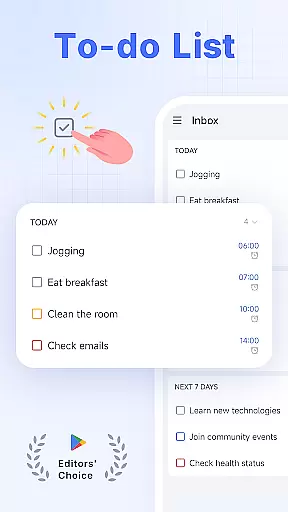
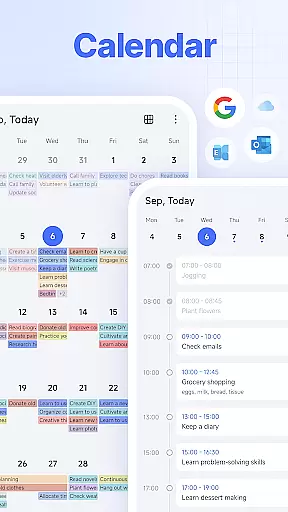
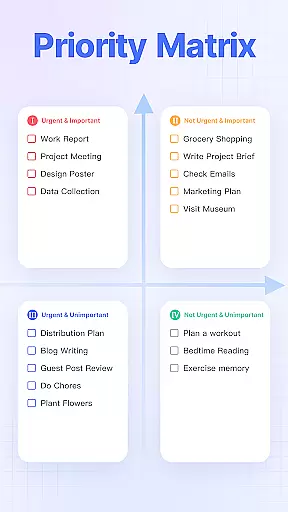
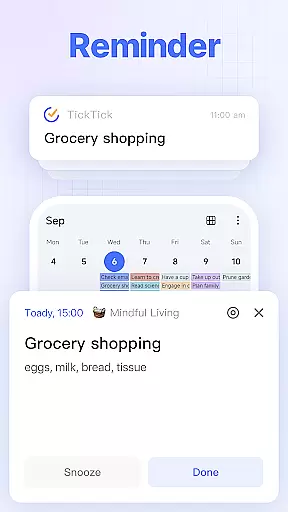
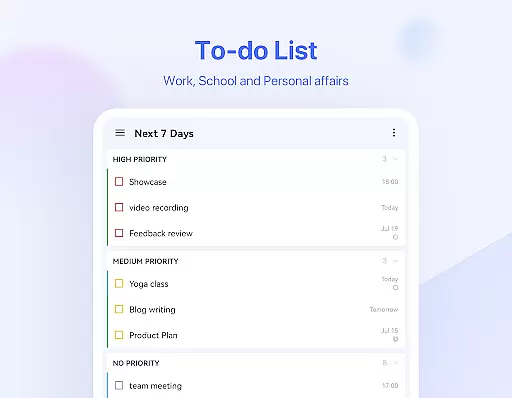
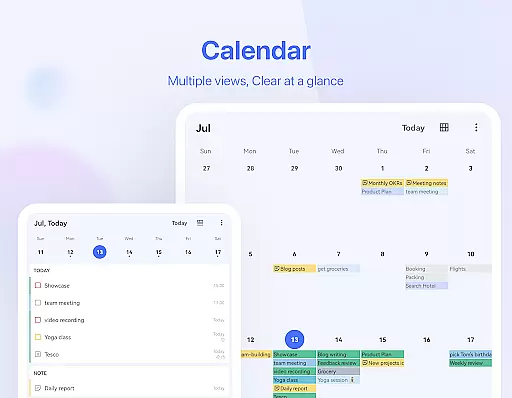
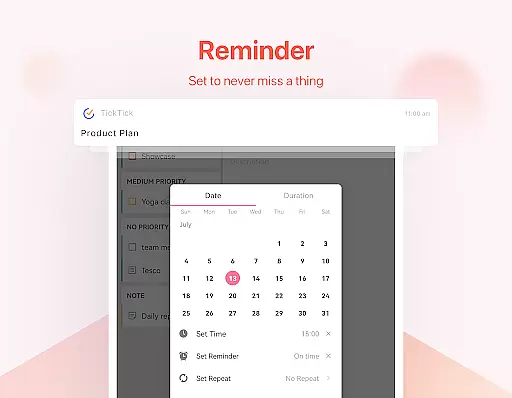
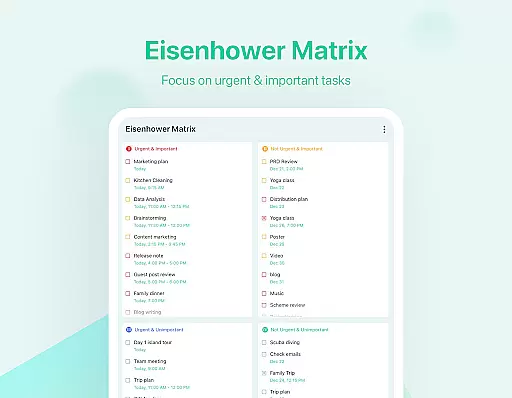
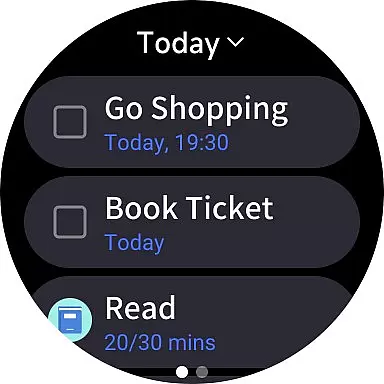
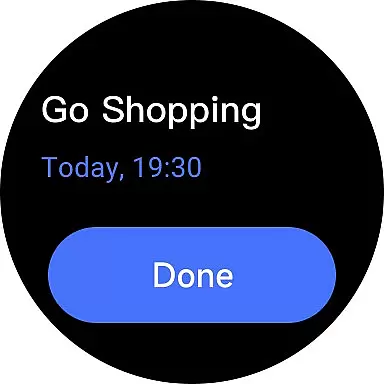
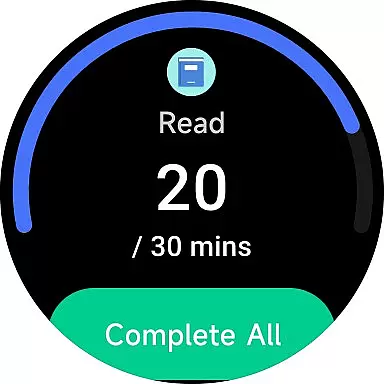
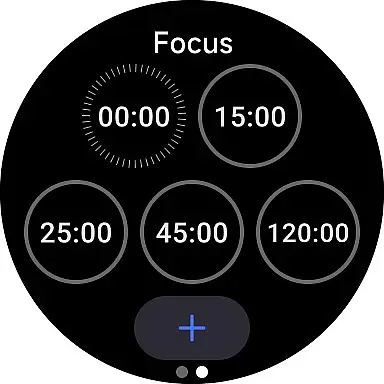
TickTick is a comprehensive productivity app designed to help users manage their tasks, schedules, and habits efficiently. As a multi-dimensional task manager, it consolidates all your to-dos, reminders, and calendars into one intuitive platform. Whether you're at home, in the office, or on the move, TickTick ensures seamless organization of your daily life.
The app offers powerful features like Pomodoro timers for focus, habit trackers for personal development, and cross-platform syncing across Android, iOS, Mac, PC, and Wear OS devices. With its sleek calendar view, handy widgets, and instant reminders, TickTick provides a complete solution for time management and productivity enhancement.
For professionals and individuals seeking optimal efficiency, TickTick's collaboration tools and premium features offer advanced capabilities such as recurring task scheduling, third-party calendar integration, and team task sharing. This makes it an ideal choice for both personal productivity and workplace coordination.
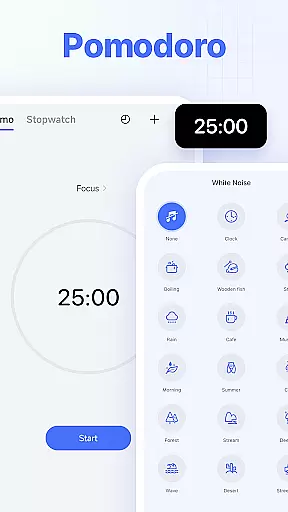
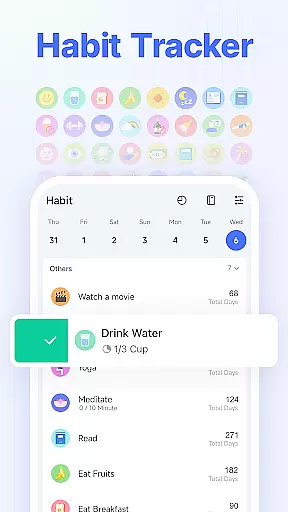
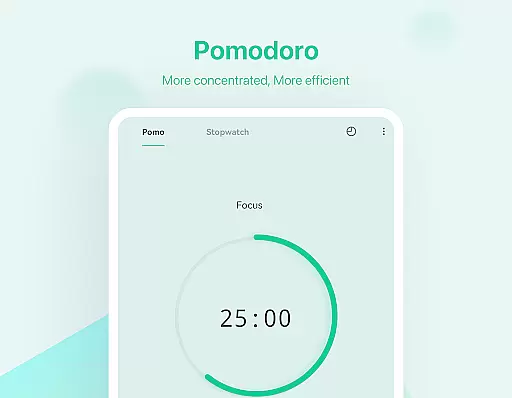
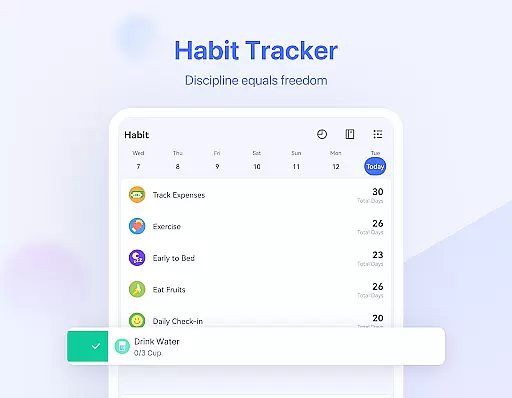
TickTick stands out with its diverse feature set tailored for productivity enthusiasts. The app's Pomodoro Timer helps users maintain focus by breaking work into intervals, while the white noise feature creates an optimal environment for concentration. Its Habit Tracker allows users to build positive routines by setting precise goals and tracking progress scientifically.
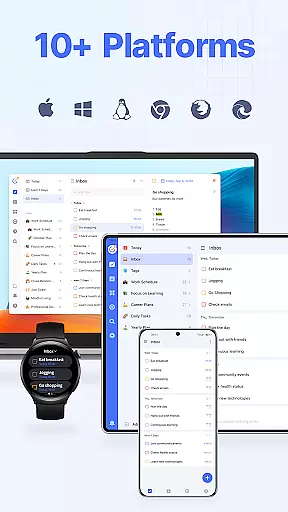
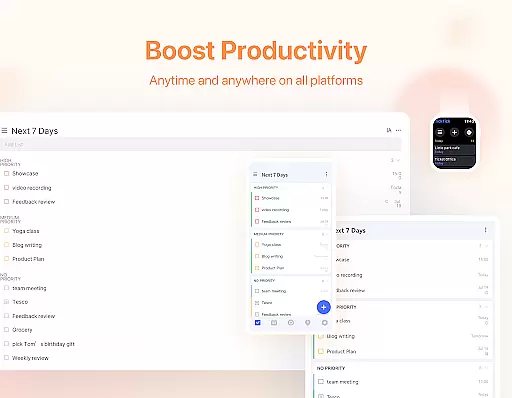
One of TickTick's key strengths is its synchronization capability. Users can access their tasks and notes across multiple platforms including Android, iOS, Mac, PC, and Wear OS devices. The Smart Date Parsing function automatically sets due dates and alarms based on user input, streamlining task creation. Additionally, the app's sleek calendar view and third-party integrations provide a unified scheduling experience.
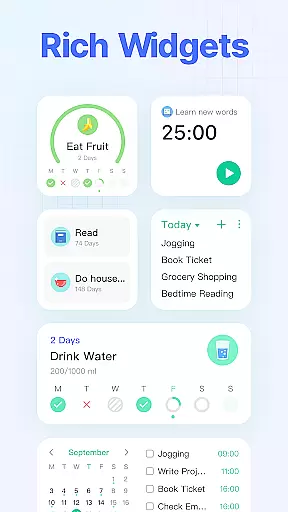
For collaborative projects, TickTick enables seamless teamwork through shared lists and task assignments. The availability of widgets and customizable themes enhances accessibility and personalization. Premium users benefit from advanced features like grid-format business calendars, extended reminders, and enhanced list-sharing capabilities, making TickTick a versatile tool for both individual and professional use.
Companion app integration is essential for users who want a seamless experience across multiple devices. TickTick excels in this area by offering synchronization capabilities that ensure your tasks, notes, and reminders are always up-to-date, no matter which device you're using.
With TickTick, you can sync across Web, Android, Wear OS Watch, iOS, Mac & PC. This means whether you're working from your desktop at the office or checking off items on your to-do list from a smartwatch while commuting, all information is current and accessible. The ability to view and manage tasks wherever you are helps achieve goals more efficiently.
The value of such integration becomes apparent when collaborating with others or managing personal tasks. Imagine starting a task on your phone during the commute and finishing it on your work computer without missing a beat. TickTick's companion app integration ensures that transitions between devices do not disrupt productivity but rather enhance it.
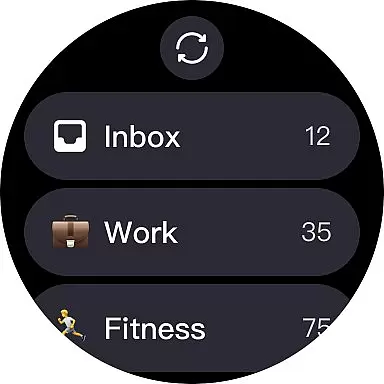
For users invested in the Wear OS ecosystem, having apps that work well with their devices is crucial. TickTick offers robust compatibility with Wear OS, ensuring that whether you're tracking habits, setting reminders, or managing tasks, everything works smoothly right from your wrist.
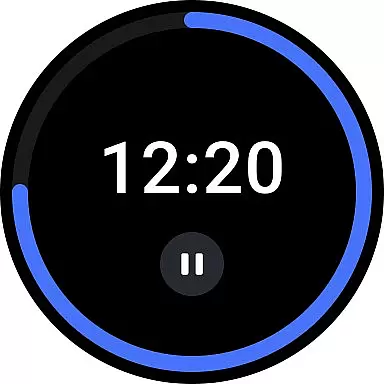
TickTick's Wear OS compatibility includes features like quick task creation, instant reminders, and even habit tracking directly on your smartwatch. This allows for hands-free operation and quick access to important information without needing to pull out your phone or sit down at a computer.
By providing these functionalities on Wear OS devices, TickTick enhances convenience and accessibility. Users benefit from being able to interact with their productivity tools in real-time, making it easier to stay organized throughout the day. Whether in a meeting or at the gym, TickTick keeps you connected to what matters most.
User-friendly interface
Cross-platform support
Powerful task management
Effective Pomodoro timer
Comprehensive habit tracking
Limited free features
Premium subscription cost
Occasional sync delays
Complex settings for beginners
Third-party ads in free version

Diet tracker for weight loss - track calories, food and macros. Simple and easy!
 4.70
4.70
Precision analog watch face with 7 complications and style options
4.0
Current temperature, weather hourly, weather radar by the weather forecast app
4.40
A heartwarming Christmas scene featuring a cute image of Santa and Rudolf
4.1
Deck out your Wear OS Watch face with a beautifully decorated pine wreath!
4.50
3 Complications. All shadow on/off. 30 Themes color palette...
4.4
Daily Weather forecast with 15 weather images for Day & Night plus Big Bold time
4.10
Simple, helpful messaging by Google
4.60
Fitbit is dedicated to helping people lead healthier, more active lives.
4.10
Beautiful, colorful and practical watch face. For Wear OS devices.
5.00
Easy Voice Recorder is your everyday companion to record important moments.
4.70
Real-time results, stats, schedules and player profiles for all leagues
4.60
MyNISSAN® lets you remotely control your car from your phone.*
4.50
Stylish, Energizing and Modern Watch Face crafted by Dominus Mathias.
4.50
Bold weather Digital watchface with forecast & optional animated background
4.40
Elegant animated Christmas tree with multiple customization options
4.20
Let's celebrate Thanksgiving - Wear Os watch face
4.20
Animated video-game inspired “secret agent” simulation, right on your wrist!
4.20
Christmas is near, let's count together the days left until Santa comes
4.4


User Reviews