
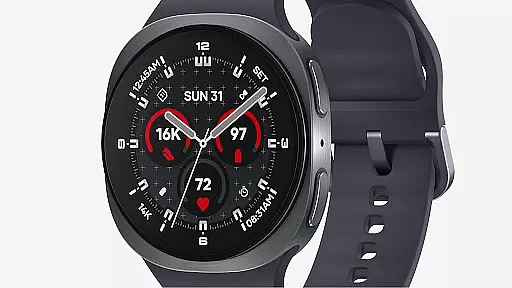
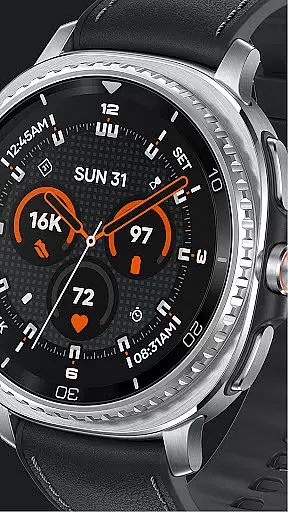
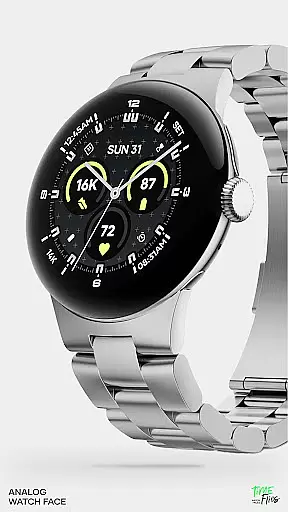
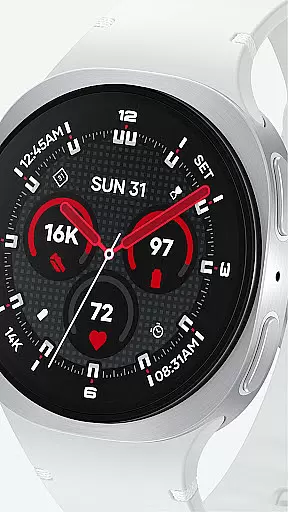
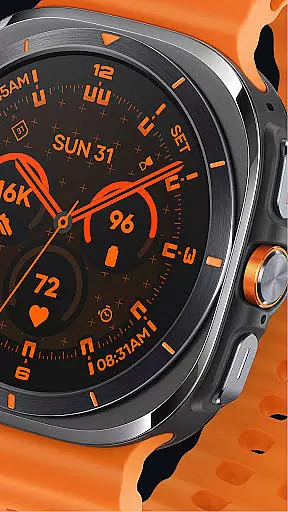
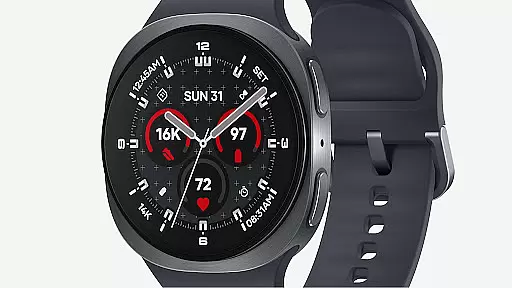
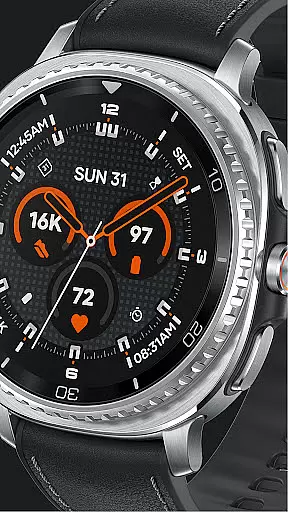
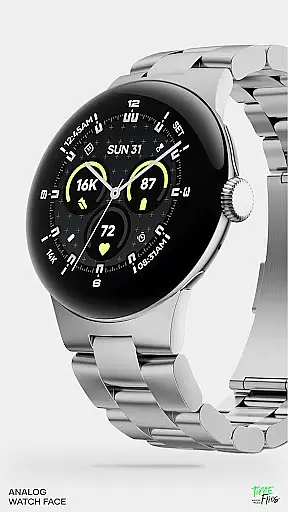
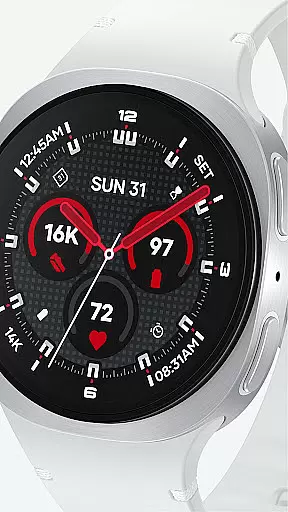
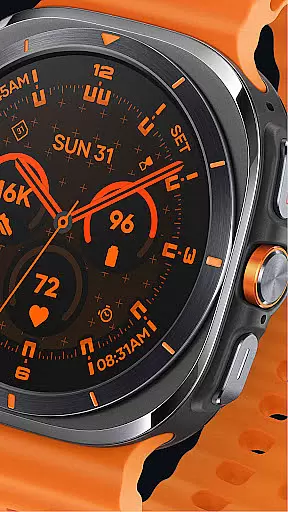
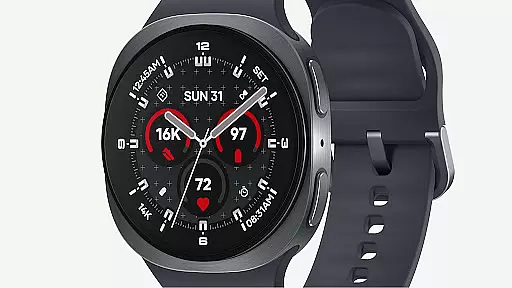
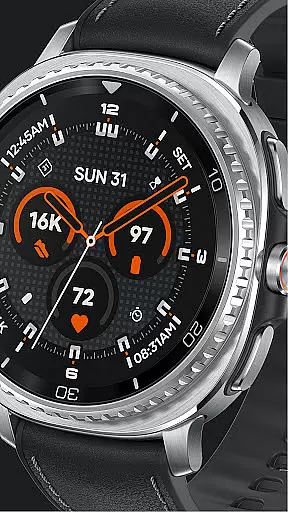
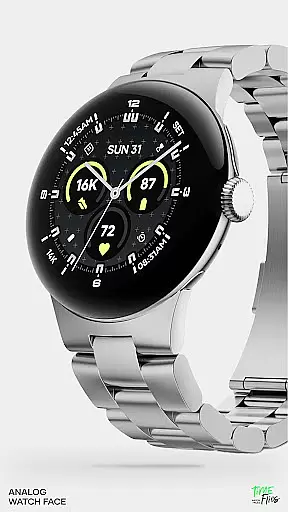
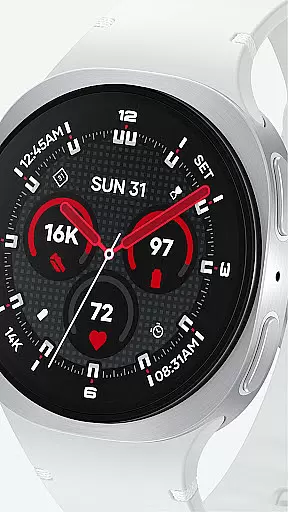
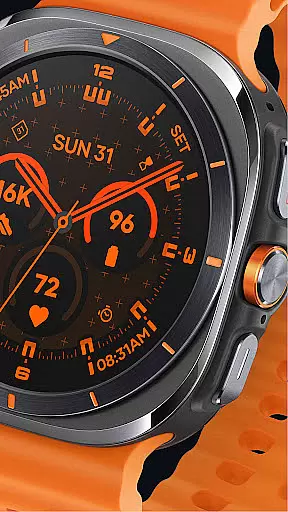
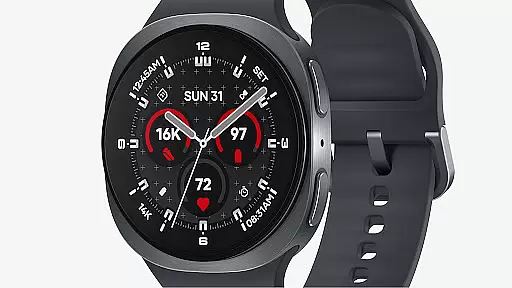
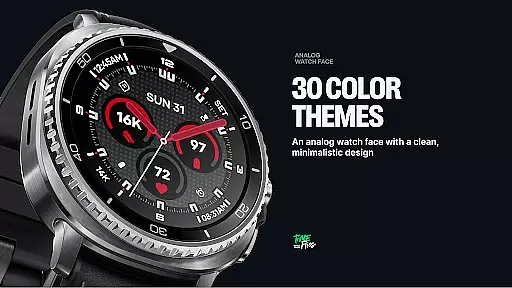
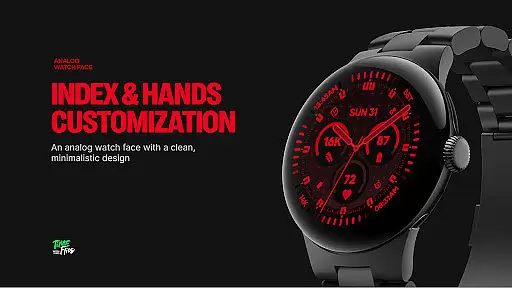
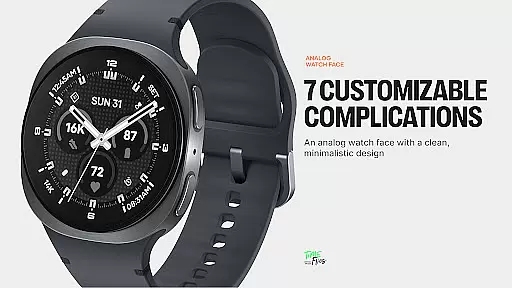
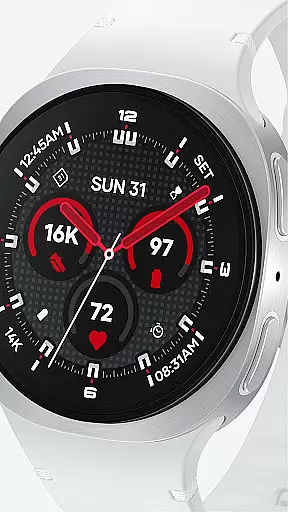
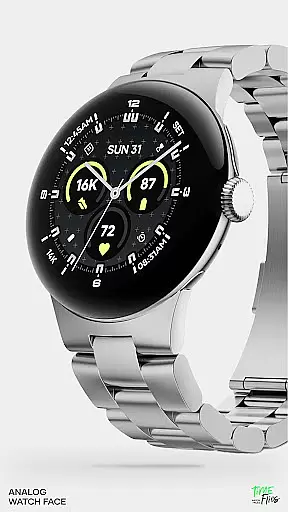
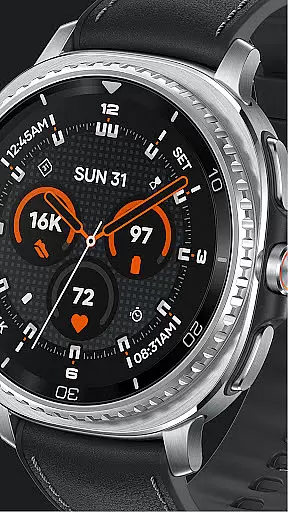
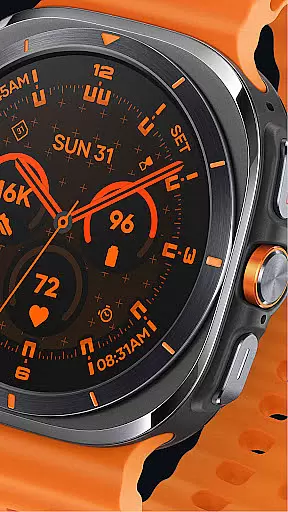
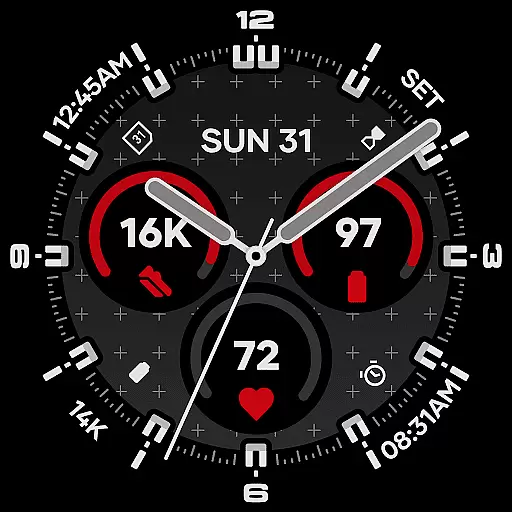
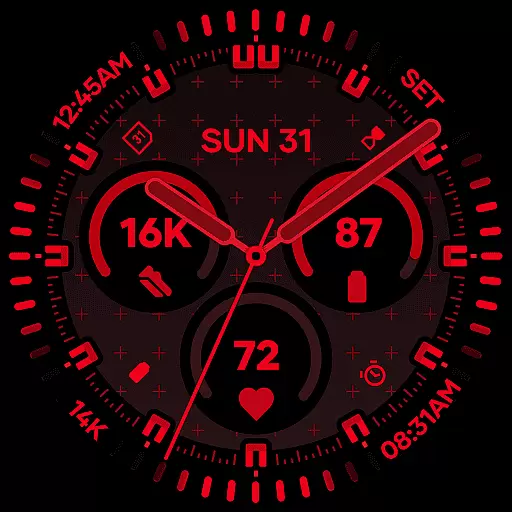
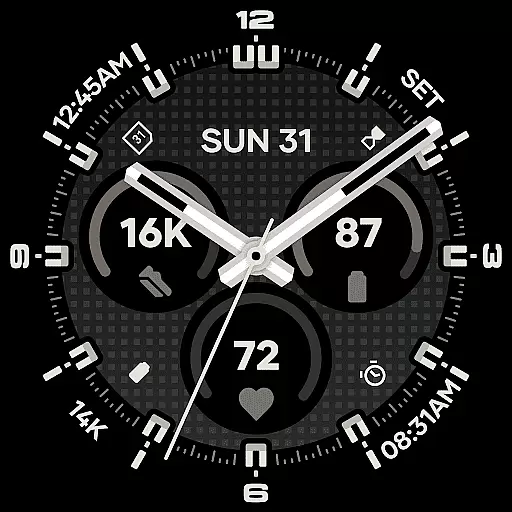
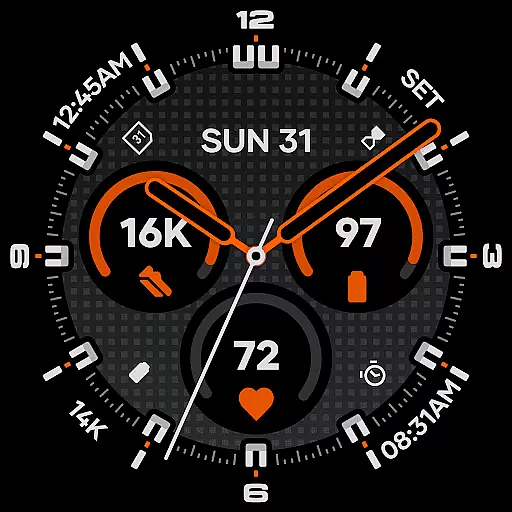
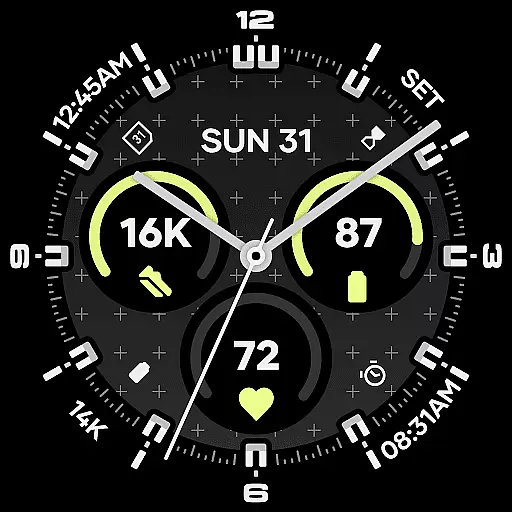
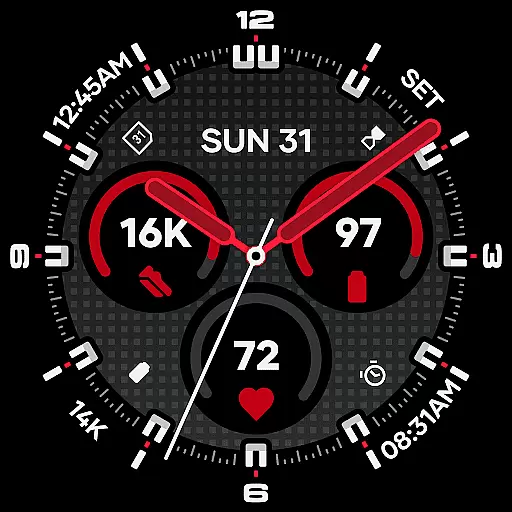
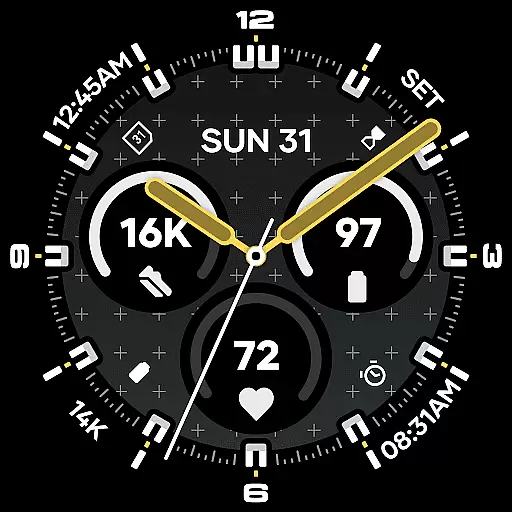
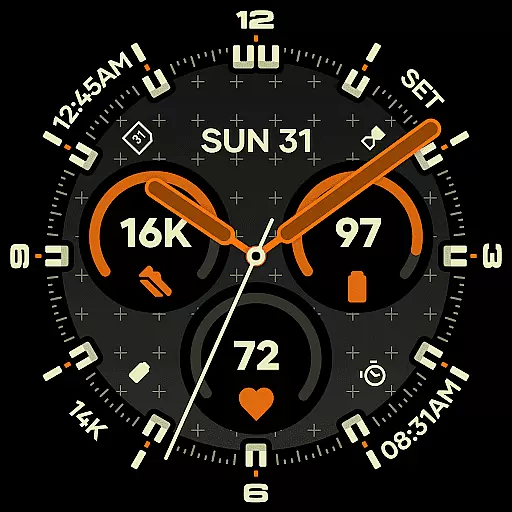
Starlyn Analog Watch Face offers a sophisticated analog design tailored for Wear OS devices. This watch face combines symmetry, contrast, and modular geometry to create a functional yet stylish timepiece interface. The layout emphasizes clear timekeeping with universal complications seamlessly integrated into the dial structure.
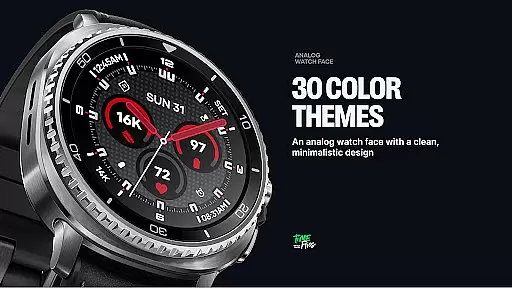
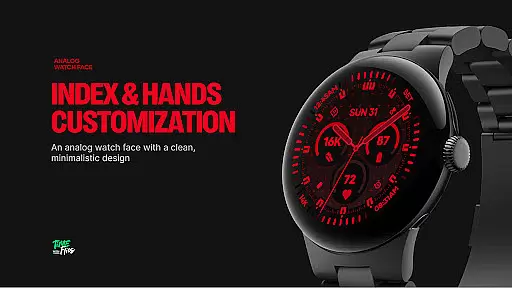
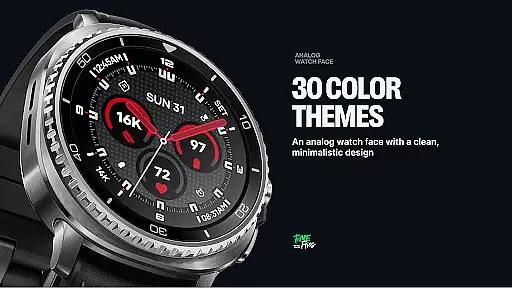
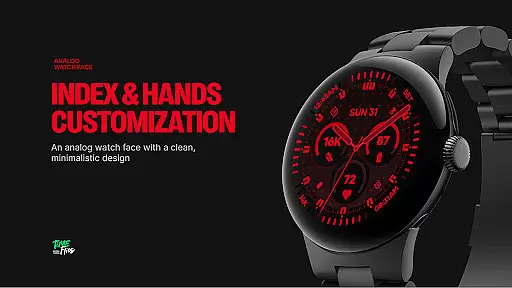
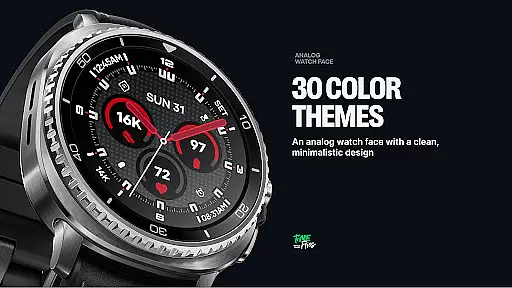
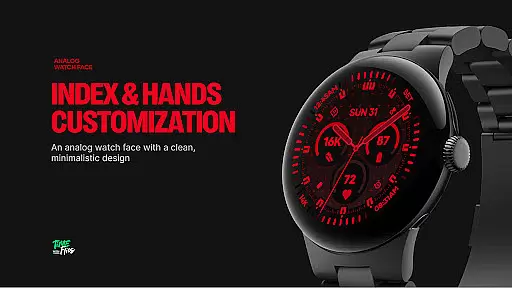
Users can customize their experience through multiple bezel styles, hand designs, and color schemes. With three Always-on Display modes and optional geometric background patterns, Starlyn ensures both aesthetic appeal and practical usability. Designed for various settings, from professional environments to everyday wear, this watch face maintains optimal performance while preserving battery life.
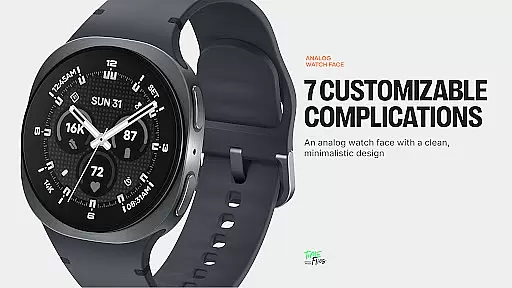
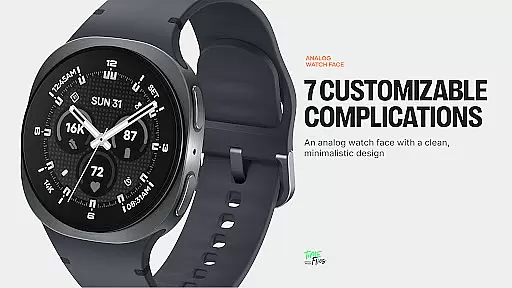
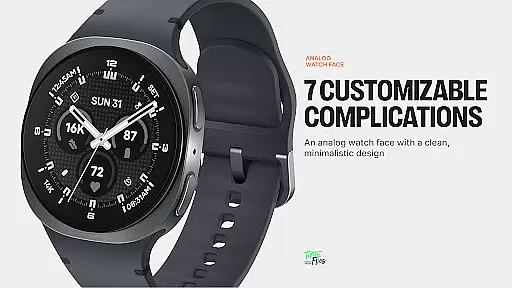
Starlyn Analog Watch Face stands out with its modern design approach and customizable features. The watch face includes seven configurable complication slots, allowing users to display essential information such as weather, fitness stats, or calendar events directly on their wrist.
A built-in day and date display is thoughtfully positioned within the dial architecture for easy readability. Users can choose from 30 curated color schemes and switch between different bezel and hand styles to match their personal preferences. Two optional geometric background patterns add depth to the visual design, while three distinct Always-on Display modes ensure visibility and energy efficiency.
The use of the latest Watch Face File format guarantees smooth performance and seamless integration with Wear OS devices. An optional companion app provides additional support and updates for enhanced user engagement.
Companion app integration is crucial for wearable devices as it enhances the overall user experience by providing additional functionalities and seamless synchronization. Starlyn Analog Watch Face offers an optional companion app that ensures users stay informed about future updates from Time Flies.
The dedicated Android app serves as a bridge between the watch face and the user's smartphone, enabling timely notifications about new features or improvements. This connectivity not only keeps the wearable current but also enriches its utility over time.
By downloading the companion app, users gain access to exclusive content and can manage their watch face settings with greater ease. The integration allows for a more personalized experience, ensuring that each user can tailor their device according to their preferences.
Ultimately, this companion app provides peace of mind, knowing that your Starlyn Analog Watch Face will remain up-to-date with the latest offerings from Time Flies, thus maintaining both functionality and style.
Ensuring compatibility with Wear OS and various devices is vital for a versatile and functional watch face. Starlyn Analog Watch Face has been purposefully developed using the modern Watch Face File format, guaranteeing optimal performance across different Wear OS devices.
This compatibility means that whether you're using a classic bezel or a minimalist case, the design maintains clarity and legibility. The rational layout of the dial, along with three central universal complications framed by four additional zones, adapts seamlessly to any screen size or style.
Moreover, Starlyn supports multiple Always-on Display modes, which are essential for preserving battery life without sacrificing aesthetics. Users can choose from full, dimmed, or minimal hands-only configurations, ensuring their device remains efficient and visually appealing.
With support for a variety of contextsu2014from active daily use to professional environmentsu2014Starlyn Analog Watch Face delivers consistent performance and battery efficiency, making it an ideal choice for diverse lifestyles and technological setups.
Modern aesthetic design
Highly customizable options
Battery-efficient performance
Multiple color schemes
Always-on Display modes
Limited to Wear OS
Companion app required
No digital format
Premium features cost
Complex customization

Christmas watch face. For Wear OS devices.
 4.30
4.30
an Analog Watch Face for winter season with freeze winter background for Wear OS
4.3
Rose gold watch face with festive lights & customizable features.
4.60
Embrace the festive spirit with our Christmas Countdown watchface for Wear OS
4.10
A heartwarming Christmas scene featuring a cute image of Santa and Rudolf
4.3
Beautiful, colorful and practical watch face. For Wear OS devices.
5.00
Stylish, Energizing and Modern Watch Face crafted by Dominus Mathias.
4.50
Hybrid Vibrant Health Watch Face for Wear OS
4.4
Daily Weather forecast with 15 weather images for Day & Night plus Big Bold time
4.10
Christmas Theme Watch Face for Wear Os
5.00
Nutrition, Macro tracker: Food, fitness & healthy diet tracking for weight loss
4.60
Retro digital watch face with customizable colors and a unique lighting effect
4.60
Ideal for surviving in the wasteland left after nuclear fallout
4.50
Digital watch face. For Wear OS devices.
4.40
The ultimate destination for kids ages 3-8 to explore the Marvel Universe!
4.30
Wear Os Watch Face - Animated Snow Effect & Magic Spark - 6 Scenes
4.10
Viewer for Wyze/Yi/Eufy/Arlo/ONVIF/RTSP/P2P IP cams w/ adv. features & DIY DVR
4.00
Your local weather forecast, storm tracker, radar maps & live weather news
3.40
Fitness interactive virtual pet super fighter boy watch face
4.2


User Reviews