
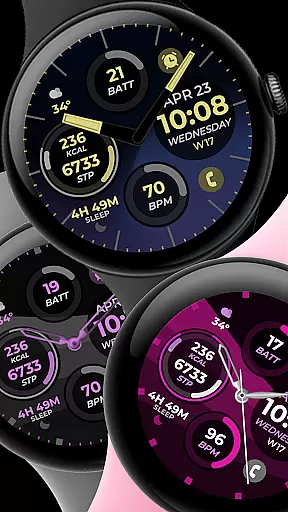
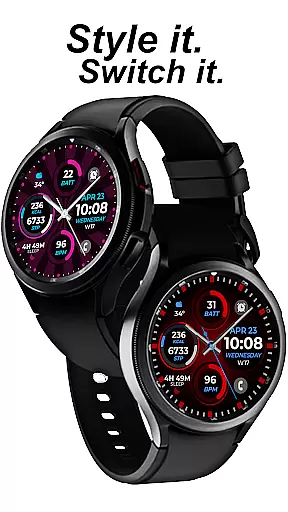
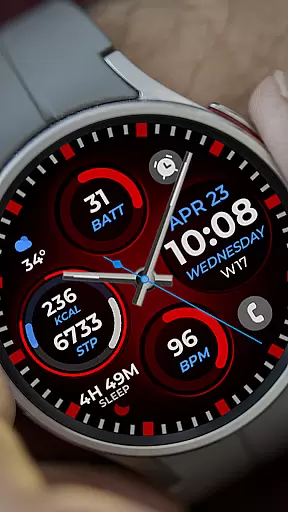
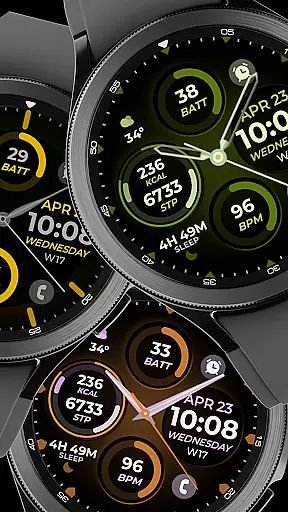
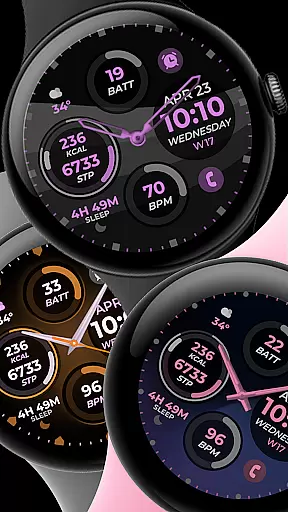
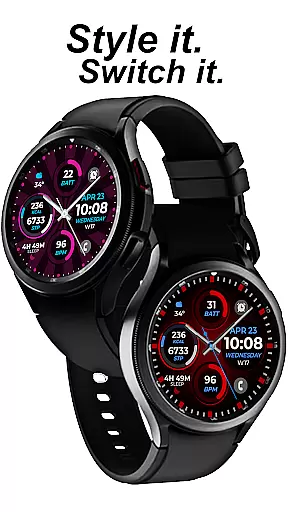
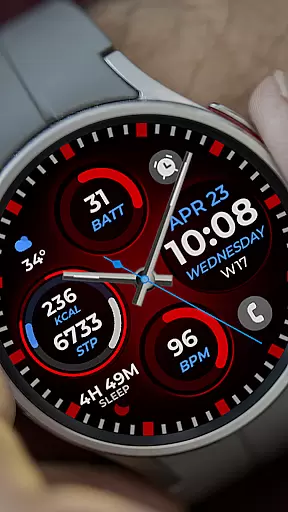
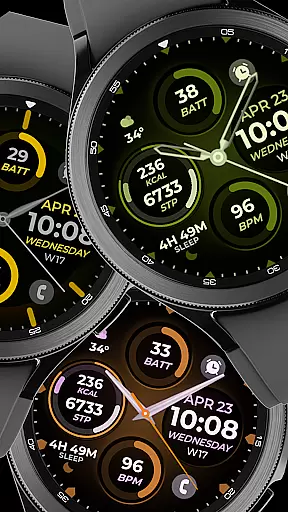
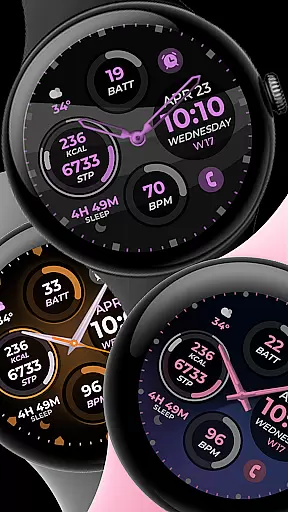
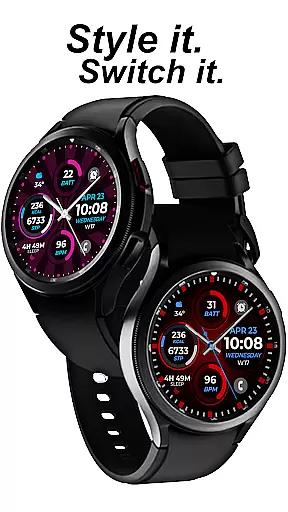
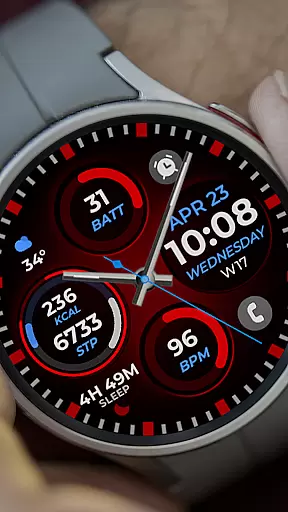
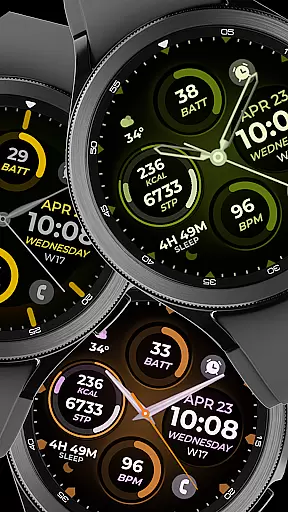
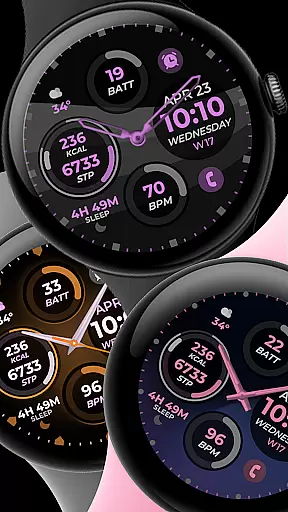
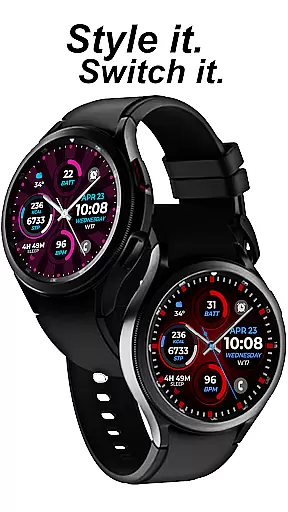
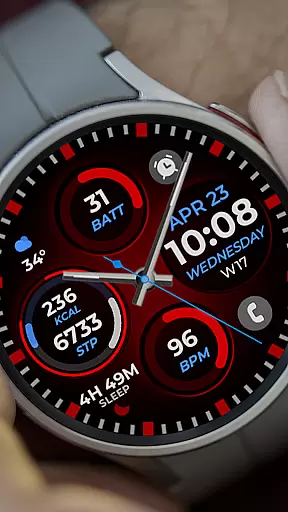
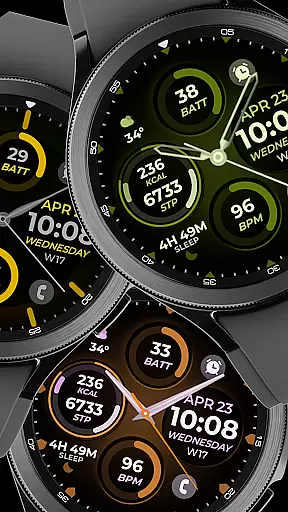
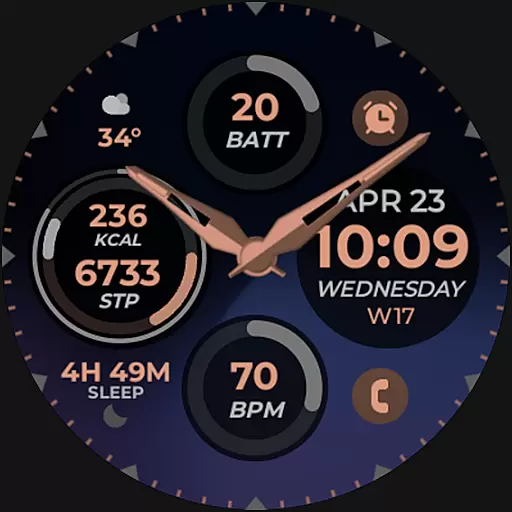
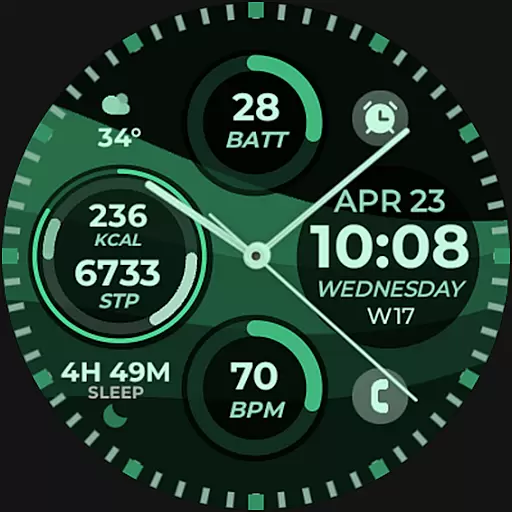
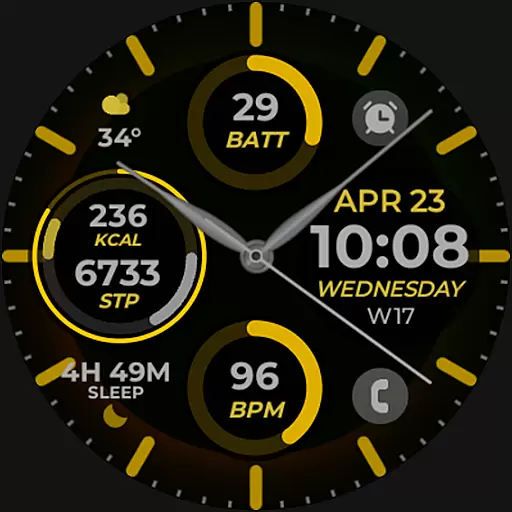
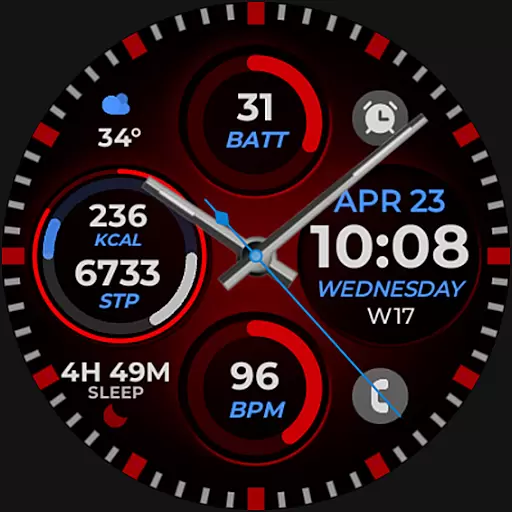
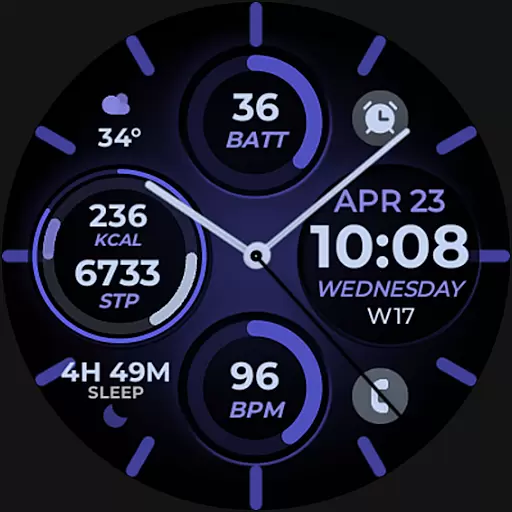
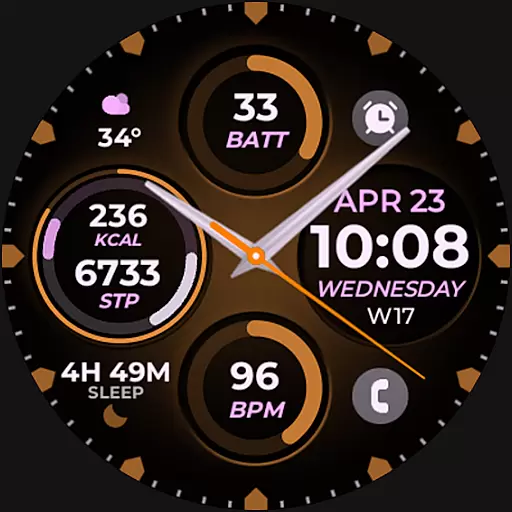
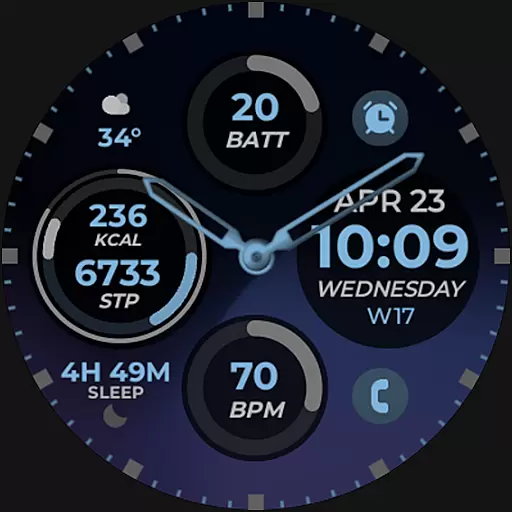
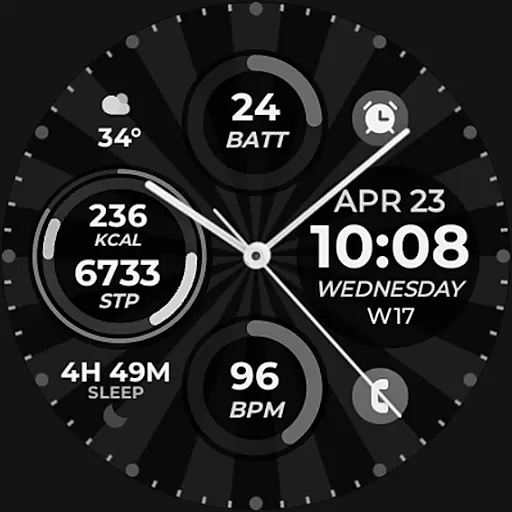
Vibrant Fit Hybrid is a feature-rich watch face app designed specifically for Wear OS devices, including the Samsung Galaxy Watch 4. This application offers users a customizable and visually appealing interface that enhances their smartwatch experience.
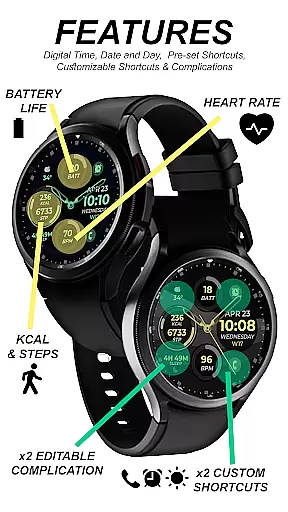
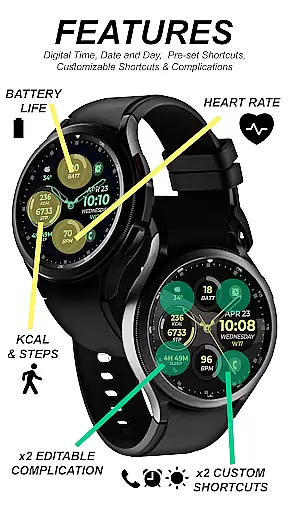
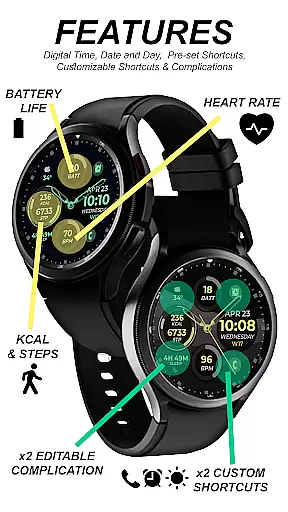
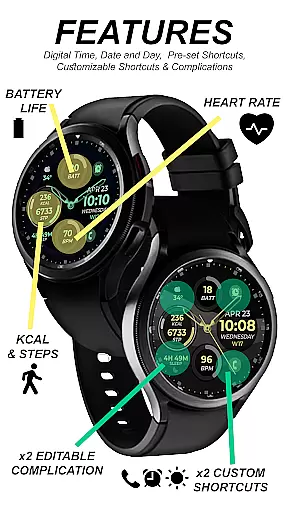
The app provides both digital and analog clock displays, date functionality, and an Always-On Display (AOD) mode. Users can also enjoy preset and custom app shortcuts, complications, and a variety of color palettes, watch hands, and index styles to personalize their watch face according to their preferences.
Whether you're looking to stay informed at a glance or simply want to express your personal style, Vibrant Fit Hybrid ensures seamless integration with your daily routine. Its intuitive design and robust features make it an ideal choice for those seeking both functionality and aesthetics in a smartwatch face.
Vibrant Fit Hybrid stands out with its comprehensive set of features tailored for Wear OS users. The app includes digital and analog clock options, allowing users to choose their preferred time display format. Additionally, the date feature keeps you informed about the current day and month without needing to check your phone.
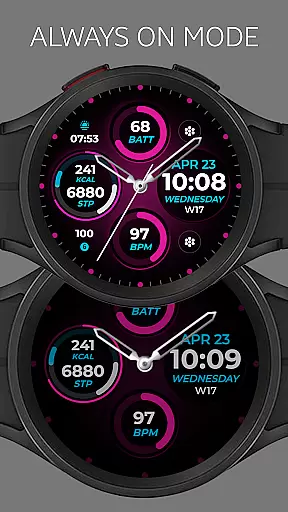
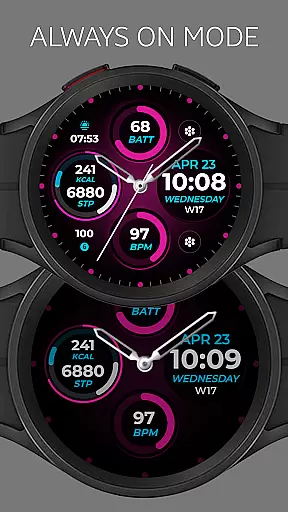
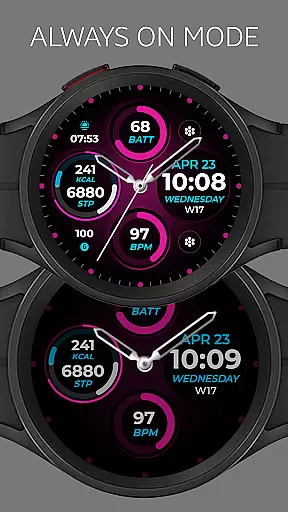
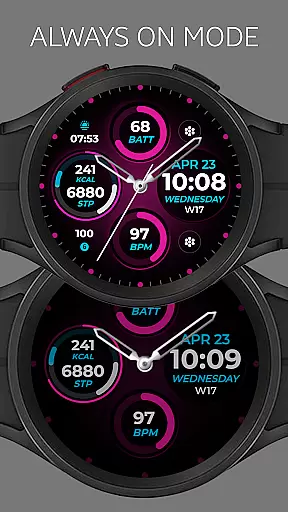
One of the standout functionalities is the Always-On Display (AOD), which ensures that essential information remains visible even when the watch is not actively in use. This feature is particularly useful for quick glances during meetings or workouts.
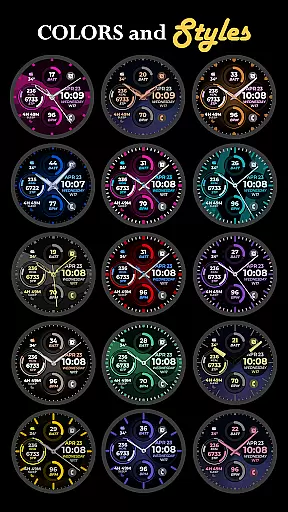
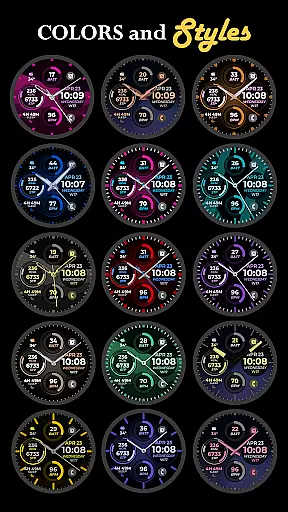
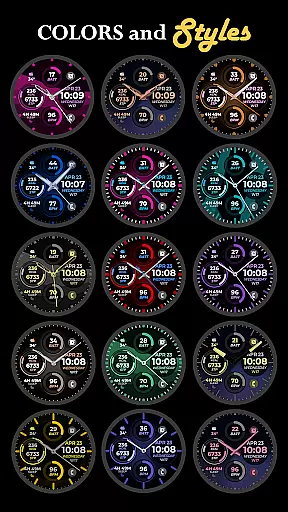
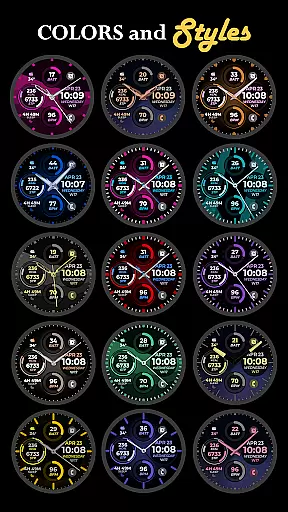
Customization is at the heart of Vibrant Fit Hybrid. With preset app shortcuts, custom app shortcuts, and complications, users can tailor their watch face to suit their lifestyle. The ability to adjust color palettes, watch hands, and index styles further enhances personalization options, making each watch face uniquely yours.
Companion app integration is essential for a seamless smartwatch experience. Vibrant Fit Hybrid ensures that all features are perfectly synced between your phone and watch. The installation process requires a strong WiFi connection and Google account login on both devices.
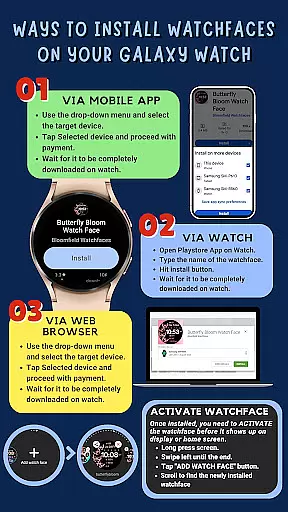
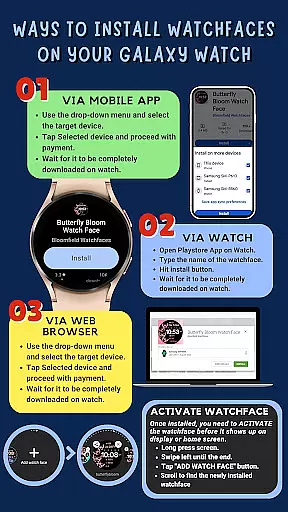
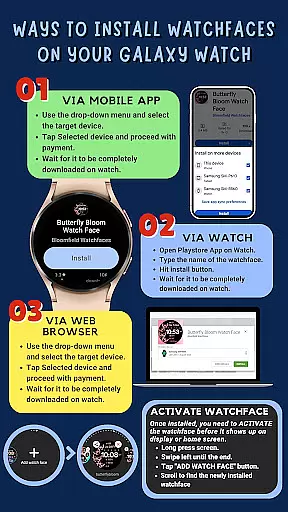
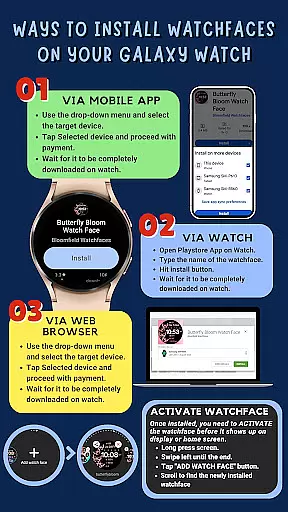
This watch face automatically installs on your Galaxy Watch 4, with clear indicators showing the download progress. Should any issues arise, users can directly search for 'Vibrant Fit Hybrid' in the Play Store on their watch. This direct approach guarantees that all functionalities, including digital/analog clock and custom app shortcuts, are reliably transferred.
After installation, users need to manually add the new watch face from their home display. By tapping and holding the screen, you can swipe to the end and tap + to include the newly installed face. This method ensures that all permissions and settings are correctly applied, enhancing usability.
Ensuring compatibility across various Wear OS devices is crucial for maximizing user accessibility. Vibrant Fit Hybrid is developed using Samsung's 'Watch Face Studio' tool, making it compatible with devices running on the new Wear OS Google/One UI Samsung operating system. This includes popular models like the Samsung Galaxy Watch 4.
The app supports a range of features such as Always-On Display (AOD), preset app shortcuts, and custom color palettes. However, it's important to note that some features may not be available on all watches due to hardware limitations. Users are encouraged to check feature graphics for detailed compatibility information.
For those seeking additional customization, options like custom watch hands and index styles offer extensive personalization. To explore more designs from the same developer or view installation tutorials, users can visit the provided links. This comprehensive support ensures a tailored and engaging experience for every user.
User-friendly interface
Highly customizable
Always-On Display
Wide range of styles
Seamless installation
Limited device compatibility
Occasional sync issues
Premium features locked
Short refund window
Requires strong WiFi

A customizable Christmas watch face for Wear OS with a countdown.
 4.20
4.20
Analog watch face with 8 complications and expedition styling
4.0
A heartwarming Christmas scene featuring a cute image of Santa and Rudolf
4.3
Digital, flexibly customizable watch face. For Wear OS 5.0, API 34+ and later.
5.00
3 Complications. All shadow on/off. 30 Themes color palette...
4.2
Authentic military-tactical design with ZULU time! Realistic and functional!
3.80
Structured watch face with seven complications and modular UI elements
3.90
Minimalistic design modern digital watch face.
4.5
A realistic hybrid watch face with many customization options.
4.60
Kia Access makes getting your vehicle information easier than ever
4.60
Nutrition, Macro tracker: Food, fitness & healthy diet tracking for weight loss
4.60
Stylish, Energizing and Modern Watch Face crafted by Dominus Mathias.
4.50
Digital watch face with big numbers and many customization for Wear OS devices
4.40
"PER27 Galaxy Digital" is a digital Wear OS watch face designed by PERSONA
4.10
Daily Weather forecast with 15 weather images for Day & Night plus Big Bold time
4.10
Hyper-Realistic Airplane Dashboard Watch Face With 10 Skins and Custom AOD
4.00
Artistic Digital Watchface
4.1
Sleek, highly customizable watch face inspired by Galaxy Watch Circle Dashboard.
4.2
Funny animated watch face for Thanksgiving
4.5


User Reviews