
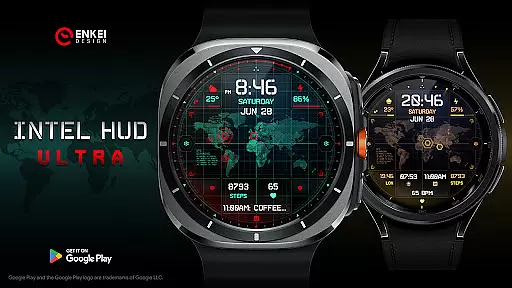
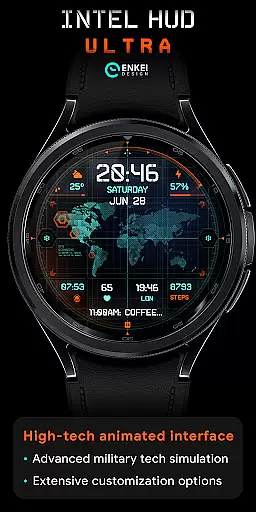
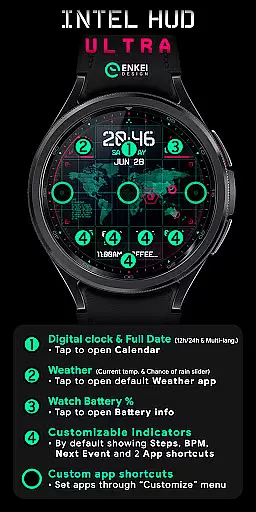
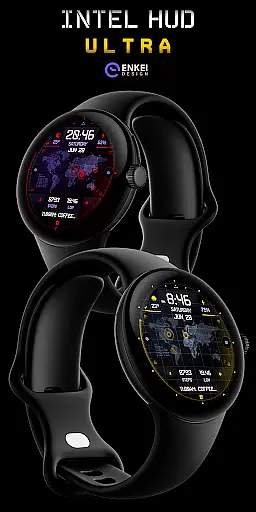
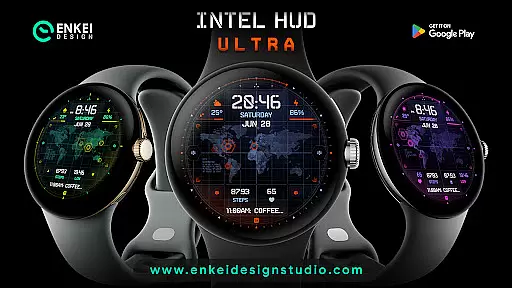
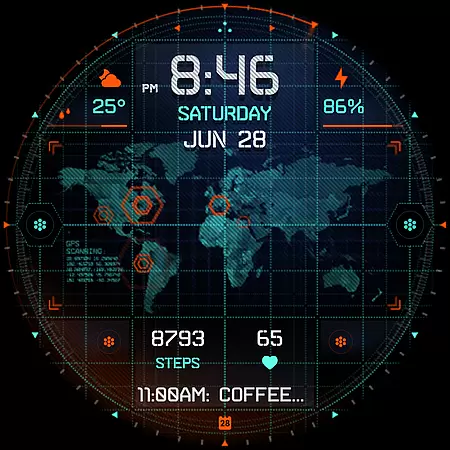
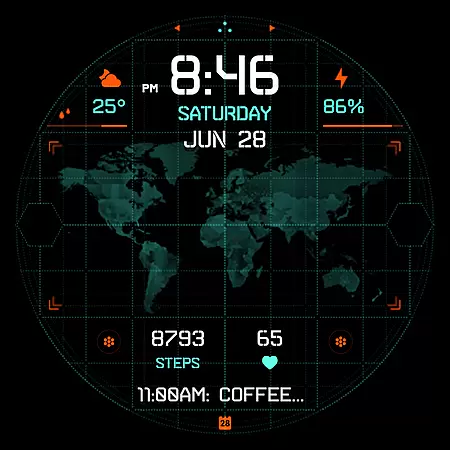
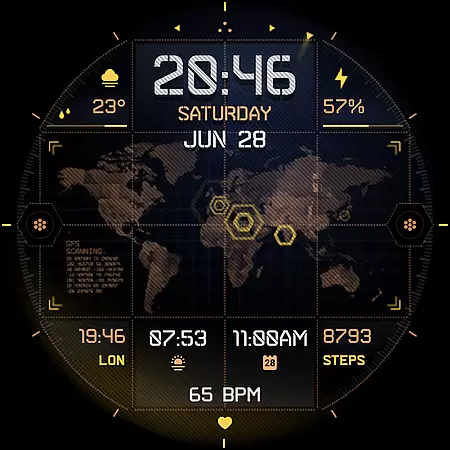
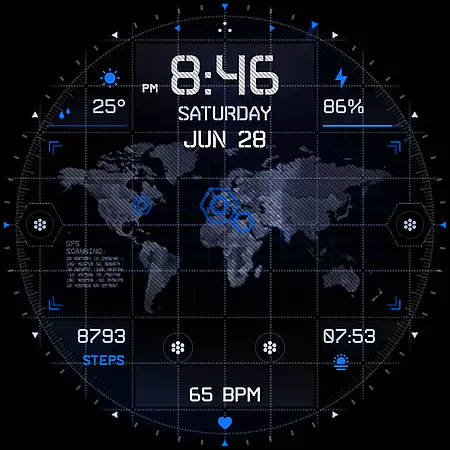
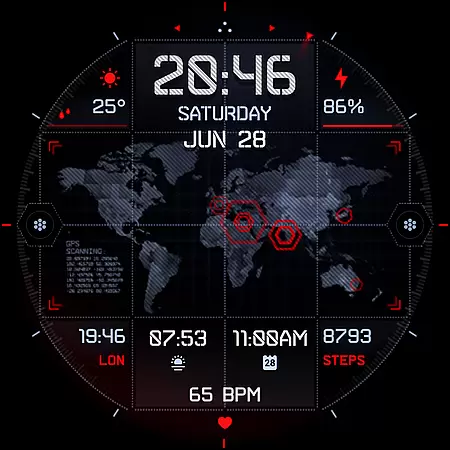
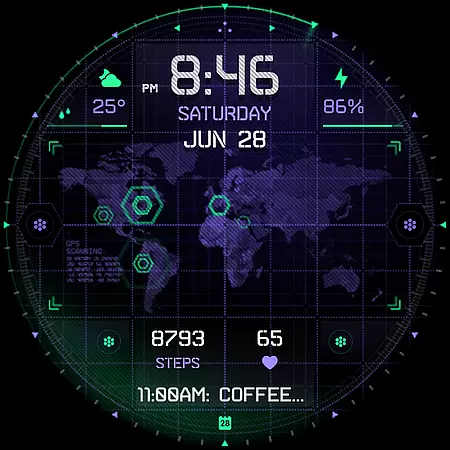
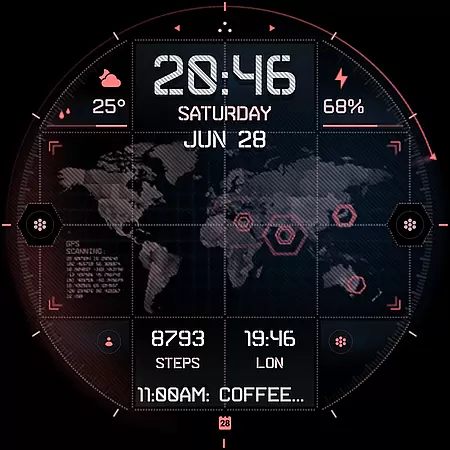
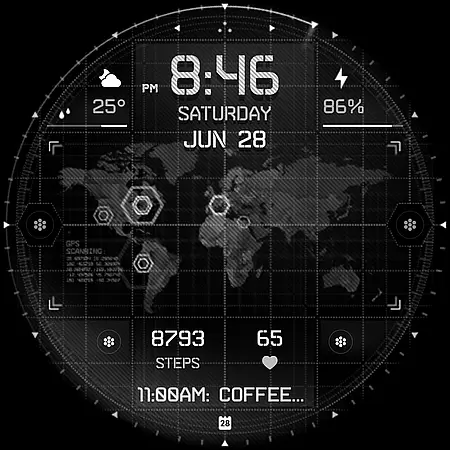
INTEL HUD Ultra represents the pinnacle of digital watch face technology, designed specifically for Wear OS devices. This cutting-edge application offers users an animated, high-tech interface that draws inspiration from advanced military equipment seen in video games and movies. The watch face boasts a refined layout with extensive customization options, allowing users to tailor their experience to suit individual preferences.
At its core, INTEL HUD Ultra provides vital information such as time, date, weather, and battery status through an intuitive digital display. Users can interact with various elements by tapping to access associated apps or customize their watch face's appearance and functionality. With support for multiple languages and numerous visual elements including indicators and shortcuts, this application ensures both utility and personal expression. Optimized for maximum performance while minimizing battery consumption, it stands out as an essential tool for tech-savvy individuals seeking both form and function on their smartwatches.
INTEL HUD Ultra distinguishes itself through a plethora of innovative features designed to enhance user interaction and personalization. The application's high-tech animated interface is meticulously optimized for peak performance while ensuring minimal battery drain, with the flexibility to partially or fully disable animations according to user preference. This feature alone sets a new standard for digital watch faces, providing both aesthetic appeal and practical energy management.
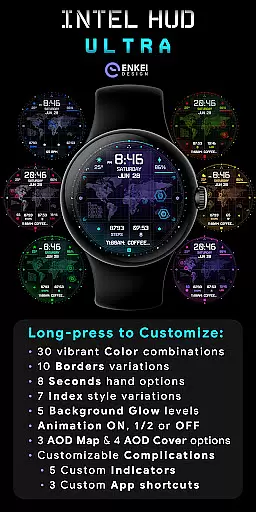
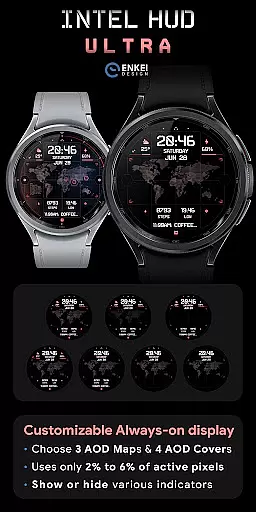
Customization lies at the heart of INTEL HUD Ultra's appeal, offering users unprecedented control over their watch face's appearance and functionality. From choosing among 30 vibrant color combinations to selecting from 10 border variations and 8 second-display options, the level of personalization is extraordinary. Additional features include multi-language support for date display, weather updates with temperature and rain probability, and customizable app shortcuts. The inclusion of battery-efficient always-on display (AOD) modes further demonstrates the application's commitment to balancing advanced features with power conservation. These comprehensive customization options empower users to create a truly unique and functional wearable experience that reflects their personal style while maintaining optimal device performance.
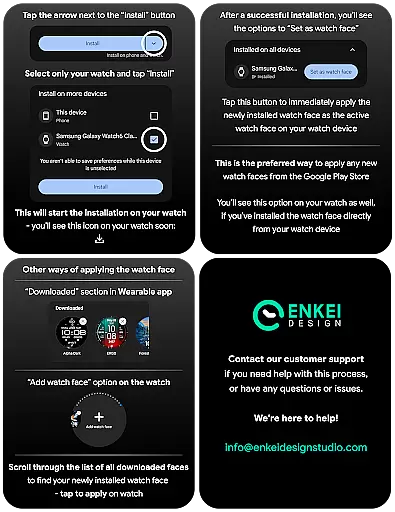
Companion app integration is essential for smartwatch applications as it ensures seamless synchronization between the watch and its paired smartphone. INTEL HUD Ultra offers a dedicated phone companion app that facilitates direct installation to your watch device, streamlining the setup process.
This integration allows users to access and manage their watch face settings conveniently from their phone. The companion app serves as a control hub, ensuring that all features are easily accessible and correctly configured without needing to interact directly with the watch interface for setup.
By using the phone app, users can ensure their watch face is always up-to-date and optimized for performance. This feature significantly enhances user experience by simplifying the management of complex customization options available in INTEL HUD Ultra.
The companion app also provides access to customer support and resources such as installation tips and promotional offers. This holistic approach to app integration demonstrates the developer's commitment to providing a comprehensive and user-friendly product ecosystem.
Device compatibility is a critical factor when selecting a smartwatch application, and INTEL HUD Ultra has been meticulously designed for Wear OS 5.0 and newer versions (API 34+). This ensures optimal performance on the latest devices while taking full advantage of advanced operating system features.
By targeting newer OS versions, the application benefits from enhanced security protocols, improved battery management, and access to the latest APIs. These technical advantages translate into a more reliable and feature-rich user experience for customers using compatible Wear OS devices.
The strict compatibility requirements also guarantee that all animations and customizations will function as intended without compromising device stability or performance. Users can be confident that their sophisticated digital watch face will operate smoothly throughout daily use.
While limiting installation to compatible devices, this focused approach enables developers to create more refined and specialized applications. The result is a high-performance watch face that delivers on its promise of military-inspired technology combined with extensive personalization options.
Highly customizable
Battery efficient
Modern design
Interactive features
Multi-language support
Wear OS 5.0+
Complex setup
Premium cost
Limited device
Learning curve

Highly customizable hybrid watch face for Wear OS, perfect for everyday use.
 4.60
4.60
Precision analog watch face with 7 complications and style options
4.5
Embrace the festive spirit with our Christmas Countdown watchface for Wear OS
4.10
Beautiful artistic animated digital watch face, with a customizable layout!
4.40
A watch face that fuses motorsport precision with contemporary smartwatch design
4.0
Authentic military-tactical design with ZULU time! Realistic and functional!
3.80
To-Do List: daily schedule planner, task organizer, to do reminder app, calendar
4.60
Stylish, Energizing and Modern Watch Face crafted by Dominus Mathias.
4.50
Control your Samsung Smart TVs, appliances, and SmartThings-compatible devices
4.60
Christmas - Festive - Christmas Village - Winter - Christmas lights
5.00
Easy Voice Recorder is your everyday companion to record important moments.
4.70
Hybrid watch face for Wear OS with customizable complications by Matteo Dini MD
4.70
Embrace the holiday spirit with this magical animated watch face!
4.40
Digital watch face. For Wear OS devices.
4.40
Reliable phone calls with spam protection, caller ID and more helpful features
4.40
Calming & relaxing sounds for sleeping and stress relief. Stay focused all day!
4.20
A digital watch face that celebrates Christmas.
4.00
Viewer for Wyze/Yi/Eufy/Arlo/ONVIF/RTSP/P2P IP cams w/ adv. features & DIY DVR
4.00
Professional weather radar and more
3.90


User Reviews