

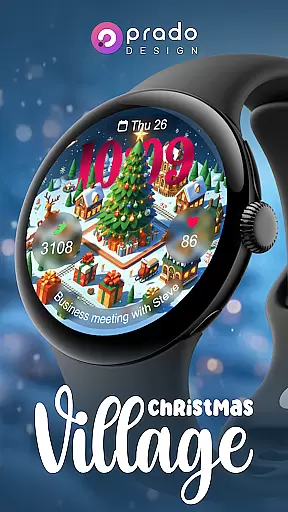
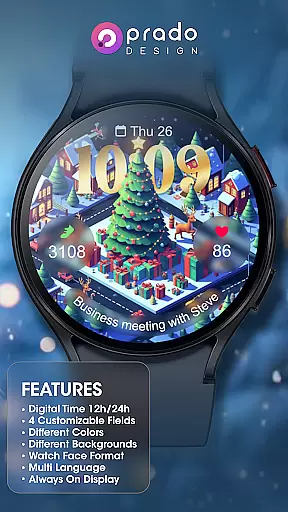
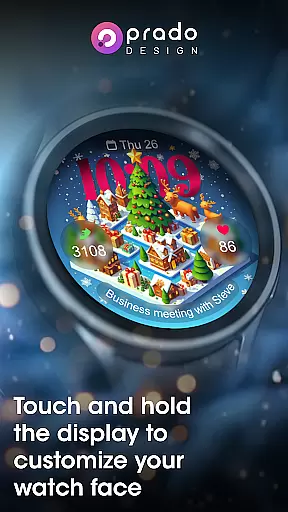
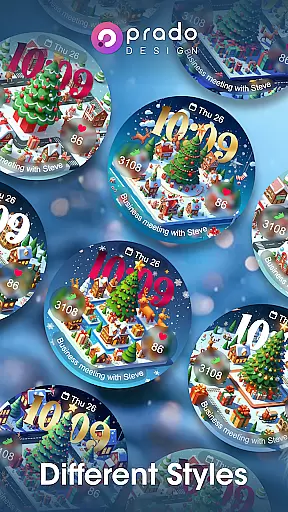

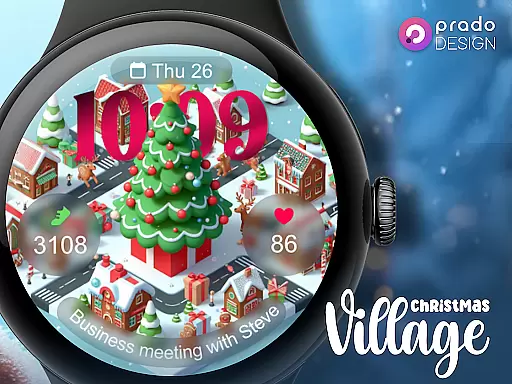
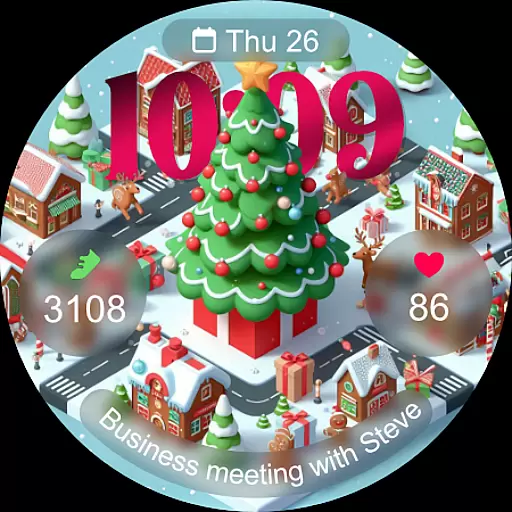
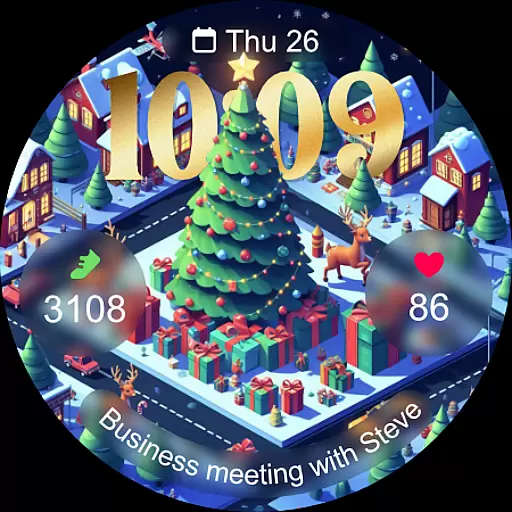
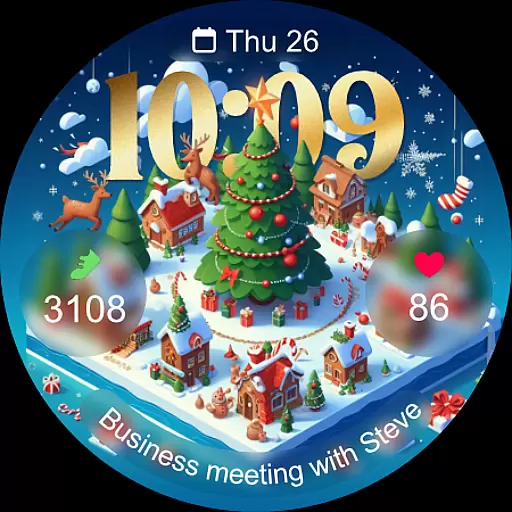
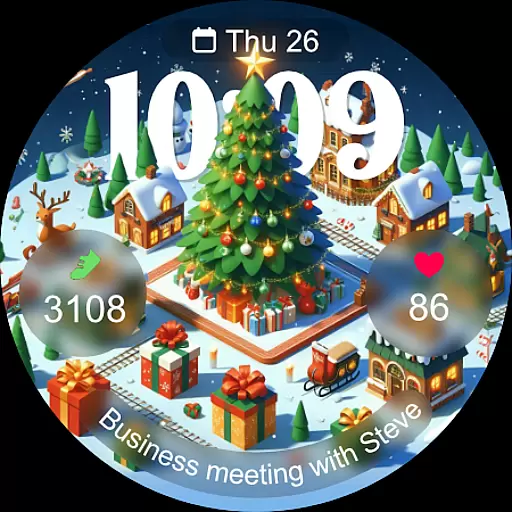
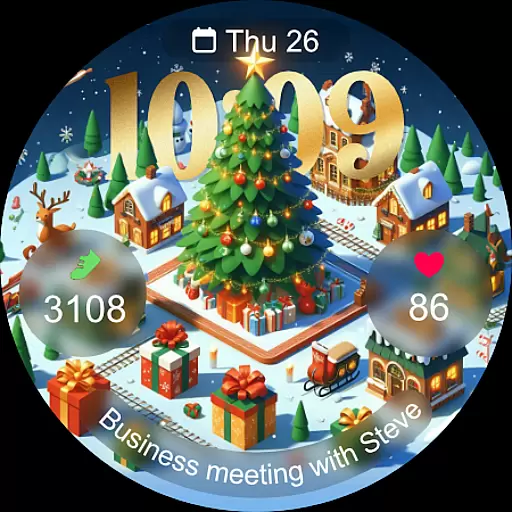
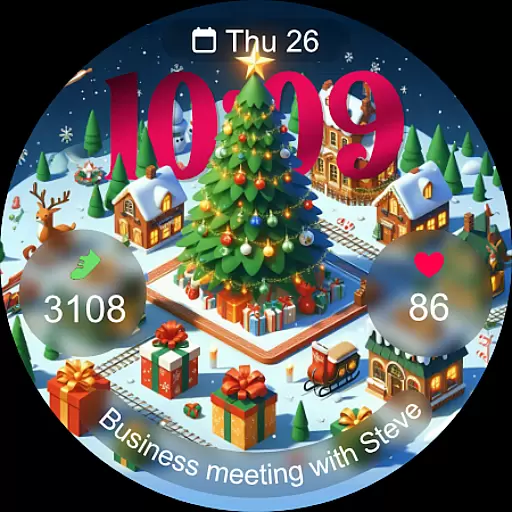
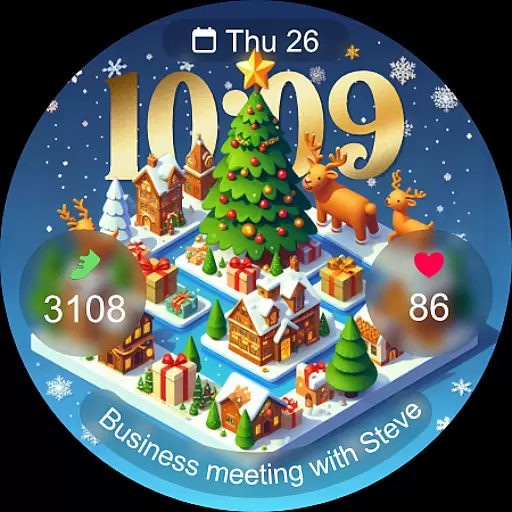
Christmas Village is a specialized watch face application designed exclusively for Wear OS devices, bringing festive charm to your smartwatch during the holiday season. Developed by PradoDesign, this app transforms your wearable into a personalized Christmas-themed timepiece.
The watch face supports both 12-hour and 24-hour formats based on phone settings, and includes four fully customizable fields. Users can choose from various colors, characters, and languages, making it adaptable to individual preferences. The always-on display feature ensures visibility even when the watch is inactive.
Ideal for those seeking a seasonal touch on their smartwatch, Christmas Village combines aesthetics with functionality. By integrating weather complications and offering extensive customization options, it provides both practical utility and visual appeal for tech-savvy users looking to celebrate the holidays in style.
Christmas Village offers a feature-rich wearable experience tailored for the holiday season. With support for both 12-hour and 24-hour formats based on user settings, it provides maximum personalization.
The app includes four customizable fields, allowing users to tailor their watch face to individual preferences. Users can choose from different colors, characters, and languages, ensuring a unique and localized experience. The always-on display feature ensures time and complications remain visible at all times.
To achieve full functionality, users need to manually enable sensor permissions and allow complication data access. This ensures accurate tracking and display of weather information directly on the watch face.
For Christmas Village, companion app integration is crucial for enhancing the smartwatch experience. This feature ensures that your watch face settings are perfectly synced with your mobile device.
The application allows users to customize various aspects through their phone settings, including time format (12h/24h), and up to 4 customizable fields. This seamless integration enables real-time updates and personalization, ensuring that your watch face always reflects your current preferences.
By manually enabling sensors and granting permissions for receiving complication data, users can enjoy full functionality. This includes setting weather complications which require a predefined location in the paired weather app.
This level of synchronization not only enhances usability but also provides a cohesive experience across devices, making it an essential feature for those seeking a personalized and functional Wear OS watch face.
Compatibility with Wear OS devices is fundamental for Christmas Village, as it is designed exclusively for this platform. Ensuring that your device meets the necessary requirements is key to enjoying all the features this festive watch face has to offer.
Should you encounter a compatibility message stating 'Your devices are not compatible', it's recommended to visit the Play Store via a browser. This often resolves issues related to device recognition and app installation.
Christmas Village supports various functionalities like Always On Display, different colors, and characters, which are optimized for Wear OS. These features provide users with a rich and engaging experience that transforms their smartwatch into a holiday-themed accessory.
With compatibility ensured, users can take advantage of multi-language support and diverse customization options, bringing both festivity and functionality to their wrists during the Christmas season.
Festive design
Custom fields
Multi-language
Always-on
Color options
Limited to Wear OS
Weather setup needed
Manual permission
Fewer features
Premium cost

Watch the sharpness of the sky on your wrist..
 3.70
3.70
Bold, Modern Hybrid Watch Face for Wear OS. 10 Colors, Rich Info Display.
4.30
Digital watch face with big numbers and many customization for Wear OS devices
4.40
Locate your family members by GPS phone location tracker everywhere and anytime
4.30
Real-time results, stats, schedules and player profiles for all leagues
4.60
Stay in touch with your friends and family using LINE!
3.40
Stylish, Energizing and Modern Watch Face crafted by Dominus Mathias.
4.50
A white realistic classic analog watch face with many customization options.
4.40
Back up your contacts & access them anywhere
4.30
The Chevron App allows you to pay for fuel from the comfort of your car!
4.80
Be an elegant and classy secret agent, with this carefully detailed watch face
4.70
Rose gold watch face with festive lights & customizable features.
4.60
Monitor health with the stress test and pulse checker in the heart rate app.
4.60
Current temperature, weather hourly, weather radar by the weather forecast app
4.40
Bold weather Digital watchface with forecast & optional animated background
4.40
Want to take charge of your health? Let Google Fit help you reach your goals.
3.50
Your local weather forecast, storm tracker, radar maps & live weather news
3.40
A heartwarming Christmas scene featuring a cute image of Santa and Rudolf
4.3
Artistic Digital Watchface
4.1


User Reviews