
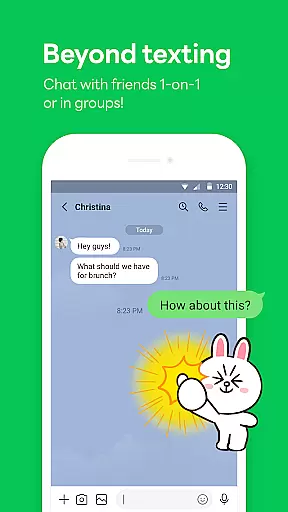
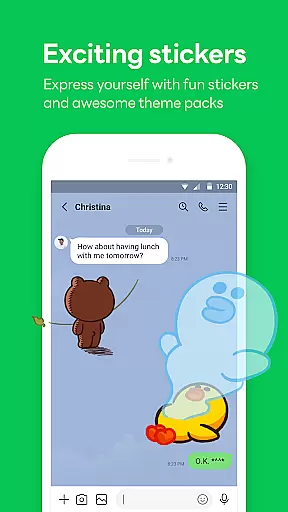

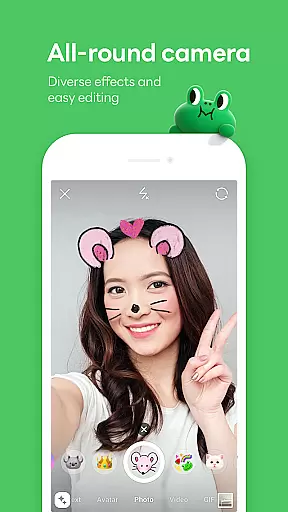
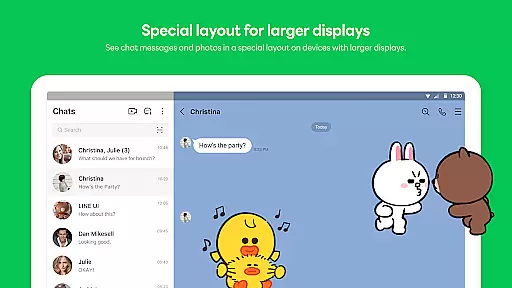
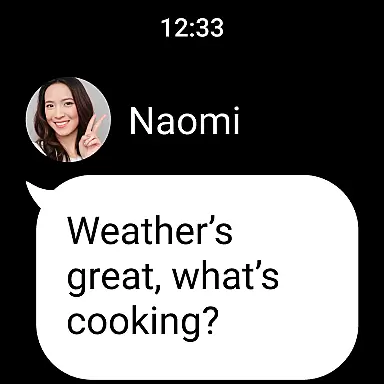
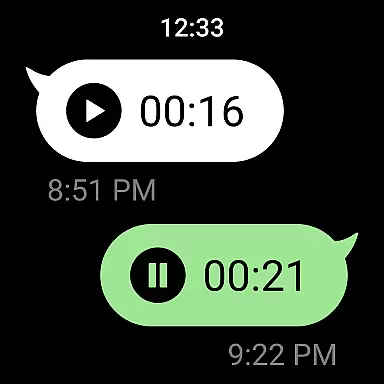
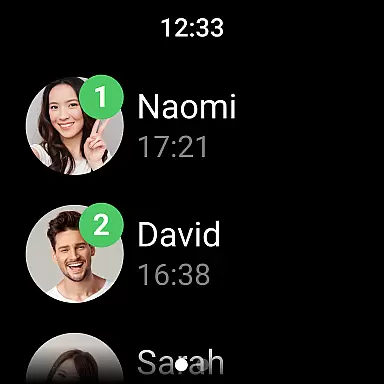
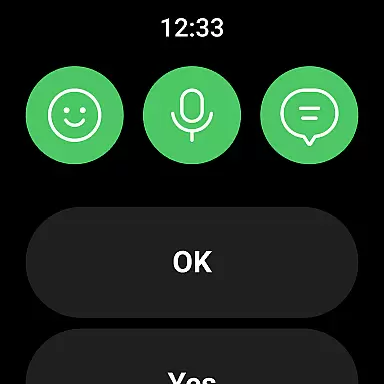
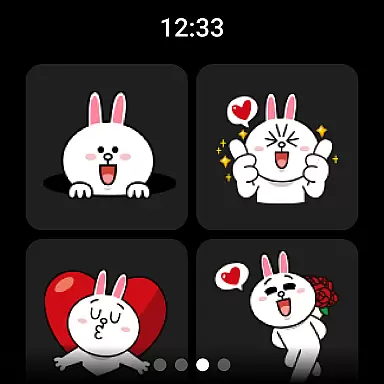

LINE is a versatile communication app that bridges the gap between family, friends, and loved ones through free voice and video calls, messages, and an extensive range of expressive stickers. Available on mobile, desktop, and Wear OS platforms, LINE offers seamless connectivity and innovative features to enhance your daily interactions.
The app's core functionalities include instant messaging, high-quality voice and video calls, and customizable chat experiences with unique stickers and themes. With additional services like Keep Memo for personal storage and Letter Sealing for enhanced privacy, LINE ensures both convenience and security in your communications.
Whether you're managing work remotely or staying connected on-the-go, LINE's cross-platform support allows you to chat anytime, anywhere. Its integration with Wear OS smartwatches further extends accessibility, making it easier than ever to stay in touch with your contacts.
LINE stands out with its comprehensive communication tools, including unlimited voice and video calls, text messaging, and a vast library of engaging stickers. The app's Home feature provides quick access to essential functions such as friend lists, birthday reminders, and the sticker shop, streamlining user experience.
One of LINE's key innovations is its robust privacy protection system. The Letter Sealing function encrypts all messages, call history, and location data, ensuring complete confidentiality in your conversations. Additionally, the Keep Memo feature offers a private space to store important messages, photos, and videos temporarily.
LINE also excels in cross-platform compatibility, allowing users to seamlessly transition between mobile devices, desktop computers, and Wear OS smartwatches. This flexibility, combined with customizable themes and emojis, creates a personalized and convenient communication environment that adapts to various lifestyle needs.
Companion app integration is essential for a seamless user experience across multiple devices. LINE excels in this area by offering consistent functionality and data synchronization between its mobile, desktop, and Wear OS applications.
The app ensures that all your messages, calls, and even sticker preferences are synced in real-time. This means you can start a conversation on your smartphone and continue it on your Wear OS device without missing a beat.
Users benefit from this integration by having uninterrupted access to their communications. Whether at home, in the office, or on the move, LINE keeps you connected with your contacts effortlessly.
This interconnected ecosystem not only enhances convenience but also significantly boosts productivity, allowing users to manage their personal and professional lives more efficiently.
LINE's compatibility with Wear OS devices showcases its adaptability to different platforms. By supporting smartwatches and other Wear OS gadgets, LINE extends its communication capabilities beyond smartphones and computers.
The application is optimized to function smoothly on Wear OS, providing features like message notifications, quick replies, and even adding complications to your watch face for easy access.
For users, this means staying connected without needing to constantly check their phones. You receive important updates directly on your wrist, making it easier to communicate on the go.
This level of compatibility highlights LINE's commitment to innovation and accessibility, ensuring that users can enjoy a cohesive experience regardless of the device they choose to use.
User-friendly interface
Free international calls
Extensive sticker collection
Strong privacy protection
Cross-platform support
High data usage
Storage intensive
Occasional lags
Limited offline functionality
Complex settings

Christmas - Festive - Christmas Village - Winter - Christmas lights
 5.00
5.00
Christmas is near, let's count together the days left until Santa comes
4.5
Beautiful, colorful and practical watch face. For Wear OS devices.
5.00
Digital watch face. For Wear OS devices.
4.40
Structured watch face with seven complications and modular UI elements
3.90
Monitor health with the stress test and pulse checker in the heart rate app.
4.60
Hyperlocal rain alerts by MyRadar using patent-pending technology, radar & more
4.80
Real-time weather radar with temperatures, warnings, hurricanes, and widgets
4.80
A modern hybrid informative watch face for Wear OS designed by BALLOZI
4.80
Digital, flexibly customizable watch face. For Wear OS 5.0, API 34+ and later.
5.00
Christmas Theme Watch Face for Wear Os
5.00
The most customizable hybrid watch face. For Wear OS 5.0, API 34+ and later
4.70
Highly customizable hybrid watch face for Wear OS, perfect for everyday use.
4.60
Deck out your Wear OS Watch face with a beautifully decorated pine wreath!
4.50
Current temperature, weather hourly, weather radar by the weather forecast app
4.40
Authentic military-tactical design with ZULU time! Realistic and functional!
3.80
Wear Os Watch Face - Animated Snow Effect & Christmas Lights
4.4
Analog watch face with 8 complications and expedition styling
4.0
3 Complications. All shadow on/off. 30 Themes color palette...
4.5


User Reviews