
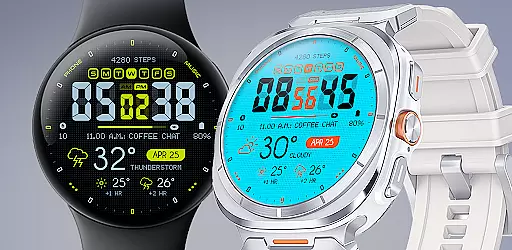
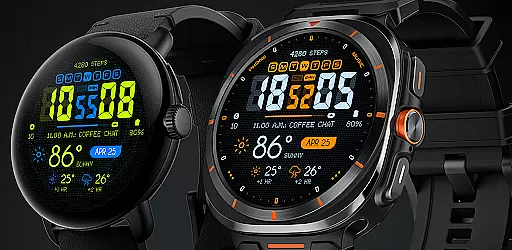
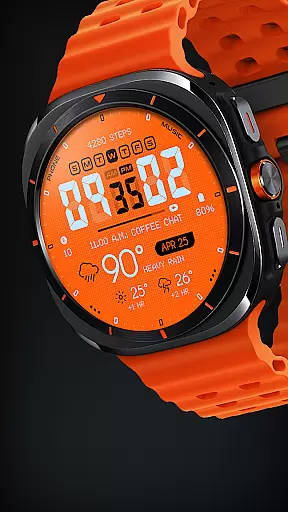
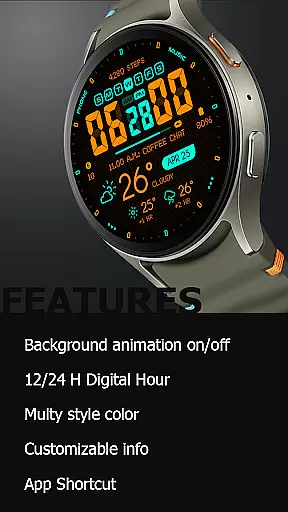
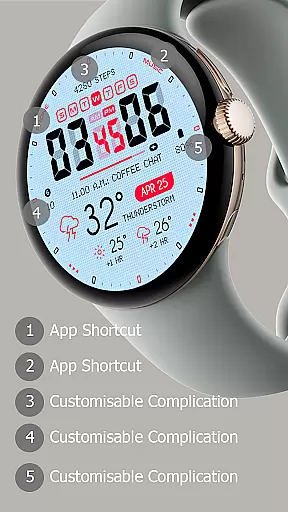
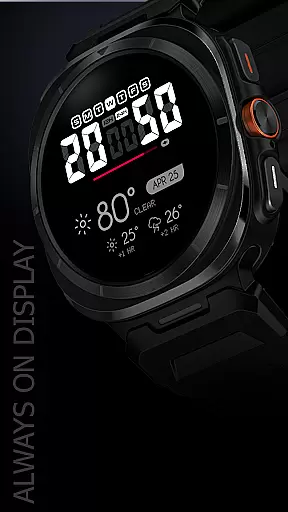
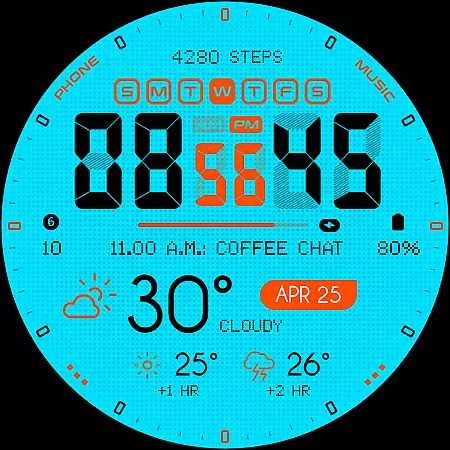
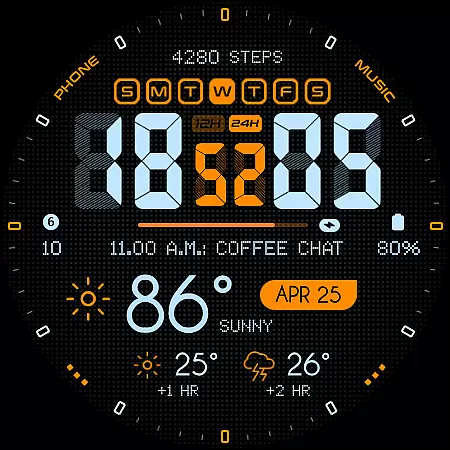
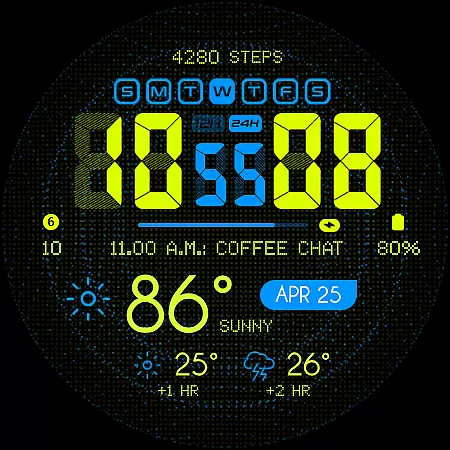
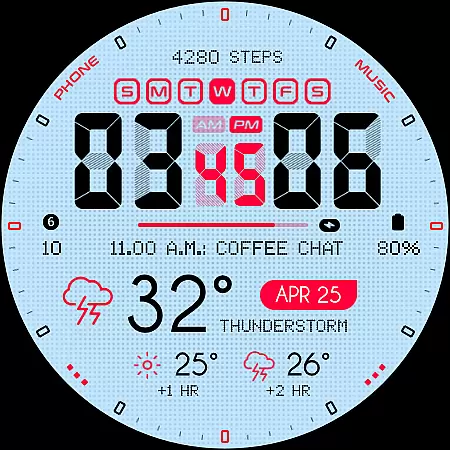
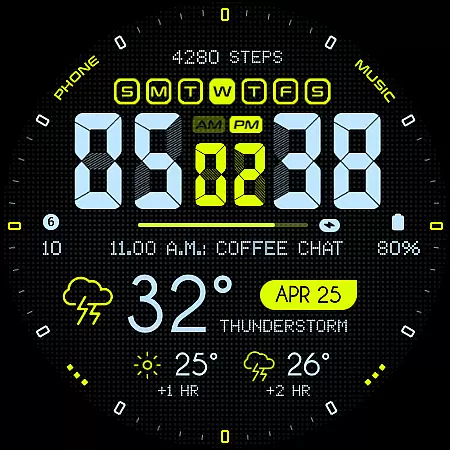
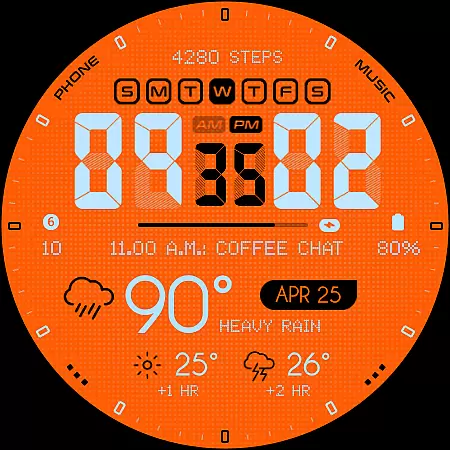
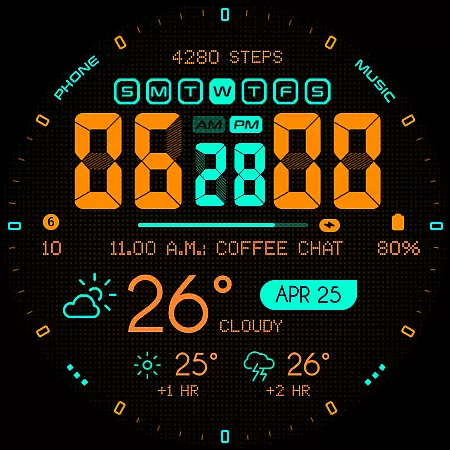
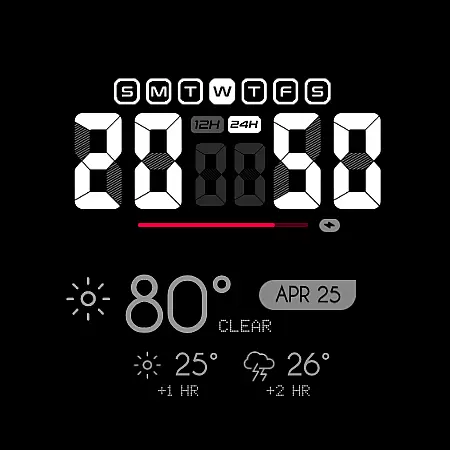
Oogly Atmos is a dynamic weather-themed watch face designed for Wear OS devices. It combines vivid colors and a clean layout to display current weather conditions along with a 2-hour forecast directly on your wrist. The watch face offers both style and functionality, featuring customizable elements like animated backgrounds and index toggles.
Designed for WEAR OS API 34+ and compatible with Galaxy Watch 5 or newer, Pixel Watch, Fossil, and other Wear OS devices with minimum API 30, this app ensures real-time weather updates while maintaining an inspiring aesthetic. Whether you prefer movement in design or need focus, Oogly Atmos adapts to your needs seamlessly.
Oogly Atmos stands out with its versatile feature set tailored for weather enthusiasts. The app supports both 12/24 hour formats and includes an optional animated background that users can toggle based on their preferences. This flexibility allows for a personalized experience whether you're looking for vibrant visuals or a distraction-free interface.
Additional features include customizable information display, app shortcuts, and an always-on display mode. These functionalities ensure that users have quick access to essential data without compromising on style or usability. With options like index toggles and real-time weather updates, Oogly Atmos provides both practicality and personalization in one sleek package.
Companion app integration is essential for a seamless wearable experience. Oogly Atmos excels in this area by offering users the ability to customize their watch face directly from a paired smartphone app.
The app provides an intuitive interface where users can toggle features like background animation, 12/24 hour format, and index visibility. This ensures that your watch face perfectly matches both your style and functional needs.
Additionally, the companion app allows for quick access to weather forecasts and other customizable information. With just a few taps, you can set up your ideal layout and keep important data at your fingertips.
This level of integration not only enhances usability but also empowers users to make the most out of their smartwatch experience without any hassle.
Ensuring broad device compatibility is crucial for reaching more users. Oogly Atmos is designed specifically for Wear OS API 34+, making it compatible with devices such as Galaxy Watch 5 or newer, Pixel Watch, Fossil watches, and others running on Wear OS with a minimum API of 30.
This wide-ranging support means that whether you're using a Samsung or Google device, you'll enjoy consistent performance and visual appeal. The design takes full advantage of Wear OS capabilities, providing features like Always-On Display and App Shortcuts.
Moreover, the watch face supports various formats including 12/24 hour time display options, catering to different user preferences worldwide. Such flexibility ensures that every user gets an optimal viewing experience regardless of their device choice.
By focusing on robust compatibility, Oogly Atmos guarantees that all users receive accurate weather updates and stylish visuals tailored to their specific hardware.
Real-time weather updates
Customizable layout options
Vivid color schemes
Animated background feature
Clean and intuitive design
Limited to Wear OS
Requires API 30+
No iOS compatibility
Premium features may cost extra
Animation may drain battery

"PER27 Galaxy Digital" is a digital Wear OS watch face designed by PERSONA
 4.10
4.10
Highly customizable hybrid watch face for Wear OS, perfect for everyday use.
4.60
Snowflake Rose Gold Watch Face - Digital, modern, & sleek with GYRO effect.
4.10
Let's celebrate Thanksgiving - Wear Os watch face
4.20
sleep, alarm, snoring, stress, healing, focus, sound therapy, circadian rhythm
4.10
Locate your family members by GPS phone location tracker everywhere and anytime
4.30
Real-time results, stats, schedules and player profiles for all leagues
4.60
Hybrid watch face for Wear OS with customizable complications by Matteo Dini MD
4.70
Spam call blocker and caller ID for automatic call protection!
4.40
The Chevron App allows you to pay for fuel from the comfort of your car!
4.80
A modern hybrid informative watch face for Wear OS designed by BALLOZI
4.80
Rose gold watch face with festive lights & customizable features.
4.60
Connect to your Bluelink equipped Hyundai vehicle from your smartphone.
4.50
Premium hybrid watch face with many customizations for Wear OS devices.
4.40
The ultimate destination for kids ages 3-8 to explore the Marvel Universe!
4.30
Animated video-game inspired “secret agent” simulation, right on your wrist!
4.20
Embrace the festive spirit with our Christmas Countdown watchface for Wear OS
4.10
Structured watch face with seven complications and modular UI elements
3.90
Analog watch face with 8 complications and expedition styling
4.3


User Reviews