
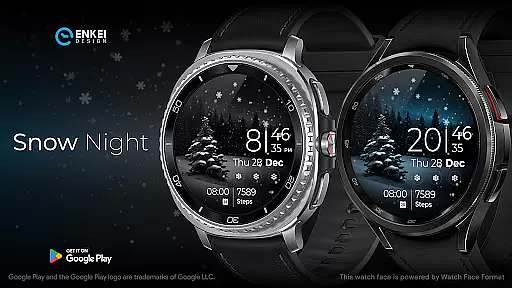
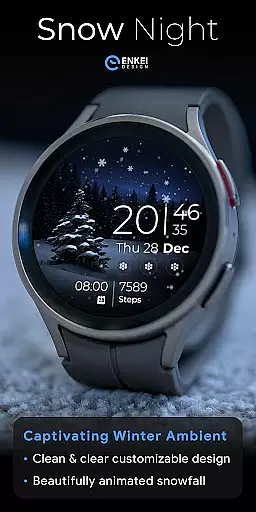
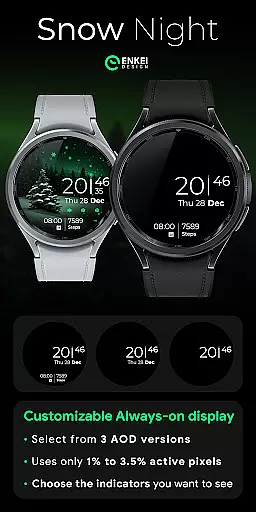
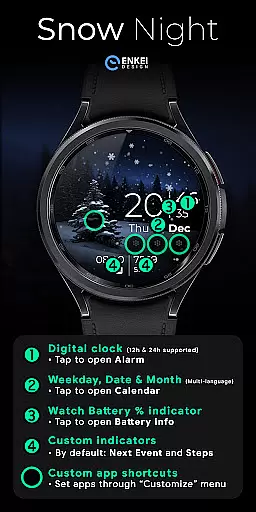
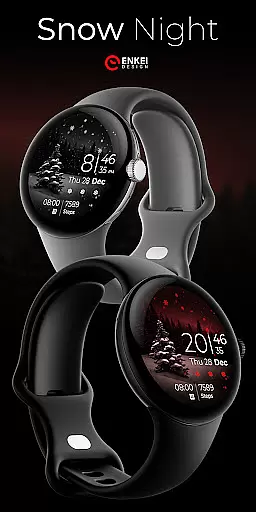
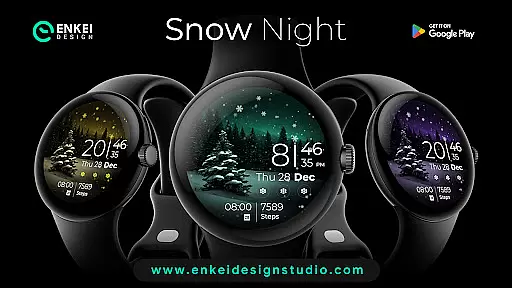
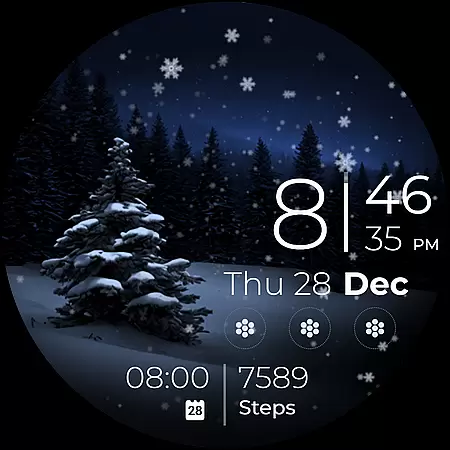
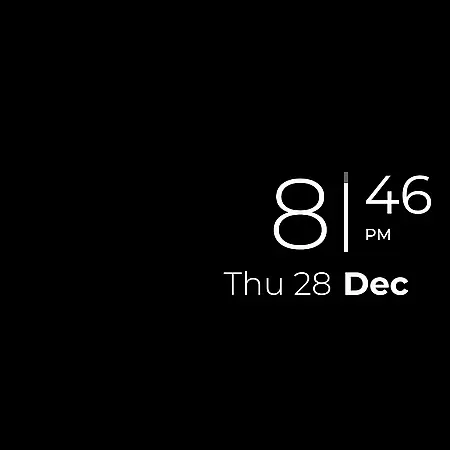
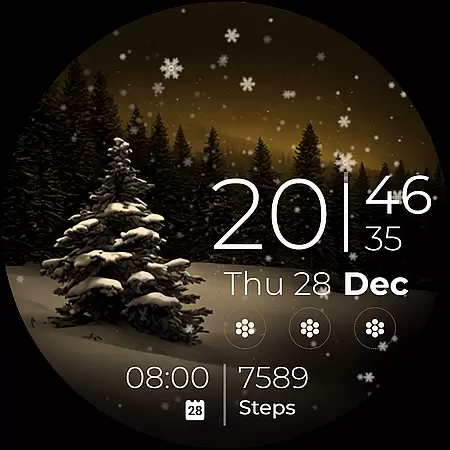
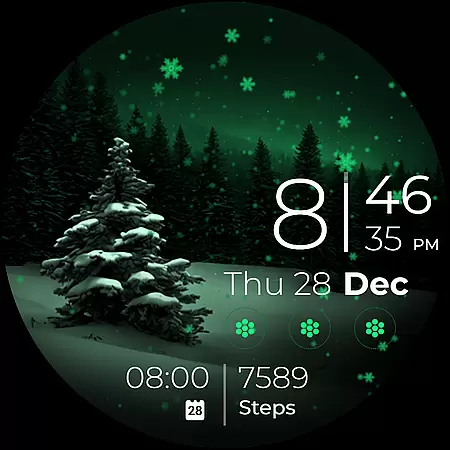
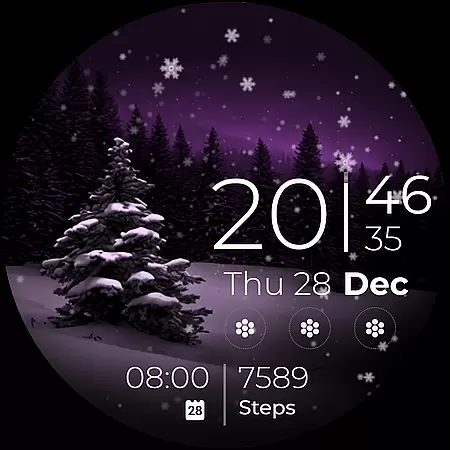
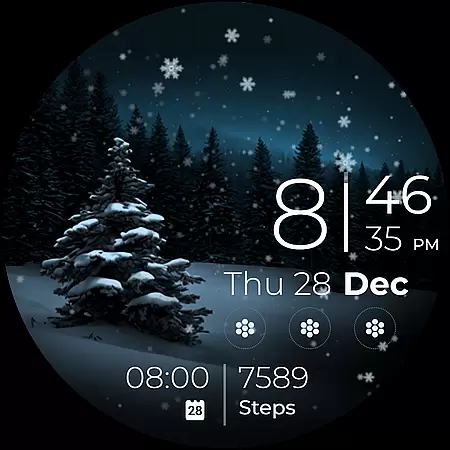
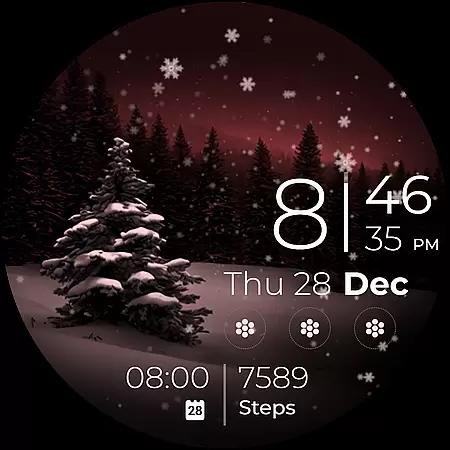
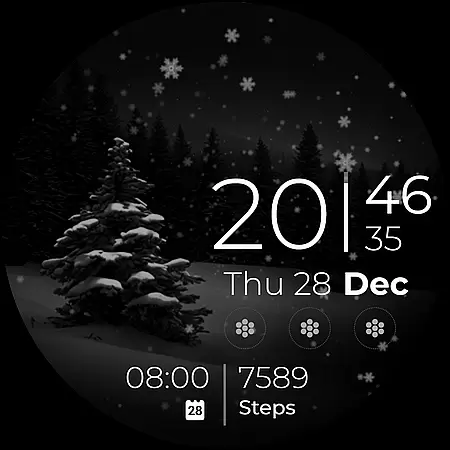
Snow Night is an artistic watch face designed for Wear OS devices, offering a captivating winter-themed experience. The app features ambient snowfall animation and customizable elements such as colors, AOD styles, and complications. With clear indicators for time, date, battery, and more, it ensures excellent visibility and usability.
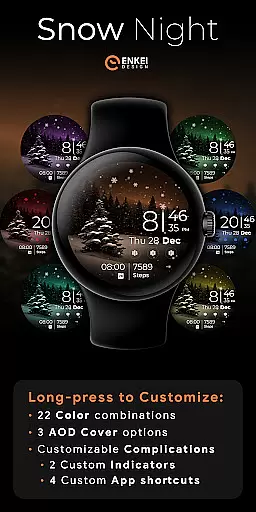
This watch face stands out with its extensive customization options, including 22 color combinations and multiple AOD cover choices. Users can personalize their layout with custom text indicators and app shortcuts. Powered by Watch Face Format, Snow Night delivers both aesthetic appeal and functional utility for smartwatch users seeking a unique timekeeping experience.
Snow Night offers a rich feature set that enhances the wearable experience. The digital clock supports both 12h and 24h formats, while interactive elements allow users to open apps like Alarm, Calendar, and Battery info with simple taps. The inclusion of next event and step counters as default indicators adds practical utility.
Customization is at the core of Snow Night's functionality. Users can access the Customize menu through a long press to adjust colors, AOD covers, and complications. With support for four customizable app shortcuts and two short-text indicators, this watch face combines personalization with convenience, making it suitable for users who value both form and function in their wearable devices.
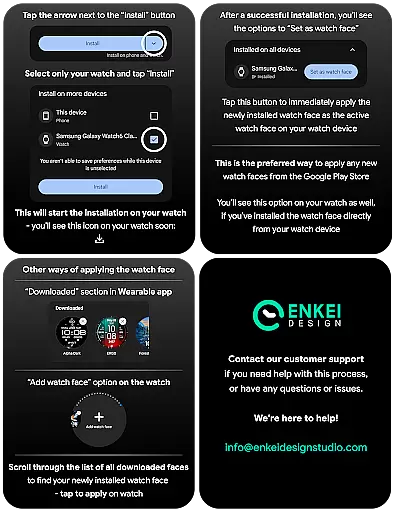
In the realm of wearable technology, seamless companion app integration is crucial for an optimal user experience. Snow Night excels in this area by ensuring that its phone companion app not only facilitates the direct installation to your watch device but also complements the overall functionality without overshadowing the watch's independence.
The installation process is straightforward and user-friendly, thanks to clear guidance provided on the developer's website. This ensures that users can easily set up the watch face on their Wear OS devices, specifically those running version 5.0 and newer, optimizing both performance and visual appeal.
By focusing on a hassle-free setup via the companion app, Snow Night enhances user engagement and satisfaction. The emphasis on directing installation through the companion app underscores a commitment to providing a streamlined and efficient user journey from the first interaction.
Snow Night stands out with its exclusive compatibility with Wear OS 5.0 and newer versions, ensuring that users benefit from the latest advancements in smartwatch technology. This deliberate choice guarantees an enhanced experience, leveraging API 34+ capabilities to deliver a feature-rich and visually stunning watch face.
The design takes full advantage of the expanded customization options available on supported devices. Users can enjoy personalized layouts with customizable colors, AOD styles, and complications, all powered by the robust Watch Face Format unique to advanced Wear OS platforms.
This strategic compatibility not only optimizes performance but also future-proofs the application against upcoming Wear OS updates. By aligning with cutting-edge technology standards, Snow Night offers a forward-thinking solution for tech-savvy individuals seeking both style and substance in their smartwatch accessories.
Visually appealing design
Highly customizable interface
Interactive tap features
Extensive color options
Unique snowfall animation
Limited to Wear OS
Requires newer API
No phone functionality
Premium only features
Complex setup process

Diet tracker for weight loss - track calories, food and macros. Simple and easy!
 4.70
4.70
Christmas watch face. For Wear OS devices.
4.30
Precision analog watch face with 7 complications and style options
4.2
A heartwarming Christmas scene featuring a cute image of Santa and Rudolf
4.3
Connect to your Bluelink equipped Hyundai vehicle from your smartphone.
4.50
Locate your family members by GPS phone location tracker everywhere and anytime
4.30
Get helpful reminders, take progress photos and find answers to your questions.
3.90
A white realistic classic analog watch face with many customization options.
4.40
Your music, your playlists, and more—offline and unlimited.
4.20
Easy Voice Recorder is your everyday companion to record important moments.
4.70
Current temperature, weather hourly, weather radar by the weather forecast app
4.40
Bold, Modern Hybrid Watch Face for Wear OS. 10 Colors, Rich Info Display.
4.30
Connect, create, and collaborate with Gmail, part of Google Workspace.
4.10
A digital watch face that celebrates Christmas.
4.00
Watch face designed for Thanksgiving Day. 7 Background Styles included.
3.20
Analog watch face with 8 complications and expedition styling
4.0
Simple Analog-Digital Watchface For Wear OS 3.0 and Up Smartwatches
4.0
Fitness interactive virtual pet super fighter boy watch face
4.0
Minimalistic design modern digital watch face.
4.1


User Reviews