
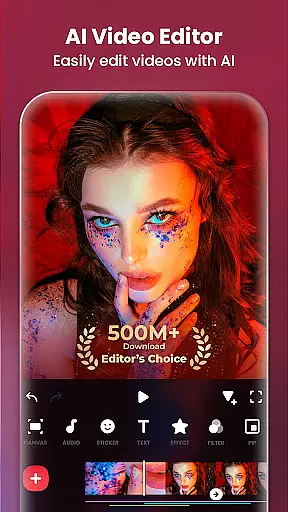
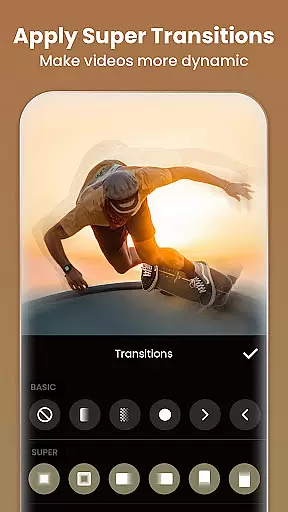
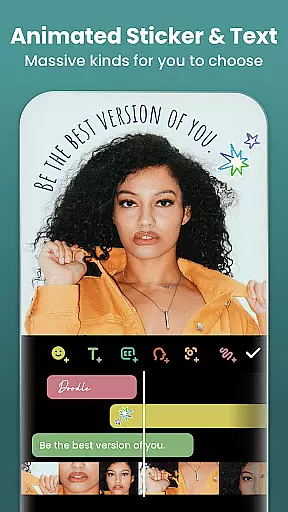
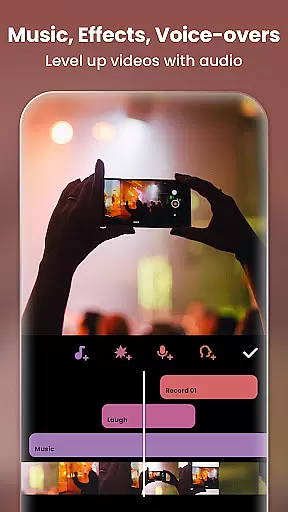
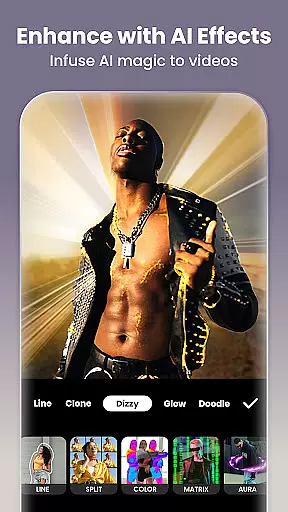
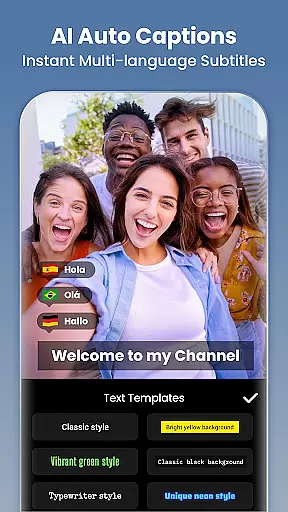
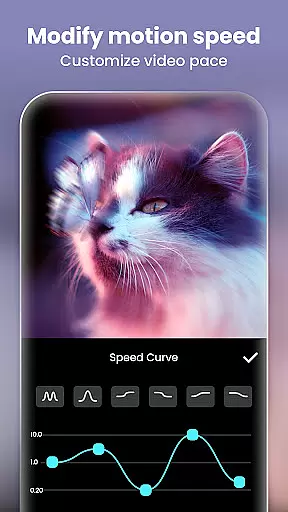
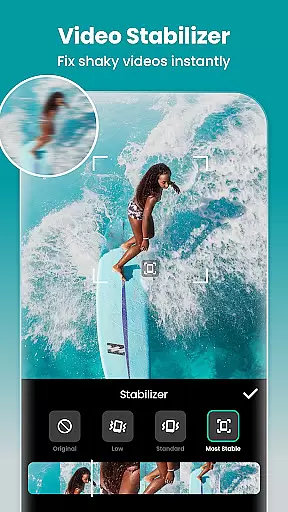
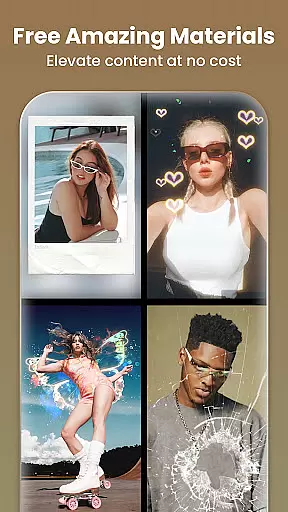
Video Editor & Maker is a comprehensive mobile application designed for both amateur and professional content creators. This app provides an all-in-one solution for video editing, offering features such as trimming, merging clips, adding music, text, and transition effects. With capabilities to create smooth slow motion, video collages, and blur backgrounds, it caters to a wide range of creative needs.
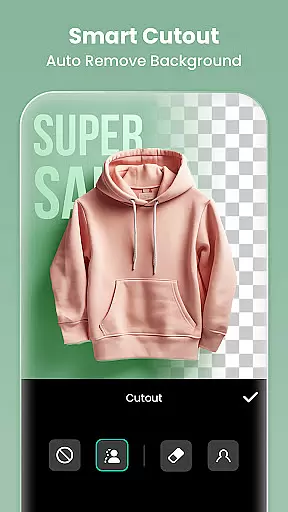
Beyond video editing, the app also functions as a photo editor and collage maker. Users can edit pictures, apply filters, adjust HSL settings, and even remove unwanted objects from photos. The inclusion of AI tools enhances the editing process with auto captions, background removal, and smart tracking features. Whether you're looking to produce engaging vlogs or stylish Instagram posts, this app equips you with the necessary tools to stand out on social media platforms like YouTube, Instagram, TikTok, and more.
The Video Editor & Maker stands out with its extensive feature set tailored for diverse editing requirements. It includes AI-powered tools such as body effects, auto captions, background removal, smart tracking, and smooth slow-motion effects. These features allow users to elevate their content with minimal effort, ensuring high-quality output every time.
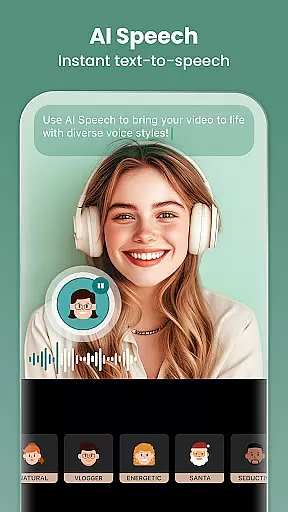
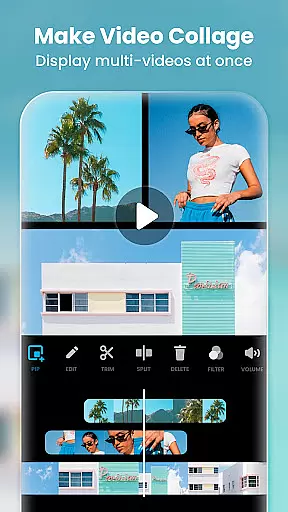
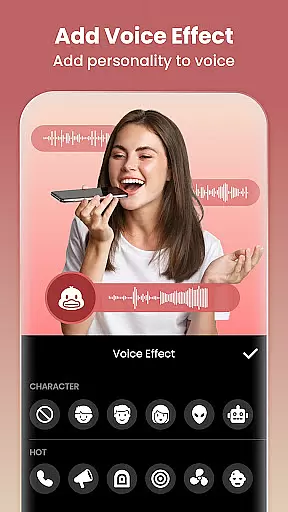
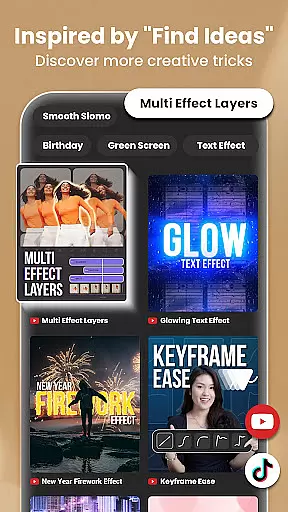
In addition to AI enhancements, the app offers full-featured video editing capabilities. Users can trim and merge clips, reverse videos, add various styles of voice effects, adjust video ratios, control playback speed, and utilize keyframe animations. Advanced options like chromakey for green screen editing, picture-in-picture for multi-layered videos, and blend modes provide further customization possibilities. With a rich selection of cinematic filters, unique effects, and professional transitions, creators have everything they need to produce visually stunning videos that captivate audiences across different social media channels.
Real-time capture and preview functionality is essential for any photography or video editing application. This feature allows users to see exactly what their camera is capturing, ensuring that the framing, lighting, and composition are perfect before taking a shot. InShot provides an intuitive real-time preview system that helps creators make instant adjustments to their work.
The app's real-time capabilities extend beyond just capturing images. Users can apply filters, adjust settings, and add effects while seeing the changes reflected immediately in the preview window. This dynamic interaction ensures that every modification enhances the final output without requiring guesswork or post-processing adjustments.
For content creators who rely on precise visual storytelling, this feature offers significant value. The ability to visualize edits as they happen streamlines the creative process, saving time and improving overall quality. Whether you're shooting a quick vlog or crafting a detailed photo collage, InShot's real-time capture and preview tools empower users to achieve professional-grade results with ease.
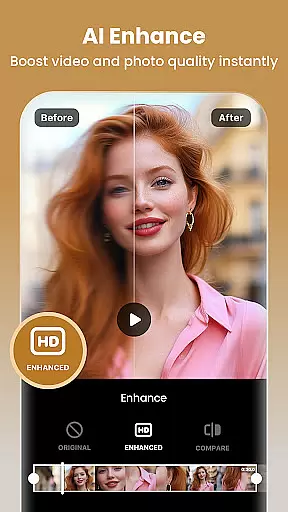
AI-powered beauty and enhancement features have become increasingly important in modern photo and video editing applications. These tools use advanced algorithms to automatically enhance facial features, smooth skin textures, and optimize overall image quality. InShot incorporates sophisticated AI technology that delivers natural-looking enhancements without compromising the authenticity of the original content.
The app's AI beauty features include automatic skin retouching, blemish removal, and facial structure optimization. What sets InShot apart is its focus on maintaining a natural appearance. Unlike other apps that may produce overly processed or artificial results, InShot's AI carefully balances enhancement levels to ensure subjects look their best while retaining realistic details.
This approach to AI enhancement provides immense value to users who want polished yet genuine-looking content. Whether preparing images for social media or refining video footage for professional projects, the ability to enhance visuals naturally gives creators a competitive edge. With InShot's AI beauty tools, users can confidently produce high-quality content that resonates with audiences across various platforms.
User-friendly interface
Extensive editing tools
Advanced AI features
High-quality export options
Versatile content creation
Some features may require learning
Premium features come at a cost
Occasional performance lags
Limited free export resolution
Ads in the free version

Easily stitch panoramas from multiple photos or video.
 4.40
4.40
Create funny photos and videos with the popular Time Warp Scan filter.
4.90
Transform photos into videos! Create realistic or anime-style images easily!
4.50
Light-weight Media Gallery app for Android made with Jetpack Compose
4.60
HD Camera Pro with HD Video shooting, Panorama, Photo editor , Beauty Camera.
4.50
Raw Image Viewer. Gallery with support of raw images (.cr3, .cr2, .nef, .raf).
2.00
Add a dreamy vibe to your selfies and videos with soft style filters
4.2
Turn photos into cartoons & avatars! - Photo Editor, Cartoon Face!
3.90
Enhance, upscale, and transform your images — on your device, without limits
4.70
Collage your moments in one tap: 1000+ layouts, filters, stickers, and texts.
4.90
Pro version: AR sun/moon tracker for any date. Tool for photographers & planners
4.90
Photo prints, cards, & gifts at Walgreens. Easy ordering & fast local pickup !
4.80
Photo editor: AI filters, photo enhancer, pic collage maker, AI art generator.
4.80
Natural Beauty, Selfie Retouch
4.30
A light meter for true photographers.
4.20
Professional camera app that brings DSLR manual photography controls to Android.
4.20
Remote control of the phone camera from your Wear OS smartwatch
3.70
Pet Camera
3.70
Photo Album Watch Face shows your favorite pictures as a Watchface.
1.90


User Reviews