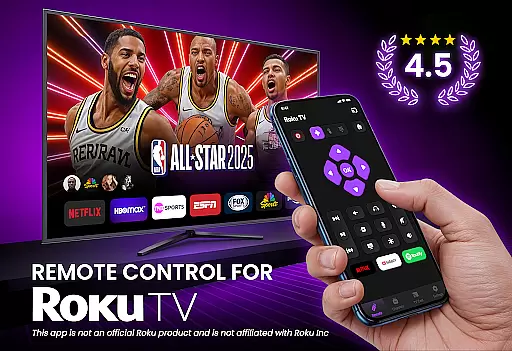
TV Remote Control for RokuTV transforms your smartphone into a universal remote control, offering complete functionality to manage your Roku TV effortlessly. With features like instant setup, full remote functionality, and screen mirroring, this app provides a seamless experience.
The swipe pad navigation, smart keyboard for fast typing, and quick launch shortcuts make controlling your TV intuitive and efficient. Compatible with all Roku TV models, it combines convenience and power in one sleek application, enhancing how you interact with your television.
This app stands out with its effortless connectivity; simply connect your phone and Roku TV to the same Wi-Fi network, and the app automatically detects your device. The full remote functionality allows users to play, pause, adjust volume, and switch channels with responsive controls.
Unique features include a swipe-based touchpad for smooth navigation, screen mirroring capabilities to cast media from your phone to TV, and a smart keyboard that simplifies searching and typing tasks. These innovations ensure an optimal user experience tailored for efficiency and ease of use.
TV Remote Control for RokuTV ensures precise and effective functionality by offering a comprehensive set of features that mirror the capabilities of a physical Roku remote. The app provides users with the ability to navigate menus, control media playback, adjust volume, and switch channels with responsive touch controls.
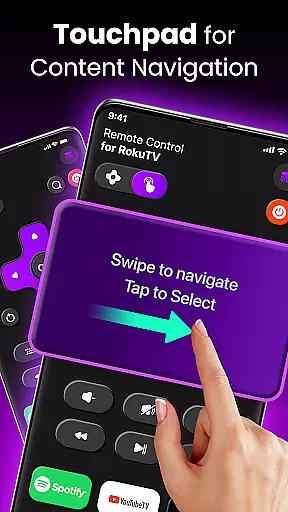
The swipe-based touchpad interface replaces traditional buttons, allowing for seamless interaction with RokuTV's interface. This intuitive navigation method makes menu browsing and app selection smooth and effortless, enhancing the overall user experience.
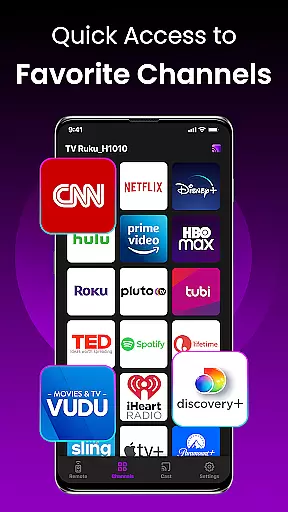
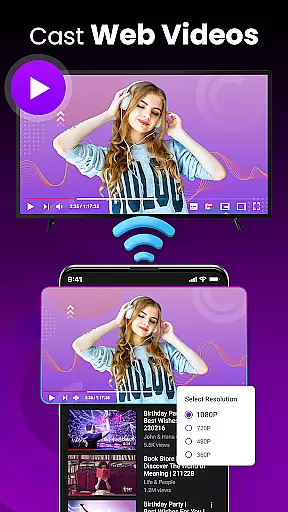
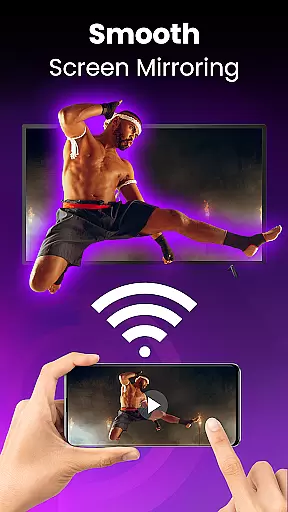
In addition to basic remote functions, the app includes advanced features such as screen mirroring and casting. Users can easily cast photos, videos, and music from their smartphones directly to their TV screens, providing an upgraded entertainment experience. Quick launch shortcuts to popular channels like Netflix and YouTube further streamline access to favorite content.
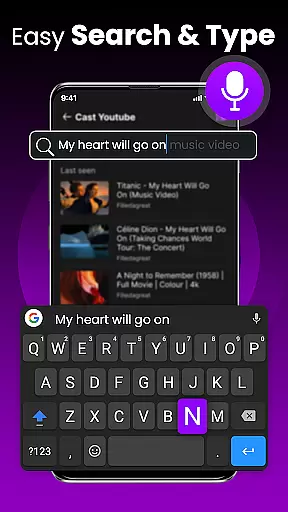
With its integrated smart keyboard, the app simplifies text input for searching movies or entering passwords. This feature significantly improves the speed and ease of interacting with various apps on RokuTV, making TV Remote Control for RokuTV a reliable and efficient tool for managing your television experience.
The interface design of TV Remote Control for RokuTV emphasizes simplicity and intuitiveness, ensuring users can quickly adapt to the app's functionalities. Upon opening the app, users are greeted with a clean layout that organizes all essential remote functions in an accessible manner.
By connecting the smartphone and Roku TV to the same Wi-Fi network, the app automatically detects the TV device, establishing a connection without any complicated pairing process. This straightforward setup allows users to start controlling their RokuTV within seconds, eliminating unnecessary steps and confusion.
A modern swipe pad replaces traditional button navigation, offering a more natural and fluid interaction method. This innovative approach aligns with user expectations for touchscreen devices, reducing the learning curve associated with new technology. As a result, even those who may be less tech-savvy can efficiently operate their TVs without frustration.
Furthermore, the inclusion of one-tap shortcuts and an integrated smart keyboard demonstrates the app's commitment to user-friendly design. These features not only save time but also enhance the overall usability of the application, making it an intuitive and indispensable tool for RokuTV owners.
User-friendly interface
Quick device connection
Comprehensive remote functions
Efficient screen mirroring
Integrated smart keyboard
Limited to Roku devices
Requires Wi-Fi access
No physical buttons
Dependent on network stability
Third-party application

Use your phone as a webcam on your computer over WiFi or USB.
 4.40
4.40
Small and simple app to Verify Root Access and BusyBox Install!
4.70
Excellent scientific calculator with symbolic algebra, integrals, derivatives
4.80
Navigate with Ease and Style
4.90
View detailed information about your Nissan Leaf the dealer never shows you.
4.10
The one-and-only remote control for PC, Mac, and Linux
4.70
Quickly check the frequency of the Earth
4.30
Game Booster, GFX Tool is now compatible with newer game update
4.50
Button mapper, mouse toggle, sleep timer and a lot of another features
4.50
Connect wirelessly to your computer to watch movies, browse the web, play games
5.00
Bedrock Together: Join any bedrock server on Xbox/PS
4.80
WiFi Signal Strength Meter help you detect WiFi Signal Strength in real time.
4.80
Play your X-Box games remotely in 1080p with any controller and zero latency
4.60
With videos, electrical calculators, and built-in ebook, Ugly’s has your answer.
4.50
The Ultimate Bluetooth Keyboard & Mouse. Securely control your PC, Mac, and more
4.50
Pro Emulator is an easy to use game console emulator for a range of consoles.
4.40
An open-source APK explorer for Android!
4.10
Family Locator, Share location, StayConnect with your family in real time
3.90
This app unlocks the Pro features of the Central for DayZ app
3.60


User Reviews