
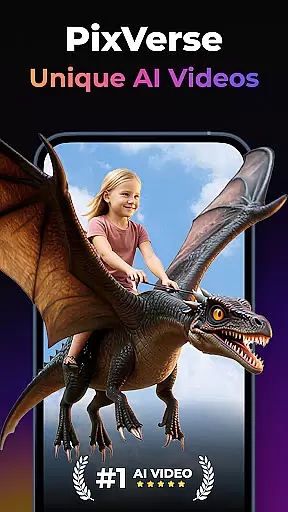
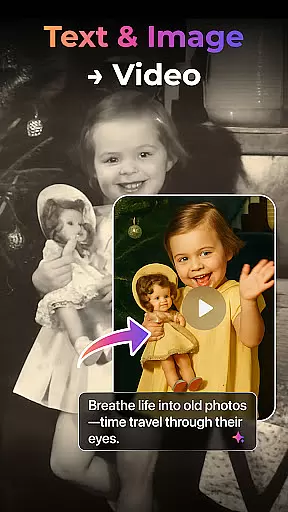

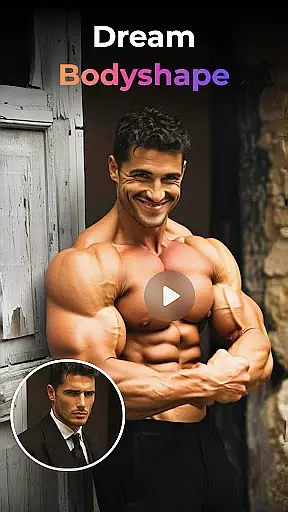
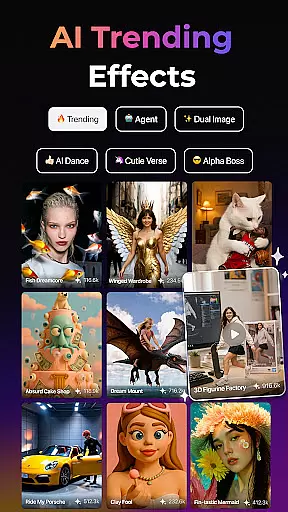
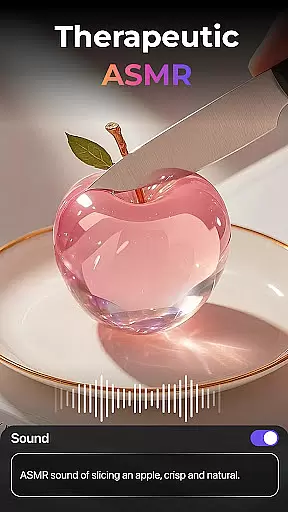
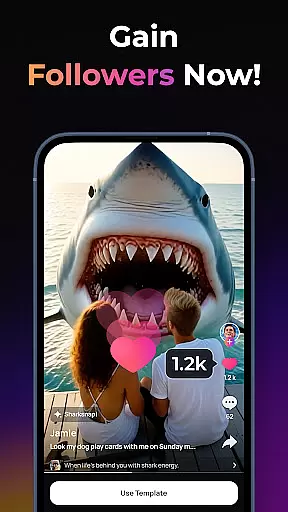
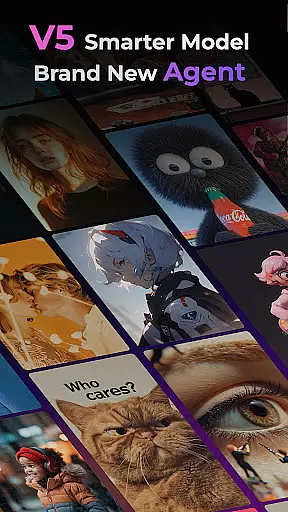
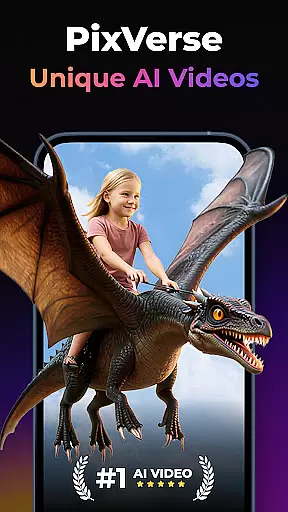

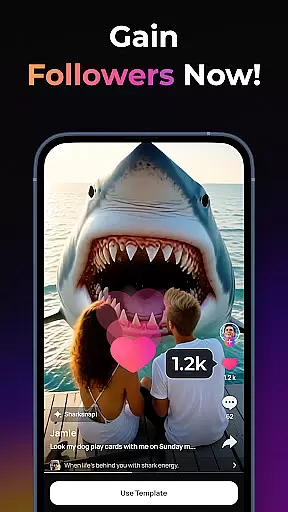
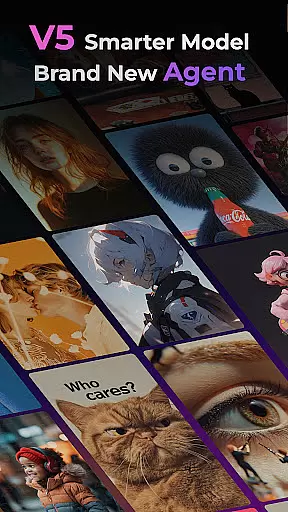
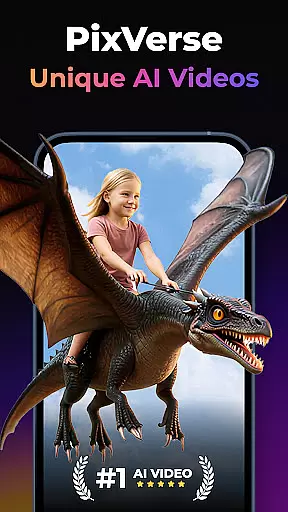
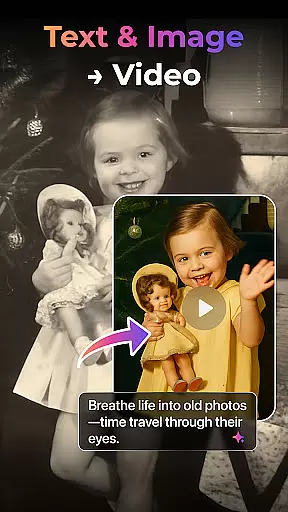

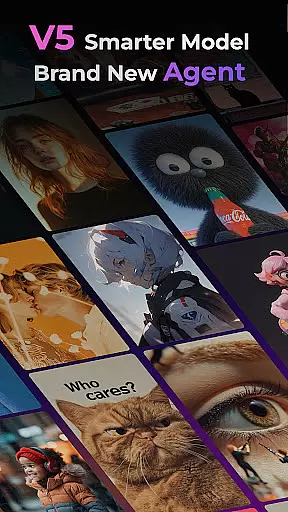
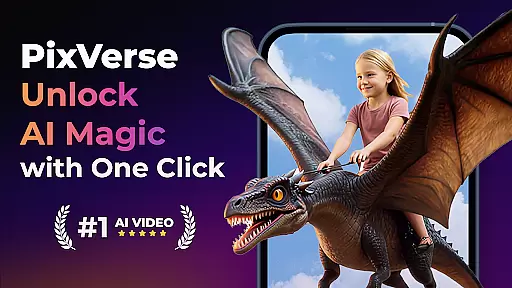

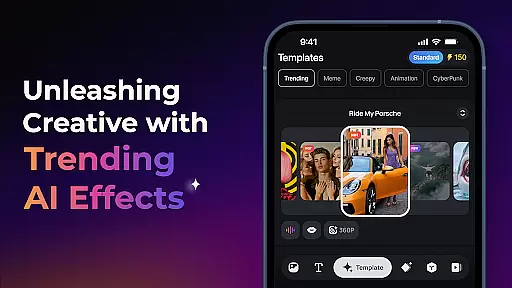
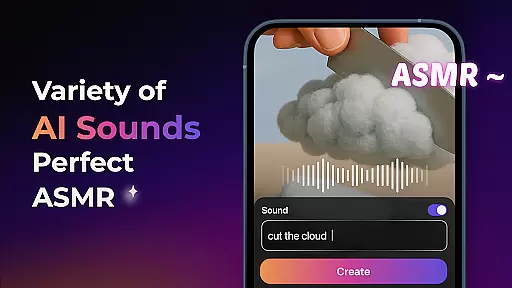
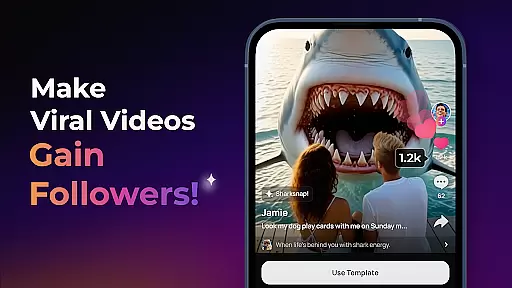
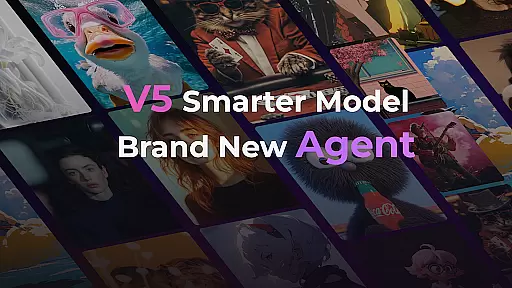
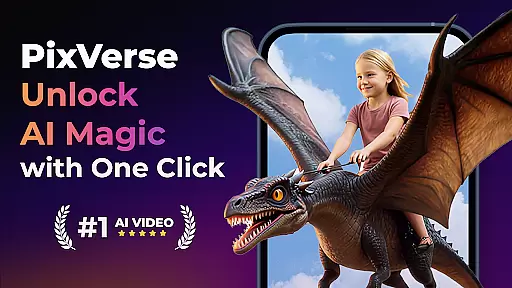

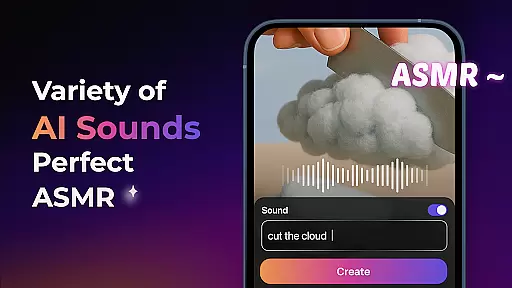
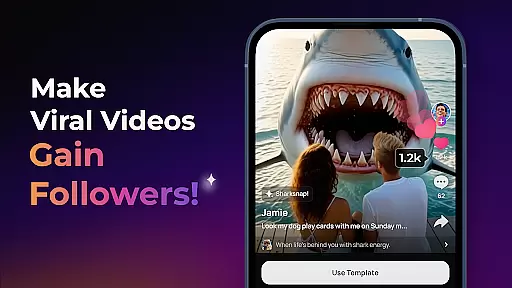
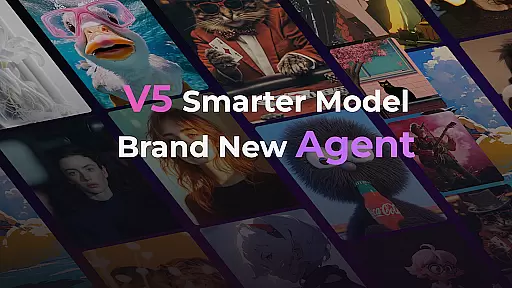
PixVerse is an innovative AI-powered video creation suite that allows users to transform photos, text, and videos into captivating content within seconds. Designed for creators of all skill levels, this app brings professional-grade tools to your fingertips.
With its advanced V5 model and creative Agent feature, PixVerse ensures lifelike details, smooth animations, and precise execution of ideas. From reviving old photos to crafting cinematic masterpieces, the app offers a versatile toolkit for limitless creativity.
Whether you're a social media enthusiast or a professional storyteller, PixVerse empowers you to produce high-quality, hyper-realistic videos effortlessly. Its intuitive interface and rapid processing make it ideal for both quick edits and elaborate projects.
PixVerse stands out with its cutting-edge features tailored for modern creators. The app's V5 model delivers unparalleled realism through advanced physics simulations and seamless motion transitions, ensuring every frame feels alive.
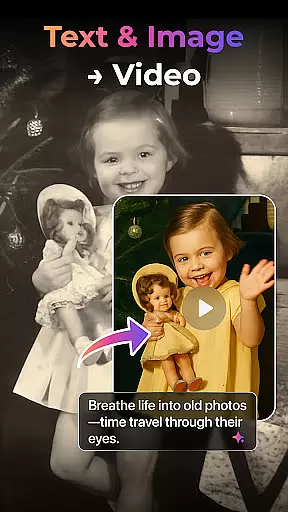
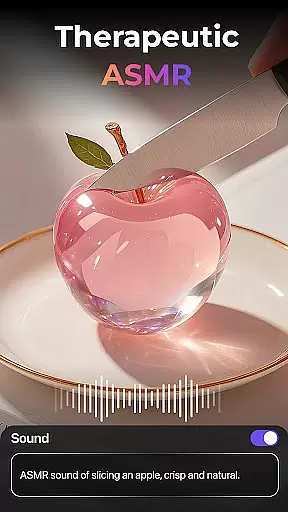
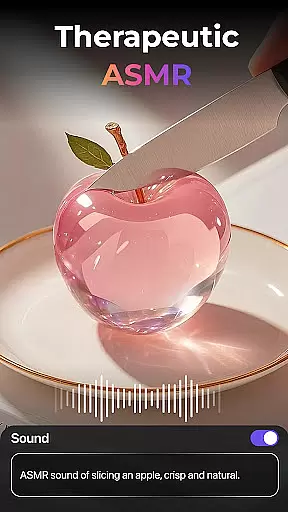
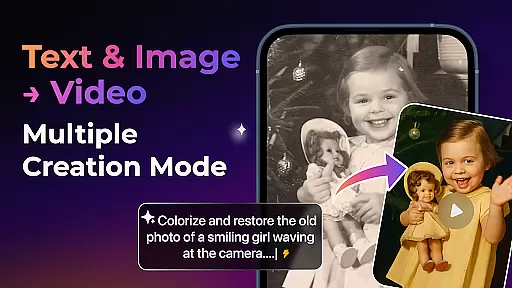
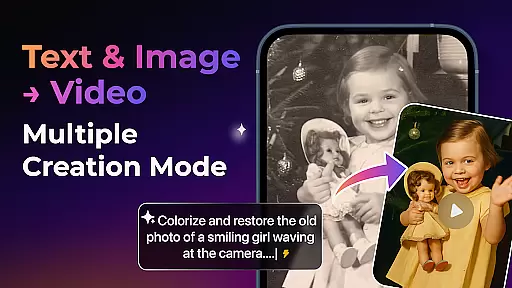
Users can explore multiple creation modes such as Image-to-Video, Text-to-Video, and Video Extension, each powered by AI to enhance productivity. Additionally, unique effects like Old Photo Revival and AI Dance Revolution let you experiment with viral trends.
For greater creative control, PixVerse includes Key Frame Control and Fusion capabilities. These tools enable users to upload custom frames or combine images into cohesive videos, offering unmatched flexibility in storytelling.
Real-time capture and preview functionality is essential for any photography app, allowing users to see exactly what their final output will look like before they commit to the shot. PixVerse offers this feature with an added layer of AI-powered enhancements that elevate the experience beyond traditional apps.
The app's real-time processing capabilities enable users to witness how their photos transform into videos or animations instantly. With features such as Image to Video and Text to Video, creators can visualize the transition from static images or textual prompts to dynamic content in a matter of seconds.
PixVerse ensures that every frame captured benefits from its advanced V5 model, which aligns perfectly with user prompts and delivers lifelike details. This means that even during the preview stage, users are presented with high-quality visuals that boast smooth, natural movements.
By providing an intuitive interface coupled with hyper-realistic AI simulations, PixVerse empowers photographers and videographers to make informed decisions about their creative choices on-the-fly, ensuring professional-grade results without delay.
In todayu2019s digital age, enhancing beauty while maintaining naturalness is crucial for photography applications. PixVerse stands out by offering AI-driven beauty enhancements that preserve authenticity while elevating visual appeal.
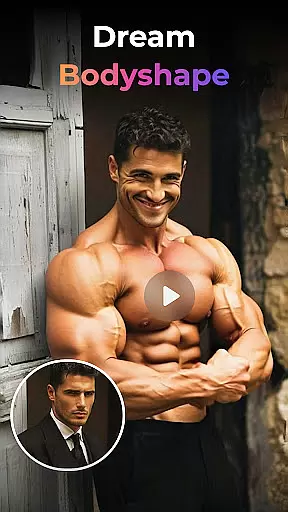
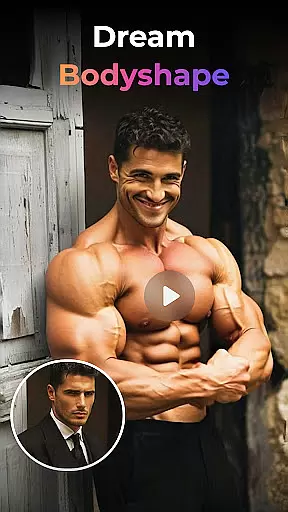
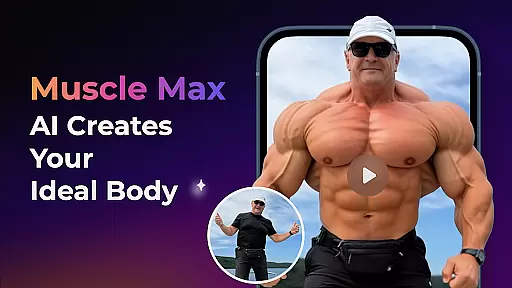
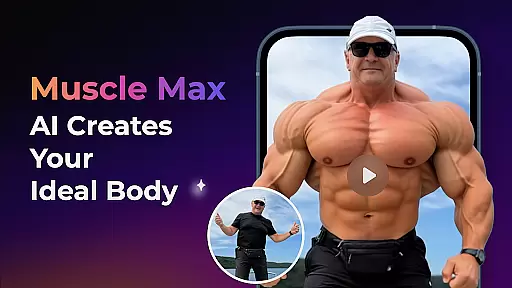
The application employs cutting-edge algorithms to refine facial features subtly without compromising individual characteristics. Whether reviving old photos or sculpting new ones, PixVerse applies enhancements like Old Photo Revival and Muscle Max effects with precision, ensuring each modification looks genuine.
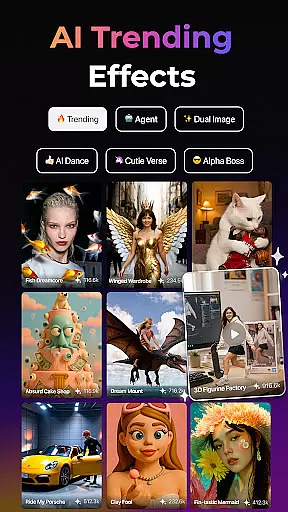
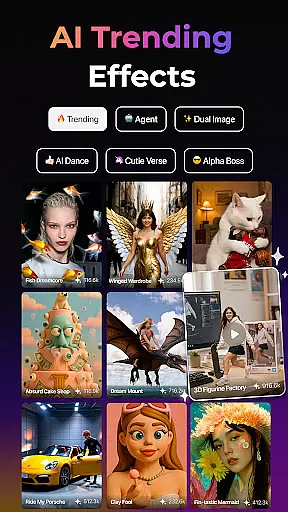
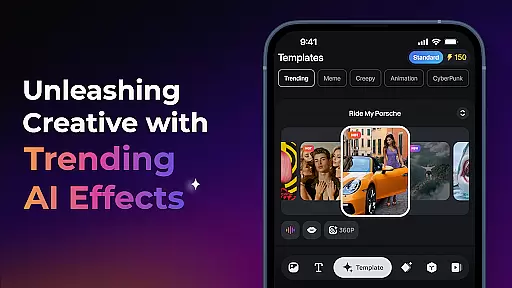
Moreover, the app provides various trending AI effects such as Embrace Warmth and AI Dance Revolution, which add artistic flair without overshadowing the subject's true essence. These tools allow users to experiment creatively while retaining realistic outcomes.
With PixVerseu2019s commitment to cinematic quality and hyper-realistic simulations, users enjoy unparalleled control over their creationsu2014achieving stunning yet believable results every time they use the platformu2019s robust enhancement suite.
Fast rendering speeds
High-definition output
User-friendly interface
Versatile creation modes
Constant feature updates
Limited free features
Subscription costs
Internet connection required
Steep learning curve
Occasional bugs

Photo Album Watch Face shows your favorite pictures as a Watchface.
 1.90
1.90
Android Native system HD camera app. Never been so simple and faster.
4.70
Pet Camera
3.70
AI photo editor with hair editor, retouch tools, hair color changer & filters!
4.50
Create Business Headshots, Polaroid Filter, Retake Photos,Profile Pics,AI Photos
4.50
Cartoon and artistic effects for your photos and videos
4.70
Automatically backup your photos and videos to computer, NAS and Cloud services
4.60
Raw Image Viewer. Gallery with support of raw images (.cr3, .cr2, .nef, .raf).
2.00
GCamera allows all GCam features on all phone models! Better photos with GCamera
3.30
Enhance, upscale, and transform your images — on your device, without limits
4.70
Amazing Photo Effects - The most fun you can have with your photos!
4.70
Trendy TikTok time warp scan funny filter app brings you unique photos & videos.
4.40
RAW video capture with advanced controls
4.40
All-in-One Editor & AI Photo Enhancer, Collage, Cartoonify, Funny Stickers & BGS
4.10
Create & Edit with AI: AI Remove, Enhance, Retouch, Filter
4.10
How would you look like with a differently shaped nose, chin or lips?
3.90
Professional video recording application with manual controls for filmmakers!
2.80
Remote control the phone camera shutter from your smartwatch and take a picture
1.60
HD Photo gallery and photo manager to edit, hide private photos, videos & albums
4.0


User Reviews