

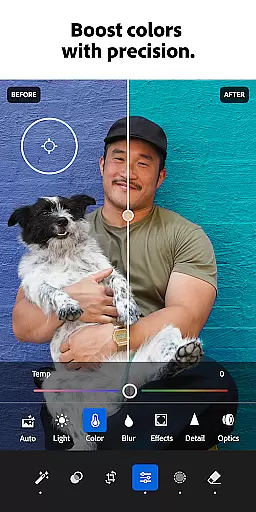


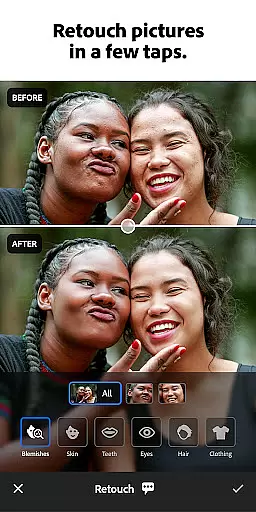
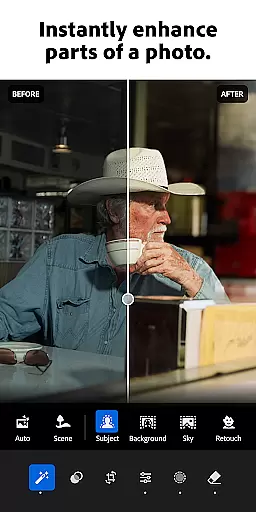


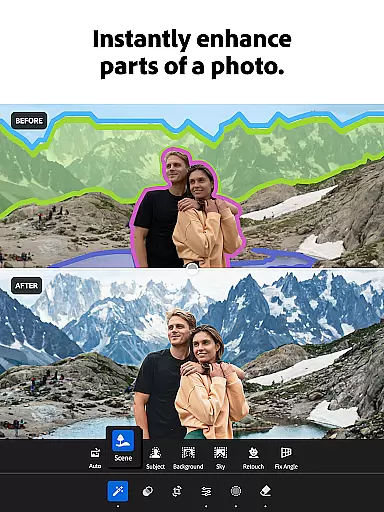

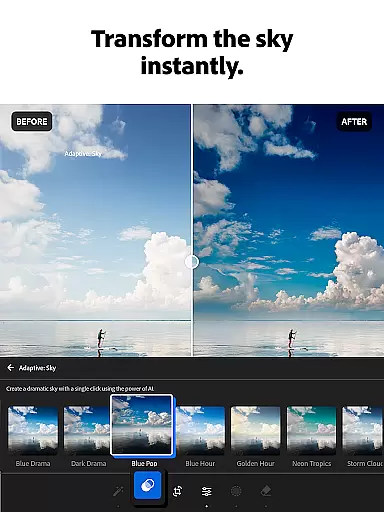
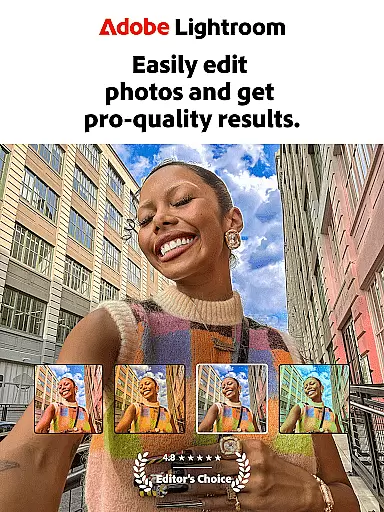
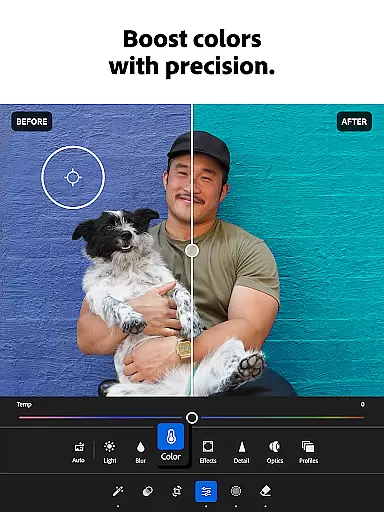

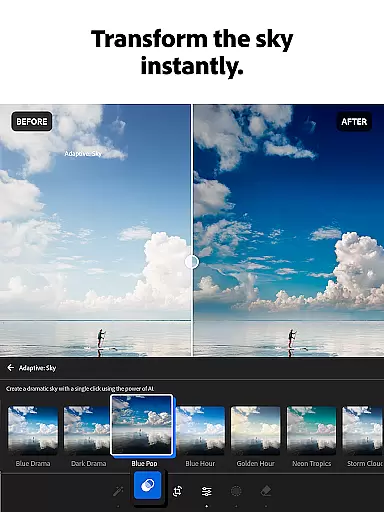
Adobe Lightroom is a powerful photo and video editor designed to help users create stunning visuals with ease. This mobile application offers professional-grade editing tools that allow you to retouch photos, enhance quality, and even edit videos right from your smartphone. Whether you're perfecting family portraits or capturing breathtaking landscapes, Lightroom provides the necessary features to make every image special.
The app stands out with its intuitive interface and advanced functionalities such as AI-powered editing suggestions, one-tap enhancements, and customizable presets. These tools enable both amateur photographers and professionals to achieve polished results effortlessly. Additionally, Lightroom fosters a creative community where users can share and discover unique presets and filters, making it an essential tool for anyone passionate about photography.
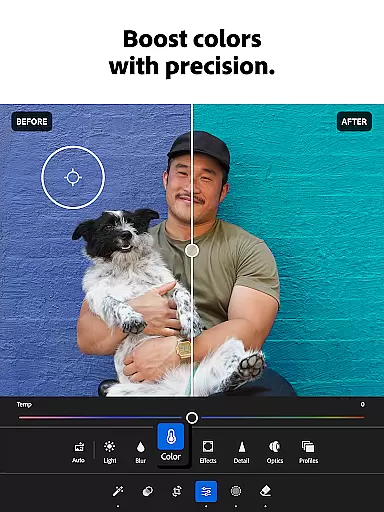
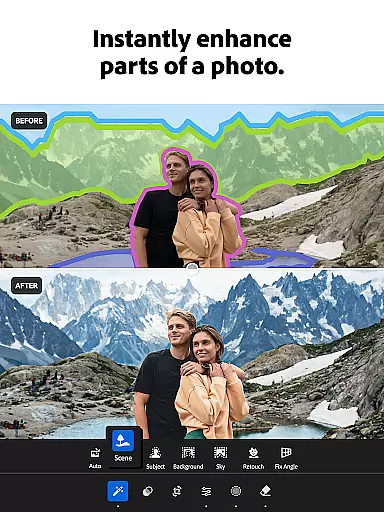
Lightroom boasts an impressive array of features tailored for comprehensive photo editing. The app includes sophisticated retouching tools that let you adjust lighting, color, and focus with precision. With options like Adaptive Presets and Quick Actions, users can enhance their photos in seconds, ensuring each image reflects their artistic vision.
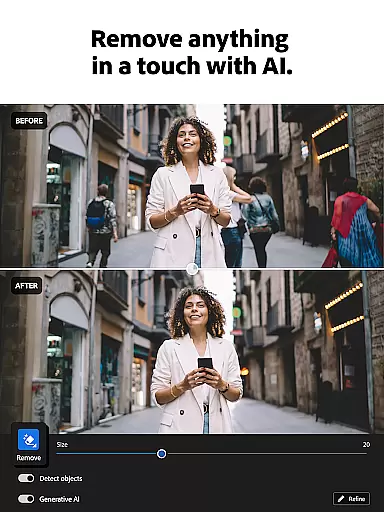
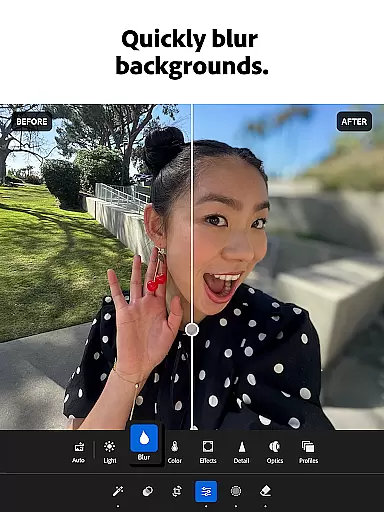
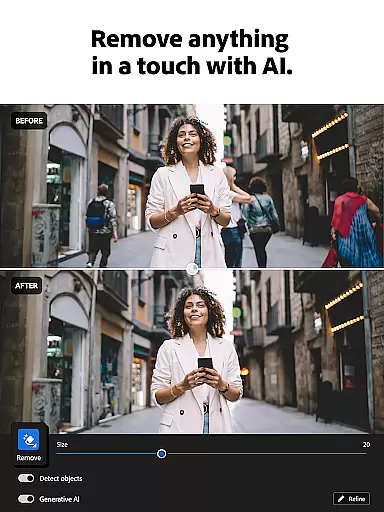
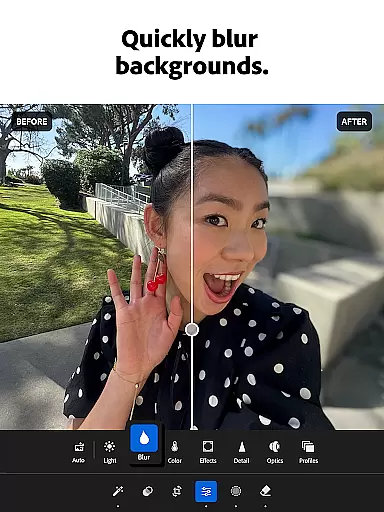
One of the standout features is the ability to remove unwanted objects seamlessly using Generative Remove or blur backgrounds for a professional finish. Furthermore, batch editing capabilities allow users to apply consistent edits across multiple images efficiently. This feature is particularly beneficial for photographers managing large volumes of photos, streamlining their workflow while maintaining high-quality standards.
Real-time capture and preview functionality is essential for photographers who need to ensure their shots are perfect before they even take them. With Lightroom Photo & Video Editor, users can see exactly how their photo will look with applied adjustments before capturing it. This feature allows for immediate feedback on exposure, lighting, and composition.
The application provides a live view mode where adjustments to settings like brightness, contrast, and saturation can be visualized instantly through the camera interface. This ensures that users can make informed decisions about their photography, optimizing each shot for the best possible outcome without needing to retake photos later.
Photographers benefit from this real-time feedback by being able to fine-tune their images in the moment, saving time during post-processing. The ability to preview edits directly through the camera lens empowers users to experiment with different styles and settings confidently, knowing they can achieve their desired aesthetic right from the start.
AI beauty and enhancement features have become increasingly popular in photo editing applications, offering users the ability to refine and beautify their images with minimal effort. Lightroom Photo & Video Editor leverages advanced AI technology to provide natural-looking enhancements that preserve the authenticity of the original photo while elevating its overall quality.
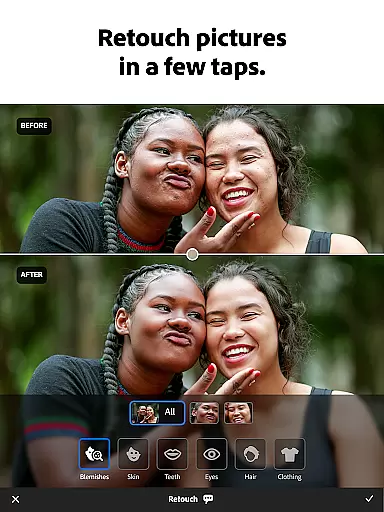
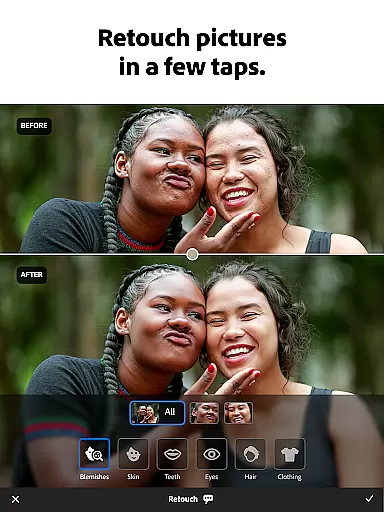
This app's AI capabilities intelligently smooth skin textures, brighten eyes, and whiten teeth, all while maintaining a realistic appearance. Unlike other editors that may produce artificial results, Lightroom focuses on enhancing natural beauty without overdoing effects, ensuring subjects look their best yet remain true to life.
Users appreciate the subtlety and sophistication of these AI-driven enhancements, which allow them to create stunning portraits and selfies that still feel genuine. By prioritizing naturalness in its AI enhancements, Lightroom caters to both amateur and professional photographers seeking polished but authentic imagery.
User-friendly interface
Advanced AI editing tools
Versatile preset options
Efficient batch editing
Active creative community
Subscription fees required
Steep learning curve
Limited free features
High system requirements
Occasional bugs

Photo Album Watch Face shows your favorite pictures as a Watchface.
 1.90
1.90
How would you look like with a differently shaped nose, chin or lips?
3.90
Shooting photos and records video easily and efficient with professional Camera
4.30
Cut and paste photo editor & eraser to customize photos easy and swap faces fun
4.50
Photo editor: AI filters, photo enhancer, pic collage maker, AI art generator.
4.80
AI photo editor with hair editor, retouch tools, hair color changer & filters!
4.50
Transform photos into videos! Create realistic or anime-style images easily!
4.50
Collage your moments in one tap: 1000+ layouts, filters, stickers, and texts.
4.90
Edit photos with the picture generator: PS2 & AI Clay filters, cartoon effects.
4.50
Easily view, share, delete photos with Gallery.
4.70
1M influencer's special filter
4.60
A must-have app for landscape photographers
4.60
Enhance, retouch & create your story - Share the moment with Photoshop Express.
4.60
Smart, light, and fast photo and video gallery
4.30
What celebrity do you look like? Celebs will find your celebrity match!
4.10
Transform Photos: Edit, Beautify and Craft Memories & Make Collages!
4.10
Create amazing frames with up to five photos. Rounded corners, effects and more!
3.60
Application for remote controlling DSLR
3.00
HD Photo gallery and photo manager to edit, hide private photos, videos & albums
4.2


User Reviews