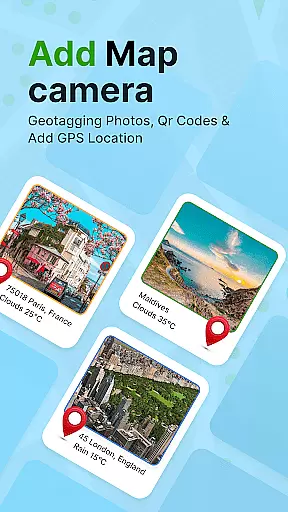
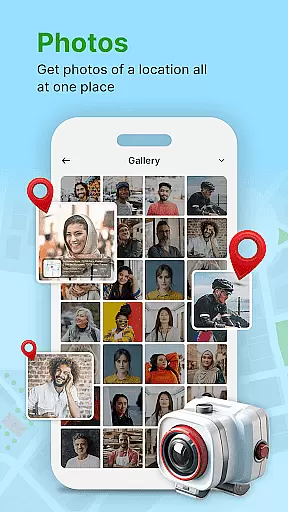
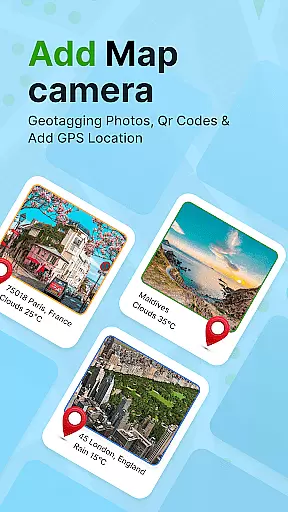
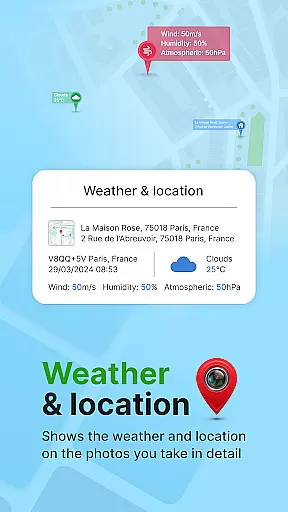
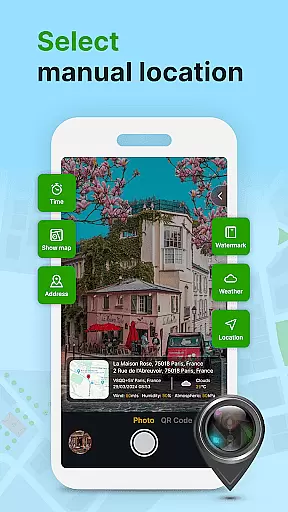
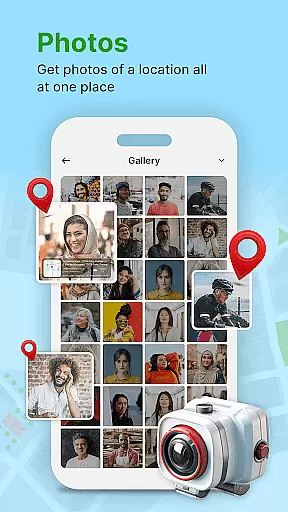
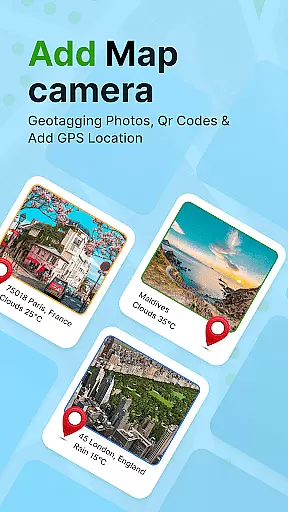
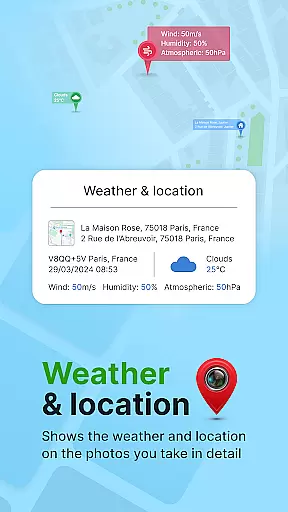
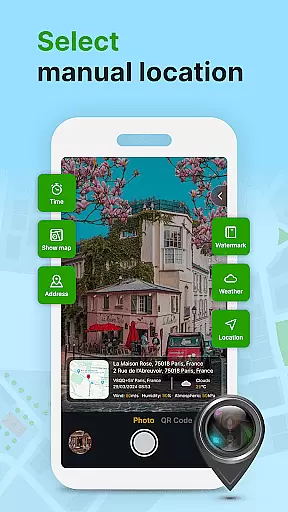
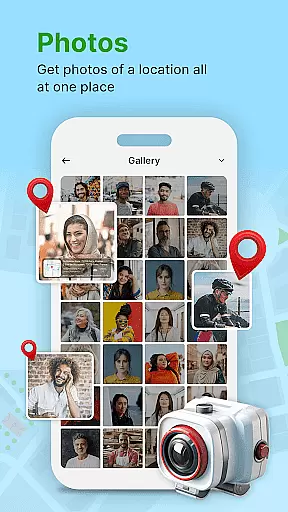
GPS Geotag Photos & Camera Map is a powerful photography app designed to help users tag their photos with precise location data. The app automatically embeds GPS coordinates, altitude, and even weather information into the metadata of each photo taken. This makes it an ideal tool for travelers, photographers, and anyone who wants to keep a detailed record of where and when their photos were captured.
In addition to geotagging, the app offers advanced customization options. Users can adjust font styles, sizes, colors, and positions of timestamps on their photos. It also includes features like QR code scanning and manual latitude-longitude input for fine-tuned location accuracy. Whether you're documenting a road trip or organizing professional shoots, this app ensures your photos are enriched with valuable contextual information.
One of the standout features of GPS Geotag Photos & Camera Map is its ability to automatically add geolocation stamps to photos. This eliminates the need for manual entry and ensures that every photo contains accurate location details. Additionally, the app supports live maps, allowing users to view their geotagged photos on an interactive map interface.
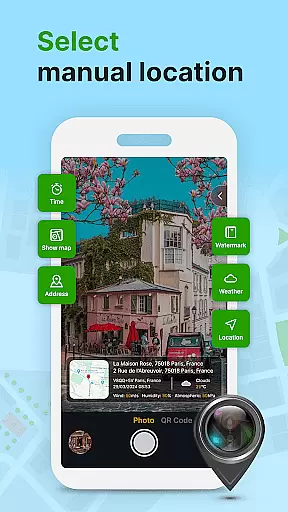
The app also provides extensive customization options. Users can modify the appearance of timestamps and location tags by changing fonts, colors, sizes, and placement. For those requiring more precision, the app allows manual adjustments of GPS coordinates. Other notable features include a built-in QR code scanner and support for embedding additional metadata such as weather conditions and altitude, making it a versatile tool for both casual and professional use.
Real-time capture and preview functionality is essential for ensuring that each photo taken with GPS Geotag Photos & Camera Map app accurately reflects the intended composition. This feature allows users to see exactly what the camera sees, making it easier to frame shots perfectly.
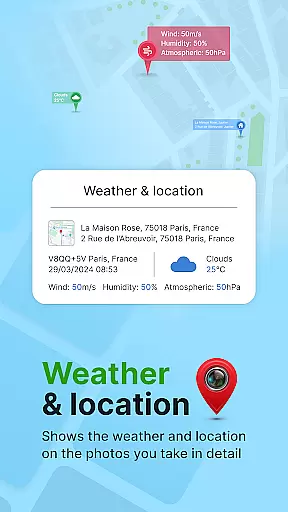
The app supports capturing stunning photos while automatically embedding GPS coordinates, altitude, and address into the image metadata. This seamless integration ensures that every photo taken not only captures the moment but also records the precise location and environmental details.
Users benefit from the ability to instantly view their geotagged images, complete with datetime, latitude, longitude, and weather information. This immediate feedback loop enhances the photography experience by allowing adjustments on the fly.
With real-time capture and preview, photographers can trust that their images will be correctly geotagged, providing an invaluable tool for organizing and sharing memories with family and friends.
AI beauty and enhancement features in the GPS Geotag Photos & Camera Map app focus on maintaining the natural look of photographs while improving overall image quality. These enhancements ensure that photos remain authentic, preserving the original essence of the captured moment.
The app offers customizable options for adding geo-location stamps, timestamps, and other metadata to photos. Users can adjust font, size, color, and position, ensuring that enhancements blend seamlessly with the original image without overpowering it.
By supporting manual setup of latitude and longitude, the app provides fine-tuning capabilities for location data. This precision ensures that even the smallest details are accurately represented, enhancing the credibility of the geotagged information.
Overall, the AI beauty and enhancement features offer a balanced approach to photo editing, ensuring that each image remains true to its origins while benefiting from modern technological advancements.
User-friendly interface
Accurate geotagging
Customizable timestamp options
Supports manual GPS adjustments
Includes live map functionality
Requires constant internet
Drains battery quickly
Limited free features
No offline mode
Occasional bugs reported

Search, tag and rate your way to an organized image gallery
 4.40
4.40
[3DSteroid Pro] is a stereoscopic application for Android.
4.30
Perfect photos with body shaping, BG changer and object remover.
3.70
Light-weight Media Gallery app for Android made with Jetpack Compose
4.60
Luminar: Photo Editor - easy picture editing with AI
4.20
AI Photo Editor with 100+ Filters, Effects! Remove BG, Retouch & Photo Enhancer.
4.80
AI photo enhancer with Sora 2! Enhance, descratch, and colorize your old photos.
4.50
Smart, light, and fast photo and video gallery
4.30
Unlock the full potential of your DJI drone with Litchi
4.50
Find time and duration of different sunlight phases at any location
4.90
Photo editor: AI filters, photo enhancer, pic collage maker, AI art generator.
4.80
Easily view, share, delete photos with Gallery.
4.70
Enhance, upscale, and transform your images — on your device, without limits
4.70
Cut and paste photo editor & eraser to customize photos easy and swap faces fun
4.50
Fit multiple photos on one post. Create carousels & scroll layouts for Instagram
4.50
AI portrait generator and polaroid AI selfie, fun AI generated AI photo creator!
4.30
All-in-One Editor & AI Photo Enhancer, Beautify & Retouch, Collage, Cartoonify
4.20
Transform Photos: Edit, Beautify and Craft Memories & Make Collages!
4.10
GCamera allows all GCam features on all phone models! Better photos with GCamera
3.30


User Reviews