
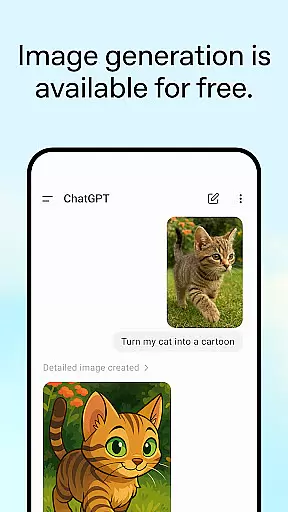
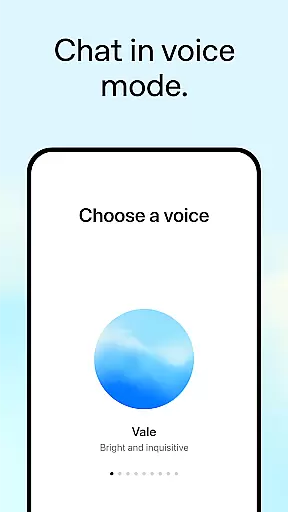
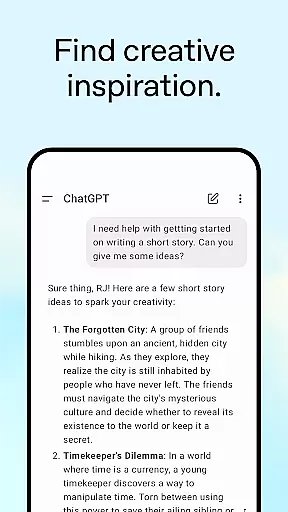
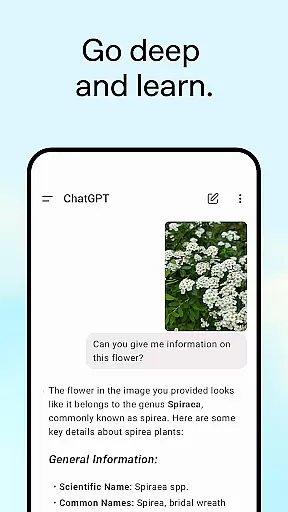
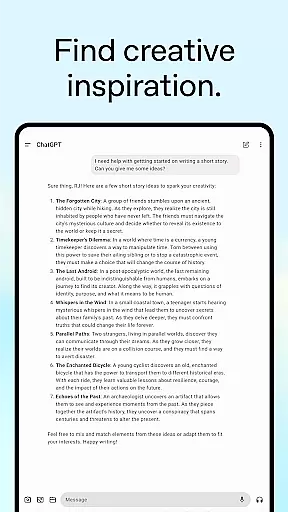
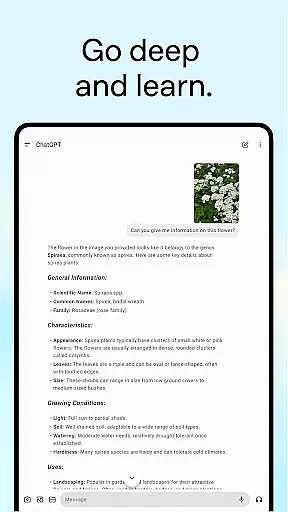
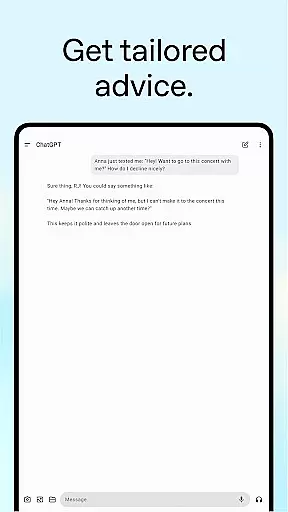
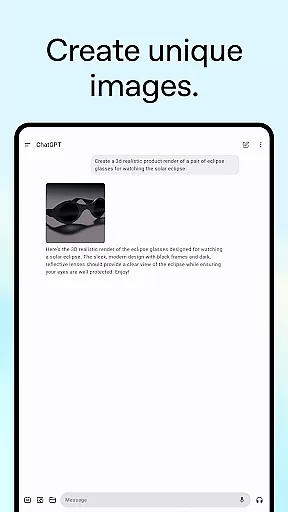
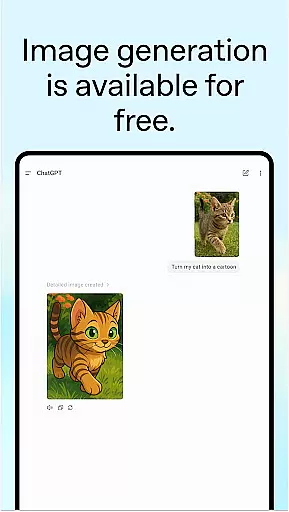
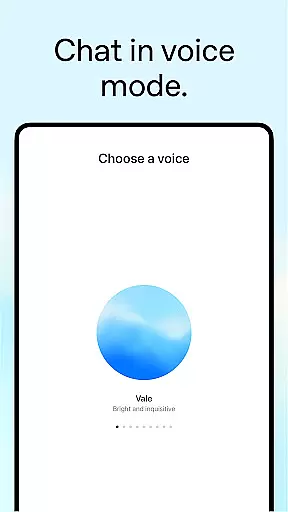
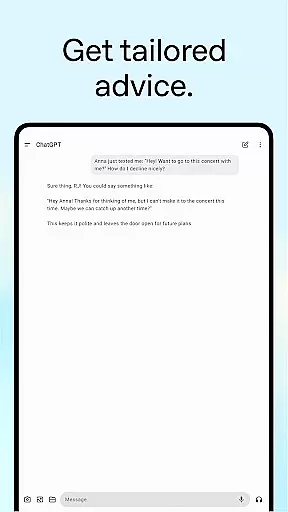
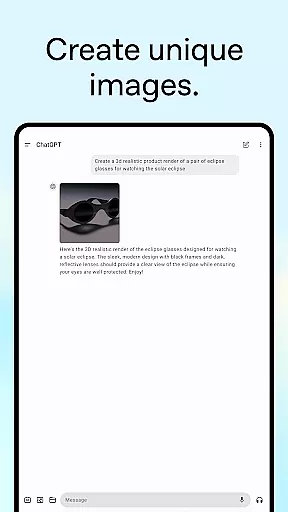
ChatGPT is a powerful productivity app that brings OpenAI's advanced language models to your Android device. This official application allows users to generate original images, transcribe handwritten notes, and receive tailored advice on various topics. With features like Advanced Voice Mode and photo upload capabilities, it enables real-time conversations and information retrieval from images.
The app syncs history across devices, making it easy to continue your work wherever you go. Whether you need creative inspiration for personalized gifts, professional input for business planning, or instant answers for recipe suggestions, ChatGPT provides versatile tools to enhance productivity. Its ability to explain complex concepts in simple terms makes it valuable for both personal learning and professional use.
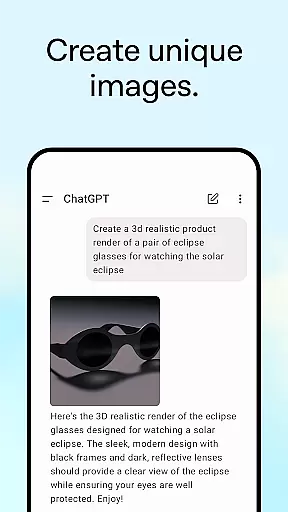
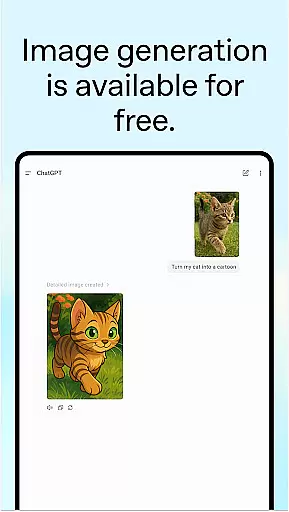
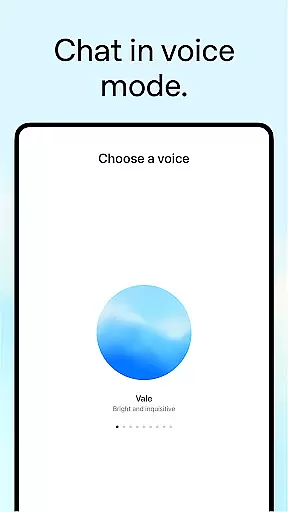
ChatGPT offers an impressive range of features designed to boost productivity. The app's image generation capability allows users to create original visuals or transform existing ones using simple text descriptions. Advanced Voice Mode enables real-time conversations, perfect for settling debates or practicing new languages on the go.
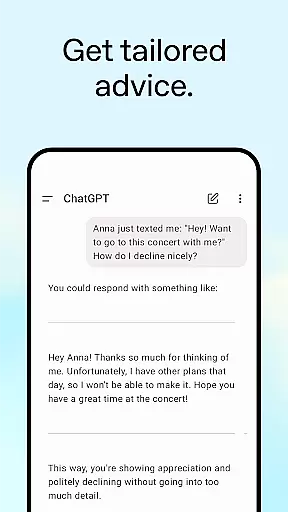
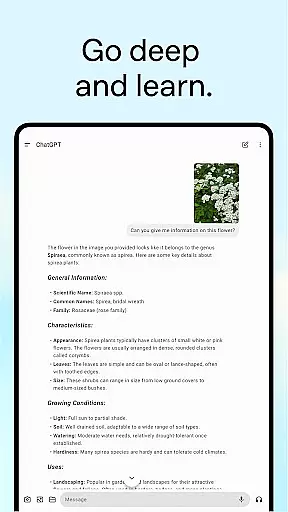
With photo upload functionality, users can snap or upload pictures to extract information such as handwritten recipes or landmark details. The app excels at providing tailored advice, whether you're dealing with a challenging situation or planning a detailed travel itinerary. Additionally, its personalized learning feature helps explain complex topics in ways that are easy to understand, while professional input tools assist with marketing copy and business strategy development.
Task management is a cornerstone of productivity applications, and ChatGPT excels in providing users with tools to organize their thoughts and responsibilities efficiently. The app allows for the creation of detailed itineraries, brainstorming sessions, and crafting responses, which are essential for both personal and professional task handling.
ChatGPT's approach to task management includes tailored advice and personalized learning opportunities. Users can talk through challenging situations or brush up on historical events, making it not just a tool for task completion but also for personal growth and understanding.
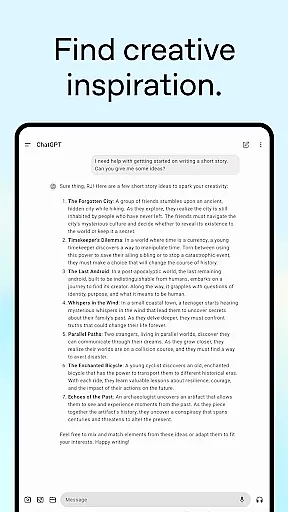
The true value of ChatGPT's task management capabilities lies in its adaptability. Whether you need help with generating creative content, such as personalized greeting cards, or require professional input like marketing strategies, ChatGPT adjusts to the task at hand, ensuring that each user's experience is relevant and productive.
Cross-device synchronization is vital for users who operate across multiple platforms, ensuring that their data and progress are always up-to-date and accessible. ChatGPT offers reliable sync services that keep your history consistent, whether you're switching from a desktop to your Android device or vice versa.
This functionality is seamlessly integrated into the app, allowing users to pick up right where they left off, regardless of the device they are using. This means that the ideas you were brainstorming or the complex language translations you were working on will be instantly available, maintaining continuity in your workflow.
By prioritizing synchronization reliability, ChatGPT ensures that users have a seamless experience, enhancing productivity by saving time and reducing the frustration of lost progress. This feature supports the modern digital lifestyle, where multitasking across devices is the norm, not the exception.
User-friendly interface
Advanced AI capabilities
Cross-device syncing
Versatile productivity tools
Real-time conversation support
Limited offline functionality
Requires stable internet
Privacy concerns with image uploads
Premium features may require subscription
Occasional response latency

AI Video AI Image Private LLM AI Browser Llama Gemma Ollama Connect LLM Studio
 4.5
4.5
Auto-shutoff Alarm with Sunrise, Sunset & Fixed Options.
3.50
Mega cloud explorer plugin for Solid Explorer
3.80
Planet Free VPN - The best Fast Unlimited and Secure VPN Without Logs
4.50
Remotely view listen control and record cameras.
3.70
Functional QR scanner and barcode reader that requires little storage space.
4.60
Access, manage and transfer files on Android, PC, Mac, NAS and cloud storages.
4.30
This small app MUST BE INSTALLED after purchase, else license won't work
4.40
Understand anything with a personalized AI research assistant
4.80
Best Tool for the professionals Electrician, Electrical contractors, etc.
4.90
Multilingual translator for text, voice, and image translation!
4.90
QuickBooks Workforce lets teams view pay info and track time in one place.
4.70
aCalendar+ makes your day, week and month
4.70
Client for Nextcloud Deck
4.60
Secure, fast, open-source, Remote Desktop Client for Windows and Linux with SSH
4.60
Calendar 2023 widget for Android. Appointment scheduler, planner, and reminder
4.60
Secure your apps with lock screens, use custom themes and different features.
4.40
When you Focus, so will your Bean in this cozy focus timer
4.30
Activate Two Factor Authentication (2FA or Multi OTP), Password manager and more
4.10


User Reviews