
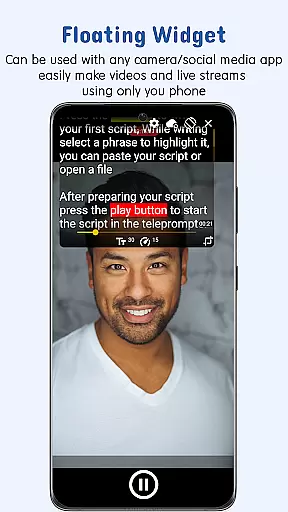
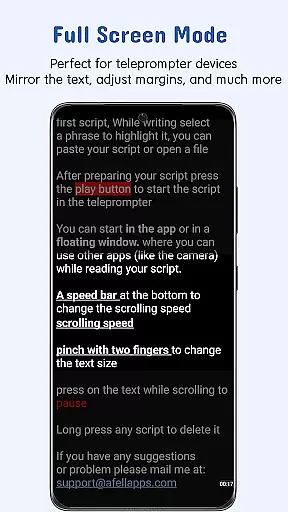
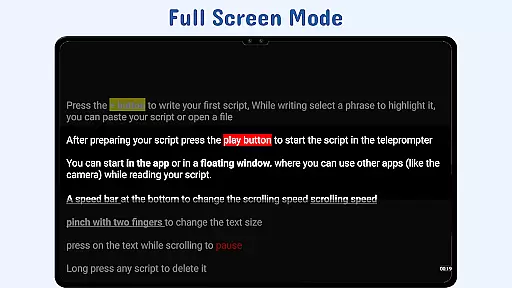
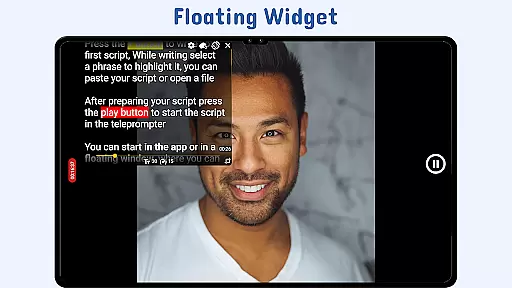
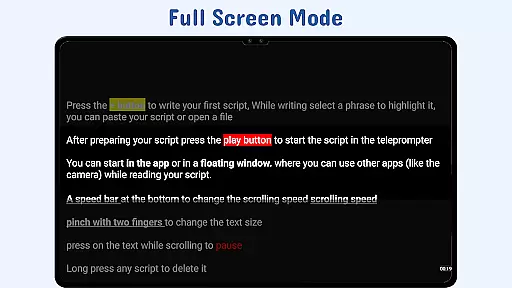
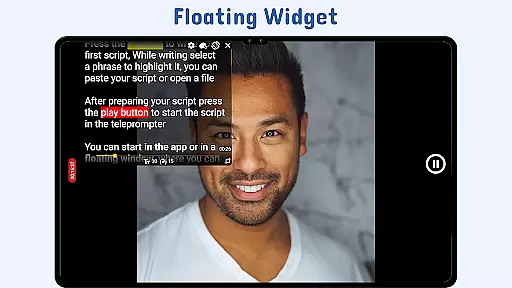
Nano Teleprompter is a productivity app designed to streamline the process of script reading for video recording, live streaming, and public speaking. The app offers an intuitive floating widget that can be freely resized and moved across the screen, making it compatible with any camera app in both landscape and portrait modes. Its seamless integration with Google Drive allows users to create, edit, and sync scripts in real-time, ensuring that the latest version is always available.
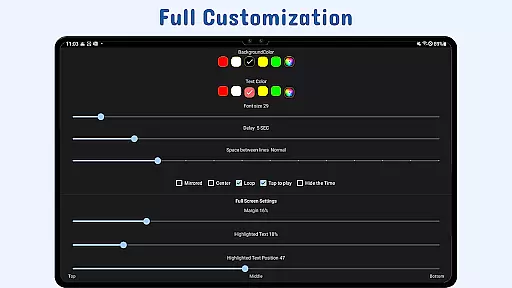
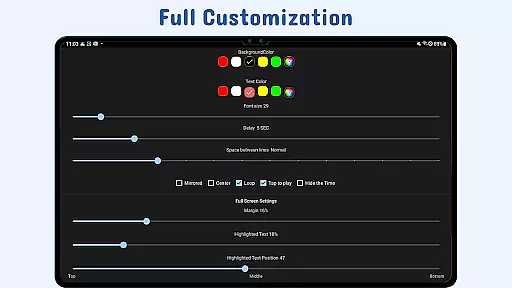
With customizable text and background settings, users can adjust the display to suit their preferences, enhancing readability during use. Additional features like gesture controls, adjustable scroll delay, and remote control support provide hands-free operation and precise control over script navigation. Whether you're a content creator or a professional speaker, Nano Teleprompter ensures a smooth teleprompting experience that adapts to your workflow.
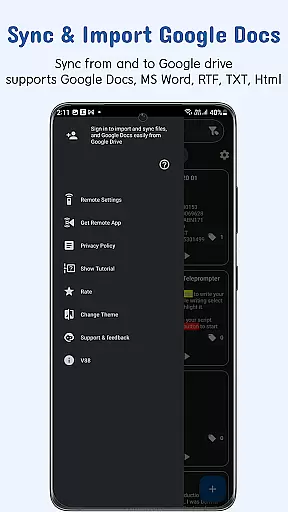
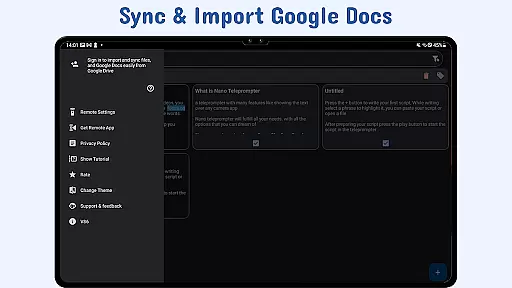
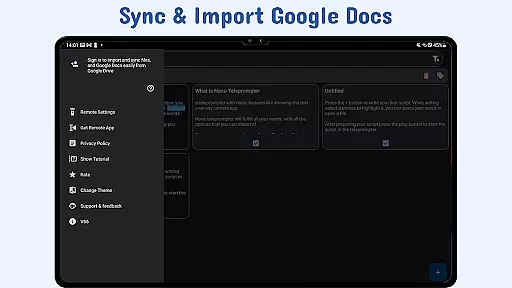
Nano Teleprompter stands out with its comprehensive feature set tailored for efficient teleprompting. One of its key strengths is the real-time Google Drive sync, which enables users to manage scripts directly from their cloud storage. This ensures that all changes made through Google Docs, MS Word, RTF, TXT, or HTML formats are instantly reflected in the app, providing unparalleled convenience.
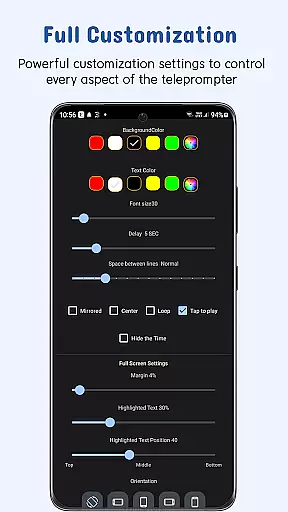
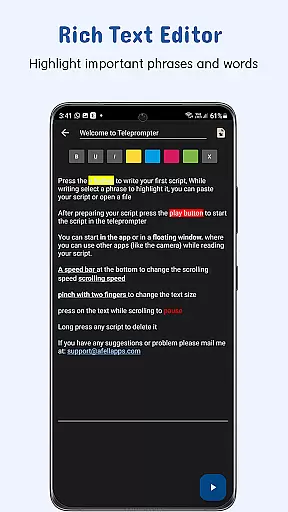
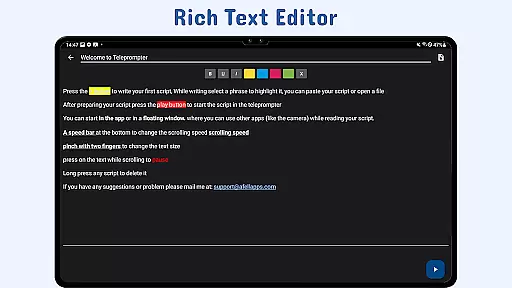
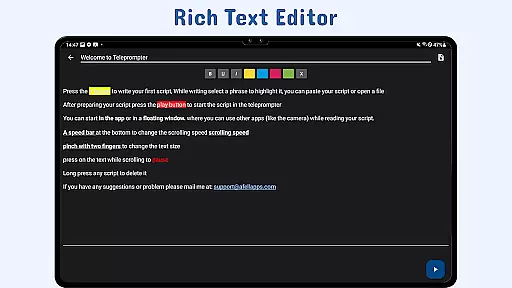
The app also includes advanced customization options such as text highlighting, adjustable margins, line spacing, and background opacity. These features allow users to emphasize key phrases and optimize readability based on their specific needs. Furthermore, the floating widget's flexibility, combined with gesture controls and remote support, empowers users to maintain focus on their delivery without interruptions. With cross-device syncing and quick script access, Nano Teleprompter delivers a robust solution for modern teleprompting requirements.
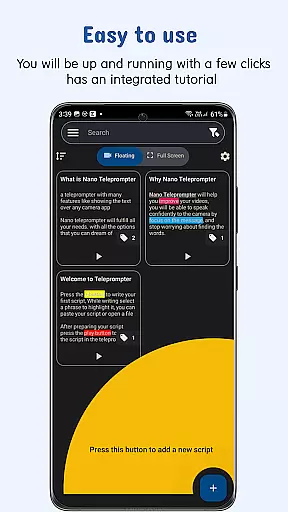
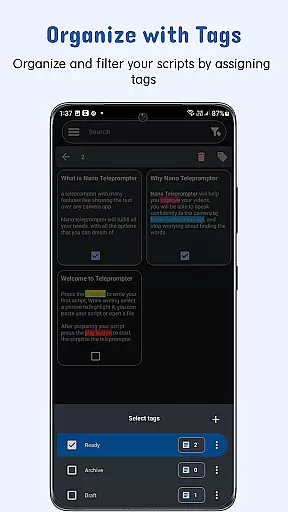
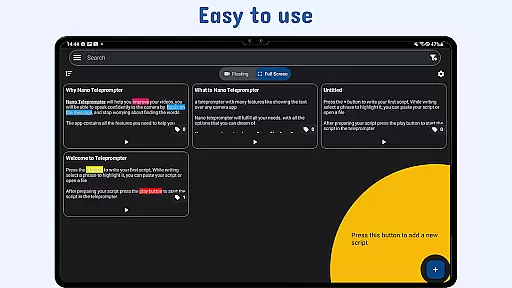
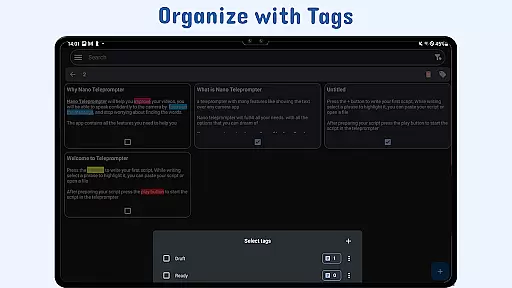
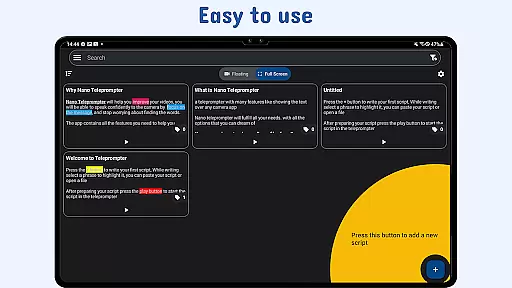
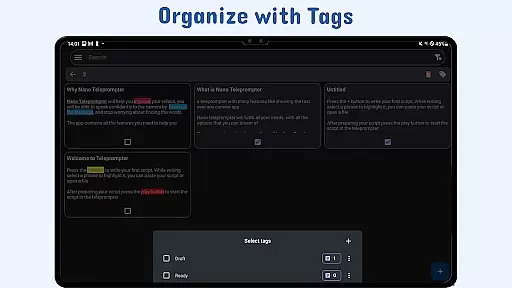
At the heart of Nano Teleprompter lies its robust core task management system, designed to streamline your workflow. This feature allows users to create, edit, and manage scripts directly through an intuitive interface or via seamless Google Drive integration.
The app supports multiple file formats including Google Docs, MS Word, RTF, TXT, and HTML, ensuring that you can work with your preferred format. Any changes made in Google Drive are automatically synced in real-time, providing a dynamic and efficient scripting environment.
With customizable text options such as size, color, background opacity, margins, and line spacing, users can tailor their reading experience for optimal clarity. The ability to highlight key phrases further enhances script emphasis during delivery.
Nano Teleprompter excels in cross-device synchronization reliability, empowering users to access their scripts from any device with consistent updates. By leveraging Google Drive, this app ensures that all your devices reflect the latest changes to your documents instantly.
Whether you're switching between a phone, tablet, or computer, your work remains uninterrupted thanks to automatic cloud backups. This means no more lost progress or manual transfersu2014your scripts are always up-to-date wherever you go.
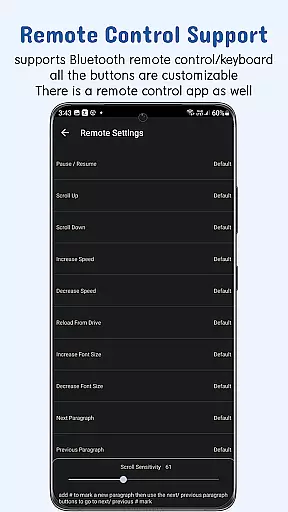
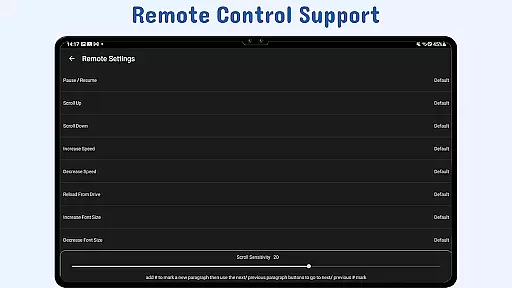
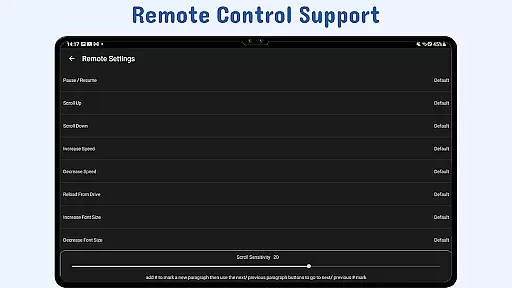
In addition to reliable syncing, Nano Teleprompter offers remote control support which lets you manage your script hands-free across devices. Customize remote buttons for pausing, resuming, scrolling, adjusting speed, and navigating through your content effortlessly.
User-friendly interface
Real-time cloud sync
Customizable display options
Remote control compatibility
Cross-device accessibility
Limited offline functionality
Premium feature lock
Occasional sync delays
Device compatibility issues
Learning curve for new users

Experience real multitasking on your Android!
 4.00
4.00
Direct Chat without saving contacts & Dual WA Account on Single Device
4.70
Protect and view your important info on your phone and tablet with eWallet®
4.80
Make your handwriting beautiful, even more than pen on paper.
3.60
Secure, fast, open-source, Remote Desktop Client for Windows and Linux with SSH
4.60
Subscribe to Webcal & .ics calendars and keep them up-to-date!
4.50
* block pre-roll ads, pop-up and forced redirect ads * Samsung certification app
4.00
Lightweight PDF, Word, Excel reader.
4.60
Put a lock on your cloud: Take the security of your data into your own hands
3.70
Mind Map and brainstorm, note taking and idea collection
4.80
aCalendar+ makes your day, week and month
4.70
Client for Nextcloud Deck
4.60
To do list widget with a notebook organizer, checklist, simple shopping list
4.60
CalenGoo is a very flexible and feature-rich calendar app
4.40
This small app MUST BE INSTALLED after purchase, else license won't work
4.40
When you Focus, so will your Bean in this cozy focus timer
4.30
Unlock AutoNotification
4.00
Find and delete junk files & block unwanted notifications & manage files
3.70
Easiest event planning, volunteer signups & parent teacher conference scheduling
2.20


User Reviews