
Google Sheets is a powerful productivity application that allows users to create, edit, and collaborate on spreadsheets directly from their Android devices. The app offers a comprehensive set of features including real-time collaboration, offline access, and automatic saving. With its intuitive interface, users can easily format cells, enter data, create charts, and use smart suggestions for quick insights.
The application is particularly useful for teams who need to work on the same document simultaneously. It integrates seamlessly with Google Workspace, providing additional premium features for subscribers such as AI-powered insights and enterprise-grade security. Whether you're managing personal budgets or analyzing business data, Google Sheets provides a reliable and versatile platform for all your spreadsheet needs.
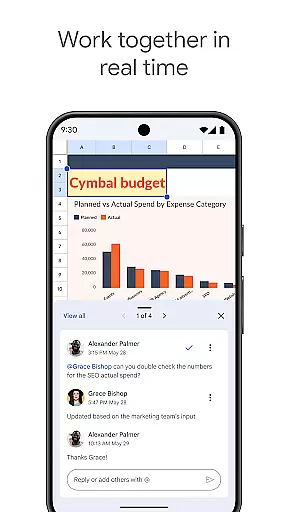
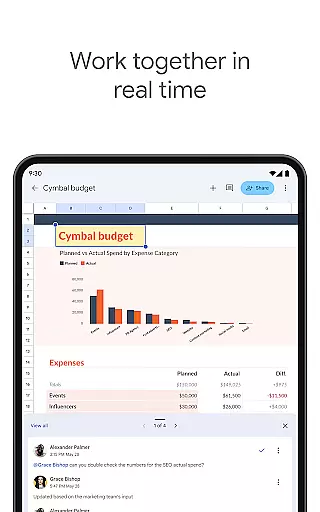
Google Sheets stands out with its robust feature set tailored for productivity. The app allows users to create new spreadsheets or edit existing ones with ease. Its collaboration capabilities are exceptional - multiple users can work on the same document in real time, making it ideal for team projects.
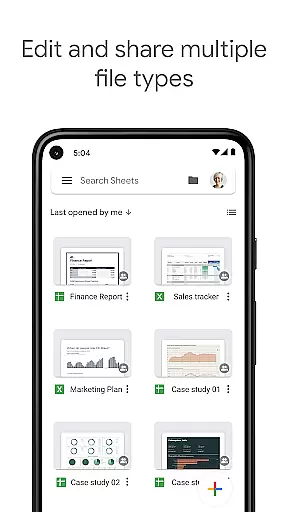
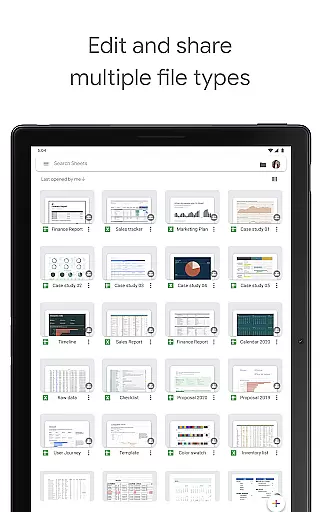
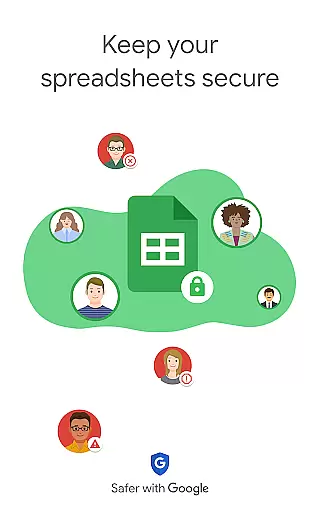
Beyond basic spreadsheet functions, Google Sheets offers advanced features like smart suggestions that help users quickly insert charts and apply formatting. The app supports seamless integration with Excel files and provides enterprise-level security for sensitive data. With offline access and automatic saving, users can work confidently knowing their data is safe and up-to-date.
For Google Workspace subscribers, additional premium features become available, including AI-powered insights and custom solution building capabilities. These features make Google Sheets not just a spreadsheet application, but a comprehensive tool for data analysis and team collaboration.
Google Sheets revolutionizes core task management by providing a versatile platform for organizing, tracking, and completing tasks efficiently. With its intuitive interface, users can create detailed spreadsheets that serve as task lists or project trackers.
The application allows for real-time updates and collaboration, ensuring that every team member is on the same page. This feature is crucial for task management as it enables seamless communication and immediate feedback, which are essential for maintaining project timelines and productivity.
Moreover, Google Sheets offers smart suggestions and automation tools that help streamline repetitive tasks. These capabilities not only save time but also reduce the likelihood of human error, making task management more reliable and efficient.
Cross-device synchronization is a cornerstone of Google Sheets, ensuring that your data is always up-to-date across all devices. Whether you're switching from your phone to a tablet or a desktop, you can be confident that your spreadsheets will be current and accessible.
This reliability is powered by Google's robust cloud infrastructure, which automatically saves every change you make. This means you never have to worry about losing your work due to device failure or connectivity issues, providing peace of mind and continuity in your workflow.
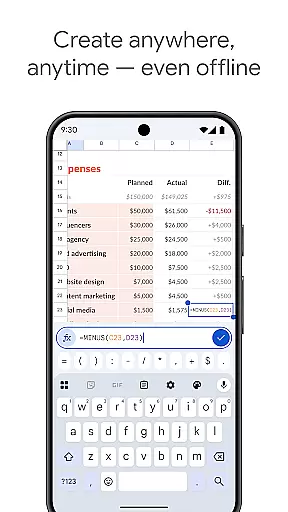
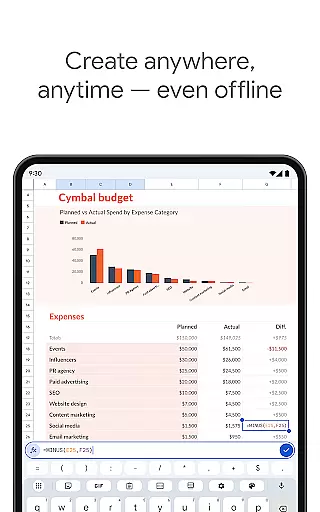
Additionally, offline access further enhances synchronization reliability. You can create, view, and edit files even without an internet connection, with changes syncing automatically once you're back online. This flexibility ensures that your productivity remains uninterrupted, regardless of your location or network availability.
User-friendly interface
Real-time collaboration
Automatic saving
Offline access
Seamless Excel integration
Limited advanced features
Requires internet
Occasional sync issues
Basic chart options
Ads in free version

Total remote control for your Android device, PC and cloud services (IFTTT)!
 4.20
4.20
Mega cloud explorer plugin for Solid Explorer
3.80
Professional calendar app for Google Calendar, MS Outlook & Exchange
4.20
Smart PDF reader & editor to view, organize and manage PDF documents easily.
3.70
The upgraded version of Name Wheel with AI and the power to add your own wheels.
4.0
Protect and view your important info on your phone and tablet with eWallet®
4.80
Easiest event planning, volunteer signups & parent teacher conference scheduling
2.20
Docker, Kubernetes management over Portainer Mobile
4.40
Set up, print, and get support—in one place
4.20
Seamlessly integrate data and reports to build your presentation to impress
4.80
We're working to become the best machining app on the market! www.cncdirt.com
4.80
Client for Nextcloud Deck
4.60
A lightweight JSON & XML files creator, editor and viewer (Premium Version)
4.40
Font maker keyboard with your own handwriting
4.10
Create and edit presentations with Google Slides, part of Google Workspace.
4.00
Ultimate Virtual AI Character for immersive Roleplay Chat. Perfect Companion
3.90
Auto-shutoff Alarm with Sunrise, Sunset & Fixed Options.
3.50
ID.me Authenticator is a simple and free Two Factor Authentication solution
3.50
Experience and share your SolidWorks designs on your Android® phone and tablet.
2.50


User Reviews