
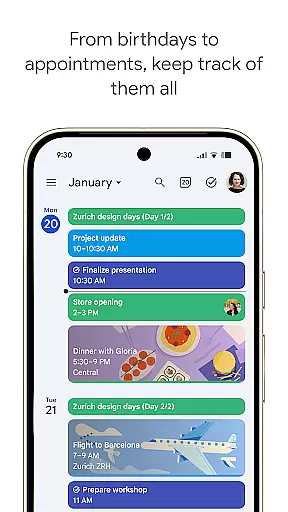
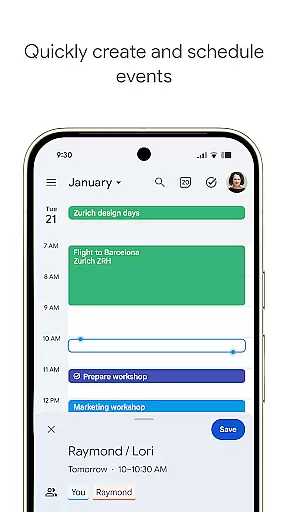
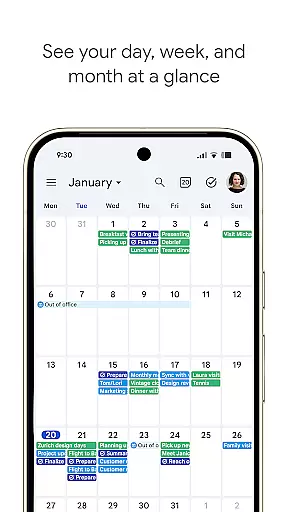
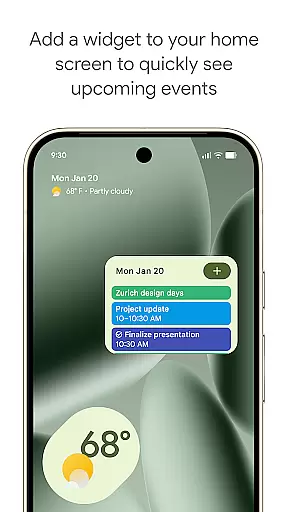
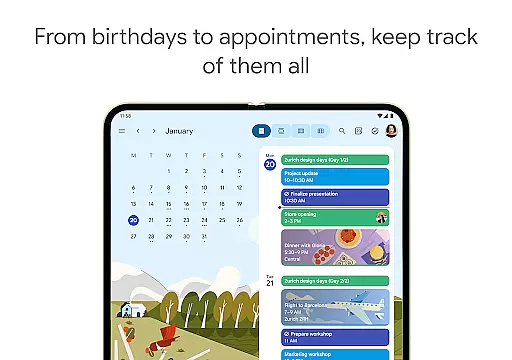
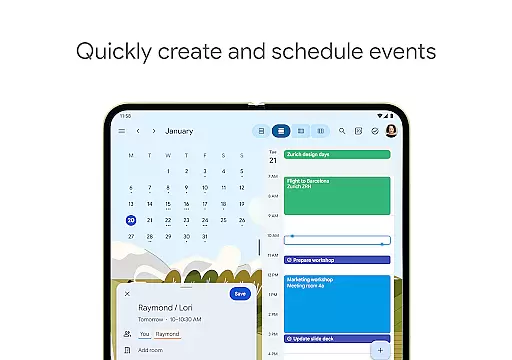
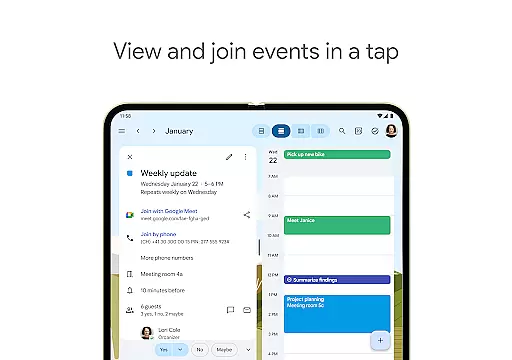
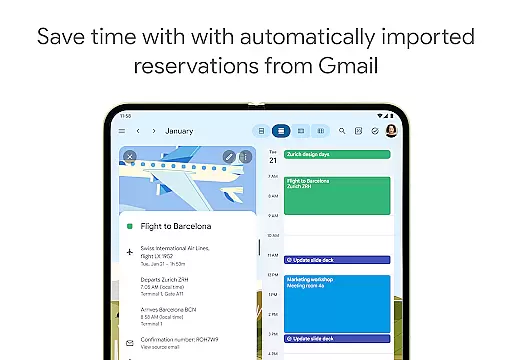
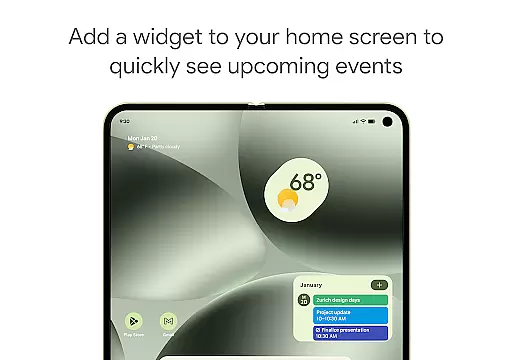
Google Calendar is the official calendar app designed for Android phones, tablets, and Wear OS devices. It helps users stay organized and plan their day efficiently. The app offers easy event creation, supports multiple calendars, and provides customizable views to suit individual preferences. With features like widgets and task management, it ensures you make the most of your day.
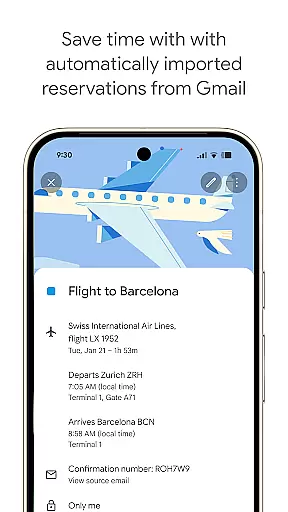
One of the standout capabilities of Google Calendar is its seamless integration with Gmail, automatically adding events such as flight details, hotel bookings, and restaurant reservations directly to your calendar. Whether you're switching between devices or collaborating with others, Google Calendar keeps all your schedules in sync when logged into the same Google account. This makes it an essential tool for both personal productivity and team collaboration.
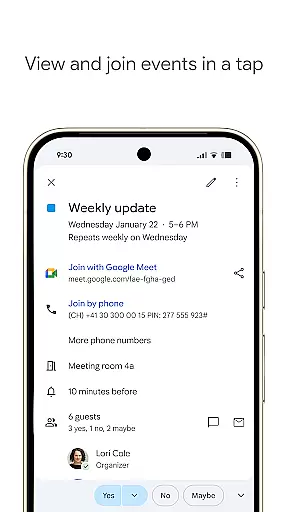
For professionals, Google Calendar is part of Google Workspace, enhancing hybrid work environments by integrating with tools like Google Meet. You can schedule meetings, check teammate availability, and even attach meeting notes directly within a calendar event. Its enterprise-level security ensures that your data remains protected, making it suitable for both individual and business use.
Google Calendar boasts a variety of features that cater to different user needs. One of its key functionalities is the automatic addition of events from Gmail, which includes travel, accommodation, and dining reservations. This feature saves time and reduces manual input errors, ensuring your calendar stays up-to-date effortlessly.
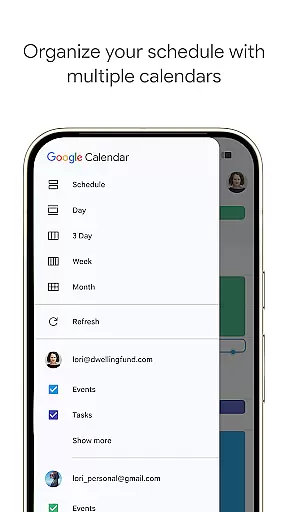
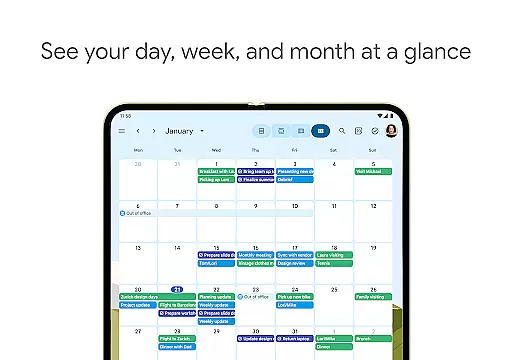
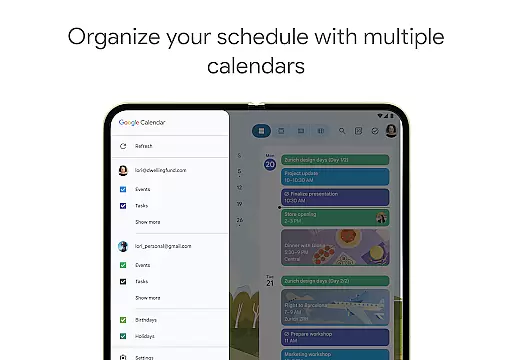
The app also supports shared calendars, allowing family, friends, and colleagues to view, add, or modify events collaboratively. Users can switch between month, week, and day views quickly, providing flexibility in how they manage their schedules. Additionally, Google Calendar integrates tasks alongside events, helping users stay on top of their to-do lists without needing separate apps.
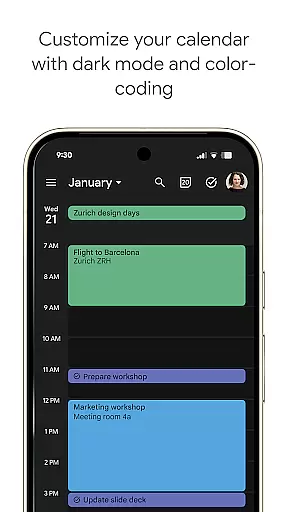
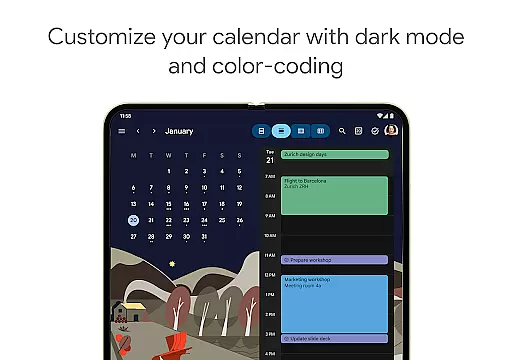
Customization options are abundant, with light or dark mode and color-coded events available to personalize your experience. For those on the go, Google Calendar on Wear OS devices supports tiles and complications, keeping you informed at a glance. As part of Google Workspace, it facilitates hybrid work environments by enabling video calls through Google Meet and offering professional booking pages, making it a versatile tool for modern workspaces.
Companion app integration is essential for users who want a seamless experience across multiple devices. Google Calendar excels in this area by ensuring that all your events, tasks, and reminders are synchronized effortlessly between your Android phone, tablet, and Wear OS device. This synchronization allows you to start planning on one device and continue on another without missing any details.
The integration works by logging into the same Google account on all your devices. Once logged in, Google Calendar automatically updates in real-time, ensuring that any changes made on one device are immediately reflected on all others. This feature is particularly beneficial for users with busy schedules who need constant access to their calendar, no matter where they are or what device they are using.
Moreover, Google Calendar's companion app integration extends to its web version, providing a consistent experience whether you're on a mobile device or a desktop computer. This ensures that you can always access your schedule, create new events, or modify existing ones, regardless of the platform you choose to use at any given moment.
By offering robust companion app integration, Google Calendar not only enhances user convenience but also boosts productivity. Users can manage their time effectively, ensuring they never miss an important meeting or event, thus making the most out of their day.
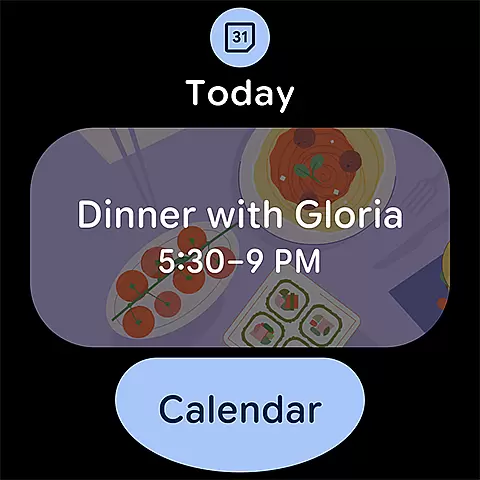
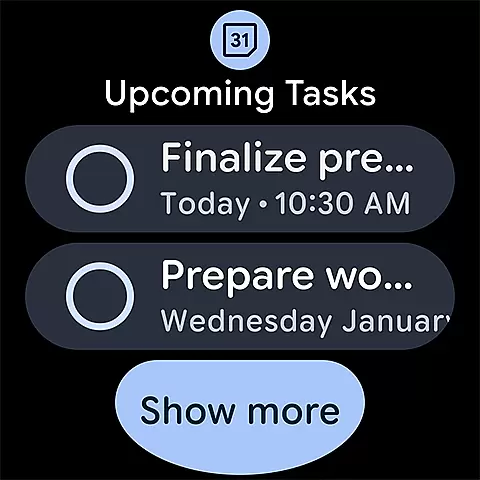
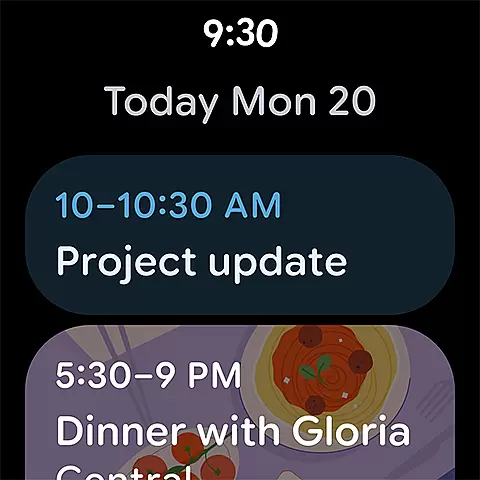
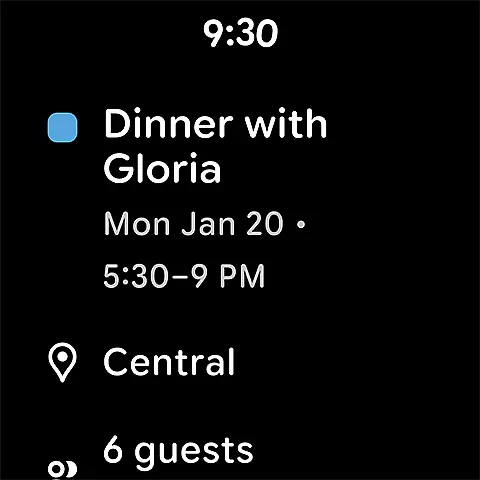
Wear OS/device compatibility is crucial for users who rely on smartwatches to keep track of their daily activities and schedules. Google Calendar offers excellent support for Wear OS devices, allowing users to view their events and tasks directly on their smartwatches. This compatibility ensures that even when you're on the go, you have quick and easy access to your schedule without needing to pull out your phone.
The Wear OS compatibility includes features such as tiles and complications, which provide at-a-glance information about upcoming events or tasks. These features are designed to be glanceable and interactive, enabling users to stay informed about their schedule with minimal effort. For instance, you can set up a complication on your watch face that shows your next meeting, helping you stay punctual and prepared.
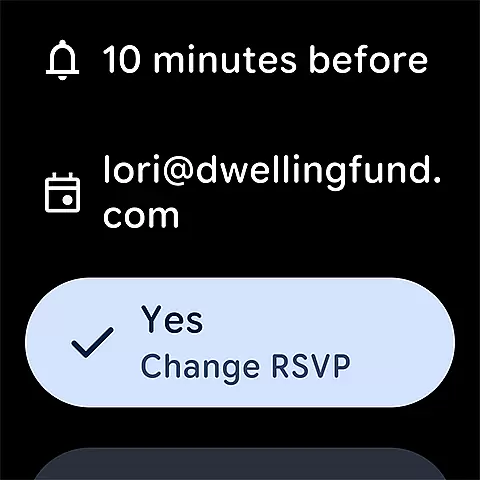
In addition to viewing events, Google Calendar on Wear OS supports managing tasks and setting reminders. This means you can add new tasks or check off completed ones directly from your wrist, streamlining your task management process. The ability to interact with your calendar in this way enhances the overall user experience, making it more convenient and efficient.
Google Calendar's commitment to Wear OS/device compatibility underscores its dedication to providing a comprehensive and versatile scheduling solution. By ensuring that users can access and manage their calendar on their smartwatches, Google Calendar helps maintain productivity and organization throughout the day, no matter where you are.
User-friendly interface
Seamless Gmail integration
Robust sharing capabilities
Flexible viewing options
Enterprise-level security
Limited offline functionality
Occasional sync issues
Basic task management
No built-in reminders
Ads in free version

Watch the sharpness of the sky on your wrist..
 3.70
3.70
Christmas - Festive - Christmas Village - Winter - Christmas lights
5.00
Animated Watch Face and Customizable with 24 Backgrounds. Perfect for Christmas!
3.90
Beautiful, colorful and practical watch face. For Wear OS devices.
5.00
3 Complications. All shadow on/off. 30 Themes color palette...
4.1
Real-time results, stats, schedules and player profiles for all leagues
4.60
Professional weather radar and more
3.90
Connect, create, and collaborate with Gmail, part of Google Workspace.
4.10
From periods to pregnancy & perimenopause, Flo helps you track it all. Try now.
4.70
Hyperlocal rain alerts by MyRadar using patent-pending technology, radar & more
4.80
The Chevron App allows you to pay for fuel from the comfort of your car!
4.80
Simple, helpful messaging by Google
4.60
Beautiful artistic animated digital watch face, with a customizable layout!
4.40
Bold weather Digital watchface with forecast & optional animated background
4.40
Animated video-game inspired “secret agent” simulation, right on your wrist!
4.20
The #1 source of faces for your smartwatch!
4.00
A full-featured Amazon Alexa voice assistant that can show you things.
3.70
Stay in touch with your friends and family using LINE!
3.40
Funny animated watch face for Thanksgiving
4.4


User Reviews