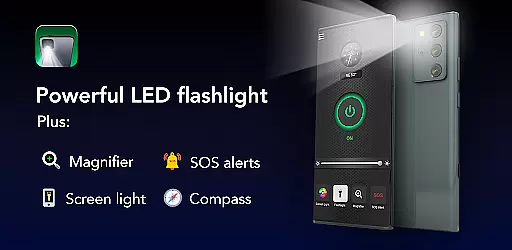
Brightest Flashlight Launcher is a versatile tool that transforms your smartphone into an essential utility device. This feature-packed app provides users with instant access to a powerful flashlight, magnifying glass, and various personal safety tools. Whether you're navigating dark environments, reading fine print, or need emergency assistance, this app delivers reliable solutions.
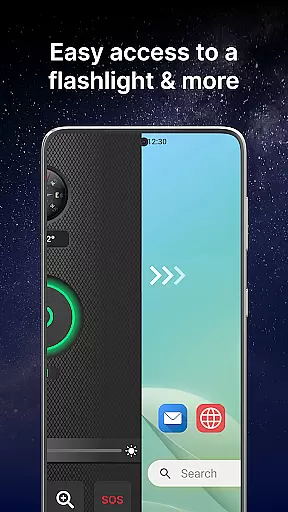
The application revamps your home screen to offer one-swipe access to critical features like the compass, SOS alerts, and screen light. With added functionalities such as customizable widgets, themed wallpapers, and multi-touchpoint search capabilities, it enhances both convenience and personalization. These features make it an indispensable tool for everyday use and unexpected situations.
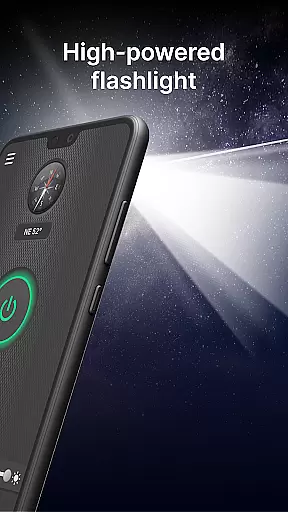
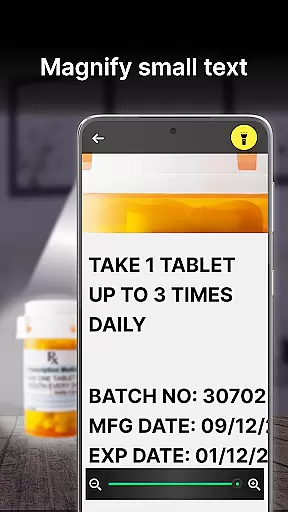
Brightest Flashlight Launcher stands out with its comprehensive set of features designed for practicality and ease of use. The app's brightest flashlight function allows users to illuminate their surroundings instantly, making it ideal for nighttime navigation or finding lost items. Coupled with the magnifier feature, which includes adjustable zoom and brightness control, users can easily read small text or examine objects in detail.
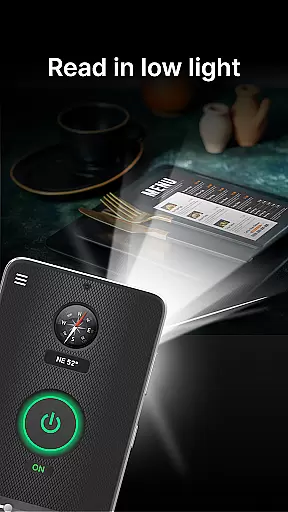
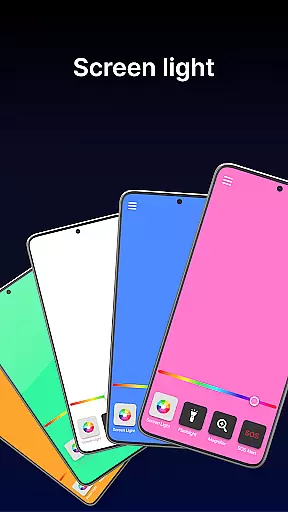
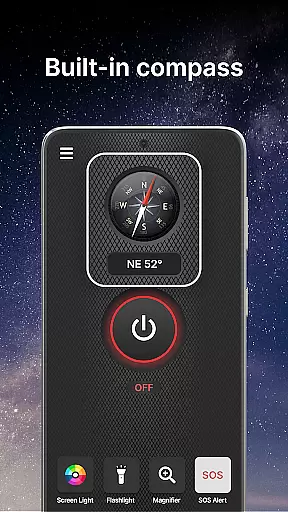
In addition to lighting solutions, the built-in compass ensures users never lose direction during outdoor activities. For emergencies, the SOS alert system can flash signals visible from afar, providing peace of mind when help is needed most. Furthermore, the screen light functionality turns the phone display into a secondary light source, perfect for low-light conditions where additional visibility is required.
Flashlight Launcher stands out for its precision and reliability in delivering essential utility functions. The app's core flashlight feature is engineered to provide the brightest illumination possible using your smartphone's hardware capabilities.
The magnifier tool demonstrates exceptional accuracy by combining a zoom function with adjustable brightness, making it suitable for reading fine print or examining objects in low-light conditions. Its built-in compass delivers accurate directional data, ensuring users can navigate confidently during outdoor activities.
Each feature has been optimized for instant access and responsiveness. Whether activating the SOS alerts or using the screen light, users experience minimal delay, which is crucial during emergencies or urgent situations.
This commitment to functional accuracy ensures that all tools perform as expected under various circumstances, providing users with a dependable utility app they can rely on daily.
Flashlight Launcher excels in offering an intuitive and user-friendly interface that simplifies access to critical tools. Upon installation, users are greeted with a revamped home screen layout designed for one-swipe access to essential features like the flashlight, magnifier, and safety tools.
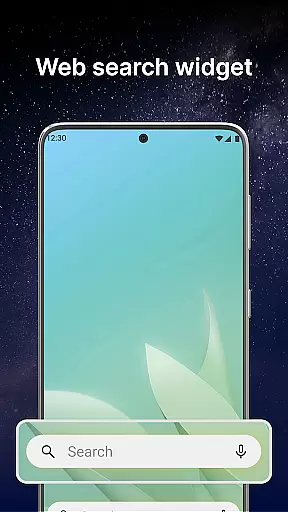
The app includes a customizable widget displaying time, weather, and quick-access buttons, streamlining user interaction without cluttering the screen. This thoughtful design reduces the learning curve typically associated with launcher apps.
Shortcut placement on the home screen enables fast access to frequently used functions, while multi-touchpoint search options make finding installed apps or web searches effortless. These elements combine to create an environment where users can focus on their tasks rather than navigating complex menus.
By prioritizing interface simplicity, Flashlight Launcher ensures that users of all technical backgrounds can operate its powerful tools efficiently and effectively.
User-friendly interface
Comprehensive safety tools
Instant access to features
Customizable home screen
Reliable performance
Home screen layout changes
Requires permissions
May drain battery faster
Limited design options
Potential learning curve

 4.50
4.50
FV File Manager Pro, Fast and powerful file manager for Android
4.60
This app unlocks the Pro features of the Central for DayZ app
3.60
Family Locator, Share location, StayConnect with your family in real time
3.90
App to pay for FUTO Keyboard
4.60
Fast Video Downloader, Movie Downloader, Torrent Downloader & Adblock Browser
4.70
The Ultimate Flex Drivers Utility App - Convenient Tapping & Block Filters
4.70
Button mapper, mouse toggle, sleep timer and a lot of another features
4.50
fast and easy mp3 music downloader
4.80
Remote Play with FSR upscaling, low latency & full controller support
4.80
The one-and-only remote control for PC, Mac, and Linux
4.70
Screen Mirroring for Roku Sticks, Roku TCL TV and Roku Hisense TV
4.50
Carry a FTP server in your pocket and avoid USB cables for file transfer
4.20
Effortlessly run ADB commands directly on your device without a PC.
4.20
Screen Mirroring with sound for Samsung TV, LG TV, Sony TV, Smart TV and Browser
4.20 4.10
4.10
View detailed information about your Nissan Leaf the dealer never shows you.
4.10
Create your own live wallpaper or check out thousands already made presets
3.90
Unlock your Essential Key. Create custom shortcuts to your favorite apps!
4.0


User Reviews