
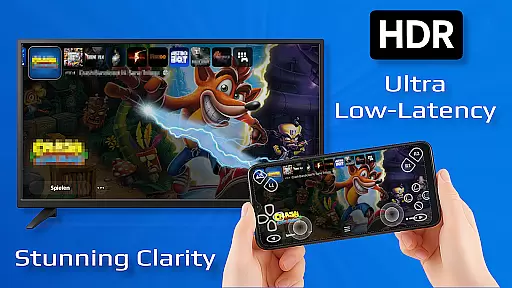
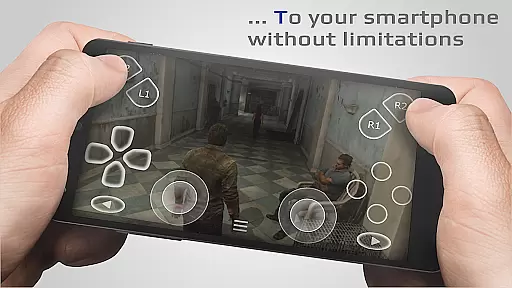
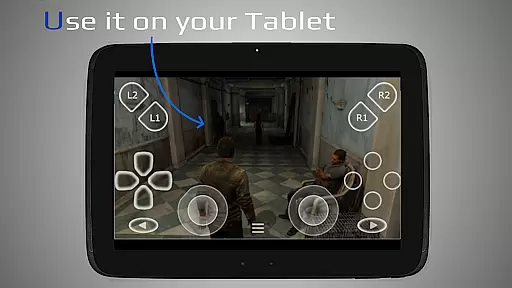
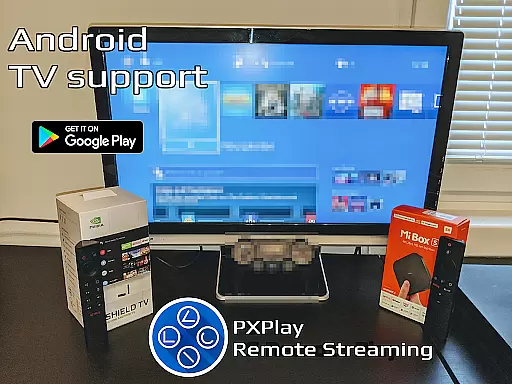
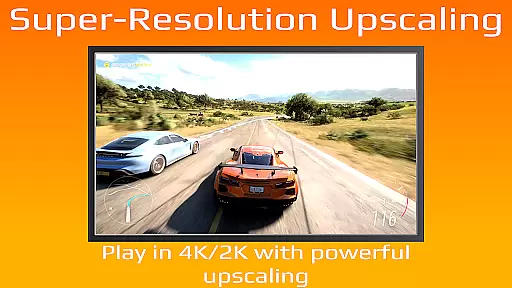
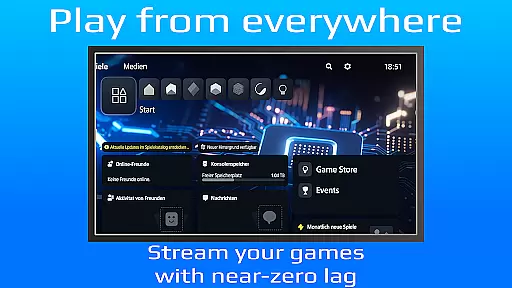
PXPlay is a powerful remote control application designed for gaming enthusiasts who want to access their gaming devices without limitations. The app enables seamless remote play functionality, allowing users to stream and control their games from anywhere. With support for third-party controllers, mobile data connections, and various Android devices including Android TV, PXPlay ensures a versatile and optimized gaming experience.
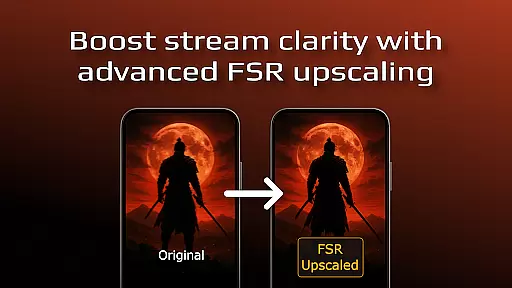
The application stands out with its advanced features like FSR upscaling for enhanced video quality, customizable onscreen gamepad layouts, and Picture-In-Picture mode for multitasking. Whether you're using a rooted device or require low-latency streaming, PXPlay delivers an exceptional performance tailored to meet the needs of modern gamers.
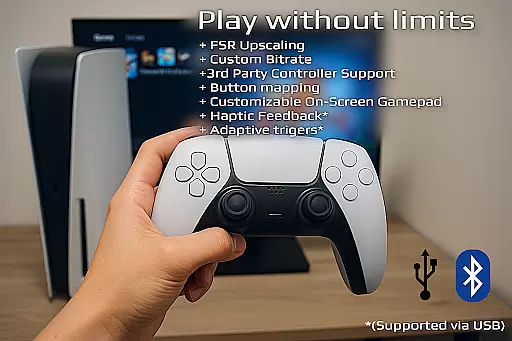
PXPlay offers an impressive array of features that cater to both casual and hardcore gamers. One of its standout capabilities is the support for third-party controllers across all Android devices, ensuring compatibility regardless of your hardware setup. Additionally, the app allows users to register multiple profiles and customize button mapping, providing a personalized gaming experience.
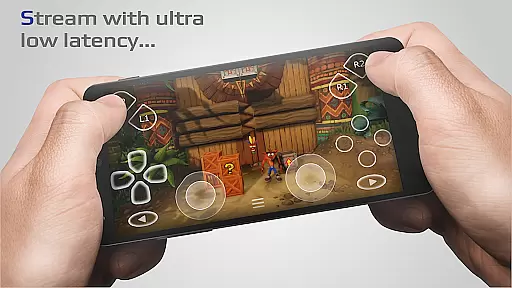
Another key feature is the app's optimization for minimal latency, making it ideal for competitive gaming. PXPlay also supports older firmware versions starting from 5.05, while offering modern functionalities like Picture-In-Picture mode and Multi-Window support. These innovations ensure that users can enjoy uninterrupted gameplay sessions with the flexibility to manage other tasks simultaneously.
PXPlay excels in delivering core functionalities that are both accurate and effective, ensuring users can remotely control their gaming devices with minimal latency. The app supports third-party controllers across all Android devices, enhancing its versatility and user accessibility.
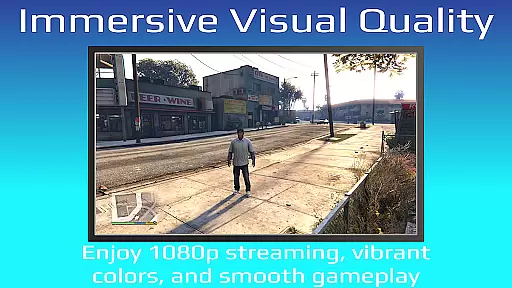
One of the standout features is the support for FSR upscaling and sharpening, which significantly enhances video quality during streaming sessions. This ensures that users enjoy a high-quality visual experience even when they are away from their gaming setups.
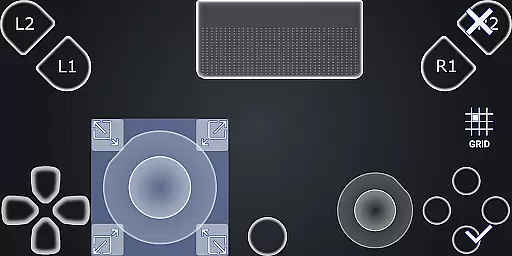
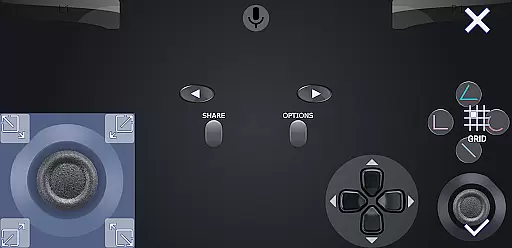
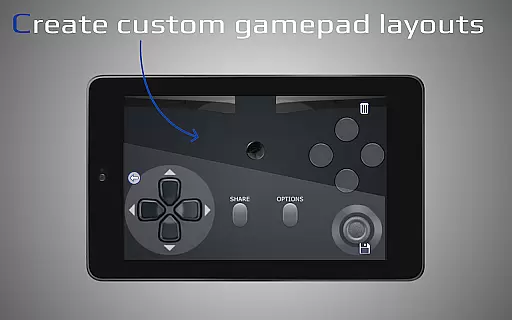
The application also allows for customization of onscreen gamepad layouts and button mapping, providing tailored experiences that cater to individual preferences. These customizations ensure that users can optimize their controls for different games, improving overall gameplay performance.
Furthermore, PXPlay's compatibility with rooted devices and older firmware versions starting from 5.05 underscores its commitment to inclusivity and broad device support. Users benefit from consistent updates and troubleshooting resources available through community channels, ensuring sustained functionality and reliability.
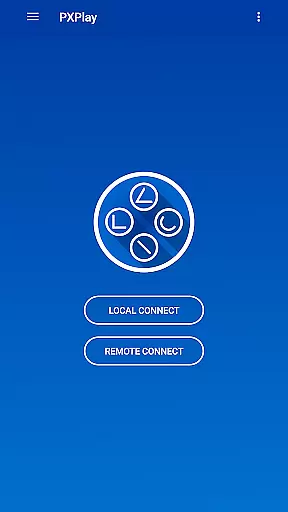
PXPlay offers an intuitive and straightforward interface that simplifies the remote gaming experience. With easy connection setup processes, users can quickly start streaming from their gaming devices without hassle.
The app supports advanced features like Picture-In-Picture mode and Multi-Window functionality, which require Android 8.0 or newer and Android 7.0 or newer respectively. These features enhance multitasking capabilities, allowing users to manage multiple tasks simultaneously while gaming.
Additionally, PXPlay provides comprehensive hardware recommendations such as dual-core CPU, 2 GB RAM, and 1024 u00d7 768 display resolution, ensuring optimal performance. A stable internet connection via wired means for the gaming device and a 5GHz WiFi network further reduce delays, contributing to a seamless user experience.
By integrating these elements within a clean design framework, PXPlay ensures that even novice users can navigate and utilize its powerful features effectively, making remote gaming accessible to a wider audience.
Low-latency streaming
Third-party controller support
Customizable gamepad layout
Picture-In-Picture mode
Multi-Window functionality
Requires stable internet
Firmware compatibility issues
Account login problems
No offline mode
High system requirements

Quickly switch to an encrypted DNS server on Android TV
 4.50
4.50
Just one-tap to easy translate in any language after calls within seconds.
4.20
Complete kernel toolbox with features to manage and tweak your rooted device
4.30
Family Locator, Share location, StayConnect with your family in real time
3.90
Canon PRINT is a companion app for your Canon printer.
4.60
An easy-to-use calculator designed to save time calculating and bending conduit
4.30
View detailed information about your Nissan Leaf the dealer never shows you.
4.10
Fast Video Downloader, Movie Downloader, Torrent Downloader & Adblock Browser
4.70
A simple app to back up and restore SMS & MMS messages and call logs.
4.10
Connect wirelessly to your computer to watch movies, browse the web, play games
5.00
Learn the vast amount of system information about device and monitor it's state
4.70
NFC Tools can read and write NFC tags.
4.70
Keep track of your Palia friendships, tasks, and inventory with Palia Notebook
4.60 4.50
4.50
Fluid navigation gestures for all of us!
4.30
VESC Tool can monitor and configure VESC-compatible devices over BLE and Wifi
4.20
Screen Mirroring with sound for Samsung TV, LG TV, Sony TV, Smart TV and Browser
4.20
Introducing Smart Printer, your ultimate destination for printing solutions!
4.00
1-Click close all background apps on Android TV
3.90


User Reviews