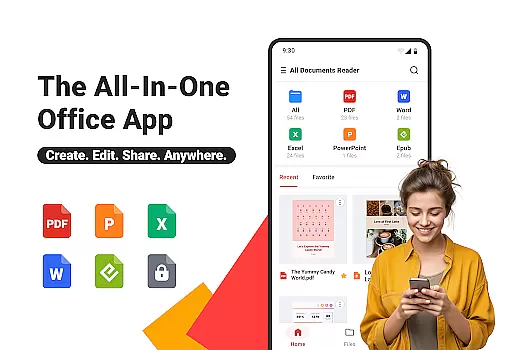
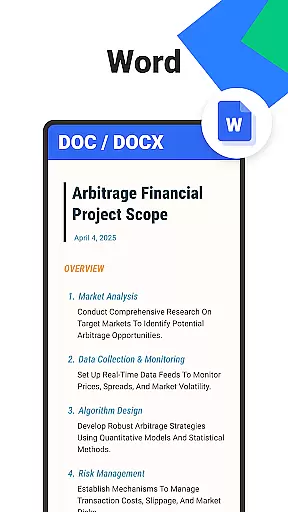
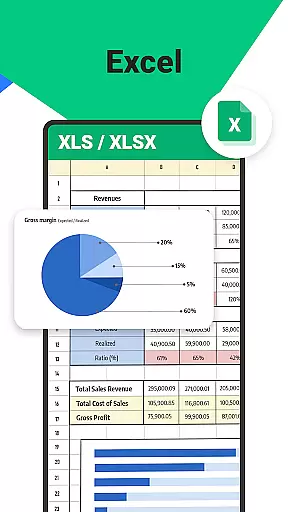

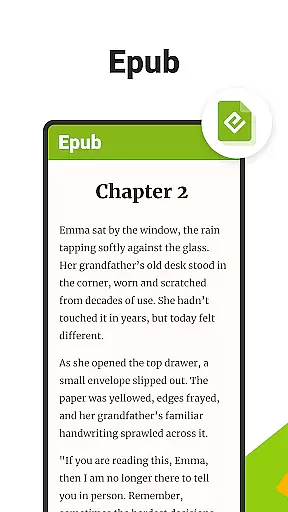
All Documents Reader is a versatile document management tool designed to streamline how you view, edit, and organize digital files. Supporting an extensive range of formats including PDF, Word, Excel, PowerPoint, and EPUB, this app serves as your all-in-one solution for document handling.
With its centralized access feature, users can conveniently browse and preview all their files in one place. The app also offers advanced PDF tools such as merging, splitting, form-filling, and AI-powered summarization. Whether for work, study, or personal use, All Documents Reader provides an optimized reading experience with customizable viewing options and automatic file categorization.
This app is particularly beneficial for professionals managing Microsoft Office files and students handling academic documents. Its offline functionality ensures uninterrupted access, while the privacy-first design keeps all your data secure on your device.
All Documents Reader stands out with its comprehensive set of features tailored for efficient document management. One of its key strengths is the multi-format support, allowing users to open PDFs, Word, Excel, PPT, and ePub files effortlessly.
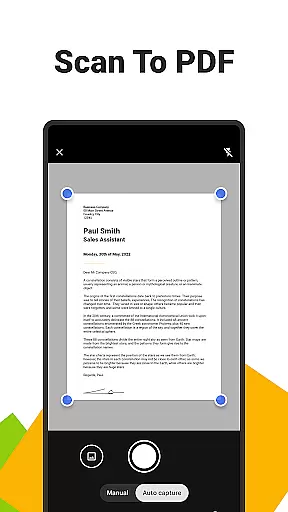
The app's PDF toolkit is especially robust, offering functionalities like scanning to PDF, AI-based summarization, encryption, and format conversion. These tools enable users to not only read but also manipulate and enhance their PDF documents according to their specific needs.
Organization is made simple through intuitive navigation and automatic categorization by file type. Users can quickly search for documents and return to recently viewed files with ease. The app's optimized reading experience includes various viewing modes, making it suitable for both detailed reports and leisure reading.
Ora All Documents Reader excels in delivering accurate and effective core functionalities that cater to diverse document management needs. The app supports an extensive range of file formats including PDF, Word, Excel, PowerPoint, and EPUB, ensuring that users can view and manage virtually any digital document with precision.
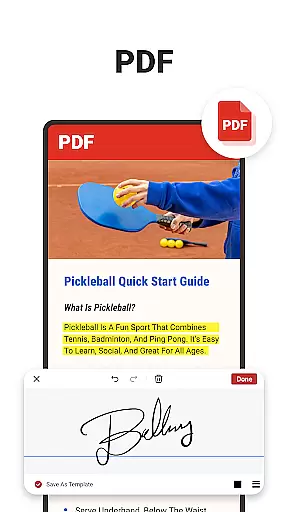
One of the standout features is its comprehensive PDF tools. Users can read, highlight, annotate, merge, split, fill forms, and even sign documents effortlessly. This all-in-one approach guarantees that every action taken within a PDF is executed flawlessly, maintaining the integrity and quality of the original document.
In addition to handling PDFs, Ora provides versatile file organization capabilities. With centralized access and smart search functionalities, locating specific files becomes a seamless task. Automatic categorization further enhances this experience by organizing files based on their format, thus streamlining navigation and retrieval processes.
The interface design of Ora All Documents Reader emphasizes simplicity and intuitiveness, making it accessible for users of all technical backgrounds. Upon opening the app, you're greeted with an intuitive layout where all essential functions are easily accessible, promoting ease of use without compromising on advanced features.
Navigation within the app is straightforward, allowing users to quickly search for documents either by name or type. Recent files are readily available, ensuring that users can return to their ongoing tasks without hassle. This logical arrangement reduces the learning curve typically associated with multifunctional applications.
Moreover, the reading experience itself has been optimized for user comfort. Customizable viewing options such as horizontal and vertical modes provide flexibility depending on the content being viewed. Whether it's detailed reports or leisurely reading materials, Ora ensures that each session is comfortable and engaging, enhancing overall productivity and satisfaction.
User-friendly interface
Multi-format support
Advanced PDF tools
Offline functionality
Privacy-focused design
Limited cloud integration
No collaboration features
Basic editing capabilities
Occasional performance lags
Premium features require subscription

Quickly switch to an encrypted DNS server on Android TV
 4.50
4.50
1-Click close all background apps on Android TV
3.90
Use your phone as a webcam on your computer over WiFi or USB.
4.40
eXtended Permission Manager - a small app to manage permissions and AppOps
4.50
An open-source APK explorer for Android!
4.10
ADB support Android 4.X-Android 13(Support wireless pair mode).No root required!
4.70
Forza Tuning Calculator App for Forza Horizon 5, Motorsport and Earlier Titles
4.40
Effortlessly run ADB commands directly on your device without a PC.
4.20
MS-DOS in your pocket. Play old DOS games anywhere you are ;)
4.10
Change your GPS location instantly. Simulate routes anywhere in the world.
4.90
Monitor car performance in real time and troubleshoot malfunctions.
4.80
The Ultimate Flex Drivers Utility App - Convenient Tapping & Block Filters
4.70
Fluid navigation gestures for all of us!
4.30
Just one-tap to easy translate in any language after calls within seconds.
4.20
Carry a FTP server in your pocket and avoid USB cables for file transfer
4.20
Detect hidden spy camera with advanced scanning {{ Premium version }}
4.00
Amateur Radio app for APRS: Track friends, exchange messages, get tactical info.
3.90
Fun lie-detection pranks for friends and parties.
3.80
Save any video in HD - paste the link, download fast and watch offline.
4.3


User Reviews