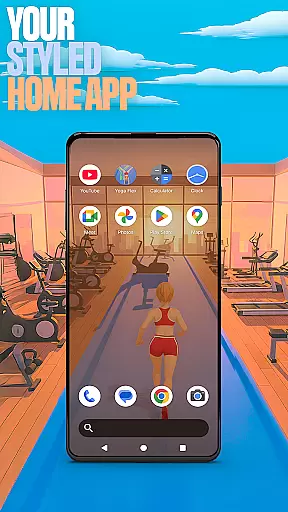

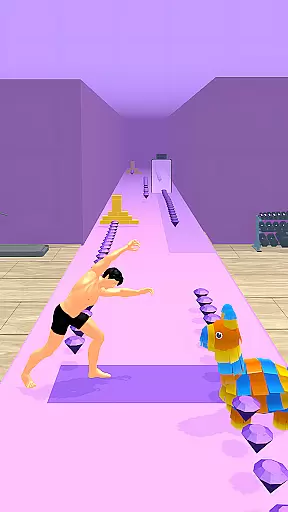
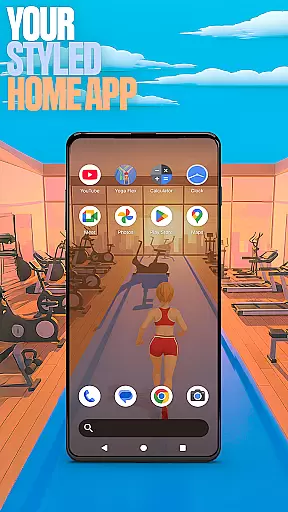

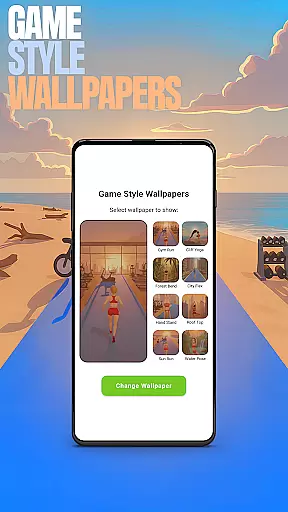
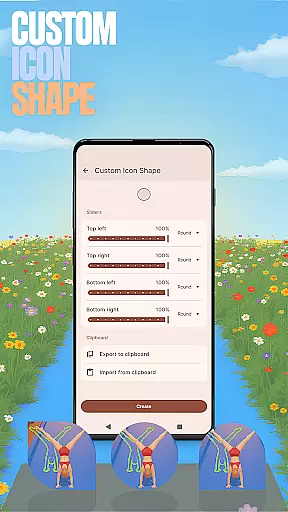
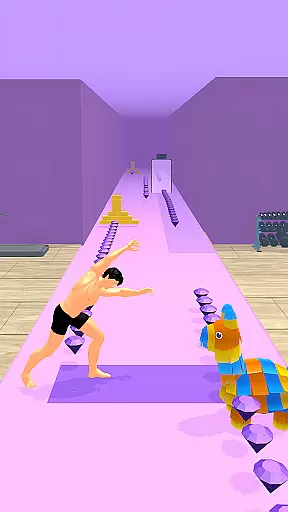
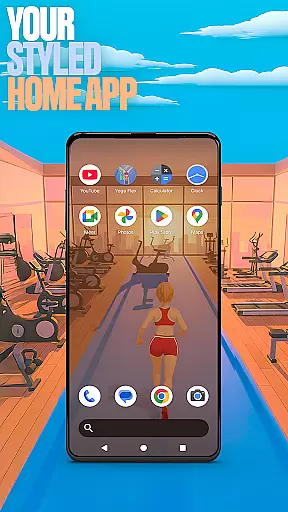

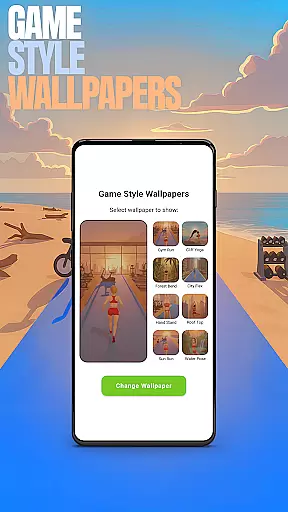
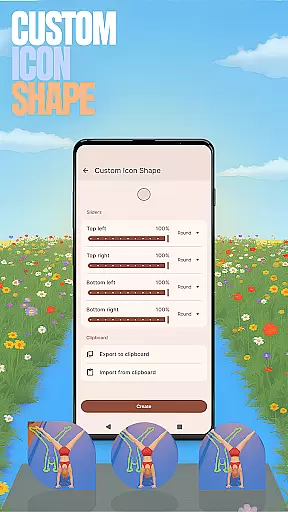
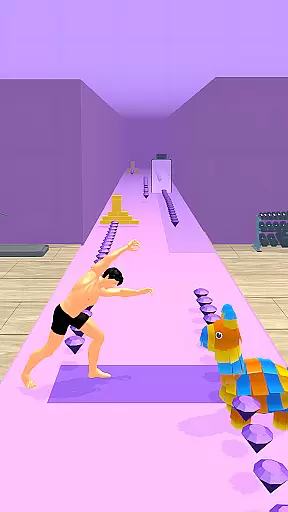
Yoga Flex Home App is a dynamic personalization tool designed to transform your device's home screen into a personalized hub. This app allows users to customize their interface with unique game-style wallpapers inspired by the Yoga Flex game, creating an engaging visual experience. Users can also modify icon shapes and apply intuitive gesture controls for seamless navigation.
The app offers practical features like app hiding functionality, giving users control over their privacy while maintaining a clutter-free home screen. With customizable accent colors and flexible layout options, it provides complete creative freedom. Whether you're looking to enhance productivity or simply want a more playful interface, Yoga Flex Home App delivers both functionality and fun in a single package.
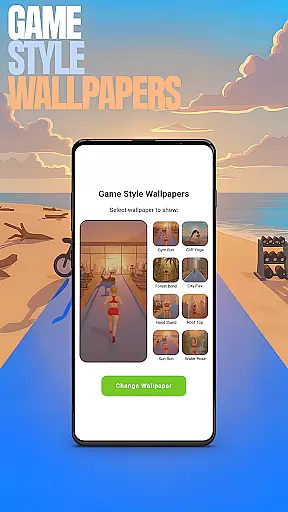
Yoga Flex Home App stands out with its innovative combination of personalization tools and gaming-inspired design elements. The Game Style Wallpapers feature lets users select from a variety of vibrant, yoga-themed backgrounds that bring personality to any device. Through simple long-press gestures on the home screen, users can access these customization options effortlessly.
One of the app's key strengths is its Custom Gestures functionality, which enables quick access to frequently used apps or settings through swipe or tap commands. Additionally, the Hide Apps feature ensures privacy by allowing users to conceal sensitive applications. These capabilities, combined with adjustable icon shapes and accent color settings, create a truly tailored user experience that blends aesthetics with practicality.
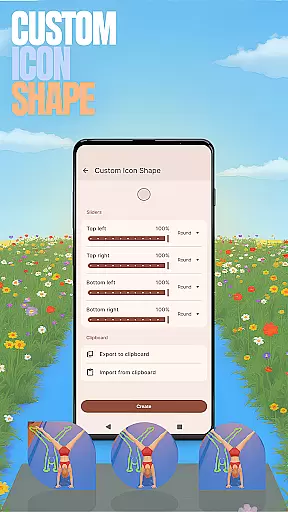
Customization is at the heart of the Yoga Flex Home App, offering users a wide array of options to tailor their device's interface to their personal tastes. With features like Game Style Wallpapers and Custom Icon Shapes, users can create a home screen that reflects their unique style and preferences.
The app allows for an unprecedented level of personalization through intuitive gestures and accent color settings. Users can define custom gestures for easier navigation and select from various accent colors to give their device a distinct look and feel. This flexibility ensures that each user's experience is as individual as they are.
By providing these customization options, Yoga Flex Home App not only enhances the aesthetic appeal of devices but also improves usability. The ability to hide apps adds a layer of privacy, allowing users to maintain control over their digital space while enjoying a personalized and secure environment.
Theme compatibility in the Yoga Flex Home App ensures that all customizations, from wallpapers to icon shapes, integrate seamlessly with the deviceu2019s existing system. This compatibility allows for a cohesive visual experience that maintains the integrity of the design elements across the user interface.
Users can switch between different themes without losing their personalized settings, thanks to the app's robust compatibility framework. Whether opting for a vibrant or minimalist theme, the transition is smooth, preserving the user's preferred layout and style choices.
This seamless integration extends to functional aspects as well, ensuring that custom gestures and hidden apps work flawlessly regardless of the chosen theme. Such reliability empowers users to experiment with various looks and functionalities, knowing their custom settings will remain intact and operational.
Highly customizable
Intuitive gesture controls
Unique game-style themes
Privacy-focused features
Vibrant visual design
May overwhelm new users
Limited default options
Requires manual setup
Some features feel gimmicky
Occasional performance lags

Customizable Glass widgets. Over 360+ stunning widgets and more!
 4.70
4.70
Transform your phone with Launcher iOS 26 - Smooth & elegant iOS experience
4.50
AI-powered Copilot. Personalized keyboard with gifs, stickers & themes
4.40
Shimeji adds cute animated characters to your screen, lively and fun.
4.70
The definitive Icon pack maker and editor
4.30
Ultimate Gallery Lock App - Hide Pictures, Videos and Lock Apps Instantly!
4.60
Embrace the Night. Unleash the power of darkness with Raven Dark Icon Pack
4.60
Choose your keyboard with RGB colors effect, themes, fonts, emojis.
4.60
Create stunning widgets with Widget 2026: Aesthetic Widgets for Android!
4.60
300+ Stunning and well-designed widgets inspired by NOTHING.
4.70
Unique Fonts, typefaces and stylish text. Fonts for Instagram, Whatsapp & others
4.20
Customizable flower power digital watch face for Wear OS watches.
4.00
Create unique, fun emojis with Funny Emoji Maker! Unlimited creativity!
4.00
Ultimate widget creator. Design custom widgets for a truly unique home screen!
3.90
Adaptive Dot Style IconPack with Light & Dark Theme.
3.70
Adorable pets roam and play right on your phone screen!
3.30
Struggling to find apps? Use this app to locate and open any app on your phone!
2.20
Custom edge gestures for volume control, brightness, apps, and shortcuts.
4.1
Modern Glass Icon Pack with glossy icons, clean minimal theme & aesthetic style
4.3


User Reviews