
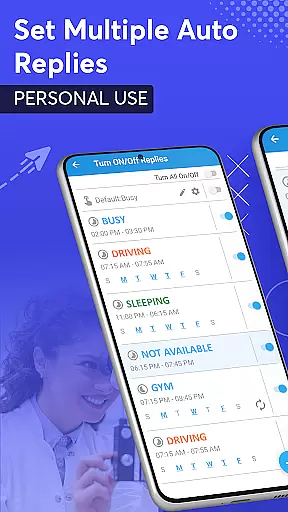
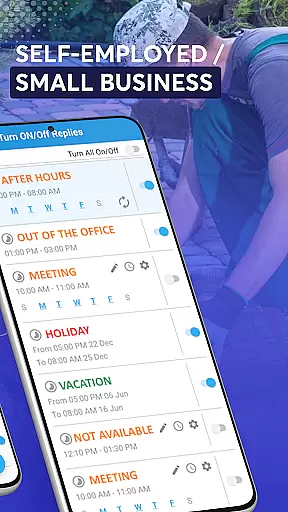
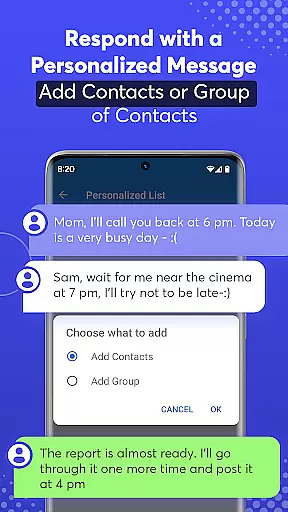
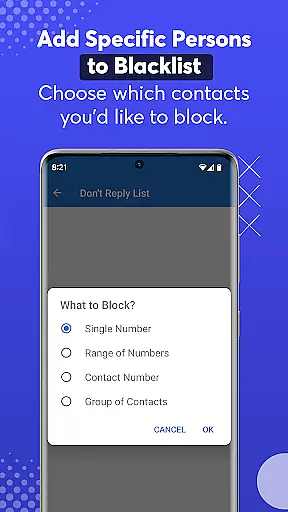
SMS Auto Reply is a comprehensive communication tool designed to streamline your messaging experience. This app enables automatic responses to incoming messages across multiple platforms including SMS, WhatsApp, Facebook, and more. Whether you're driving, in a meeting, or simply need some quiet time, SMS Auto Reply ensures that your contacts are informed of your current status without requiring your direct intervention.
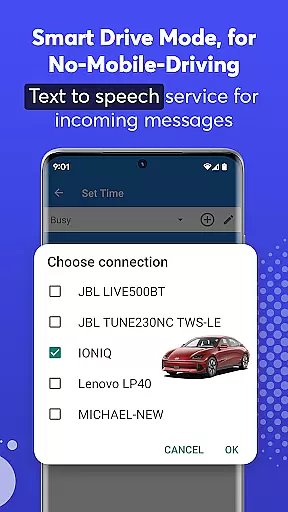
The application supports various customization options, allowing users to tailor auto-replies based on specific criteria such as time of day, contact lists, or even Bluetooth connectivity. With features like Text-to-Speech (TTS), it enhances safety by reading out incoming messages aloud, ensuring you stay informed while keeping your focus elsewhere. The Smart Drive Mode further exemplifies its utility by automatically activating when connected to a car's Bluetooth, promoting safer driving practices.
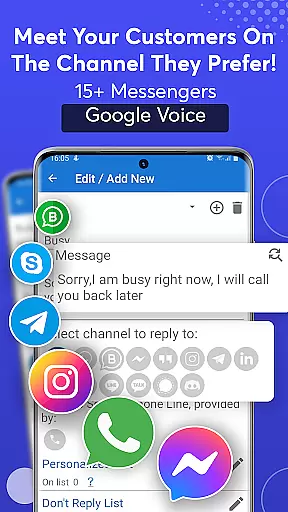
One of the standout features of SMS Auto Reply is its ability to handle multiple messaging platforms seamlessly. It provides automated replies not only for standard SMS but also for popular apps like WhatsApp, Facebook Messenger, Telegram, and others. Users can create personalized auto-reply messages for different scenarios, such as being in a meeting or sleeping, and even set these to activate at specific times or days.
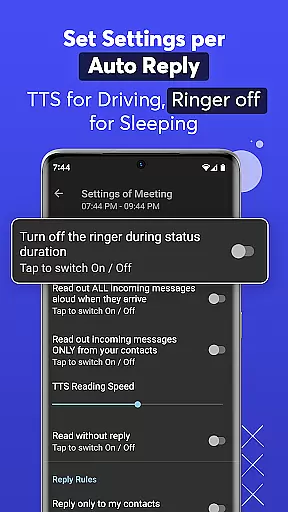
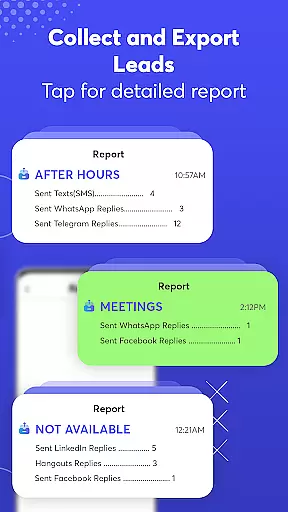
Beyond basic automation, the app includes advanced functionalities such as a 'Do Not Disturb' mode, which silences notifications during auto-reply sessions, and an archive of sent messages for future reference. The inclusion of Text-to-Speech technology allows users to listen to incoming messages without needing to look at their devices, significantly enhancing convenience and safety. Additionally, the Smart Drive Mode offers hands-free operation, launching automatically upon detecting a Bluetooth connection with a vehicle, thus minimizing distractions while driving.
Real-time messaging speed and reliability are crucial for any communication app. SMS Auto Reply ensures that your messages are sent instantly when specific conditions are met, such as driving or being in a meeting. This immediacy is vital for maintaining effective communication without delays.
The app achieves this reliability through smart detection of your current activity and status. Whether you're connected via Bluetooth in your car or manually setting a status, the app triggers automated responses to incoming texts from various platforms like WhatsApp, Facebook, and more. This ensures that no message goes unanswered for too long.
For users, this means peace of mind knowing that their contacts will receive timely responses even when they can't personally attend to their phones. The assurance of an immediate reply enhances both personal and professional communications, keeping you connected at all times.
Media sharing support is another essential feature of modern communication apps. SMS Auto Reply extends its functionality beyond just text by supporting media sharing across multiple platforms including WhatsApp, Facebook, and Instagram. This allows users to maintain seamless interactions without manual input.
The app's ability to handle diverse content typesu2014from simple text messages to complex media filesu2014ensures comprehensive coverage of your communication needs. By integrating with over 15 social messengers, it provides versatile options for replying with not only texts but also emojis and other media formats supported by these platforms.
This versatility benefits users who need to share various forms of content while busy or unavailable. It streamlines the process, making it easier to stay engaged with friends and colleagues without needing constant hands-on interaction with your device.
Multi-platform support
Customizable auto-replies
Text-to-Speech functionality
Smart Drive Mode
Comprehensive scheduling options
Premium version costs
Complex setup for beginners
Limited free features
Occasional message delays
Bluetooth dependency for some modes

Tether to Windows, OS X, Linux PCs or Android tablets. No root. No tether fees.
 3.90
3.90
A web browser that respects your privacy.
4.30
Messenger for SMS - texting message app, faster, simpler & safer, for you.
4.70
Phone Dialer with Caller ID, Address Book & Contacts Manager.
4.30
At select facilities, you now have an easy way to video visit your loved ones!
3.30
Simplify texting with Messages SMS, offline messaging, themes & smart tools!
4.30
Smart and simple anti-wiring application - IMSI-catchers catcher
4.40
Bringing the functionality of Winlink to your Android device
4.4
Stay in touch with the people who matter most.
4.60
Read OBD2 data and DTCs Create custom dashboards Enhanced diagnostics available
4.70
FolderSync enables easy sync of files between cloud storage and Android devices.
4.60
Faster version of Messages. Messenger for your contacts.
4.50
The ultimate productivity solution for all your email communication needs.
4.40
Block spam calls & scam - no more annoying calls with the call blocker function
4.30
2nd Phone Number Line for Anonymous Texting, Calling, and Picture Messages
4.30
Fast and simple walkie talkie app
4.20
A customizable phone number in the cloud
4.20
Messages: Fast, simple SMS app with scheduling and smart features.
4.00
Threema is the messenger with the most consistent focus on security and privacy.
4.00


User Reviews